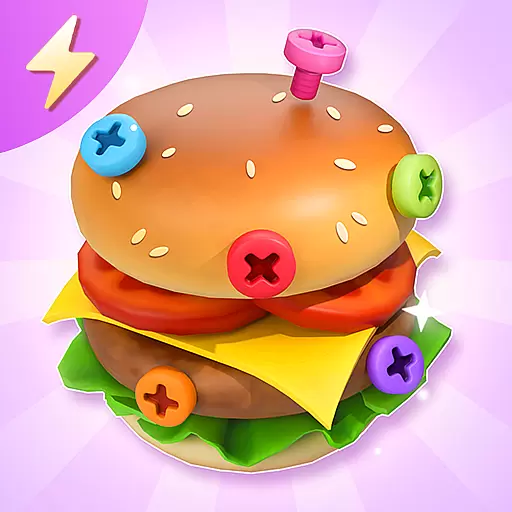
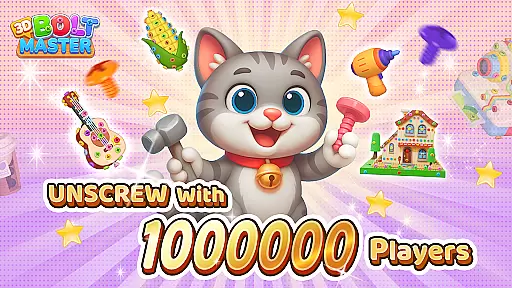
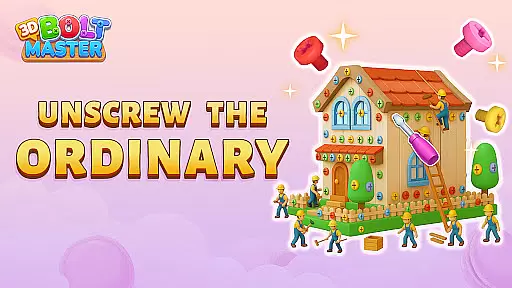
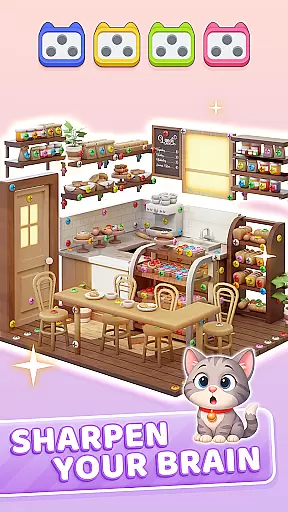
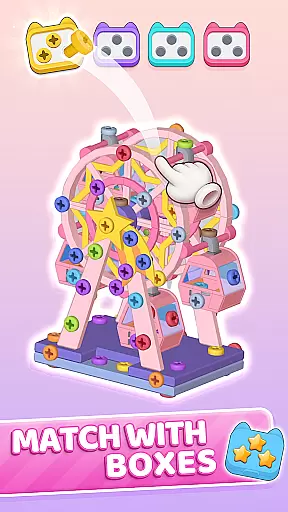
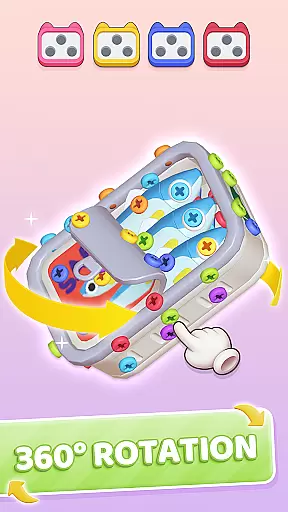
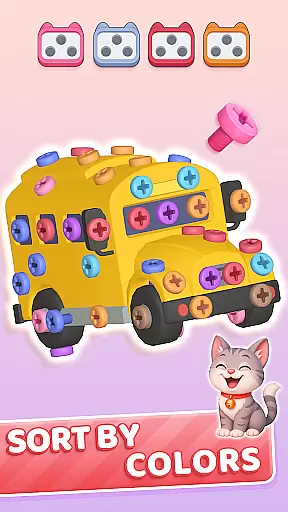
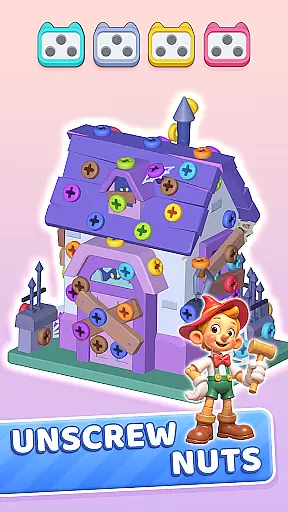
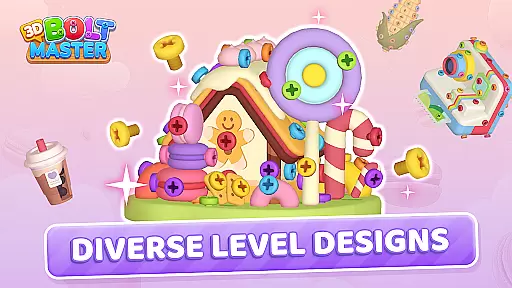
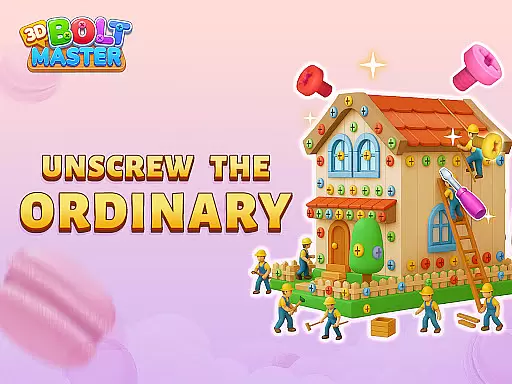
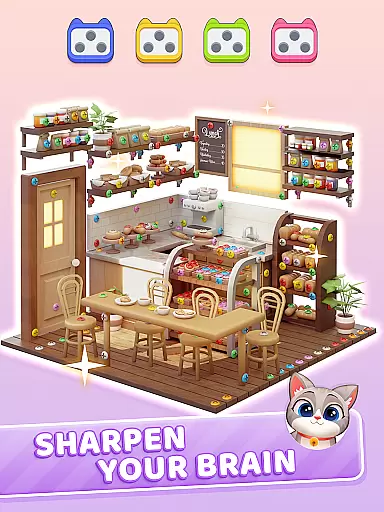
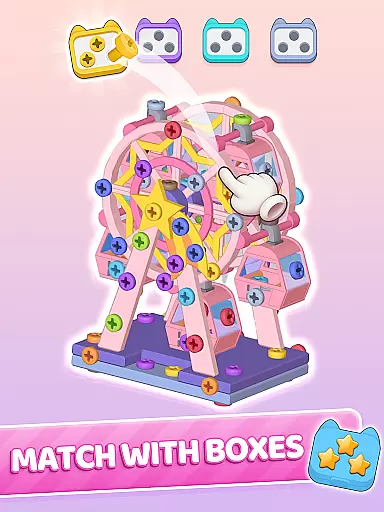
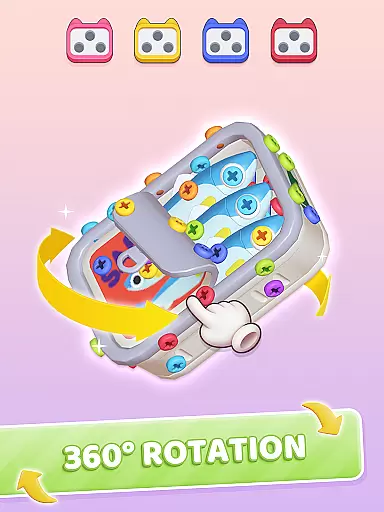
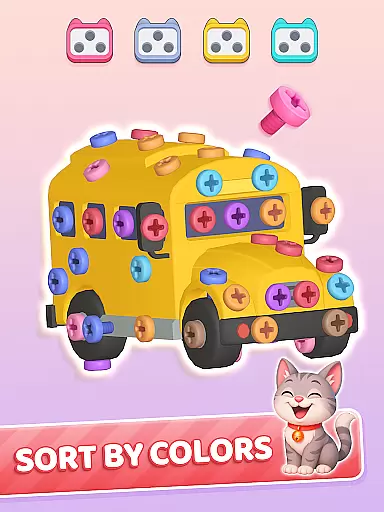
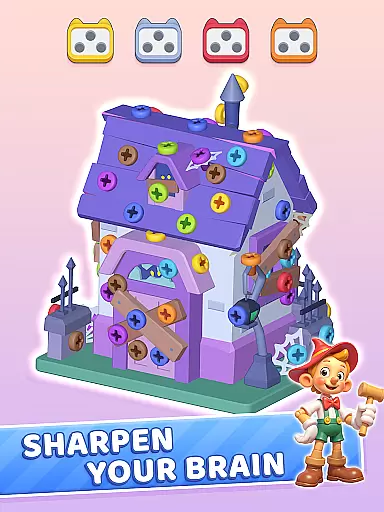
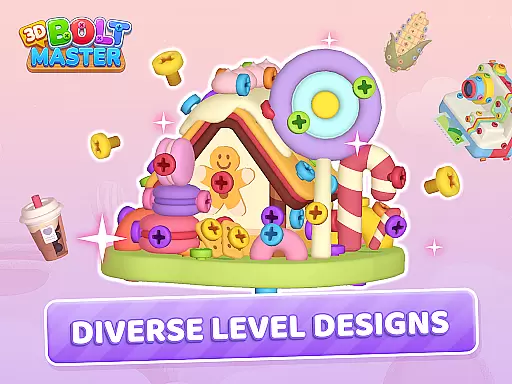
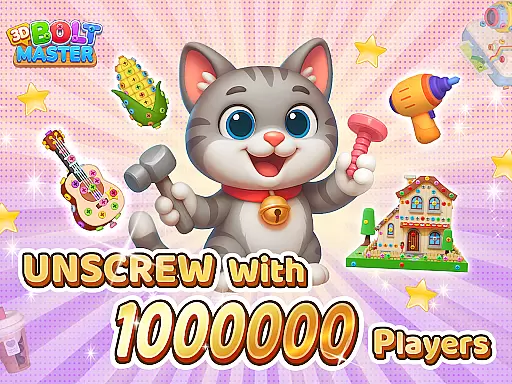
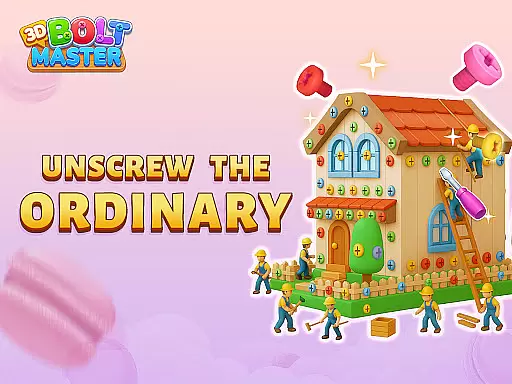
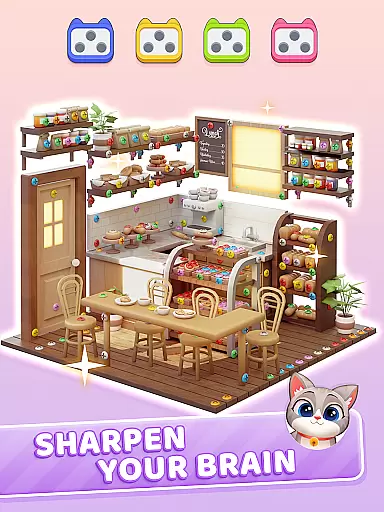
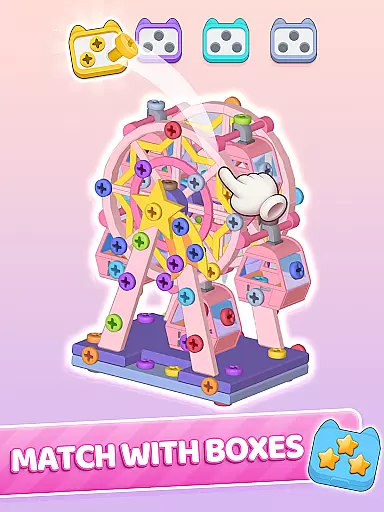
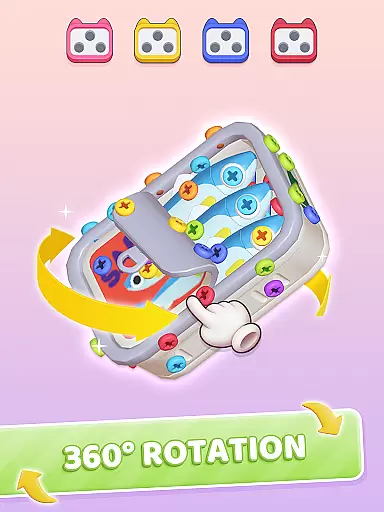
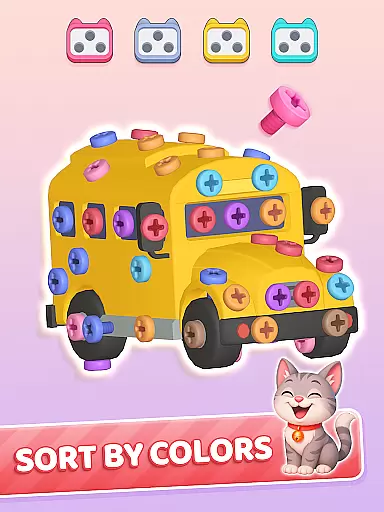
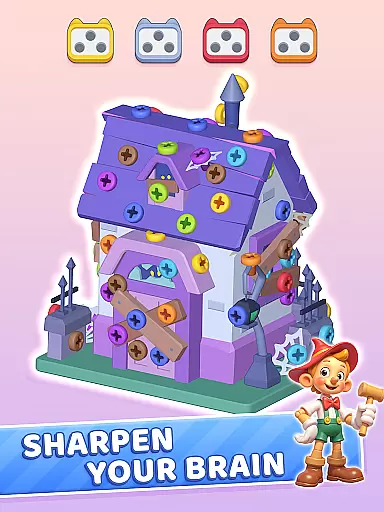
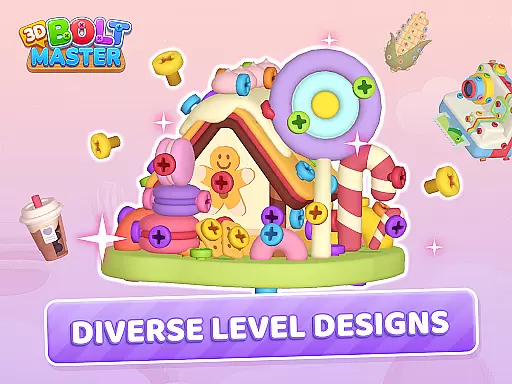
3D Bolt Master is a casual puzzle game that combines vibrant colors and satisfying sorting mechanics with Black Friday-themed surprises. The core gameplay revolves around rotating 3D screw models, unscrewing blocked nuts, and freeing trapped bolts while sorting by color to solve increasingly complex puzzles.
The app offers unique features like a Color Blind Mode, daily gift quests, and exclusive limited-time Black Friday events. These elements provide both accessibility and replay value, making it suitable for players of all skill levels. Whether you're waiting in line or taking a break from shopping, this game provides a calming yet engaging experience that helps restore focus and creativity.
One of the standout features of 3D Bolt Master is its smooth controls and satisfying touch mechanics. Players can rotate screws 360 degrees for precise disassembly, using tools like hammers, drills, and brooms to untangle spirals and clear jams. The inclusion of a Color Blind Mode ensures accessibility through icon patterns and high-contrast palettes.
The game also incorporates various progression systems such as Daily Gift Quests, Streak Journeys, and Treasure Quests. These features encourage consistent play by offering rewards for consecutive wins and completed challenges. Additionally, exclusive gift packs like Booster Bundles and Golden Passes provide extra incentives for dedicated players, enhancing their overall experience with premium perks and richer prizes.
At the heart of 3D Bolt Master lies a beautifully simple core gameplay mechanic that is easy to grasp yet offers endless hours of engaging fun. The game revolves around sorting and unscrewing vibrant bolts and nuts, providing players with an intuitive and satisfying experience.
The controls are designed for ease of use, allowing players to smoothly rotate 3D screw models and interact with the puzzles through touch. This tactile interaction creates a calming effect as players untangle spirals, clear jams, and solve mysteries in a colorful screwscape.
Players can enjoy this casual game without any steep learning curve. Its straightforward mechanics make it accessible to all ages, while the increasing complexity of challenges keeps the gameplay fresh and entertaining over time.
One of the standout features of 3D Bolt Master is its adaptable session length, which caters to various play styles and schedules. Whether you have a few minutes or several hours, the game adjusts seamlessly to fit your available time.
With each puzzle being self-contained, players can easily start and stop their gaming sessions without losing progress. This makes it perfect for quick breaks during Black Friday shopping sprees or longer relaxation periods at home.
The inclusion of daily gifts and limited-time events encourages regular but flexible play sessions. Players can log in daily to claim special rewards or participate in exclusive Black Friday events, enhancing engagement without demanding long continuous playtimes.
User-friendly interface
Innovative puzzle design
Accessible color blind mode
Engaging daily events
Premium upgrade packs
Limited time events only
In-app purchases required
Offline mode restricted
Ads between levels
Complex for beginners

Go exploring with Duggee!
 4.20
4.20
Epic air battles, jet upgrades, and boss fights await.
4.4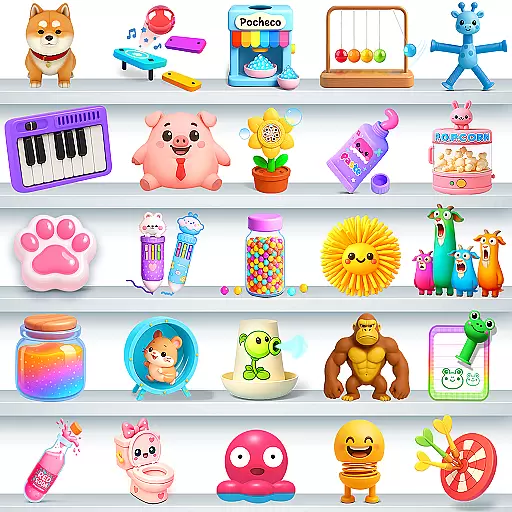
Enjoy satisfying mini games with relaxing sounds designed to ease your stress.
4.80
Five new incredible party games to liven up any gathering!
3.30
Search for hidden objects scattered around hand-drawn worlds.
4.70
Embark on a colourful hand drawn journey of discovery through the ages!
4.40
Instant town building toy
4.50
Zen Koi Pro features single player offline play, and shiny rare koi!
4.70
Take passengers to their destinations! Become a great taxi driver in the city!
4.40
Keep Popgoes alive in a quirky collection of LCD minigame challenges!
5.00
Sort 3D items into boxes and clear the board in this fun, relaxing puzzle game!
4.80
Relax and Explore your own fishing travel
4.50
Defeat your enemies by creating a larger army of bullets!
4.40
Short and sweet incremental mining game!
4.40
Play the Angry Birds game enjoyed by millions of players every day!
4.10
The official Taskmaster app. A jam packed extravaganza of Taskmaster fun!
4.00
Just shoot and drop blocks.
4.5
Play music with emojis! A colorful and fun piano for all ages.
4.3
Classic brain train minigames
4.2


User Reviews