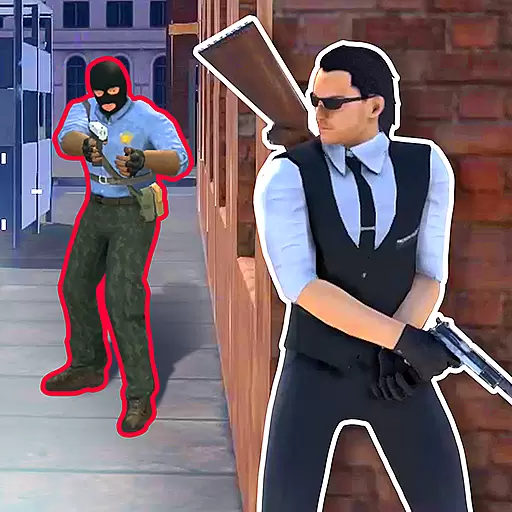
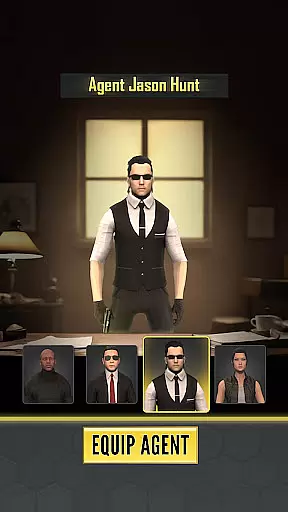
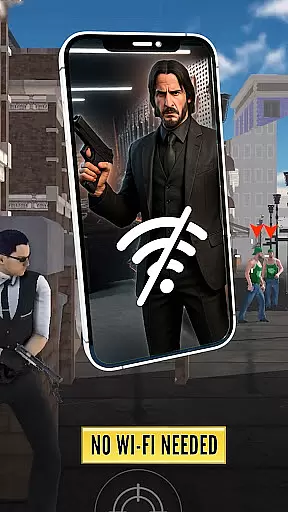
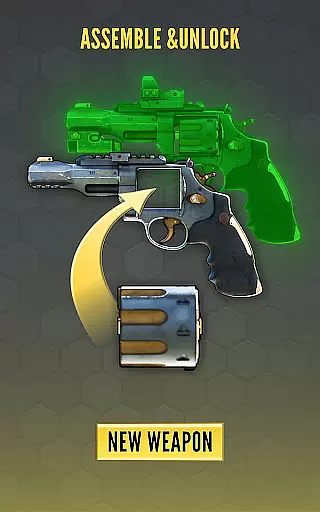
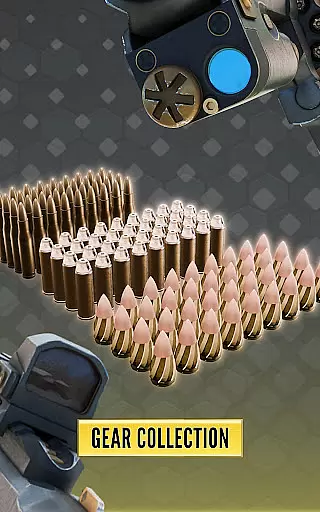
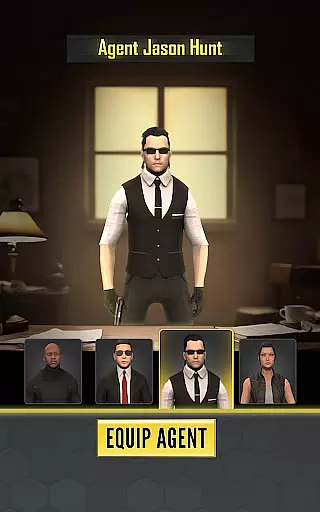
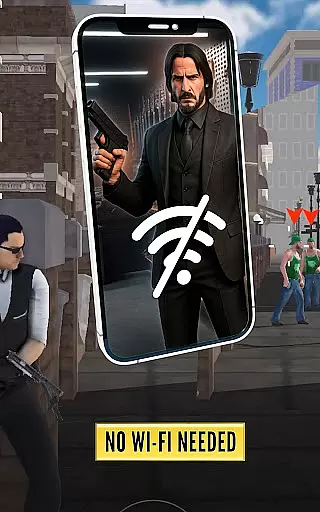
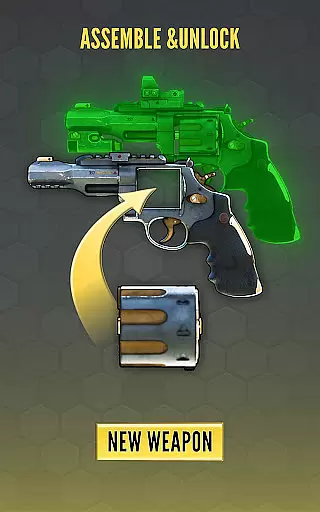
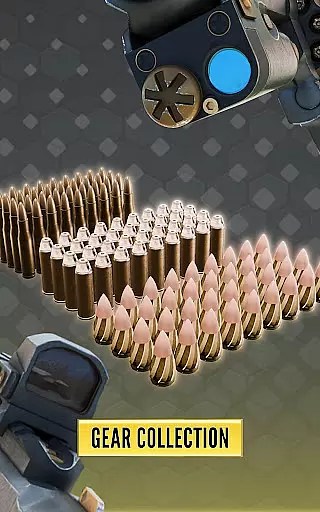
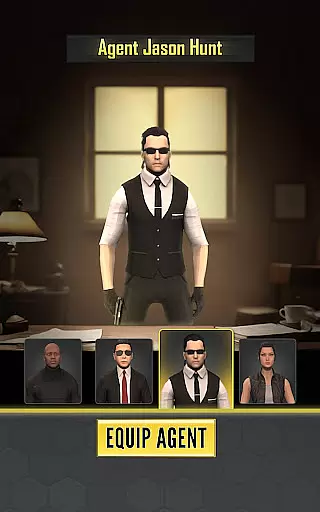
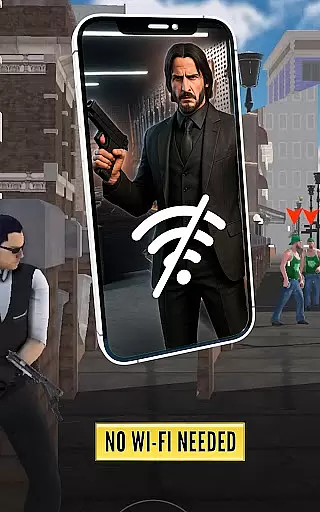
Agent Hunt - Hitman Shooter is an action-packed mobile game that lets players assume the role of a deadly assassin. The core function of this app is to provide an immersive experience in the world of shooting games, where precision and strategy are key. Players can master their sniper skills, execute headshots with accuracy, and navigate through diverse environments as they complete high-stakes missions.
The app stands out with its realistic graphics, stealth gameplay, and challenging missions. Each mission requires careful planning and execution, allowing players to prove themselves as elite agents in the field. Whether you're eliminating targets in sprawling cities or enemy hideouts, Agent Hunt offers a dynamic environment that keeps players engaged and undetected.
This game is ideal for fans of action games who enjoy testing their skills in intense scenarios. With multiple maps, an extensive arsenal of weapons, and the ability to collaborate with other agents in multiplayer mode, Agent Hunt delivers both single-player depth and cooperative excitement, making it a valuable addition to any gamer's library.
Agent Hunt - Hitman Shooter boasts a variety of features designed to enhance the gaming experience. One standout feature is the realistic shooter graphics that immerse players in stunning visuals, bringing the covert world of a secret agent to life. These visuals not only make the gameplay more engaging but also help players feel like they are part of an actual spy mission.
Another key feature is the stealth hitman gameplay, which allows players to master the art of infiltration and silent takedowns. This aspect challenges users to think strategically about their approach to each mission, ensuring they remain undetected while executing precise headshots. Additionally, the game includes multiple maps and environments, from bustling cities to hidden enemy bases, providing diverse settings for players to explore and conquer.
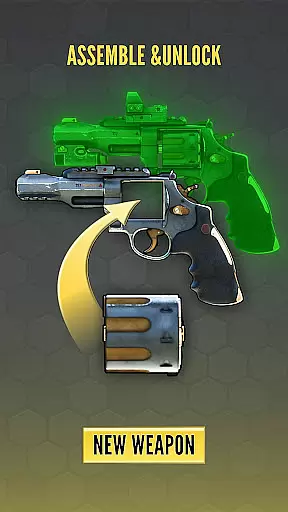
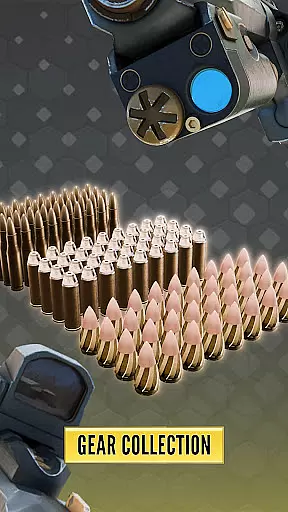
Players can also access an extensive arsenal of cutting-edge weapons and gadgets, enhancing their ability to perform covert operations effectively. The dynamic environments adapt to ever-changing situations, requiring quick thinking and tactical adjustments. These features collectively create a rich and varied gameplay experience that emphasizes skill, precision, and strategic planning.
In the realm of action games like Agent Hunt, control responsiveness is paramount to a player's success. The game has been optimized to ensure that every movement and shot registers instantly, providing players with the precision needed for executing perfect headshots. This immediacy in control translates to an immersive experience where the player's reflexes dictate the pace and outcome of the game.
Agent Hunt employs advanced input processing techniques that minimize latency between the player's actions and the character's responses within the game. This seamless integration allows gamers to navigate through complex missions smoothly and swiftly eliminate targets without delay. As a result, players can maintain their stealth and execute their strategies with confidence.
The benefit of such responsive controls is twofold; it not only enhances the overall gaming experience but also serves as a critical tool for players aiming to climb the ranks in shooting games. With reliable and fast-reacting controls, players can focus on honing their skills as a sniper assassin, knowing that their commands are executed with pinpoint accuracy.
Combat feedback tightness refers to how well a game communicates the impact of combat actions to the player. In Agent Hunt, this aspect is meticulously crafted to provide clear and satisfying feedback during firefights. Every bullet fired from your arsenal conveys a sense of power and precision, ensuring that players feel connected to the action unfolding on screen.
The game delivers tight combat feedback through realistic sound effects, visual cues, and haptic responses that simulate the thrill of being an elite hitman. When you land a headshot or take down a target, the game responds with distinct audio-visual signals that confirm your success, enhancing the feeling of accomplishment.
This level of detail in combat feedback not only makes each encounter more engaging but also aids players in refining their approach to stealth-based challenges. By clearly indicating hits and misses, Agent Hunt empowers players to adjust their tactics accordingly, making them more effective as they progress through increasingly difficult missions as a silent assassin.
Realistic graphics
Stealth gameplay
Diverse missions
Multiplayer mode
Extensive arsenal
Repetitive missions
Occasional bugs
High difficulty
Limited tutorials
In-app purchases

Munch your way through 60 levels and over 140 objects!
 4.40
4.40
HOOK away with SPEED & STYLE! Jump, Swing, Fly! Let's Play fun Action Game!
4.20
Gaze upon the horrors that dwell beyond the Wall of Insanity.
4.90
A roguelike hack'n'slash game
4.70
Try yourself at intense combat & tactical stealth missions in our shooting game!
4.40
Castlevania: Symphony of the Night
3.70
Experience the epic Western adventures that defined a generation
3.90
Supreme Duelist is a funny fighting mobile game
4.50
Draw lines to defeat the enemy!
4.40
BLEACH anime action RPG. Relive the story, unleash Bankai, battle Hollows!
4.80
Brotato: The Ultimate Bullet Hell Experience!
4.80
Arcade Roguelike Survival
4.70
Battle in! Gunship Helicopters vs Tanks! Fast PVP Combat in Modern War Vehicles!
4.70 4.50
4.50
There was never just one.
4.50
Destiny experience on mobile! Epic Sci-fi RPG Shooter!
4.40
Robot fight! Get into the shooting games to destroy all transformers and robots!
4.30
A fun platform run game with thousands of traps and wow that push your limits
4.00
Secret of Mana—the landmark action RPG first released for SNES in 1993!
3.60


User Reviews