
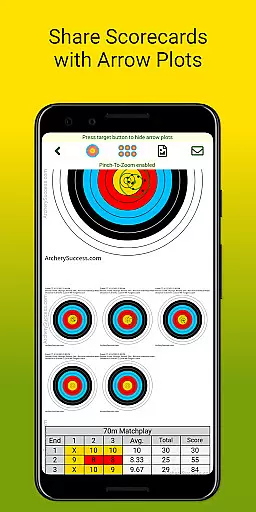
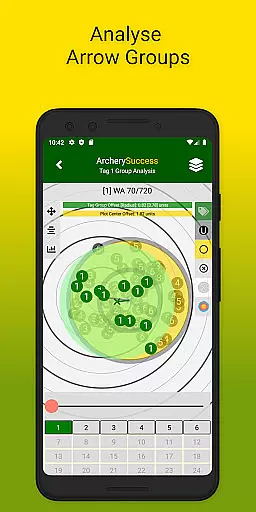
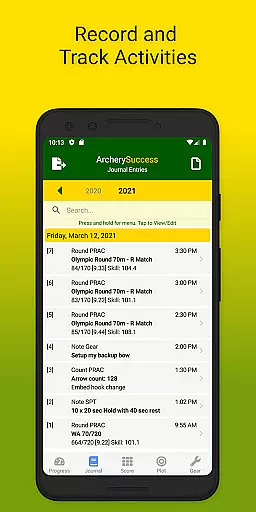
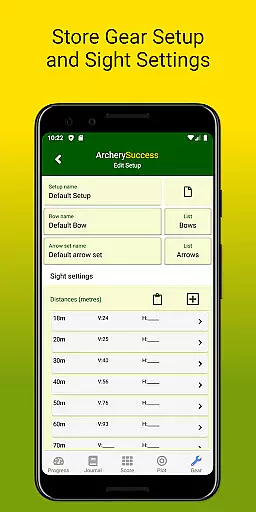
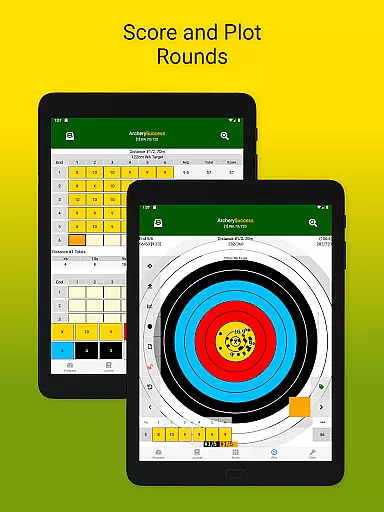
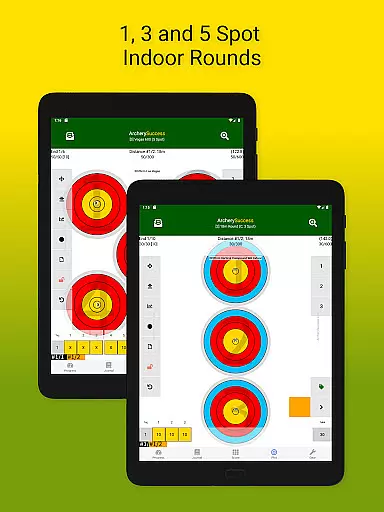
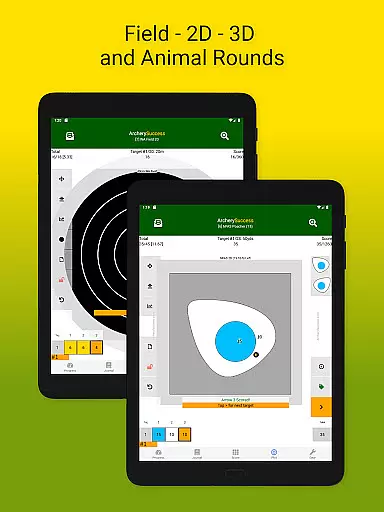
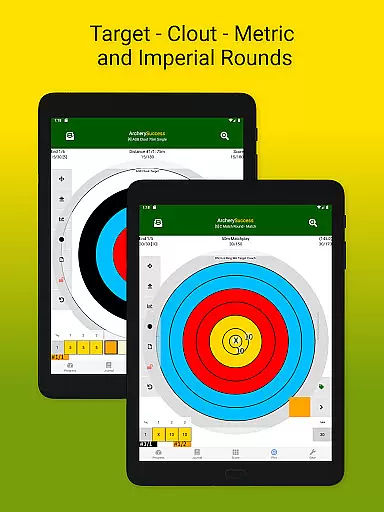
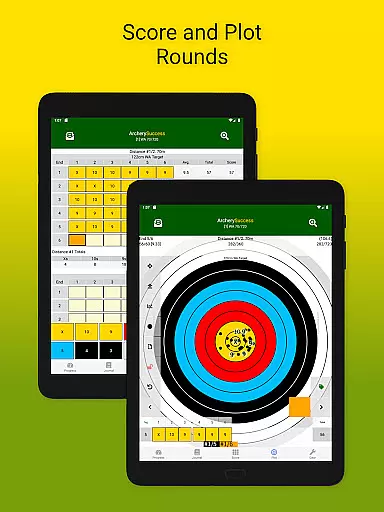
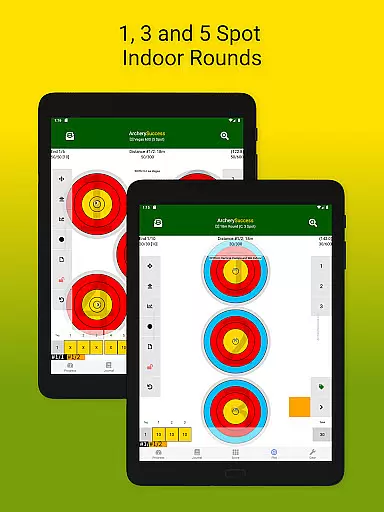
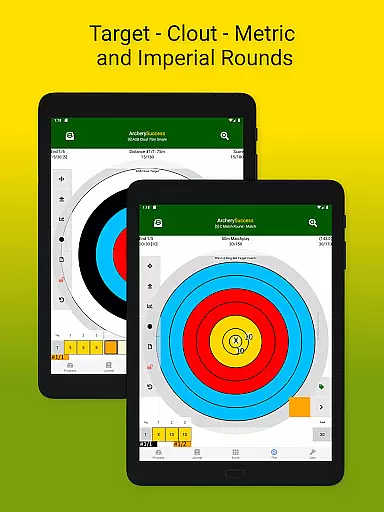
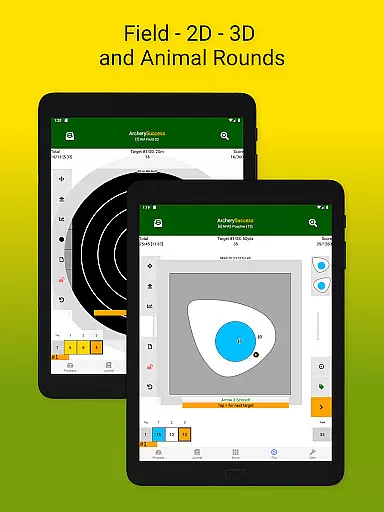
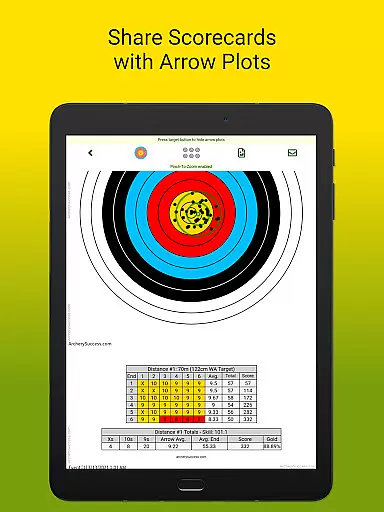
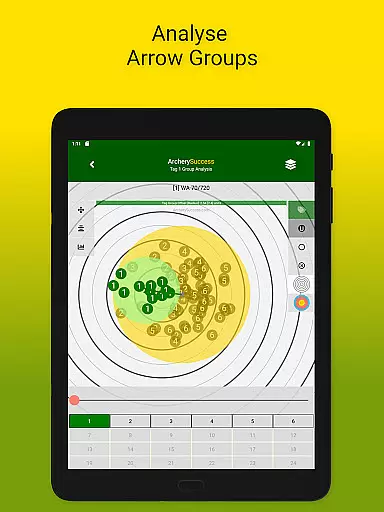
Archery Success - Score & Plot is a comprehensive archery scoring app designed for archers of all levels, from beginners to elite competitors. This application serves as an essential digital companion for archers, offering features such as score tracking, arrow plotting, and detailed journaling. It allows users to maintain records of their scores, analyze arrow groupings, and manage gear setups efficiently.
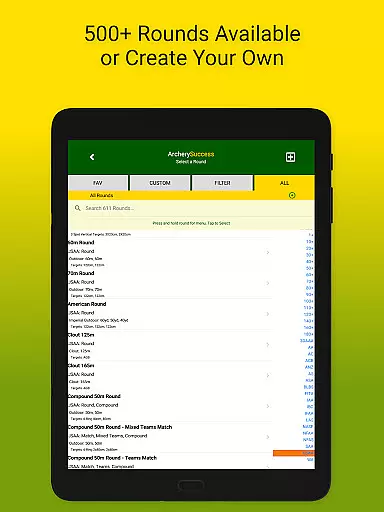
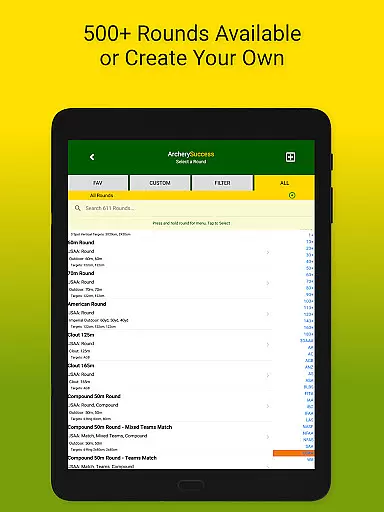
The app calculates the archer's skill level and handicaps per round, providing valuable insights into training progress. With over 600 built-in round types and customizable options, it caters to various archery disciplines worldwide. Archery Success stands out by enabling users to track their training activities, compile weekly progress reports, and share these with coaches effortlessly.
Whether you're an individual archer or a coach managing multiple athletes, this app streamlines data collection and analysis, saving time for what truly matters—shooting arrows. Its utility extends beyond mere record-keeping; it's a tool for improvement and strategic planning in archery.
Archery Success offers a robust set of features tailored to enhance the archery experience. One of its standout capabilities is the automatic compilation of weekly progress reports, which includes personal best scorecards and informative graphs displaying arrow averages by setup and round shot. These visual aids help archers understand their performance trends and make necessary adjustments.
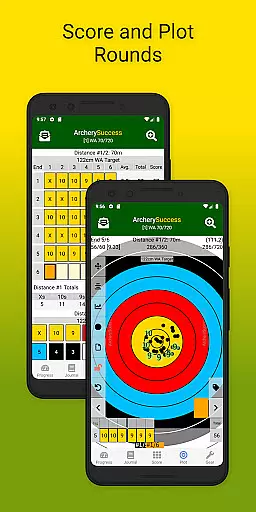
The Journal Tab provides a searchable list of notes and rounds, functioning as an arrow counter and a repository for various types of information like gear, nutrition, and conditioning notes. The Score Tab allows users to select and score archery rounds using a color-coded keypad, create custom rounds, and update scores in real-time throughout the app. Additionally, the Round Search and Filter feature makes finding specific rounds effortless.
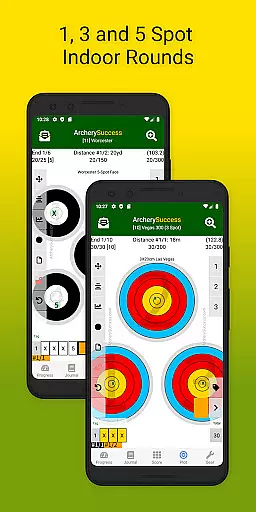
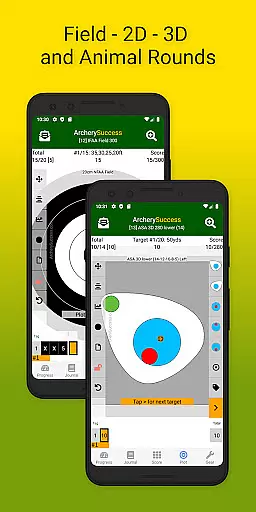
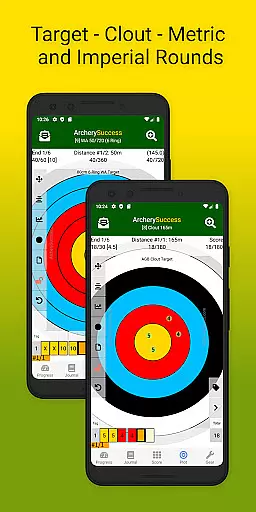
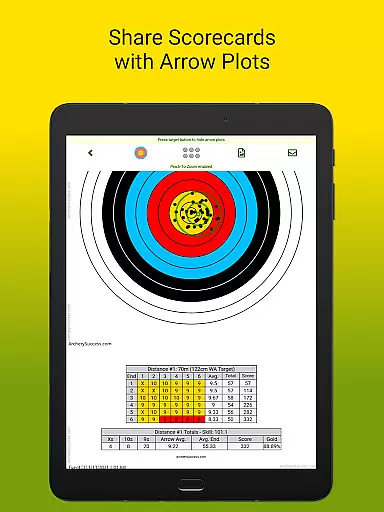
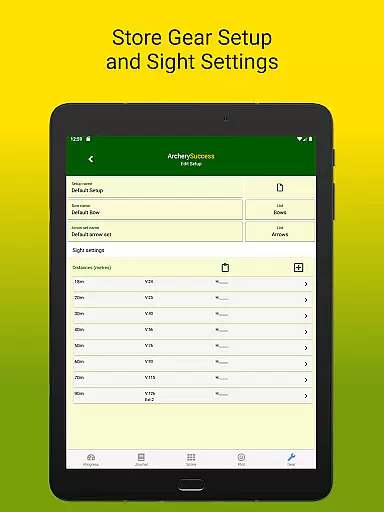
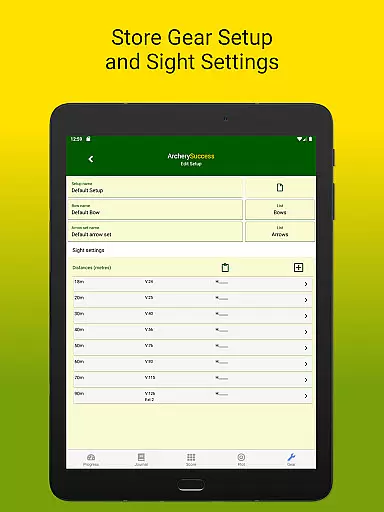
In the Plot Tab, users can plot arrows quickly by tapping the zoomable target face or use precision plotting for exact placements. The Gear Tab helps track gear setups, including bows, arrow sets, and sight settings, ensuring that archers can replicate successful configurations or make informed changes. Overall, these features collectively contribute to a more organized and insightful archery practice.
Archery Success delivers an exceptional level of gameplay realism that mirrors the intricacies of real-world archery. The app's attention to detail in simulating actual archery rounds, including over 600 built-in types, ensures that users experience authentic scenarios encountered in various competitions worldwide.
The physics accuracy is highlighted through precision plotting features, allowing archers to simulate the exact conditions faced during a shoot. This includes detailed arrow plotting on zoom-able target faces, replicating the impact of each shot with remarkable fidelity.
By incorporating both quick and precision plotting methods, the app caters to different user preferences while maintaining high standards of realism. Archers can track their training progress with real-time feedback on their shots, enhancing the overall authenticity of the practice sessions.
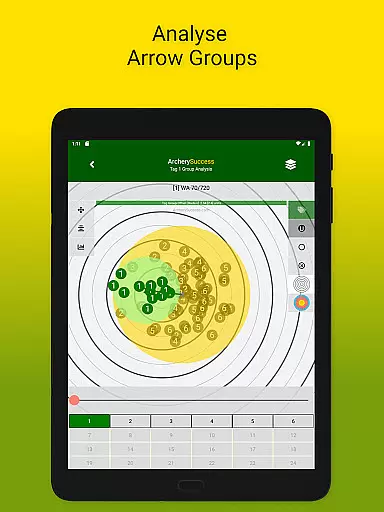
This dedication to realistic simulation provides significant value to users, from beginners to elite archers, by offering a reliable platform for skill development and performance tracking. The ability to analyze arrow groups and receive immediate scoring feedback further reinforces the lifelike archery experience.
The control scheme of Archery Success is designed to be intuitive and user-friendly, ensuring that archers can focus on their training without being hindered by complex navigation. The app features a straightforward interface with clearly defined tabs for Progress, Journal, Score, Plot, and Gear, making it easy for users to access different functionalities.
Within the scoring section, color-coded keypads facilitate efficient input of scores, while quick navigation buttons in the plot tab allow seamless movement across target faces. These thoughtful design elements contribute to an uninterrupted archery practice session.
Moreover, the app's ability to switch between different scoring methods and plotting techniques at any time demonstrates its flexible control options. Users can effortlessly adapt their input method based on personal preference or specific training requirements.
This intuitive control system not only enhances user experience but also saves valuable time during training sessions. Coaches and archers can efficiently record and analyze data, allowing them to dedicate more time to actual shooting practice and skill improvement.
User-friendly interface
Comprehensive scoring tools
Extensive round customization
Real-time performance tracking
Efficient coaching support
Steep learning curve
Premium pricing model
Limited offline functionality
Occasional syncing issues
Heavy on system resources

Score stunning goals and outsmart defenders on your path to football glory!
 4.40
4.40
Join over 10,000,000 people in the only official PBA bowling game!
4.40
A classic reborn, now into Season 3!
4.00
Ice Fishing Derby - It's the fun of ice fishing without the frostbite
4.40
Pro Freestyle Football
3.20
Draft your NBA basketball game team. Authentic real-time online sports game.
4.20
Relive the second baseball game in the Backyard Sports franchise!
4.00
FIFPRO licensed soccer game
4.50
Build, manage & coach your NFL dream team in this American Football sports game!
4.40
NBA-licensed Streetball Game
4.70
Modern arcade style pool game with single player, Relaxed game of 8 ball.
4.60
Very fun billiards game.
4.60
Play the hit multiplayer Carrom Disc Pool board game and become the best!
4.60
Extreme bike tricks at your fingertips!
4.50
This third edition of Skateboard Party features professional skater Greg Lutzka.
4.30
Master your shots and climb the ranks in the ultimate golf game!
4.30
Play the 3 classic Duck Life games like you've never seen them before!
4.10
Rediscover the joy of the original Backyard Baseball 1997
3.70
Webcam based exercise and learning game with rock climbing!
4.0


User Reviews