
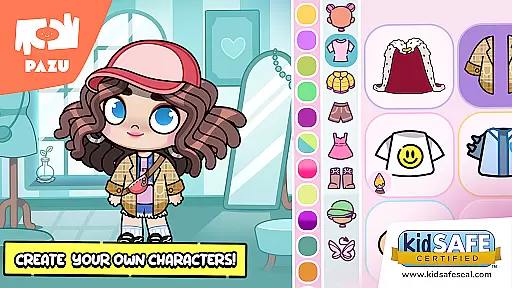
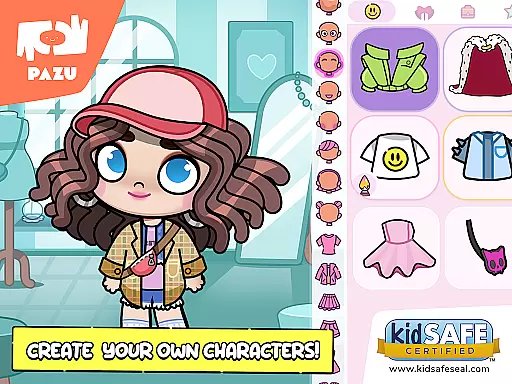
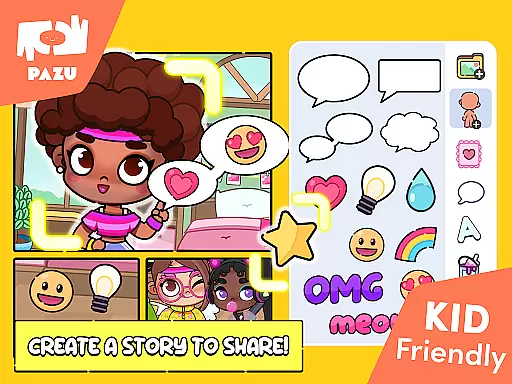
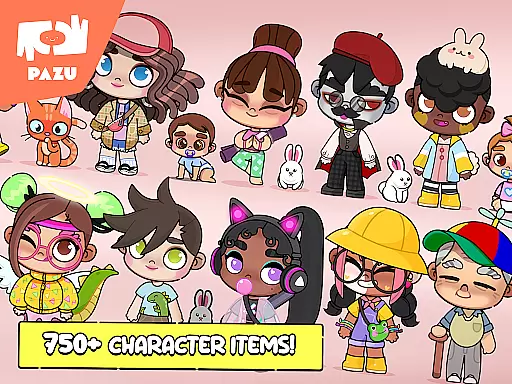
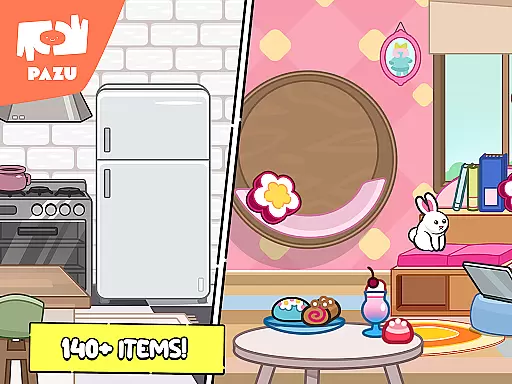
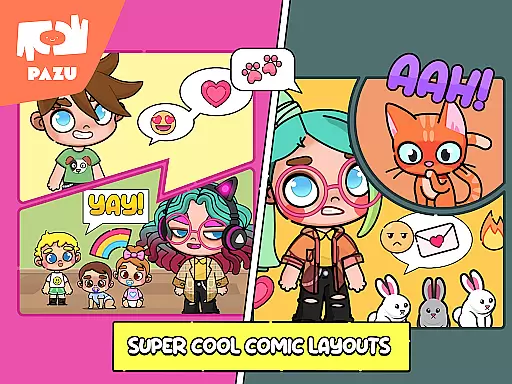
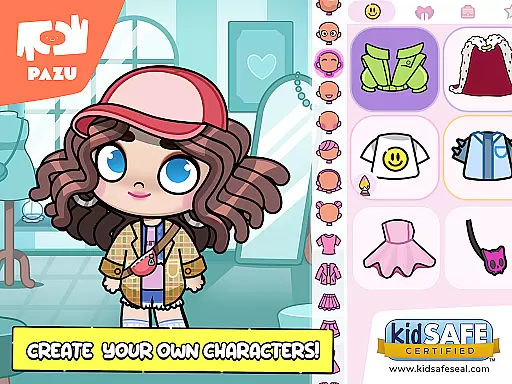
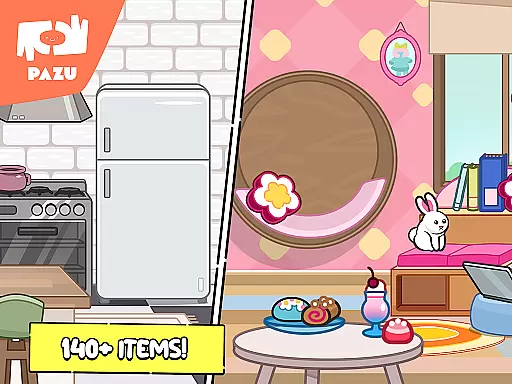
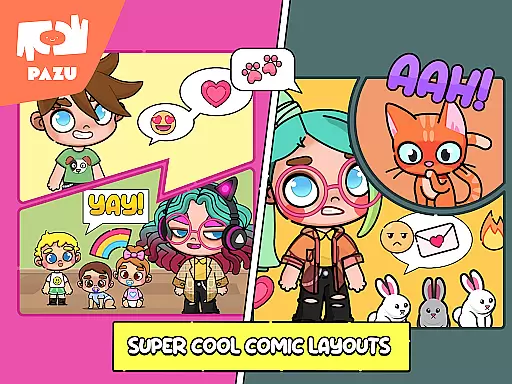
Avatar Maker Dress up for kids is an engaging educational app that allows children to design and customize their own cartoon characters. This app provides a magical world where kids can recreate any style they imagine, offering a vast selection of accessories for endless variations of styles.
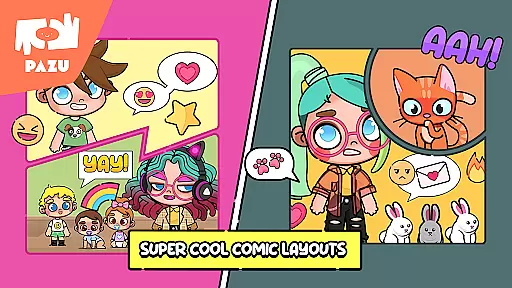
The app lets users choose between boy or girl avatars and offers numerous personalized faces, hairstyles, and expressions. Children can express various emotions on their avatar's face by selecting different shapes of eyebrows, eyes, and mouths. Additionally, the skin color, hair color, and clothing color can be customized, allowing kids to showcase their imagination and fashion sense.
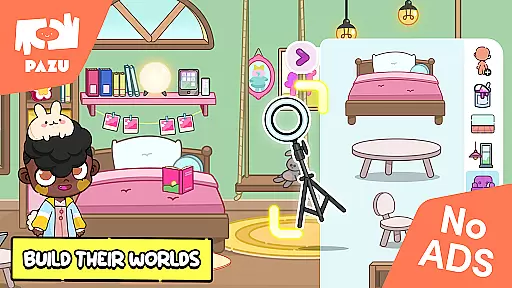
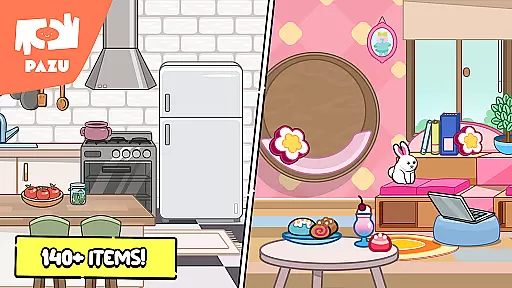
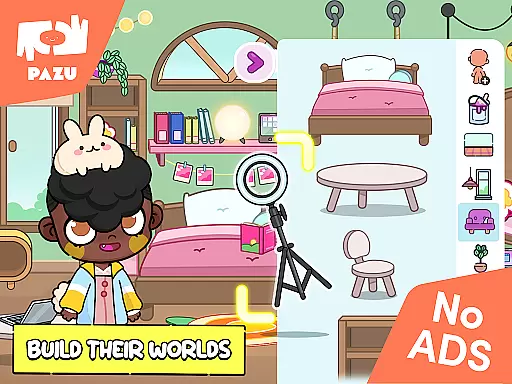
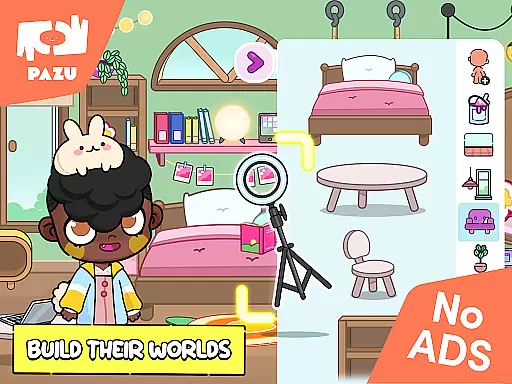
This app is ideal for children who enjoy creative play and want to explore their artistic abilities. By designing avatars and decorating rooms with tons of different items, kids can make their room-designing dreams come true while developing their aesthetic preferences and creativity.
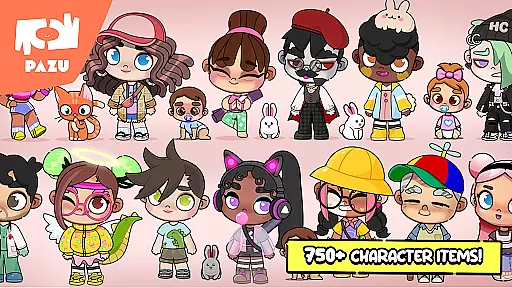
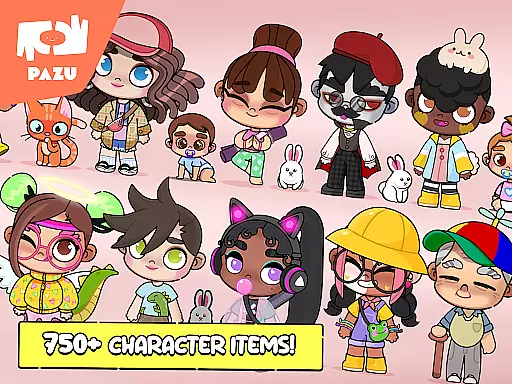
Avatar Maker Dress up for kids stands out with its comprehensive customization options. The app allows full customization of skin color and hairstyle, providing a huge pool of items to create endless styles repeatedly. This feature ensures that children can experiment with different looks and find the one that best represents their creativity.
In addition to character customization, the app includes a high variety of accessories for the character creator. With many clothing items available in this anime avatar game, kids can further personalize their avatars with masks, hats, glasses, hairpins, headwear, wings, horns, and tails. These accessories help make each avatar's personal style distinctive.
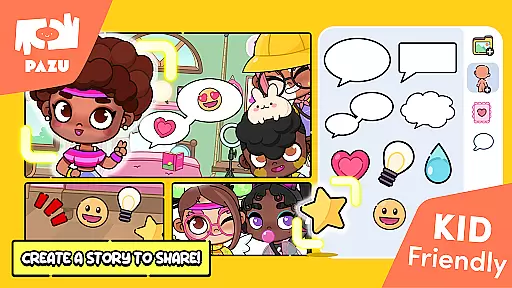
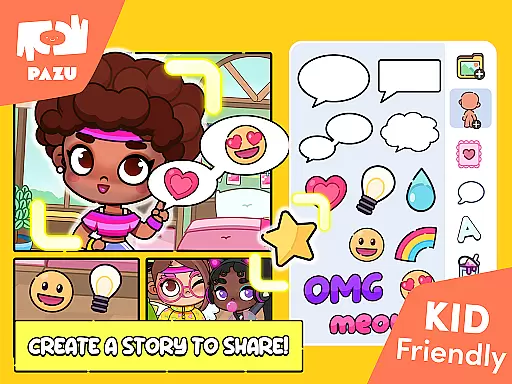
Moreover, users can decorate various backgrounds to suit their characters and use their avatars as wallpapers or profile pictures. The ability to share creations with friends adds a social element to the app, enhancing its appeal among young users. Parental controls ensure a safe environment, and the absence of ads provides an uninterrupted user experience.
In the realm of educational gaming, content authority and curriculum alignment are crucial for ensuring that learning is both effective and relevant. Avatar Maker Dress up for kids establishes its authority by offering a creative platform where children can engage in imaginative play while subtly incorporating elements of design, color theory, and emotional expression through avatar creation.
The app's features align with artistic and social-emotional learning curricula by allowing kids to experiment with different facial expressions, emotions, and styles. This not only enhances their understanding of human emotions but also boosts their creativity as they match colors and styles to create unique avatars.
Children benefit from this app as it provides an engaging way to learn about diversity and self-expression. The ability to customize skin tones, hairstyles, and clothing empowers them to appreciate individual differences and express their personal identity in a digital space.
By integrating these educational aspects into a fun dress-up game, Avatar Maker ensures that young users are not just passively entertained but are actively involved in a learning process that encourages both artistic skills and empathy towards diverse characters.
Gamification in learning transforms traditional educational methods into interactive experiences that captivate and motivate learners. Avatar Maker Dress up for kids excels in gamification-learning integration by turning the process of creating an avatar into an educational journey filled with choices and customizations.
This app cleverly incorporates learning objectives within its game mechanics. As children choose from a vast array of accessories, clothes, and expressions, they inadvertently practice decision-making skills and explore different combinations that enhance their cognitive flexibility and problem-solving abilities.
Users gain valuable benefits through this integrated approach as they enjoy the freedom to experiment with various styles and designs. This playful environment fosters a sense of ownership over their creations, which can lead to increased engagement with artistic concepts such as color coordination and aesthetic design.
Avatar Maker stands out by seamlessly blending entertainment with education, ensuring that every choice made within the game contributes to a deeper understanding of personal style and creativity while maintaining the fun essence of play.
User-friendly interface
Extensive customization options
Safe environment with parental controls
No ads for uninterrupted play
Encourages creativity and self-expression
Limited to cartoon-style avatars
May require frequent updates
Potential in-app purchases
Not suitable for very young children
Requires internet connection

Kids letter tracing technique, which is the first step in learning how to write.
 4.30
4.30
Enjoy the fun kid's hospital play game with Cocobi, the little dinosaurs!
4.00
Clean the messy house & play with cute kitty in this fun cleaning game for kids!
3.70
Master your phonics letters and sounds with the Alphablocks!
3.80
Find Carmen - Play the classic detective game, stop VILE and find Carmen
4.10
The kids phonics and reading app that's helped millions of kids learn to read
4.00
Design dreamhouses and dress up creatively in the ultimate role-playing game!
4.70
Fun baby games for kids. Play baby piano, musical instruments & nursery rhymes.
4.50
Kids age 2-8 can create, explore, and play Toca Boca games their way!
3.50
A cube building game for small (and large) builders.
4.40
A world for little builders to create, imagine, and learn through play.
4.20
OG Trail - Lets you play the classic Oregon Trail simulation game on Android
4.20
A fan of cute games? Try animal games & take care of fluffy virtual pets!
4.20
Fun dentist game with Cocobi friends!
4.10
Cure the patients to create your hospital story!
3.90
Spark your little ones’ imagination!
3.80
Learn and practice multiplication and division
4.1
Draw shapes, mix colors, and dodge traps to defeat foes in the vibrant Art Zone!
4.1
Get points, learn Spanish, repeat. Speedrun your way to knowledge.
4.4


User Reviews