
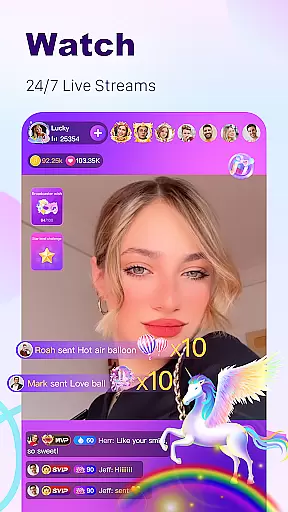
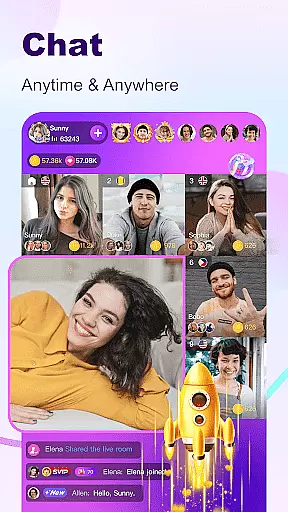
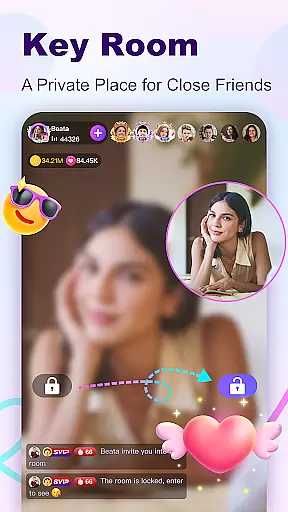
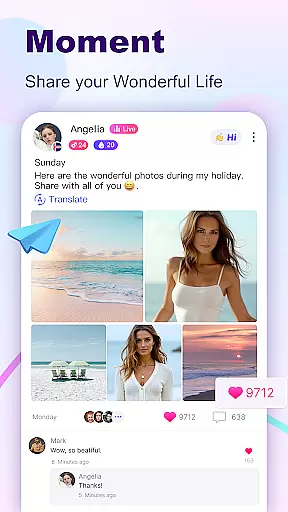

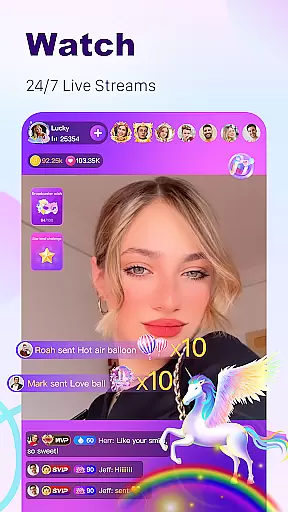
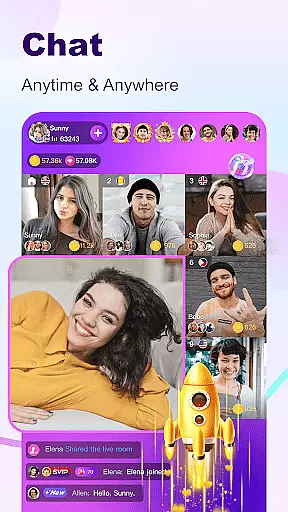
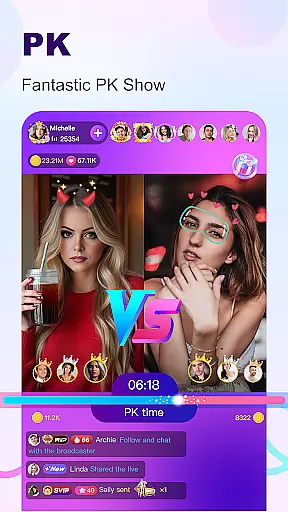
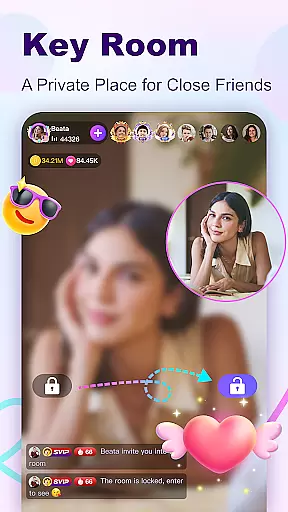
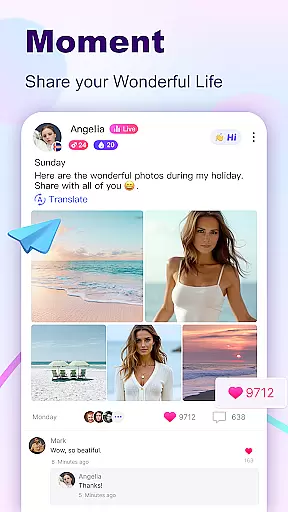

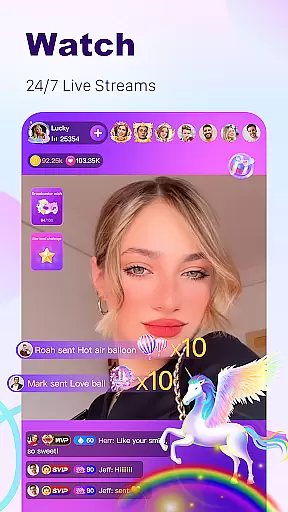
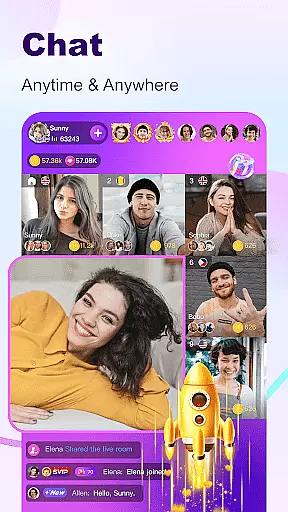

BuzzCast is a dynamic social platform that combines live streaming, instant messaging, and creative short videos to connect users worldwide. The app allows you to watch 24/7 live streams, engage in video or voice chats, and even become a social media influencer by going live yourself. With features like AI-powered translation, BuzzCast breaks language barriers, enabling seamless global communication.
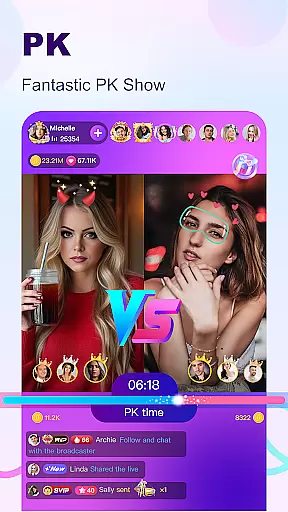
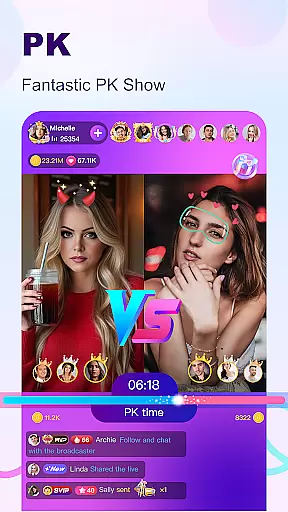
One of the standout aspects of BuzzCast is its emphasis on community building. Users can share posts, join various themed broadcasting rooms, and participate in Live PK challenges where broadcasters compete for popularity. Additionally, the Nearby Moments feature helps users discover people in their vicinity, potentially leading to offline friendships. Whether you're looking to entertain, be entertained, or simply connect with others, BuzzCast offers a comprehensive suite of tools to enhance your social experience.
BuzzCast boasts an array of innovative features designed to maximize user engagement and satisfaction. At its core, the app provides unlimited live streaming capabilities, allowing anyone to broadcast without restrictions based on levels or follower counts. This democratizes content creation, giving everyone a chance to shine. Furthermore, special effects and virtual gifts enable broadcasters to captivate their audience while encouraging viewer interaction through support and appreciation.
The Instant Message Chatting feature facilitates real-time communication between users. By following others with a single click, sending greetings, texts, photos, emojis, videos, and voice messages becomes effortless. Another highlight is the Creative Short Videos section, which lets users post 15-second clips using easy-to-use editing tools complete with trendy music and cool stickers. These videos not only entertain but also offer opportunities for creators to gain fame if their content goes viral. Overall, BuzzCast's multifaceted approach ensures there's something for everyone, making it a versatile choice for social networking enthusiasts.
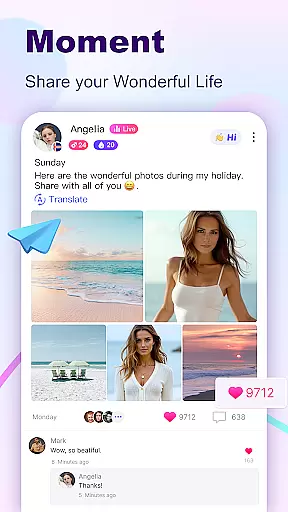
User profile customization is a crucial aspect of any social platform, allowing users to express their individuality and connect with others based on shared interests. BuzzCast offers a comprehensive profile system where users can not only upload profile pictures and write personal bios but also share posts and moments in the square visible to everyone.
The authenticity verification feature ensures that users are interacting with real people, enhancing trust within the community. By verifying profiles through various checks, BuzzCast creates a safer environment for genuine interactions. This process helps prevent fake accounts and bots from infiltrating the platform.
For users, having a customizable and verified profile means they can present their true selves confidently. It allows them to build a reputation and gain followers who appreciate their unique content. Moreover, verified badges next to usernames can increase credibility and influence among peers.
BuzzCast's focus on user profile customization and authenticity verification fosters a vibrant community where meaningful connections are made. Users benefit from enhanced security features while enjoying the freedom to personalize their presence, making every interaction more engaging and trustworthy.
Connection discovery is at the heart of BuzzCast's mission to help users meet amazing people who resonate with them. Through advanced algorithms and intuitive design, BuzzCast facilitates seamless discovery of new friends across the globe. The app connects users with young, attractive, and highly active individuals who respond promptly to messages.
BuzzCast employs AI-driven automatic translation to break language barriers, enabling unlimited chatting regardless of geographical boundaries. This feature democratizes communication by translating text in real-time, allowing users to converse effortlessly in multiple languages. As a result, users can expand their social circles beyond linguistic limitations.
In addition to global connections, BuzzCast's Nearby Moments function lets users discover people in close proximity, potentially leading to offline friendships. By capturing daily highlights and engaging with other users' content, individuals can forge stronger bonds within their local communities as well.
Overall, BuzzCast's robust connection discovery mechanisms empower users to form diverse relationships both locally and internationally. Whether seeking creative inspiration from short videos or participating in live streams, users find themselves immersed in a dynamic ecosystem designed to foster lasting connections.
User-friendly interface
Global connectivity
Versatile content options
Real-time interaction
AI translation support
Potential privacy concerns
High data usage
Learning curve for new users
Limited offline functionality
Dependent on network quality

Match, chat & date with singles nearby. The dating app to find true love
 4.50
4.50
Video call, live video chat & talk to strangers. Meet people on Omega!
3.60
Get your NGL Link
4.60
Watch super live shows 24/7, chat & meet friends in Plamfy social networking app
4.70
Online group games like Mafia, Word War, Scattergories, Ludo, Uno, and many more
4.30
Meet online & chat with people! Talk, have fun, make connections in real time!
4.00
Unlimited messages, WiFi Calling, Texting app. Text now with Second Phone Number
4.10
live inside your fandom
4.60
A video app from OpenAI - AI video generation by the maker of ChatGPT
4.60
Get notifications of FREE Stuff for Nextdoor, Letgo, offerup & TrashNothing
4.70
Social calendar for friends to make plans, group chat, share events & schedules
4.60
Connection Beyond Content
4.50
Social App Used By Millions
4.40
Live Chat & Match! Explore Real-Time Dating and Make Friends!
4.40
Positive social
4.20
Dating for singles. Meet lonely people nearby online. Find your match here!
4.20
Chill and Chat with Tagged Live Video with millions of peeps
4.10
Find your next obsession.
3.50
Follow the Truth! Join America's leading free-speech social platform.
3.10


User Reviews