
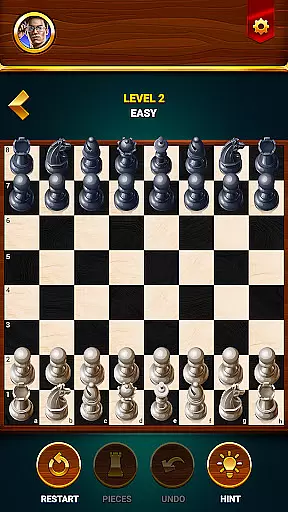

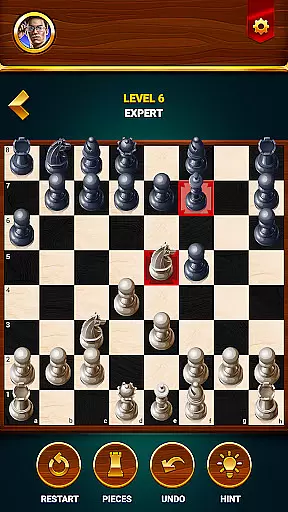
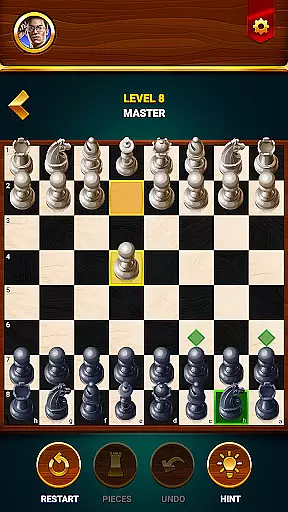

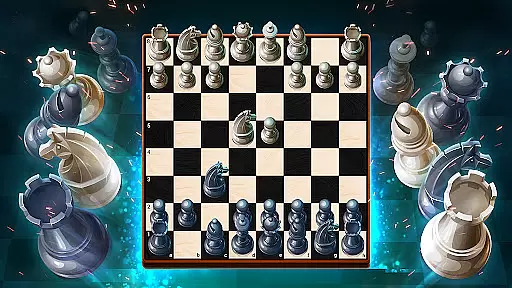
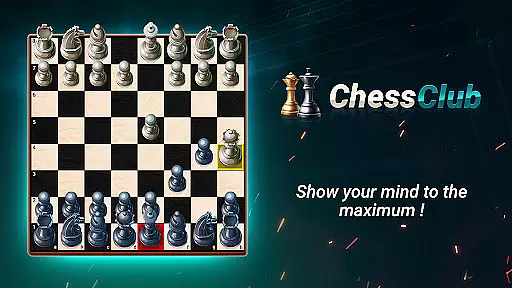
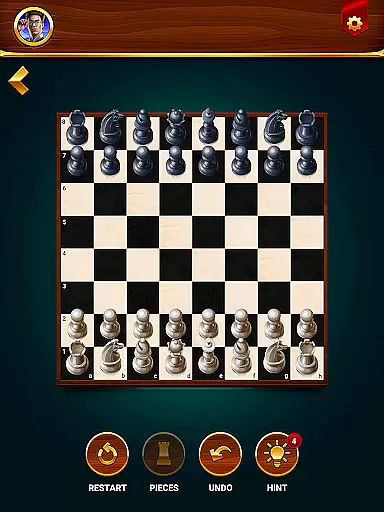


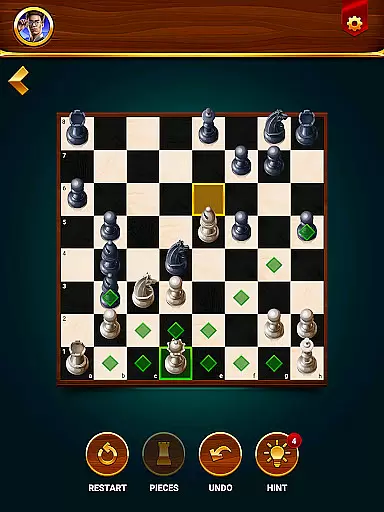



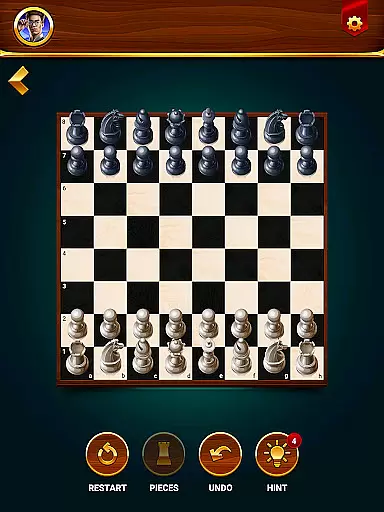


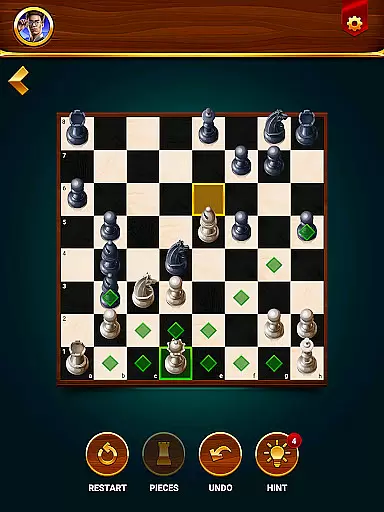



Chess - Offline Board Game is a premier chess application designed for players of all skill levels, from beginners to seasoned experts. The app offers unlimited free games in both 2D and 3D formats, allowing users to challenge computer opponents or engage in two-player matches with friends. With features like daily puzzles, interactive lessons, and strategic tips, the app helps players develop their skills while sharpening their minds. Whether you're looking to practice tactics, compete in events, or simply enjoy a casual game, this app provides a comprehensive chess experience.
One standout feature is its offline mode, enabling gameplay without an internet connection. This makes it perfect for travel or areas with limited connectivity. Additionally, tools like hints, undo, and restart options ensure that players can refine their strategies at their own pace. By offering detailed statistics on win rates and performance, Chess - Offline Board Game empowers users to track their progress and elevate their game.
Chess - Offline Board Game stands out with its diverse range of features tailored to enhance the user experience. Players can choose from multiple difficulty levels when facing AI opponents, ranging from beginner to grandmaster, ensuring a suitable challenge for everyone. The app also includes a two-player mode, allowing friends to compete directly on the same device, fostering social interaction even without an internet connection.
Beyond traditional gameplay, the app offers daily chess puzzles and tactical exercises designed to improve strategic thinking. Interactive lessons guide users through essential concepts such as moves, checks, and special maneuvers, making it ideal for newcomers. Advanced players can benefit from analyzing their performance using built-in statistics and feedback tools. With customizable board views (2D or 3D), hint systems, and undo functionalities, the app caters to both casual players and serious strategists alike.
Rule authenticity and flexibility are crucial elements in any board game app, especially in chess. Chess Club ensures that all standard chess rules are meticulously implemented, providing players with an authentic experience that adheres to international standards. This includes everything from basic moves to special rules like castling and en passant.
Beyond just sticking to the traditional rules, this app offers flexible options to enhance gameplay. Players can choose between 2D or 3D modes, select different difficulty levels, and even use helpful features such as hints and undo options. These customizations allow users to tailor their gaming sessions according to their preferences and skill levels.
The inclusion of daily puzzles and tactical exercises further enriches the user's experience by offering varied challenges beyond regular games. By solving these puzzles, players not only practice fundamental strategies but also learn new techniques that they can apply during matches. Such comprehensive support helps both beginners and advanced players improve their skills effectively.
Ultimately, the combination of strict rule adherence and adaptable gameplay makes Chess Club a standout choice for anyone looking to enjoy a genuine yet customizable chess experience. Whether you're playing casually or aiming to become a grandmaster, this app provides the tools necessary to achieve your goals while maintaining the integrity of the game.
The quality of AI opponents is a defining factor in the enjoyment and challenge presented by any chess application. In Chess Club, the AI has been meticulously designed to cater to a wide range of player abilities, ensuring that everyone from novices to experts finds suitable competition. The AI's sophistication allows it to adapt its strategy based on the user's skill level, providing a consistently engaging experience.
Players can choose from various difficulty settings, starting with beginner levels where the AI makes simpler, more predictable moves, ideal for those new to chess. As players advance, they can increase the difficulty, facing increasingly complex strategies and tactics from the AI. This progression system encourages continuous learning and improvement, keeping users motivated to enhance their skills over time.
In addition to adjustable difficulty levels, the AI also incorporates advanced algorithms that simulate realistic human-like playstyles. This means that each match feels unique and challenging, avoiding repetitive patterns that could otherwise make the game feel stale. Furthermore, the AI's ability to analyze positions and suggest optimal moves through hints adds an educational layer to the gameplay, helping users understand better strategies.
Overall, the high-quality AI opponents in Chess Club ensure that every game is both enjoyable and instructive. By offering diverse challenges and adapting to individual player needs, the app provides a robust platform for honing oneu2019s chess skills, making it an excellent choice for anyone seeking to improve their game against intelligent adversaries.
Comprehensive learning tools
Offline gameplay available
Variety of difficulty levels
Engaging two-player mode
Detailed performance tracking
Limited advanced AI features
No live online multiplayer
Occasional ads in free version
Basic graphics on smaller devices
Premium content requires purchase

Enjoy Mahjong Mingle: Large Tiles and Relaxing Puzzles for Seniors!
 4.90
4.90
Become the best merchant in Istanbul!
4.60
Fun bingo with power-ups!
4.70
Flip & Write game from the Roll Player universe. Expert Game of the Year nominee
4.00
The official digital version of the world's favourite explosive cat-based game!
4.60
A Digital Board Game of Woodland Warfare
4.90
Relaxing Strategy Game About Birds for 1 to 5 players
4.70
Play chess online with friends! Learn with lessons, puzzles & analysis!
4.70
Relax with Classic Mahjong Tile Matching Puzzle Games Offline for Seniors!
4.90
The award-winning board game of strategy and intrigue. The Spice must flow.
4.90
Draft and manipulate dice to create the greatest fantasy hero in the RPG world!
4.70
Celebrate Christmas joy with fun paint by number & happy holiday coloring book!
4.70
The iconic murder-mystery. Six suspects, six weapons, nine rooms, one culprit.
4.60
online interactive board games
4.50
Solo RPG Engine & GM Emulator
4.50
The Family Game Night Classic
4.40
Challenge friends in offline 2 player games. Play boxing, fighting, chess, snake
4.00
Lords of Waterdeep is a strategy board game, set in the D&D world of Waterdeep.
3.80
The city of London has hired you to redesign their Underground lines!
4.3


User Reviews