
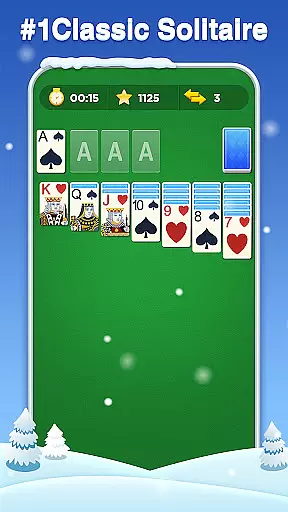
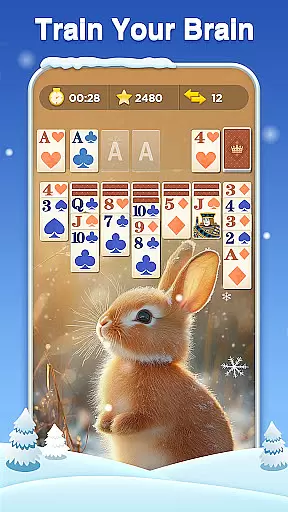
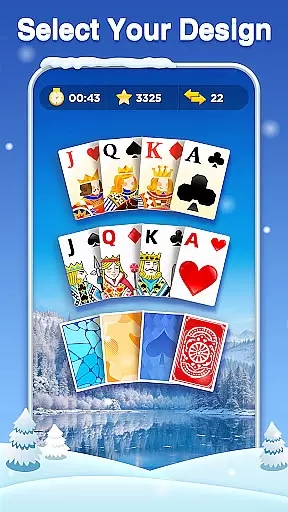
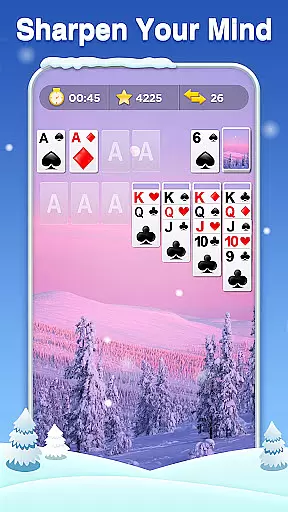
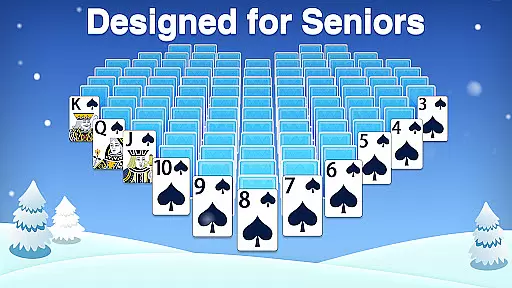
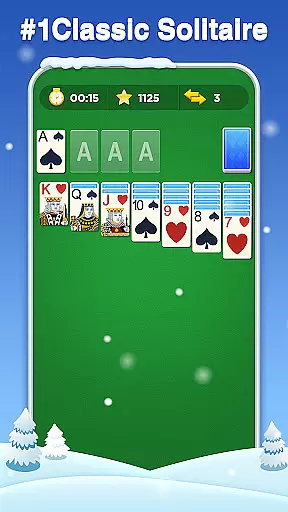
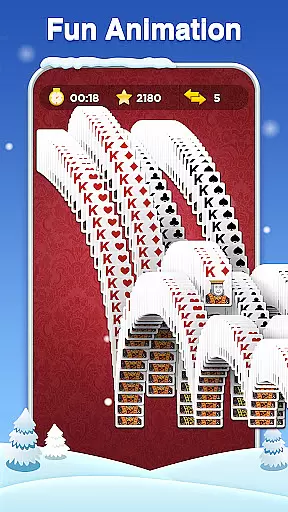
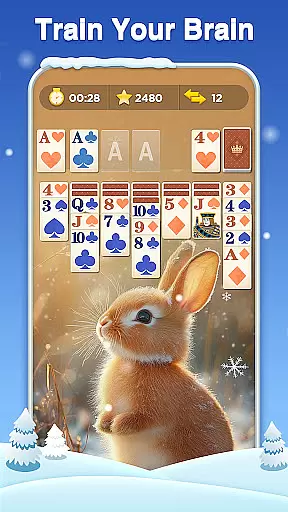
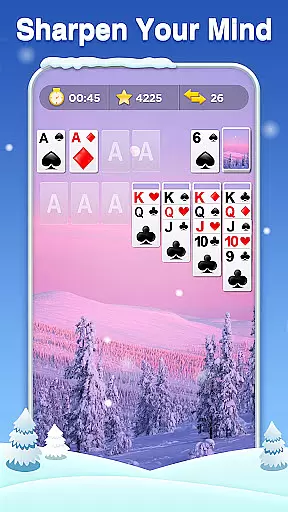
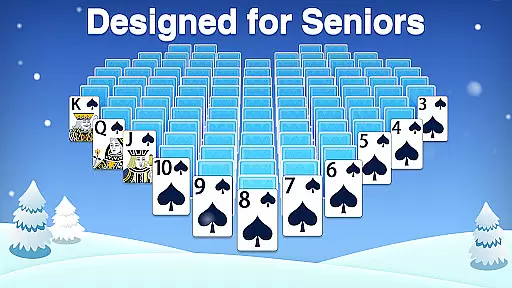
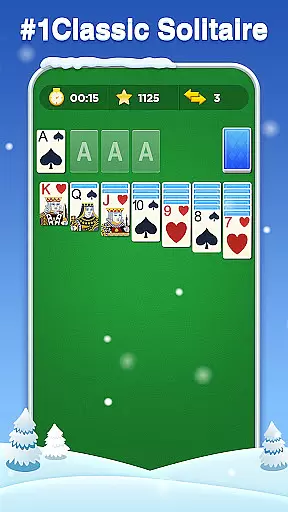
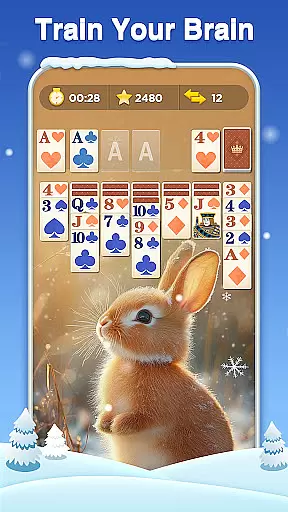
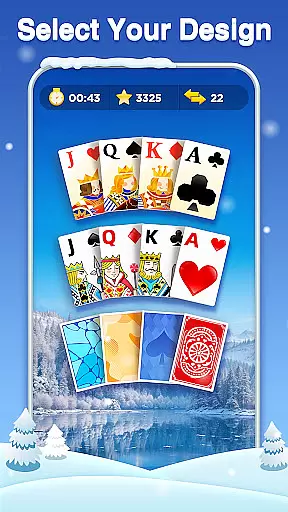
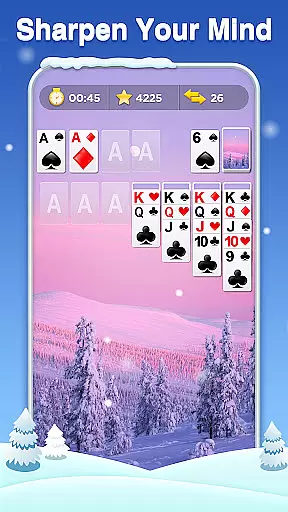
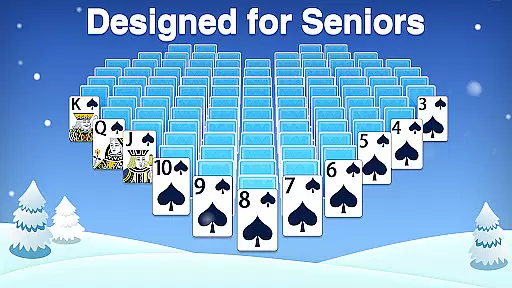
Classic Solitaire brings the timeless card game experience to your mobile device, offering both relaxation and mental challenge. The game allows players to arrange cards by dragging them across the tableau and moving suits from Ace to King in the foundation. With options to draw one or three cards, it caters to different play styles and difficulty preferences.
Perfect for quick breaks or extended sessions, this version of Solitaire is designed for all ages. It includes various engaging features such as customizable backgrounds, daily challenges, and user-friendly settings that allow both right and left-handed play. Whether you're a casual player or aspiring Solitaire Master, Classic Solitaire offers an accessible yet stimulating gaming experience.
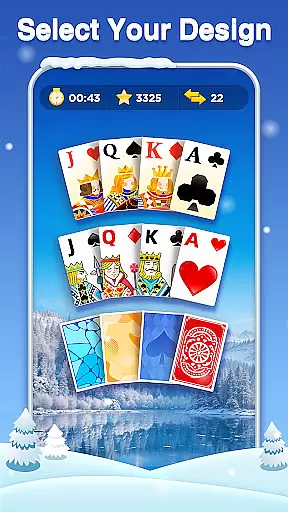
Classic Solitaire stands out with its rich feature set tailored to enhance gameplay. Players can choose from dozens of themes, including animals, flowers, and patterns, providing a visually refreshing experience. Daily challenges keep the game engaging by offering trophies and coins for solving new puzzles each day.
The game ensures fairness and accessibility through winnable deals and useful props like unlimited undos, hints, and deals. These features not only assist in gameplay but also encourage strategic thinking without the frustration of unwinnable scenarios. Additionally, the ability to play offline makes it convenient for users to enjoy the game anytime, anywhere, without needing Wi-Fi.
Random Number Generation (RNG) is crucial in card games like Classic Solitaire to ensure that every shuffle and deal is genuinely random and fair. This game guarantees a certified RNG mechanism, which means each session offers an unpredictable and equitable experience for all players.
The implementation of advanced RNG algorithms ensures that no two games are the same, providing users with unique challenges every time they play. This randomness is key to maintaining the excitement and replayability of the game, as players can never predict the sequence of cards they will encounter.
For players, this means a trustworthy gaming environment where success depends solely on skill and strategy rather than pre-determined outcomes. The assurance of fairness enhances user confidence and encourages longer, more enjoyable gaming sessions.
In Classic Solitaire, control fluidity refers to how smoothly and responsively players can interact with the game interface. The developers have optimized touch controls to ensure that dragging and dropping cards feels natural and effortless, contributing to an immersive gameplay experience.
Input latency has been minimized through efficient coding practices and performance optimizations. Players will notice that their actions are registered almost instantaneously, allowing them to execute strategies without frustrating delays or interruptions.
This seamless interaction between the player and the game not only makes Classic Solitaire easy to learn for newcomers but also satisfying for experienced solitaire enthusiasts who demand precision and speed in their gameplay.
User-friendly interface
Wide variety of themes
Daily challenges for engagement
Unlimited undo and hints
Offline play capability
Limited social features
In-app purchases may be tempting
Ads can interrupt gameplay
Occasional bugs reported
No multiplayer mode

Relax and unwind with Solitaire: Card Games.
 4.70
4.70
Sit on the Iron Throne
4.60
A unique card-based rogue-like with more than a hundred hours of content!
3.90
Play your cards carefully in this 4 player trick-taking card game!
4.60
Solitaire pro is a premium classic card game that you can enjoy all day.
4.4
Special Klondike Edition
5.00
Solitaire games and ocean adventure await!
4.60
Deckbuilding Dungeon Crawl
4.30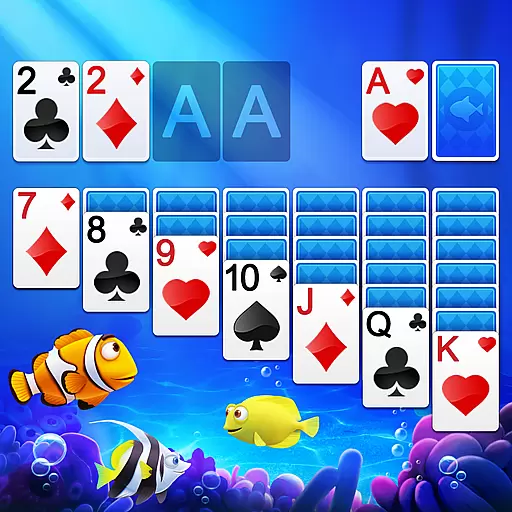
Cozy Thanksgiving moments plus relaxing offline solitaire games.
4.60
Card-Based Farkle Fun
4.80
Play for fun, practice or get advice for 400+ VP games and over 2000 pay tables.
4.60
Train your brain playing the most relaxing & addictive 2025 solitaire game !
4.60
Collect sets and runs but don't give away a card your opponent needs!
4.60
Swipe and be the Queen!
4.60
A game of apocalypse and yearning. Experiment. Die. Ascend.
4.60
Train your brain and kill time
4.40
Become a hero or a villain as you make choice in the fairy Middle Ages!
3.50
Enjoy 4 classic solitaire card games : Klondike TriPeaks Spider & Pyramid cards
4.4
Strategy and luck combine in our favorite partnership card game.
4.2


User Reviews