
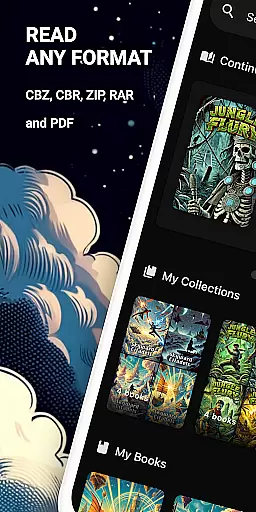
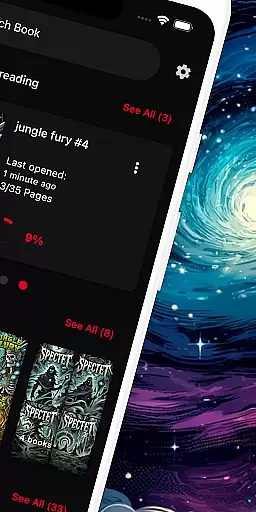
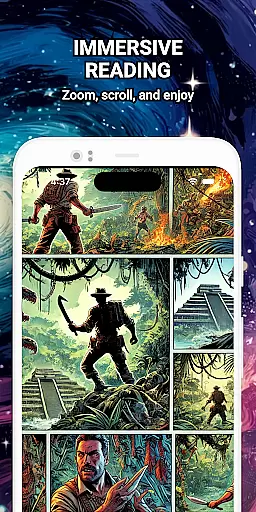
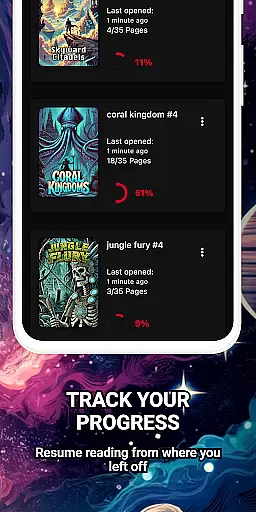
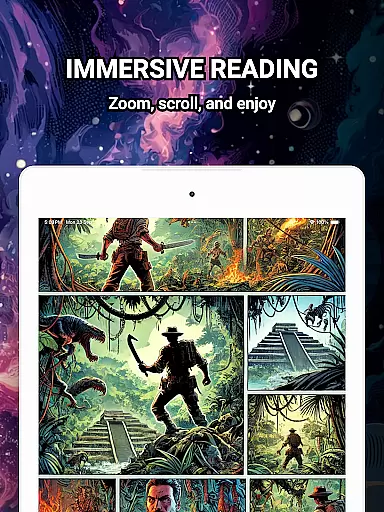
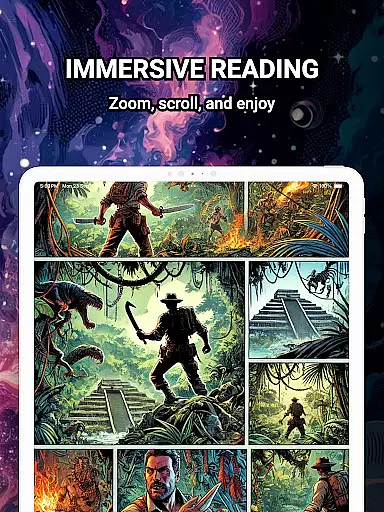
ComiQuest is a versatile comic reader app tailored for fans of CBR, CBZ, and PDF formats. It offers an elegant reading experience with smooth navigation and smart library features. Whether you're into graphic novels, manga, or webtoons, this app allows you to organize your collection effortlessly while enjoying a distraction-free environment.
The app supports direct file imports from local storage or USB drives, ensuring seamless access to your favorite comics. With automatic progress tracking and customizable collections, ComiQuest ensures that every user can manage their library efficiently. Its ad-free interface and experimental eye comfort mode further enhance the overall reading experience.
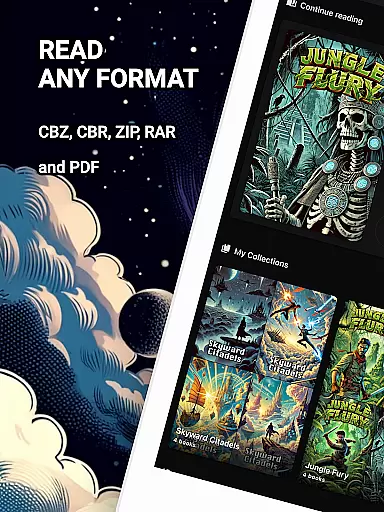
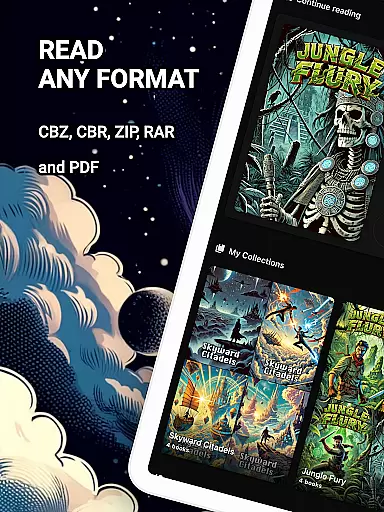
ComiQuest stands out with its comprehensive support for popular comic file formats like CBR, CBZ, and PDF, eliminating the need for file conversion. The app's easy file access feature lets users import comics directly from their storage devices, making it simple to build and manage a digital library.
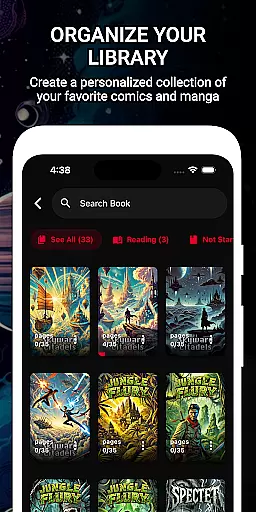
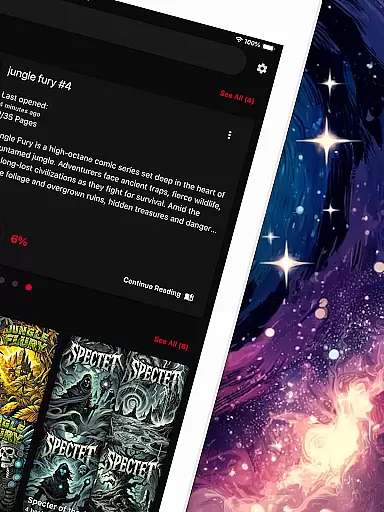
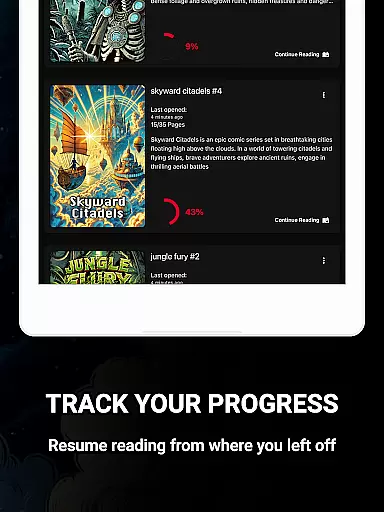
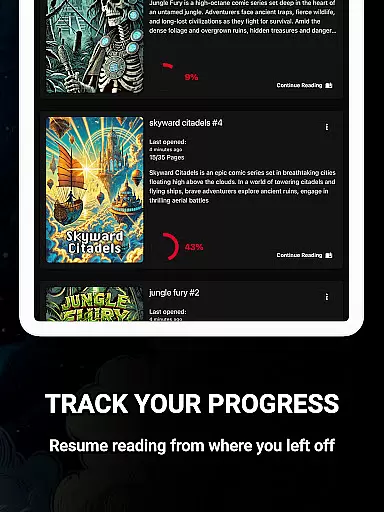
One of the key highlights is the ability to save reading progress automatically, allowing readers to pick up where they left off across different titles and formats. Additionally, users can sort their collections into custom categories, ensuring that even large libraries remain organized and easy to navigate.
Premium features include unlimited imports, unlimited custom collections, and continuous updates, all wrapped in a 100% ad-free environment. The experimental blue light filter adds an extra layer of comfort for prolonged reading sessions.
ComiQuest offers an extensive comic library that supports multiple file formats including CBR, CBZ, and PDF. This ensures that users can access a wide variety of comics without the need for format conversion or switching between different apps.
The app allows easy file access from local storage or USB drives, making it convenient to import and read your entire collection. Whether you are a fan of graphic novels, manga, or webtoons, ComiQuest recognizes and opens your files effortlessly, providing a seamless reading experience.
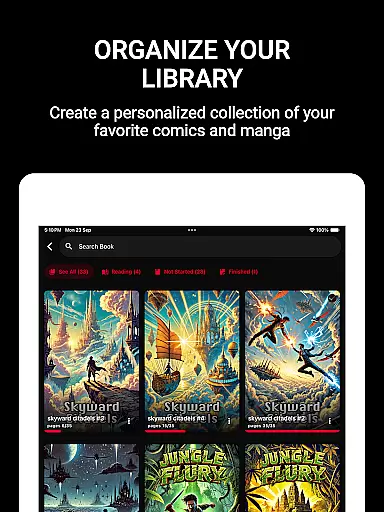
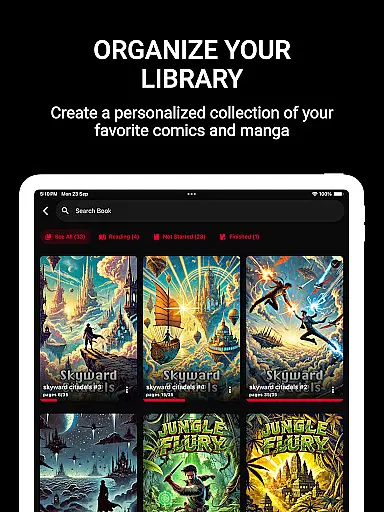
With the ability to sort comics into custom collections, users can organize their library according to personal preferences. This feature not only keeps your collection tidy but also enhances navigability, allowing you to dive into your favorite stories with minimal effort.
ComiQuest places a strong emphasis on content authenticity and licensing, ensuring that users have access to genuine comic books. The app supports legitimate file formats such as CBR, CBZ, and PDF, which are widely used by publishers and creators for digital distribution.
By offering an ad-free reading experience, ComiQuest respects both the readers and the creators, providing a clean environment that focuses solely on the content. This approach aligns with industry standards for digital comic distribution and consumption.
For users seeking premium features, ComiQuest provides options like unlimited imports and custom collections, all while maintaining a commitment to authorized content usage. Continuous updates and new features further enhance the app's dedication to delivering high-quality, licensed comics directly to its users.
User-friendly interface
Automatic progress tracking
Customizable collections
Ad-free experience
Eye comfort mode
Premium features locked
Limited free imports
No cloud sync
Experimental filters only
USB issues reported

Dive into creative online comics, short video, graphic novels and web novels!
 4.60
4.60
The best app for digital comics - Welcome to Lezhin!
3.10
Daily updates & FREE chapters
4.00
Official digital-manga store. Quality translations that support artists.
3.10
Free Comic Book Collection Management & Price Guide
4.60
Dive into the App for Premium Comics, Webtoons and Manga!
4.80
Arabic manga reader
4.00
Read official webcomics, webtoons, Korean manga & webnovels
3.70
Read comics, manhwa, manga & novels Official webtoons with daily updates
4.30
The pure application on the Manga SWAT website
4.80
TMOLector is an app to read all kinds of manga and stories!
4.50
Read your favorite mangas for free
4.50
Comic Book Identifier Value - Scan comics & prices. Your comic book price guide!
4.50
Draw the comics with glow brushes! Easy and relax!
4.40
Read Manga, Comics & Manhwa of Romance, Action, Fantasy, Drama, BL and more!
4.40
Manga Reader for Comics, Webtoons & Manhwa. Read Mangas, Chat Stories and Novel.
4.30
Read webcomics & webnovels
4.20
Toomics is a premium comic service with every genre for all readers to enjoy!
4.00
from HipComic: Value Your Comic Book Collection with Just the Snap of a Photo.
3.80


User Reviews