
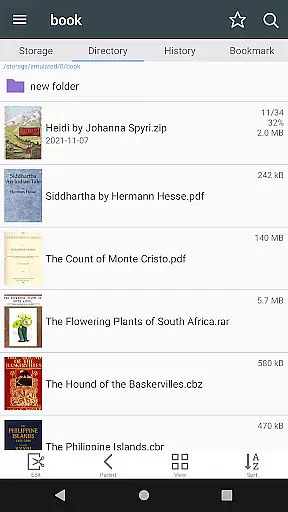
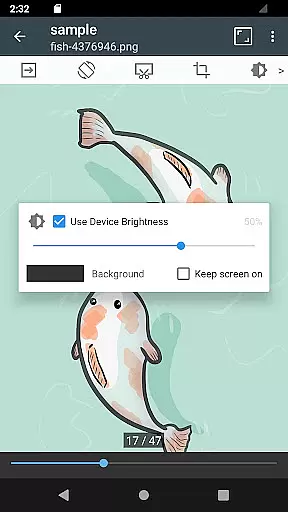

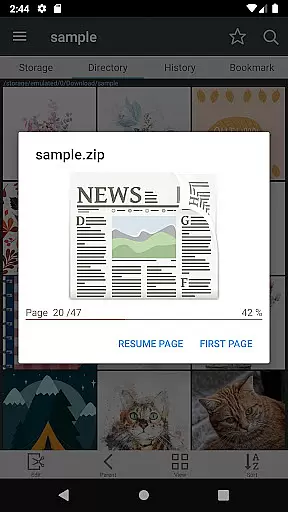
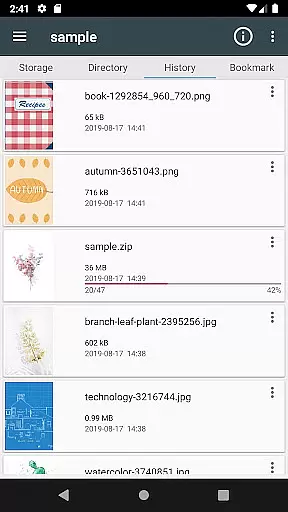
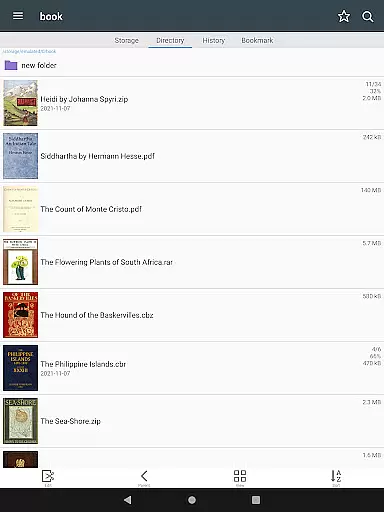
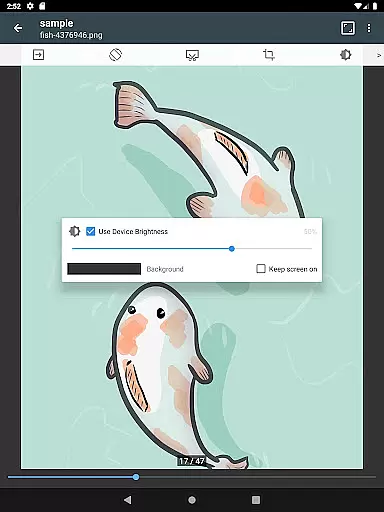

ComicScreen is a versatile comic reader and file manager designed for comic enthusiasts. This app allows users to read various compressed files such as zip, rar, cbz, cbr, and pdf formats while supporting multiple image types including jpg, png, gif, bmp, tiff, webp, and avif. With its comprehensive folder and file explorer, users can easily search, rename, and delete files.
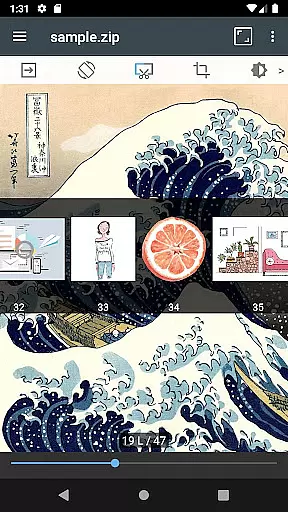
One of the standout features of ComicScreen is its support for USB-OTG drives and network protocols like SMB and FTP, making it easy to access comics from various storage devices. The app also offers smooth image scrolling, bookmark previews, and quick views for zip files, ensuring an uninterrupted reading experience. Whether you prefer horizontal or vertical viewing modes, ComicScreen caters to your reading style with options for automatic page sorting and hardware key navigation.
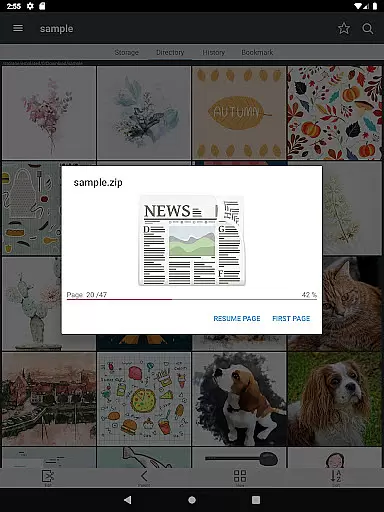
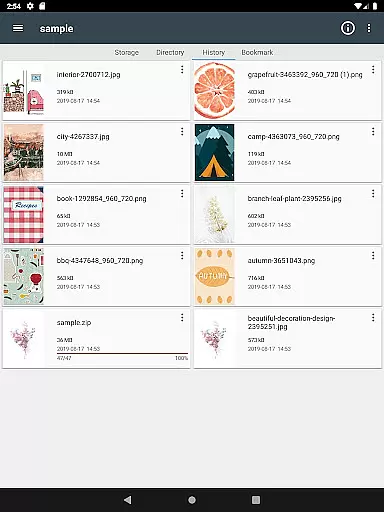
ComicScreen boasts a wide array of features tailored for comic readers. Its drag-and-drop functionality simplifies file management, allowing users to effortlessly organize their comic library. The app's ability to display a list of images within folders helps users quickly identify and access their desired content.
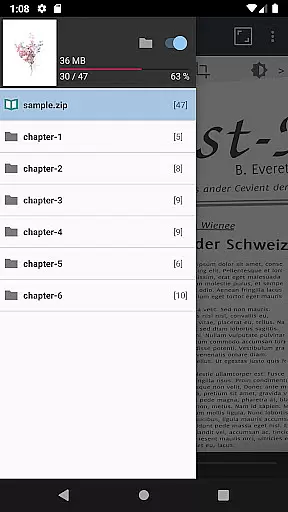
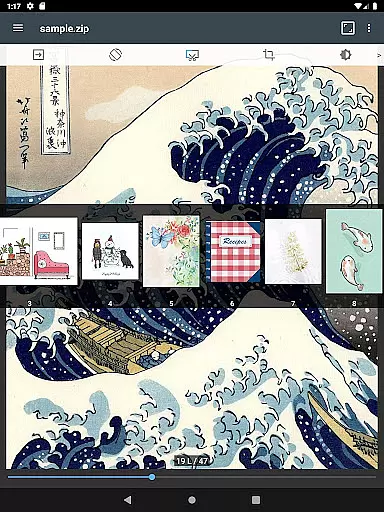
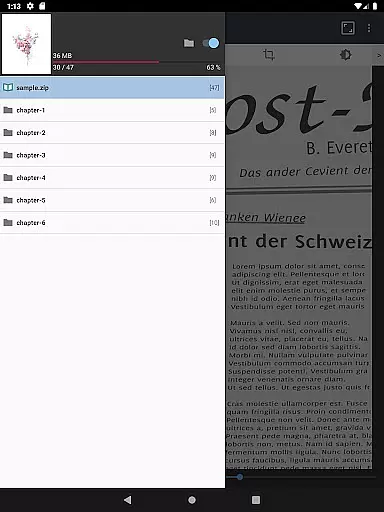
For an enhanced reading experience, ComicScreen provides several viewing options. Users can enjoy a horizontal view mode that displays two pages at once or opt for a vertical view mode showing one page at a time. Additional features include page move previews, automatic page resorting, and chapter drawers for folders within zip files. These functions ensure that users can customize their reading sessions according to their preferences, whether it involves cutting margins or navigating pages using hardware keys.
ComicScreen offers an extensive and versatile comic library that caters to a wide range of tastes. The app supports multiple compressed file types such as zip, rar, cbz, cbr, and pdf, making it easy for users to access their favorite comics in various formats.
In addition to supporting numerous file types, ComicScreen also handles a variety of image formats including jpg, png, gif, bmp, tiff, webp, and avif. This ensures that no matter the source or type of your comic files, you can enjoy them without compatibility issues.
The app's functionality extends beyond just reading; it includes features like folder and file management, which allows users to organize their collections efficiently. With options for searching, renaming, and deleting files, maintaining an orderly and personalized comic library is effortless.
Furthermore, ComicScreen enhances user experience with specialized viewing modes. Whether you prefer horizontal view mode for a classic two-page spread or vertical view mode for focused one-page reading, the app provides smooth image scrolling and automatic page resorting, ensuring an immersive and uninterrupted reading session.
When it comes to content authenticity and licensing, ComicScreen takes significant measures to ensure users have access to legitimate and high-quality comics. By supporting direct imports from USB-OTG drives and network protocols like SMB and FTP, the app empowers users to manage their legally acquired collections seamlessly.
ComicScreen respects copyright laws by not hosting any images or compressed files within the app itself. Instead, it focuses on providing robust tools for users to explore and enjoy their own licensed content. Features such as bookmark previews and zip file quick views enhance the reading experience without compromising legal standards.
The app also includes advanced functions like drag-and-drop support for files and folders, making organization intuitive and straightforward. Users can easily navigate through their collections with list views of images in folders, ensuring they always know what's in their library.
With its comprehensive feature set designed around user-owned content, ComicScreen stands out as a platform that prioritizes both convenience and compliance with licensing regulations, offering peace of mind alongside an exceptional comic reading experience.
User-friendly interface
Extensive format support
Advanced file management
Smooth image scrolling
Customizable reading modes
Limited social sharing
No cloud sync
Occasional bugs
Heavy on storage
Ads in free version

Alpha Manga is a Japanese manga app where you can read isekai manga.
 4.10
4.10
Dive into creative online comics, short video, graphic novels and web novels!
4.60
Goat sound simulator. This app makes for fun.
4.3
You can create comics, manga and manwha using AI with Arcstory comic book maker
2.70
AsuraScans read manga, manhua, manhwa, and webtoon
3.90
The anime tv for fans Sud and Dub
4.20
Read your favorite mangas for free
4.50
매일 매일 새로운 네이버 웹툰
4.50
100k comics, manga & webcomics, including Batman, Invincible, Hellboy & more
4.60
Dive into the App for Premium Comics, Webtoons and Manga!
4.80
See the newest comic book releases and manage your comic collection or pull list
4.70
Read comics & manga
4.70
Comic Book Identifier Value - Scan comics & prices. Your comic book price guide!
4.50
Draw the comics with glow brushes! Easy and relax!
4.40
The fastest and most convenient comic book reader - comics of all formats
4.40
Browse and read all your comics and mangas from YACReaderLibrary
4.20
Read webcomics & webnovels
4.20
Instantly create comic-style art with AI.
3.90
MangaRise - Your Manga and Manhwa Companion
3.90


User Reviews