![Delta Touch [10 x Doom engine]](https://cdn.linksharehub.com/ocp/?u=https%3A%2F%2Fl1.fancapitalize.com%2Fimages%2F2025%2F12%2F0362662440744f9c4332472af4b0e734.jpg&t=webp)
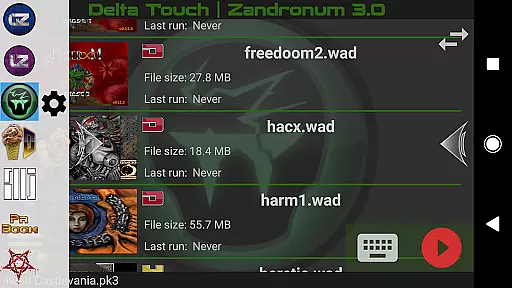
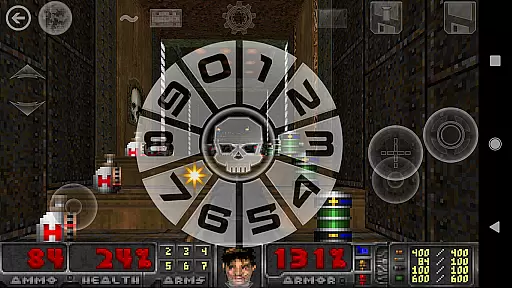
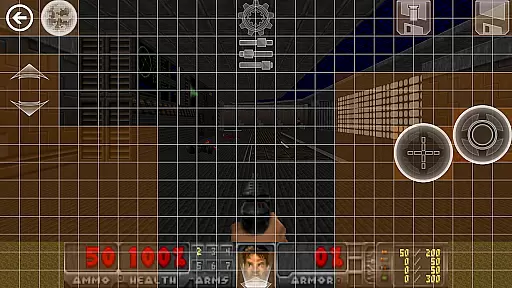
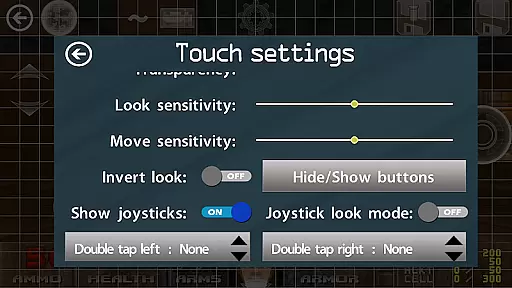
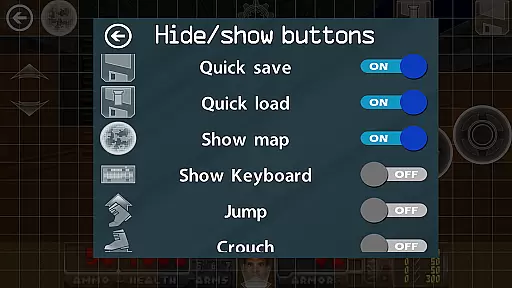
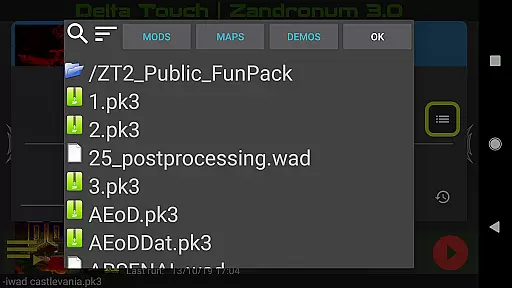
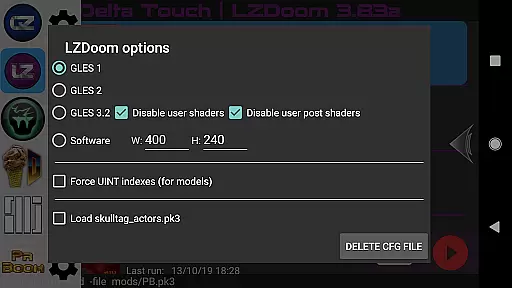
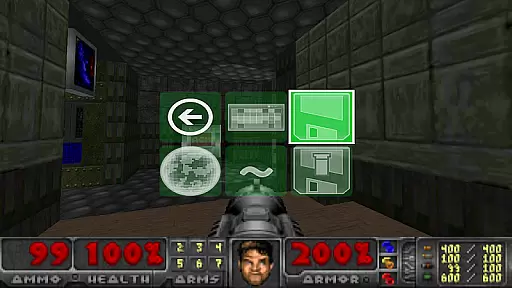
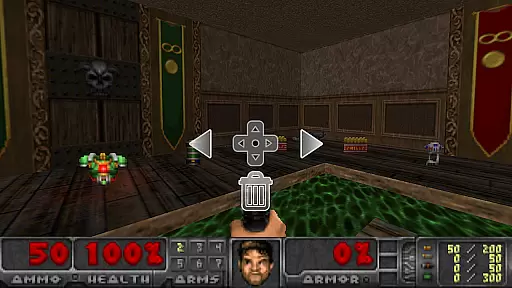
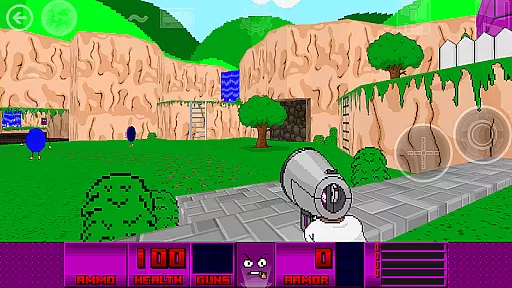
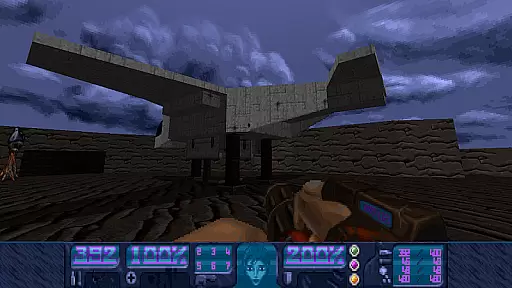
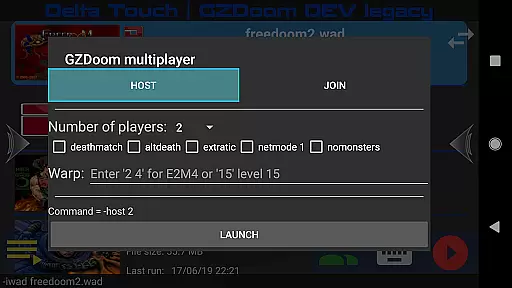
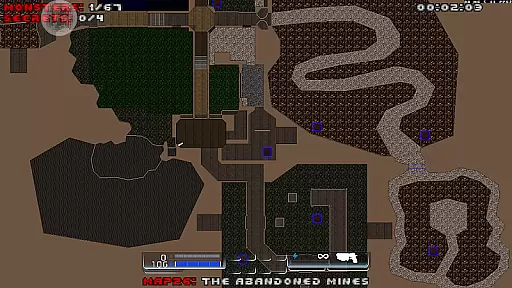
Delta Touch brings ten of the best Doom engine source ports to Android, offering an unparalleled retro gaming experience. The app includes popular ports like GZDoom, Zandronum, Chocolate Doom, and more, each with unique features for fans of classic FPS games. With full touch screen controls and gamepad support, it provides versatile play options.
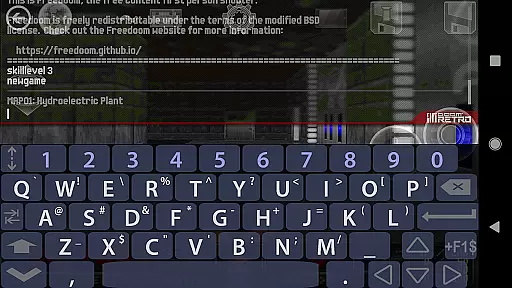
The application stands out with its highly customizable controls, built-in keyboard for cheats, and a custom UI for easy mod selection. It supports thousands of community-made mods and levels, making it a must-have for Doom enthusiasts. Whether you're reliving nostalgic moments or discovering these classics for the first time, Delta Touch offers a comprehensive package for enjoying Doom engine games on mobile devices.
Delta Touch boasts an impressive array of features designed to enhance gameplay. It offers various rendering modes, save/load touch screen layouts, and supports Doom, Hexen, Heretic, and Strife wads. Multiplayer functionality is available for certain ports, and advanced features like gyro aim assist cater to modern gaming preferences.
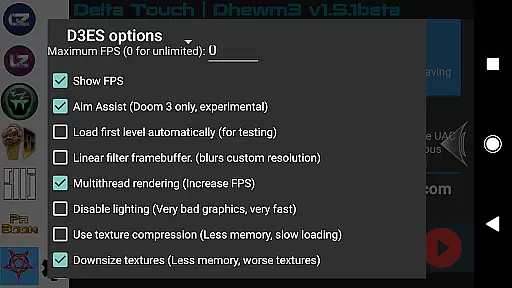
For optimal performance, the app includes optimizations such as multithreaded rendering in Dhewm3. Users can configure custom resolutions and access a wide range of mods, though some restrictions apply. With included FreeDoom data, players can start immediately, while the ability to import personal wad files ensures compatibility with original game content.
Control responsiveness and latency are crucial factors in action games like Delta Touch. These elements determine how quickly and accurately your inputs translate into in-game actions.
Delta Touch offers highly customizable touch screen controls, allowing players to adjust the interface for optimal performance. The game supports various rendering modes and provides precise touch response, ensuring that every move is registered instantly.
With full game-pad support and mouse and keyboard compatibility for Android 8 and above, the app ensures minimal input delay. This feature is particularly beneficial for playing complex mods such as Brutal Doom, where quick reflexes are essential.
The combination of gyro aim assist and fully navigable UI via a gamepad enhances the overall gaming experience, making Delta Touch a top choice for mobile gamers seeking responsive controls.
Combat feedback tightness refers to how well the game conveys the impact of combat actions to the player. In fast-paced action games like Delta Touch, tight combat feedback is essential for an immersive experience.
Delta Touch excels in delivering precise combat feedback through its advanced source ports like GZDoom and Zandronum. These engines provide detailed visual and audio cues during combat, enhancing the sense of engagement.
The inclusion of mods such as Brutal Doom further intensifies the combat experience by adding more realistic animations and sound effects. Players can also download MIDI and Fluidsynth samples for high-quality music, contributing to the overall atmosphere of battles.
Additionally, the app's built-in keyboard allows access to cheats and console commands, enabling players to fine-tune their combat settings. This level of customization ensures that each player can achieve the most satisfying and responsive combat experience possible.
User-friendly interface
Wide game compatibility
Customizable controls
Active developer support
Regular updates
High-end device required
No BFG edition support
Complex setup for mods
Large storage needs
Limited free content
An unprecedented hardcore Soulsborn-like title on mobile
 2.90
2.90
A roguelike hack'n'slash game
4.70
A classic console-feeling action game
4.40
Aim the arrow and become a legendary archer! Multiplayer action & shooting games
4.40
Descend deeper into the toy factory with more puzzles and a new threat looming
4.20
Shooting Defense Game! Defend the dungeon from the heroes!
4.80
Play PSP games on your Android device, at high definition with extra features!
4.60
Brotato: The Ultimate Bullet Hell Experience!
4.80
Break the ragdoll and relieve your stress! This is the ultimate de-stress game.
4.40
Action roguelike bullet hell where every choice could make or break your run.
4.80
Throw shurikens and cut through your enemies!
4.60
Carjack the open world like it's 1989!
4.50
Supreme Duelist is a funny fighting mobile game
4.50
A Legendary Action RPG With Ninja Shadow Legends Fighting Style Offline Games!
4.40
Destiny experience on mobile! Epic Sci-fi RPG Shooter!
4.40
Command your army, crush the enemy, and reclaim the nation!
4.30
Wish-granting Mermaid’s Tears in the hands of SpongeBob… What could go wrong?
4.20
Feeling lucky?
4.10
A fun platform run game with thousands of traps and wow that push your limits
4.00


User Reviews