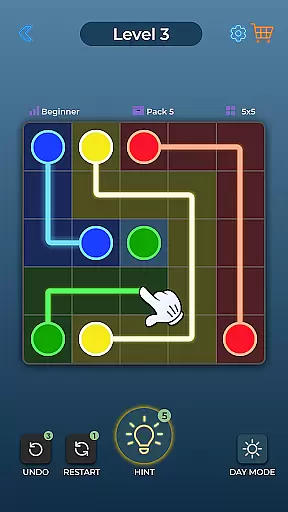
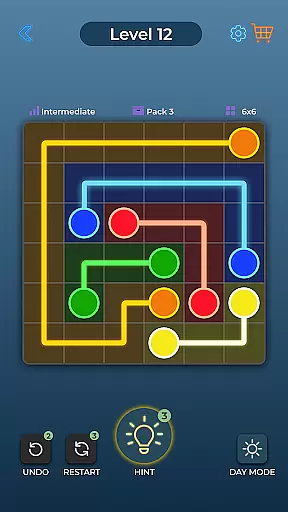
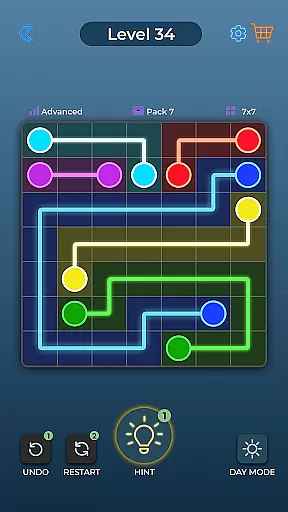

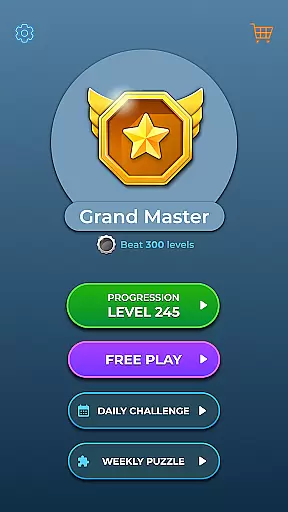
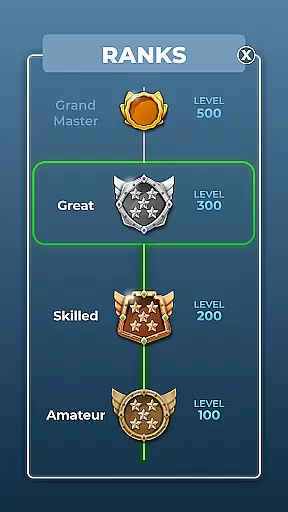

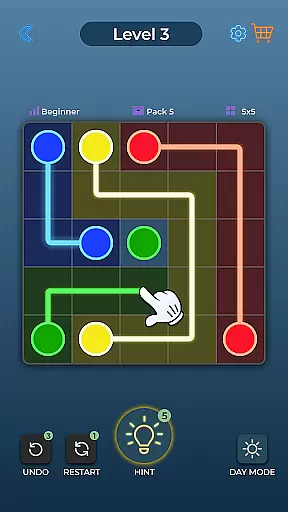
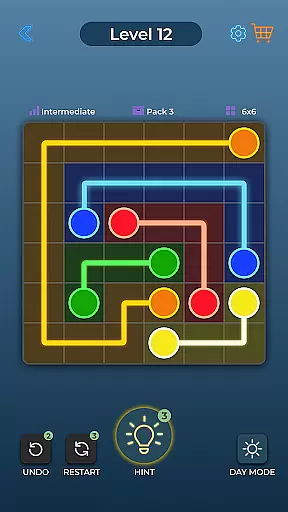
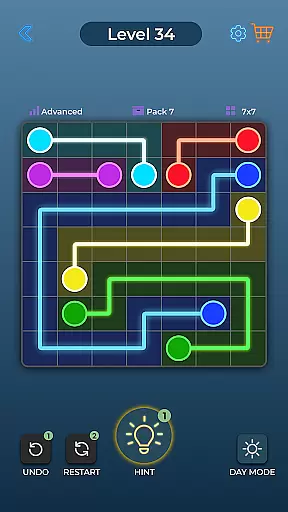


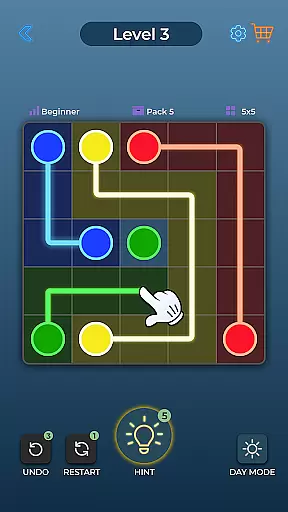
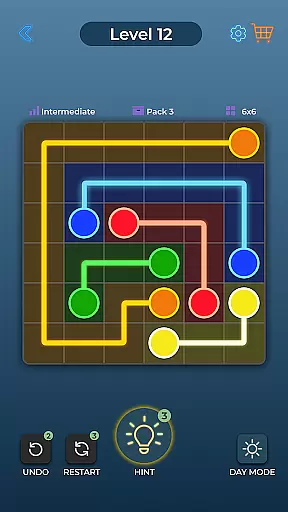
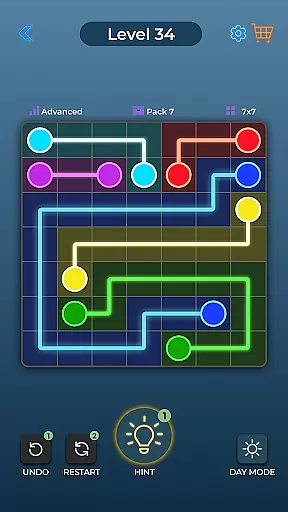


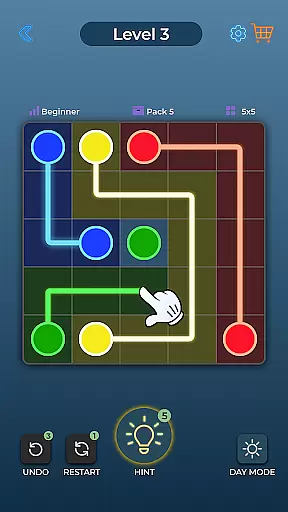
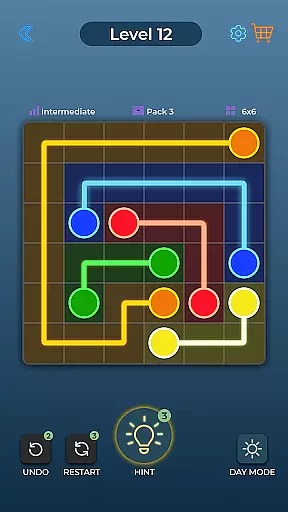
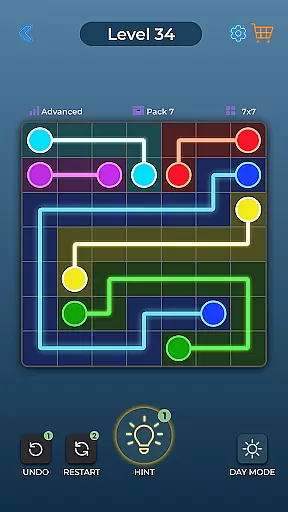


Dot Link is a captivating puzzle game that challenges players to connect matching color dots on a board without crossing pipes. With thousands of levels spread across five difficulty settings, it offers an engaging experience for all skill levels. The game's minimalistic design and vibrant colors create an appealing visual aesthetic while its relaxing music enhances the overall gameplay.
This brain-teasing app is perfect for those looking to sharpen their mind or simply enjoy a fun and relaxing pastime. Suitable for all ages and supporting multiple languages, Dot Link provides an accessible experience for a global audience. Its additional features like Day and Night Mode, Undo, Restart, and Hint options ensure that players can customize their experience and receive help when needed.
Dot Link stands out with its variety of special features designed to enhance user experience. The game includes five difficulty levels ranging from Beginner to Insane, catering to different player preferences and skills. Players can enjoy beautiful graphics with easy-to-see boards that support Day and Night Mode as well as Color Blind settings.
In addition to its core gameplay, Dot Link offers helpful tools such as Undo and Restart functions, allowing users to correct mistakes easily. A Hint feature is available for when players get stuck, and Daily Puzzles provide extra challenges. With over 10,000 levels and support for multiple languages, this game ensures endless entertainment and accessibility for a diverse range of players.
Dot Link - Connect the Dots offers a consistent and logical puzzle-solving experience that challenges players to think critically. The game's core mechanic of connecting matching color dots without crossing pipes requires strategic planning and forethought.
The puzzles are designed with clear rules and escalating complexity, ensuring that each level builds upon skills learned in previous ones. This logical progression keeps players engaged while honing their problem-solving abilities.
Players benefit from features like Undo and Restart, allowing them to correct mistakes and refine strategies. These tools support the learning process and help maintain the game's logical flow.
The consistency in puzzle logic not only enhances enjoyment but also provides a structured environment for mental exercise. This makes Dot Link an ideal choice for those seeking to keep their minds sharp through increasingly challenging dot-connect puzzles.
While adhering to traditional connect-the-dots mechanics, Dot Link introduces unique elements that set it apart from other puzzle games. The inclusion of five difficulty levels, from Beginner to Insane, ensures that players of all skill levels can find appropriate challenges.
The game's creativity shines through its additional features, such as Daily Puzzles and a Hint system for when players get stuck. These elements add layers of engagement beyond basic gameplay, encouraging regular play and exploration.
Visually, Dot Link presents a beautiful minimalistic aesthetic with colorful dots and lines, appealing to players who appreciate clean design. The option for Day and Night Mode, along with Color Blind settings, demonstrates the developers' commitment to accessibility and unique user experiences.
With over 10,000 levels and multiple language support, the game offers unparalleled variety and reach. This combination of traditional gameplay with innovative features and broad accessibility makes Dot Link a standout in the puzzle genre.
Easy to learn
Relaxing music
Multiple difficulty levels
Color blind friendly
Daily puzzles
Limited social features
No multiplayer mode
In-app purchases
Ads present
Simple graphics

Point and click escape room
 4.80
4.80
The long awaited sequel to The House of Da Vinci 3D puzzle adventure. Play now!
4.80
Create line art by connecting dots. Challenge your creativity by line drawing
4.80
Get ready to dive back into a world full of wild twists and brainy fun!
4.60
The unlimited version of Mindware's great collection of brain training games.
4.90
Solve logic puzzles. Test IQ skills. Seat unique characters. Compete friends!
4.70
Make a house into a home in this zen puzzle game.
4.20
More cats and tricky puzzles await in A Little to the Left: Seeing Stars!
4.90
Enjoy simple pair-matching with classic sounds and beautiful Chinese style
4.10
Point and click escape room
4.90
Challenge yourself to become the block master in thrilling block puzzle games!
4.90
Master a black hole, solve & sort fun puzzles and play satisfying hole io games!
4.90
A journey of discovery awaits
4.90
Looking for brain games, smart mind tests, puzzles and riddles? Solve them all
4.80
Erase the boundaries of your imagination, solve puzzles and see what's hidden!
4.60
Colorwood Sort Puzzle: Solve puzzle by sorting colorful wooden blocks!
4.50
colorzzle - easy and beautiful puzzle game using color
4.50
Survival isn’t guaranteed. Fear is.
4.10
Ultimate 2D Anti-Stress Pack: Circulate, Mine Sweeper, Jump & More!
4.2


User Reviews