
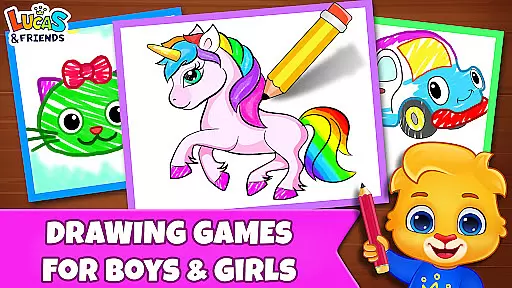
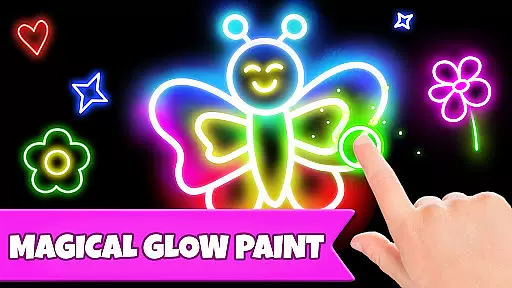
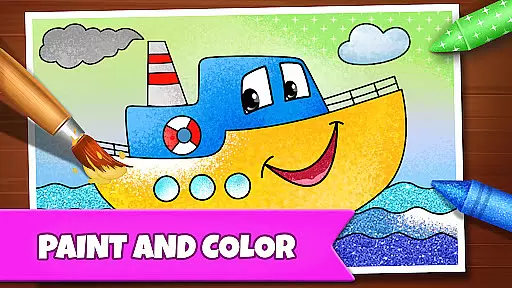
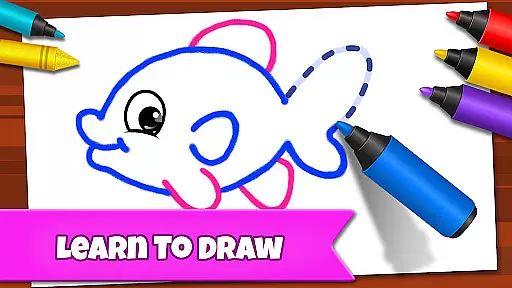
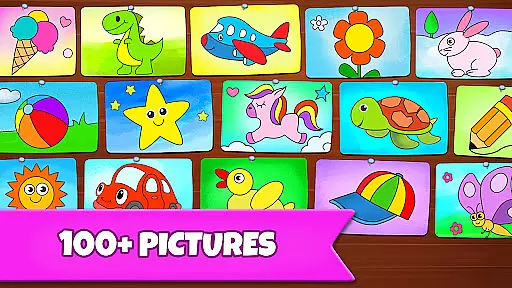
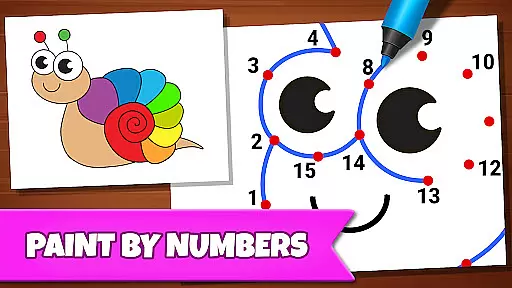
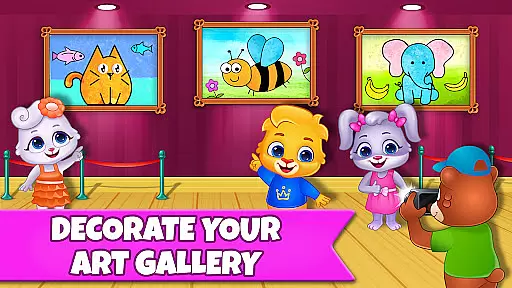
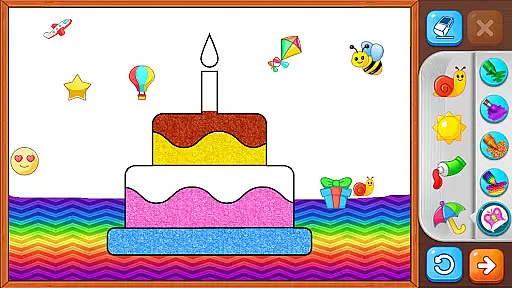
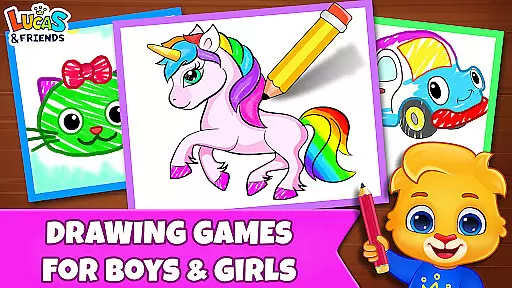
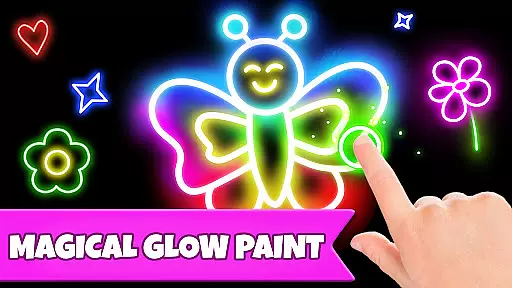
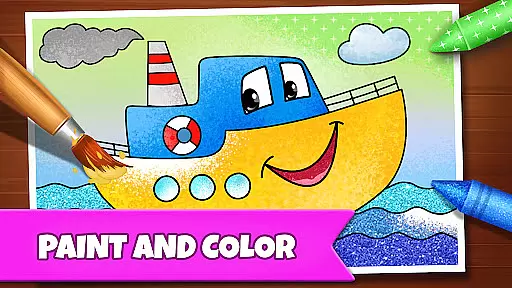
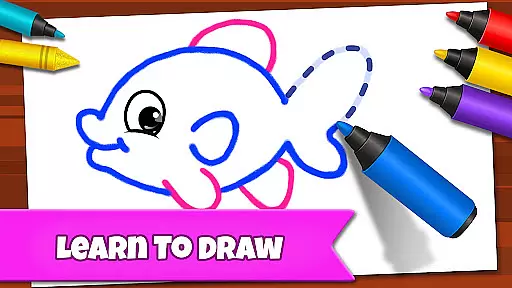
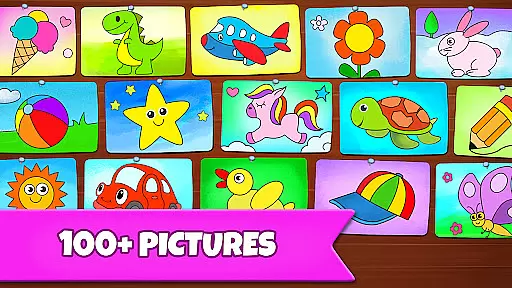
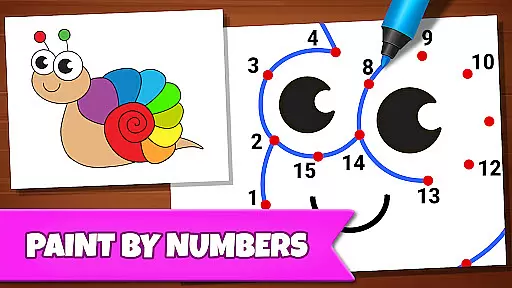
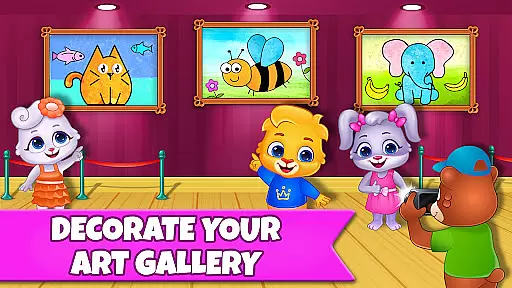
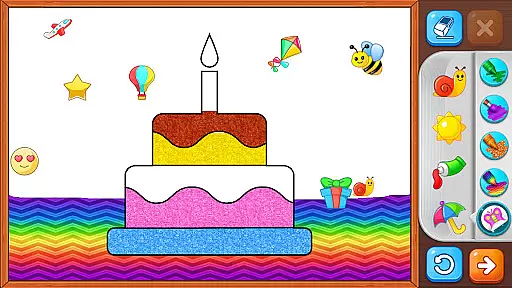
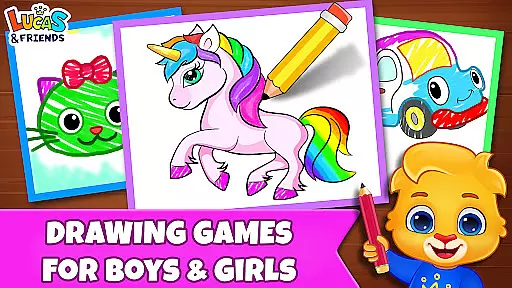
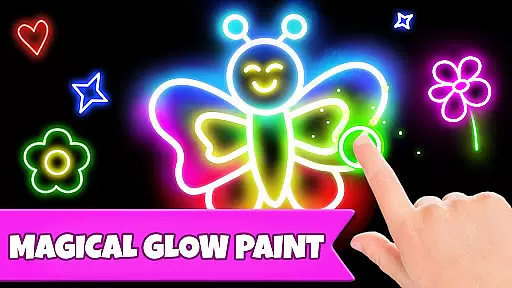
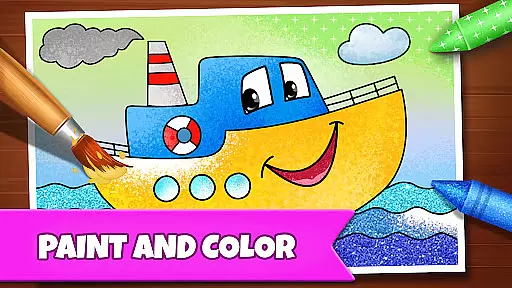
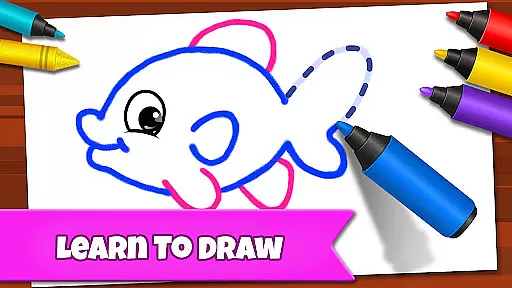
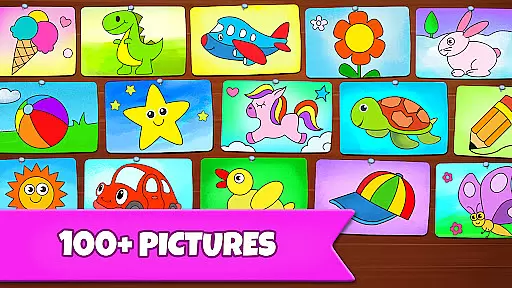
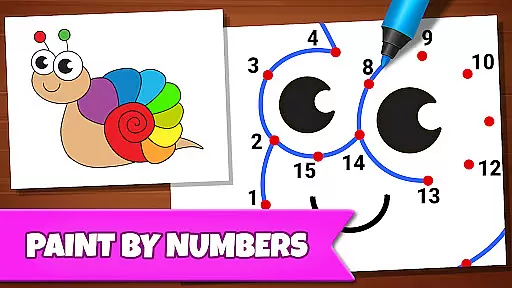
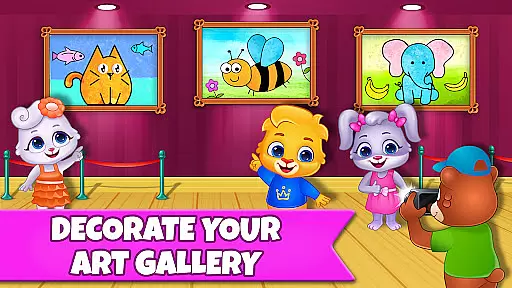
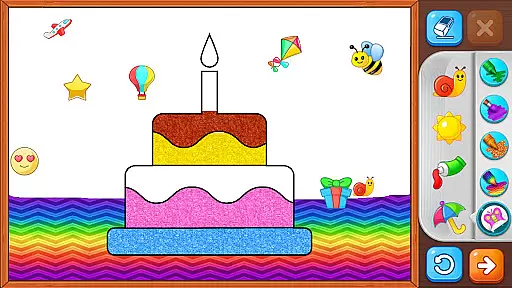
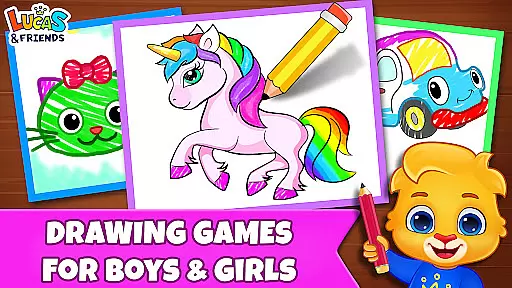
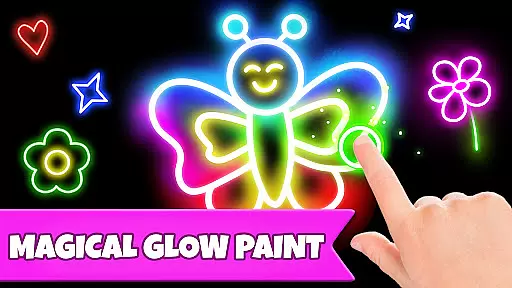
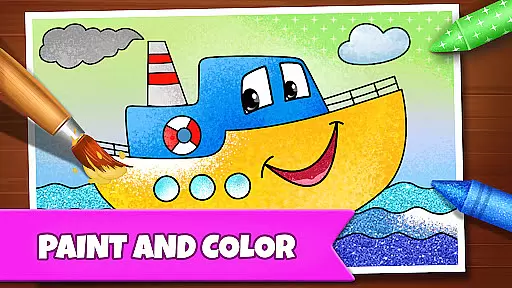
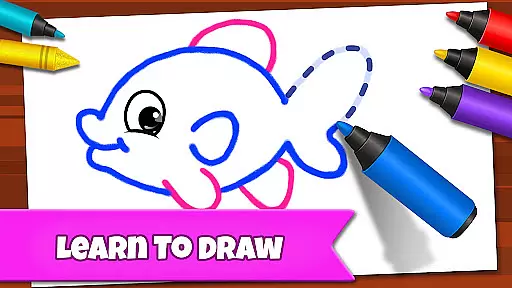
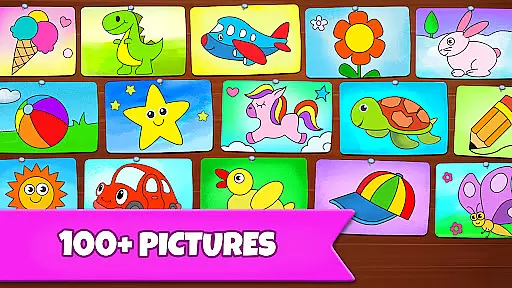
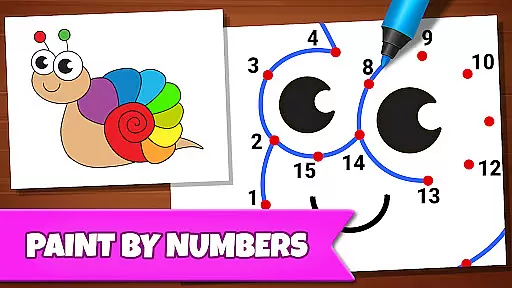
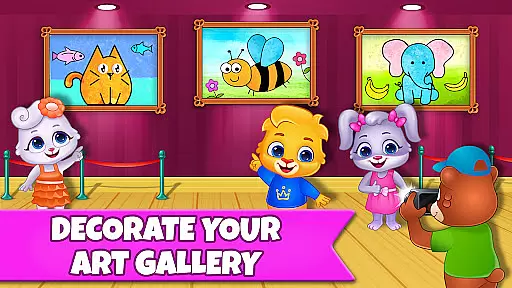
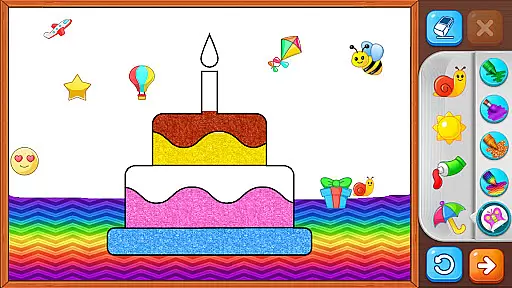
Drawing Games: Draw & Color is an educational app designed to engage children in creative and fun drawing activities. The app offers a variety of modes such as Learn to Draw, Auto Draw, Connect & Color, Connect the Dots, Memory Drawing, and Glow Paint. These features help kids develop essential skills like shape recognition, number identification, and picture recognition while enjoying the process of drawing and coloring.
The app provides an interactive experience akin to having a digital coloring book combined with paint-by-numbers games. It's completely free, ensuring that learning and creativity are accessible to all children. With no in-app purchases or ads, Drawing Games creates a safe and distraction-free environment for kids to explore their artistic abilities and build confidence through various drawing and coloring activities.
Drawing Games: Draw & Color stands out with its diverse educational modes tailored for different age groups. Toddlers can enjoy the Auto Draw mode, watching paintings come to life, while older children can engage in more complex activities like Memory Drawing, which challenges them to replicate lines from memory. Each mode is crafted to enhance specific skills; for instance, Connect the Dots helps with number sequencing and fine motor skills.
The app also includes vibrant stickers, crayons, and glowing pens to keep children engaged for hours. By offering a rich selection of beautiful pictures to draw and color, it ensures sustained interest and continuous learning. Moreover, the absence of in-app purchases and advertisements guarantees an uninterrupted and secure learning environment, making Drawing Games: Draw & Color a top choice for parents seeking quality educational content for their children.
In educational apps, content authority and curriculum alignment are crucial for ensuring that children receive accurate and relevant learning experiences. Drawing Games: Draw & Color provides a structured environment where kids can learn essential skills through various drawing activities.
The app includes multiple modes such as Learn to Draw, Auto Draw, and Connect the Dots, each designed to teach specific skills like shape recognition, number sequencing, and memory enhancement. These activities align with early childhood education standards, making it easier for parents and educators to integrate them into a child's learning journey.
By engaging in these creative tasks, children not only enjoy themselves but also develop foundational cognitive abilities. The app ensures that all content is age-appropriate and pedagogically sound, offering a reliable resource for both fun and education.
Gamification in educational apps enhances the learning process by incorporating game-like elements that motivate and engage young learners. Drawing Games: Draw & Color successfully integrates gamification techniques to create an interactive and enjoyable educational experience.
Features such as Memory Drawing and Glow Paint transform traditional learning activities into exciting challenges. Children can practice their memory skills by replicating disappearing lines or explore creativity with glowing colors, turning each session into a rewarding adventure.
This approach not only sustains children's interest but also encourages repeated engagement, reinforcing learning outcomes. By blending entertainment with education, Drawing Games: Draw & Color ensures that kids remain captivated while acquiring new skills, setting a benchmark for effective gamified learning solutions.
User-friendly interface
Educational and entertaining
Free with no in-app purchases
Engaging drawing modes
Safe and ad-free environment
Limited advanced features
No social sharing options
Basic color palette
Occasional performance lags
Simple graphics

Monkey Preschool Fix-It is an early learning game for ages 2 to 5.
 4.40
4.40
Imagine, build and ride your own Rollercoaster!
3.90
A world for little builders to create, imagine, and learn through play.
4.20
Magical girl game where dreams come true. Collect & care for cute princesses!
3.80
Clean the messy house & play with cute kitty in this fun cleaning game for kids!
3.70
Explore Dopples World, build your avatar life & create endless stories!
4.70
Find Carmen - Play the classic detective game, stop VILE and find Carmen
4.10
Build your own BRIO railway!
4.30
Design dreamhouses and dress up creatively in the ultimate role-playing game!
4.70
Fun phonics & alphabet tracing game for toddlers, preschool & kindergarten kids!
4.60
Kids coloring games for boys! Fun drawing, painting & learning book for kids.
4.60
Creative beauty & fashion
4.50
This will quickly become your kids' favorite animals game!
4.40
Play and build with Bluey & friends in this fun LEGO® game!
4.40
Enjoy the fun kid's hospital play game with Cocobi, the little dinosaurs!
4.00
The kids phonics and reading app that's helped millions of kids learn to read
4.00
Practice Early Literacy Skills and Build Vocabulary with Elmo & Cookie Monster!
3.90
Woof! The very first official Hey Duggee app for CBeebies' new favourite show.
3.70
A logic puzzle game for 1 - 3 players
4.2


User Reviews