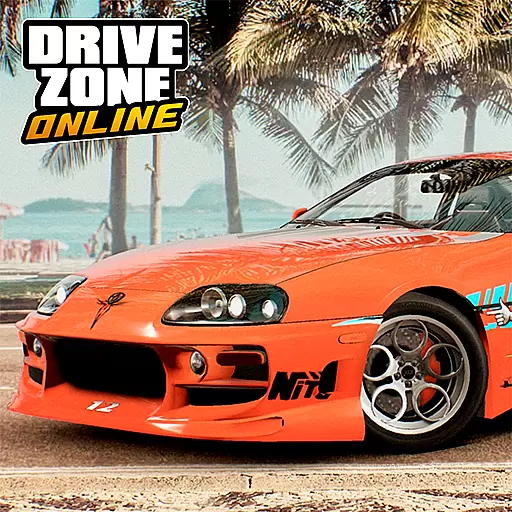
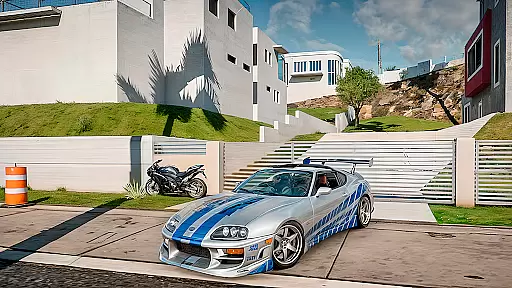
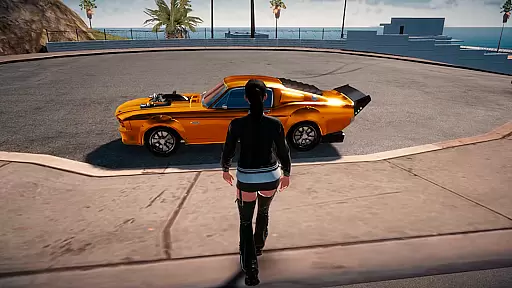
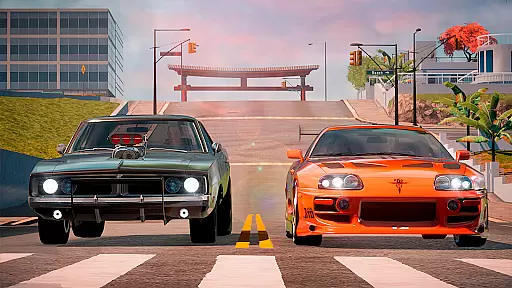
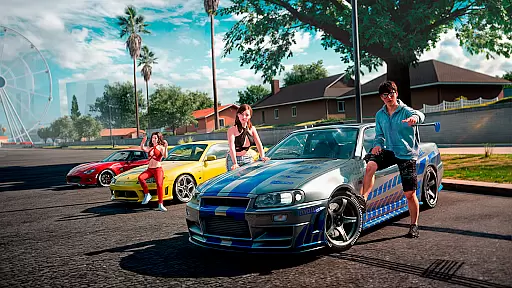
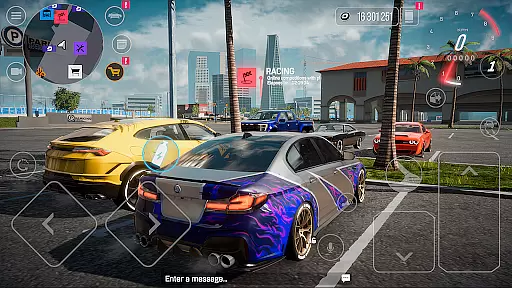
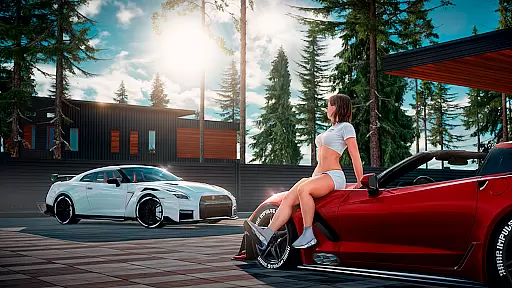

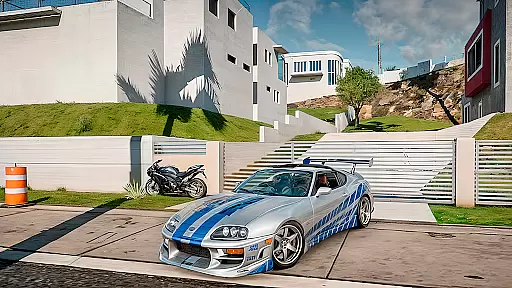
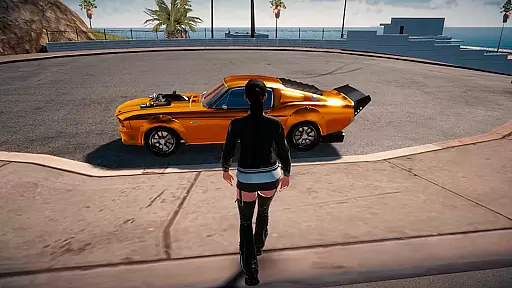
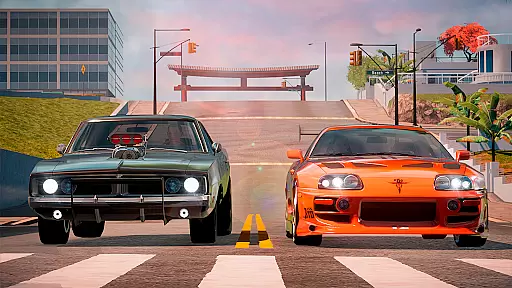
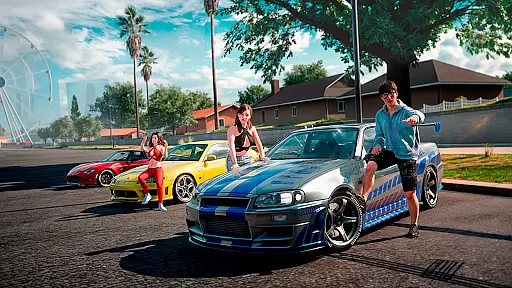
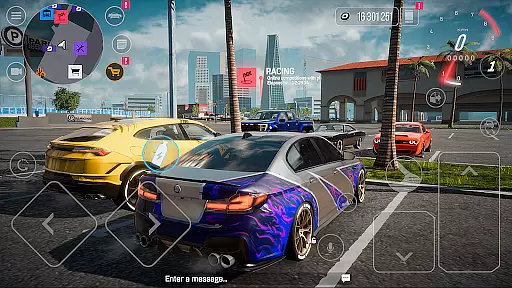
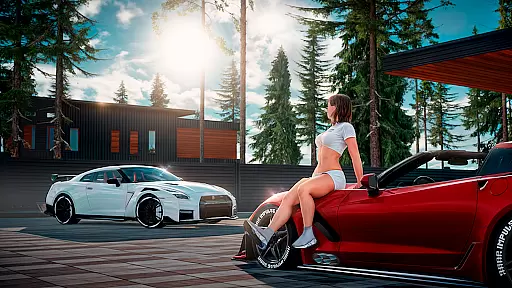

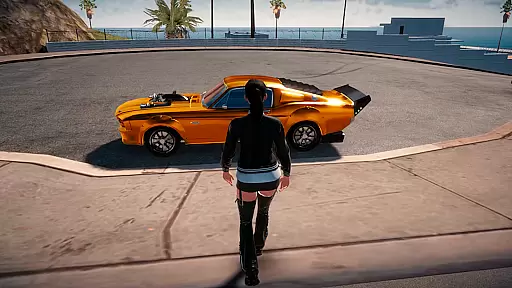
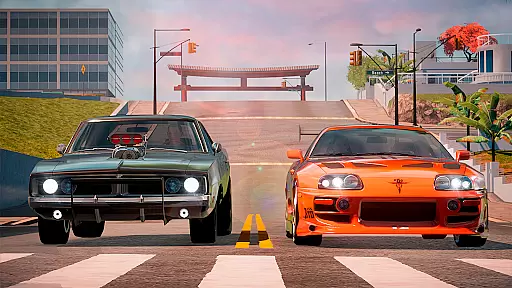
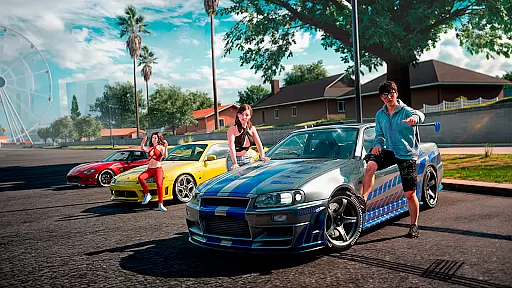
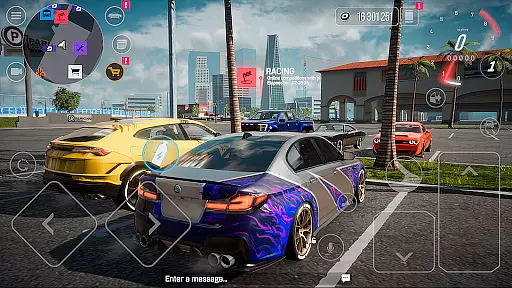
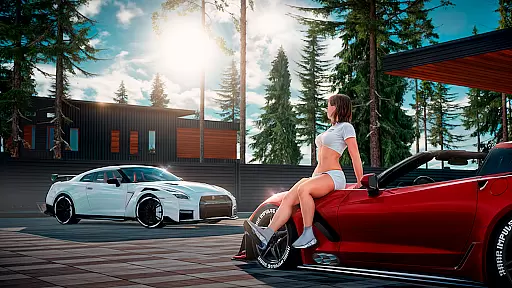
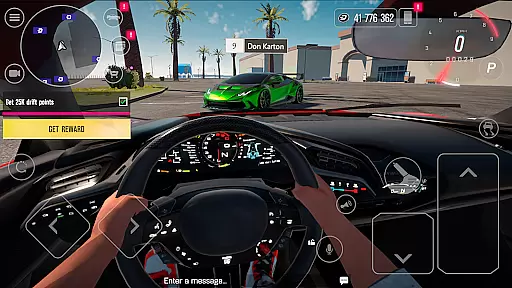

Drive Zone: Car Simulator Game is an immersive open-world racing simulator that offers players the thrill of street racing, drifting, and drag racing in a vast 20x20km environment. With meticulously designed car models and realistic driving physics, this game provides an authentic experience for racing enthusiasts. The expansive map includes diverse areas such as a bustling city, desert airfield, racing track, and scenic coastline, ensuring endless exploration opportunities.
Players can customize their vehicles with over 30 body kits per car, including rims, spoilers, and liveries, while a free vinyl editor allows for intricate personal designs. The game supports multiplayer modes with up to 32 participants, enabling cooperative driving or competitive races. Whether you're mastering drift points, competing in skill tests, or trading on the in-game market, Drive Zone delivers engaging gameplay with hundreds of quests and achievements to keep you entertained.
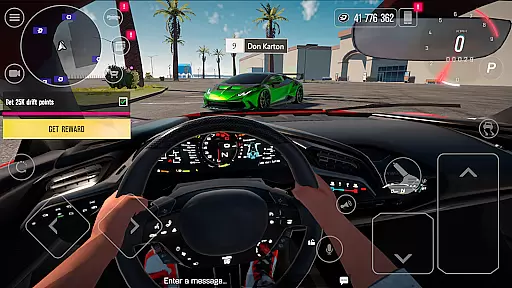
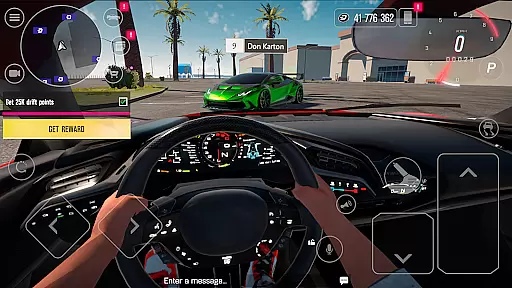
Drive Zone stands out with its impressive graphics engine that brings realistic visuals to mobile devices. The attention to detail extends to the car interiors, where every door, hood, and trunk can be opened, providing an immersive first-person driving experience. Advanced graphics settings ensure smooth performance across various devices, from high-end smartphones to more budget-friendly options.
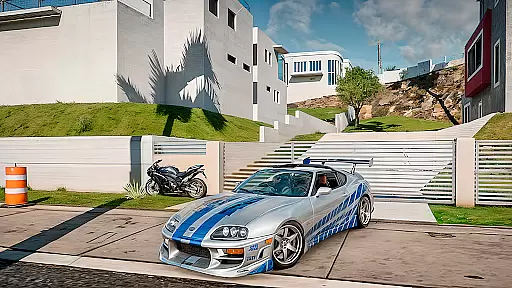
The game's customization options are unparalleled in the racing genre. With over 50 cars ranging from vintage classics to modern hypercars, players can fine-tune their vehicles' suspension, camber, engine, and gearbox for optimal performance. The inclusion of a driving school mode helps newcomers learn the mechanics while offering rewards for completing challenges. Regular updates and community engagement through social media platforms demonstrate the developers' commitment to evolving the game based on player feedback.
Realistic handling physics are essential for any racing game as they provide the foundation for an immersive driving experience. In Drive Zone: Car Simulator Game, the developers have invested significant effort into creating a physics engine that mimics real-world driving conditions. The game offers suspension and camber adjustments, allowing players to fine-tune vehicle handling to their preference, which is crucial for both performance and authenticity.
The simulation extends to the behavior of the car on different terrains, such as asphalt, dirt, and sand, each offering a unique challenge and requiring different driving techniques. This attention to detail enhances the overall gaming experience, making every race feel dynamic and engaging. Players can truly feel the difference between various vehicles, from vintage cars to hypercars, thanks to the distinct driving physics attributed to each model.
For enthusiasts who appreciate technical accuracy in their racing games, Drive Zone delivers an impressive level of realism. The ability to modify engines and gearboxes not only affects the car's performance but also its handling characteristics, providing a deeper layer of customization and personalization. This ensures that players can achieve the perfect balance between speed and control, which is vital when participating in street racing, drift racing, or drag racing events within the game.
Precision in control and minimal input latency are critical components that define the responsiveness of a racing game. Drive Zone: Car Simulator Game excels in these areas by ensuring that player inputs translate immediately and accurately to in-game actions. Whether using touch controls or external controllers, the game provides a seamless interface that captures every nuance of a player's driving style.
The advanced graphics settings contribute to this precision by allowing players to optimize visual fidelity against performance, ensuring smooth frame rates even during intense racing scenarios. This optimization is particularly beneficial on less powerful devices where maintaining high performance can be challenging. As a result, players can enjoy consistent control over their vehicles without experiencing frustrating delays or lag.
Furthermore, the game's first-person perspective with detailed interiors adds another layer of immersion and control accuracy. Players can gauge their position and surroundings more effectively, which is especially useful in tight corners or complex maneuvers. With up to 32 players online simultaneously, maintaining precise controls and low latency is imperative for competitive multiplayer sessions, ensuring fair and enjoyable races for all participants.
Realistic graphics
Vast open world
Extensive car customization
Multiplayer support
Regular content updates
High system requirements
Steep learning curve
In-app purchases
Occasional bugs
Large download size
Fun car racing games, track building & monster trucks for boys & kids 5-13
 4.40
4.40
Sports racing game to drift on the streets. Play online solo & multiplayer mode
4.40
Tune up your cars and race around the city with your friends!
4.10
Dirt bike motorcycle racing game - race friends on fast off-road motocross bikes
4.20
Be ready to overtake on time!
4.30
Experience high-speed racing. Customize car, conquer tracks, and become champion
3.60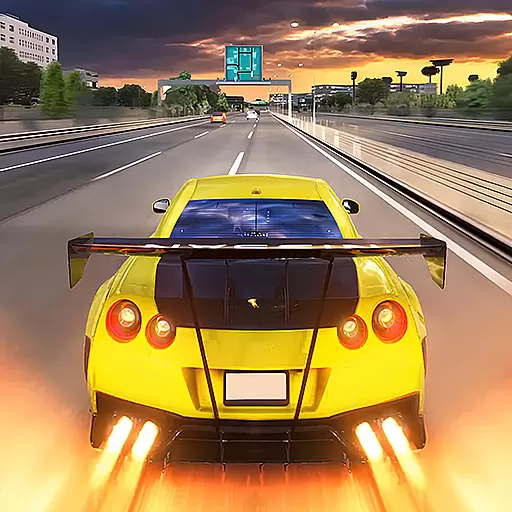
Master the art of driving! Conquer city streets and highways with precision
4.70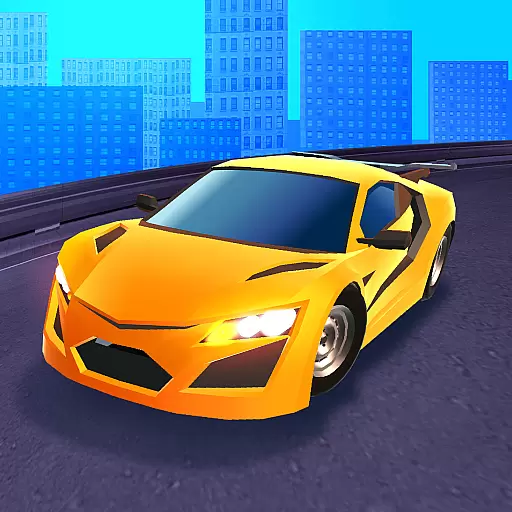
Race and win! Car racing games, real extreme. Drift, tuning & stunt driving!
4.50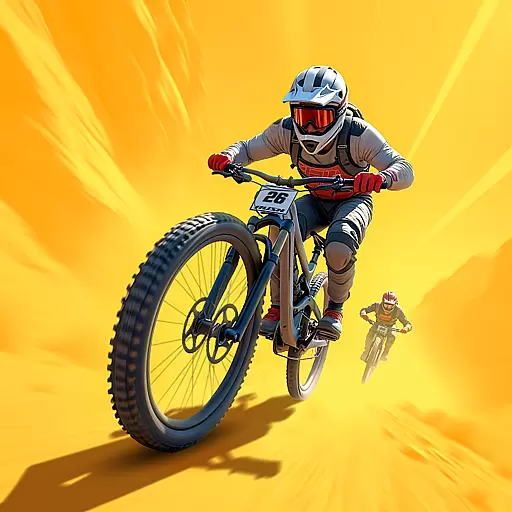
Realistic extreme bike racing game — experience pure speed and ride fast!
4.60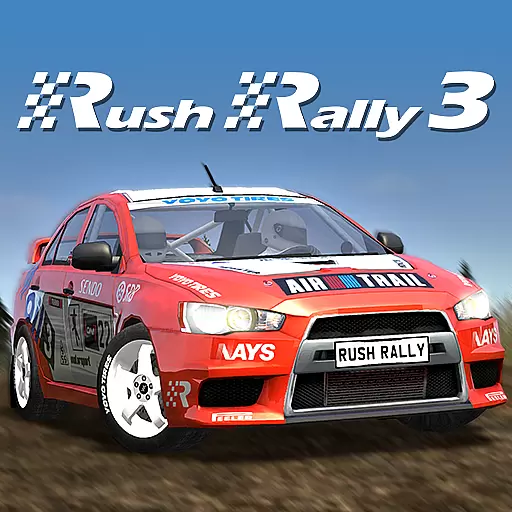
Console quality rally racing
4.70
High speed bike racing thrills in the fastest moto game around
4.60
Master the controls and become the ultimate extreme motorcycle driver in world
4.60
In Smash Car: Robot Racing, drive a transforming mech across the battlefield!
4.50
Online open world city racing simulator. It's a multiplayer, realistic car game.
4.50
Experience exciting multiplayer racing action with epic stunts and challenges!
4.50
Perform bicycle stunts on impossible tracks in extreme racing BMX cycle games.
4.50
Race rocket powered hydrojets through futuristic cities and waterparks.
4.40
Race uphill to win in this offline physics based driving game!
4.20
Break the rules and take full-contact racing to the limit with Wreckfest!
3.80


User Reviews