
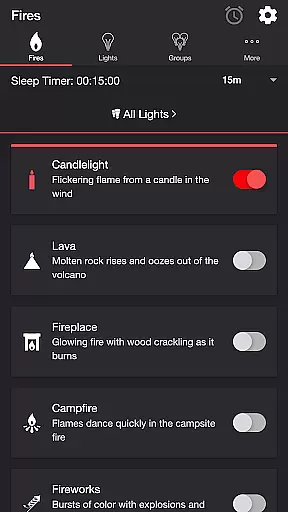
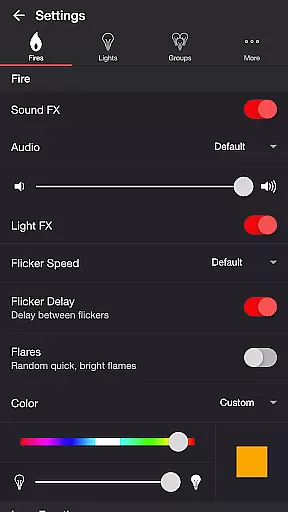
Firestorm for Hue is an entertainment app that allows users to create immersive fire-themed lighting experiences using Philips Hue smart lights. The app features multiple fire effects such as Candlelight, Fireplace, Campfire, and Fireworks, each with customizable sound and light settings.
Users can adjust flicker speed, color, brightness, and toggle various sound effects to create the perfect ambiance. Advanced options include Lava Eruption effects, background nature sounds, and Bluetooth speaker support. The app also offers sleep timer functionality with audio fade-out and automatic light state management.
This application is particularly useful for home entertainment setups, creating atmosphere for parties, or enhancing relaxation during evenings at home. By integrating with Philips Hue ecosystem, it provides a unique way to extend smart lighting capabilities through creative fire simulation.
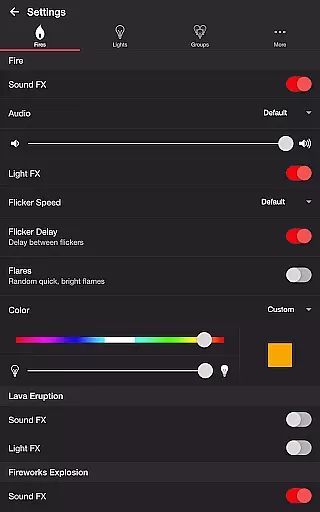
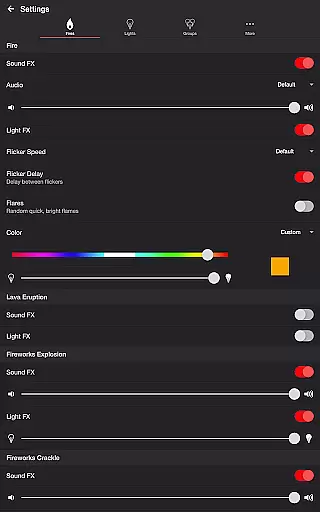
The app's feature set includes comprehensive customization options for both audio and visual effects. Users can modify fire effect parameters including flicker speed (Very Slow to Fast), flare occurrence, and delay between flickers. Each fire type comes with dedicated soundtracks that can be fine-tuned or disabled completely.
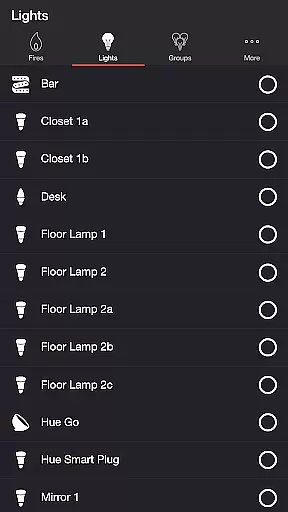
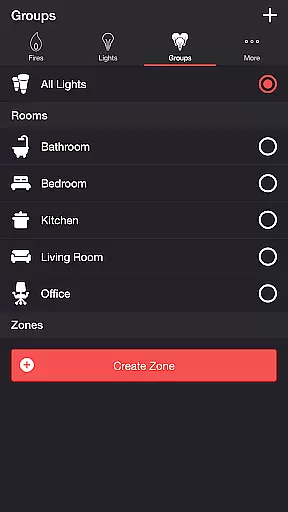
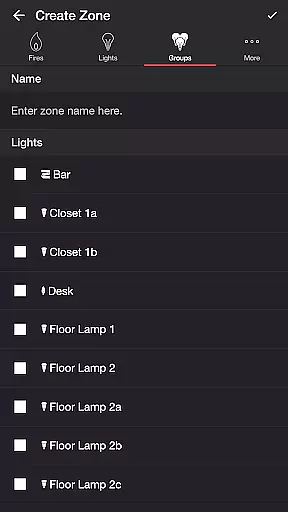
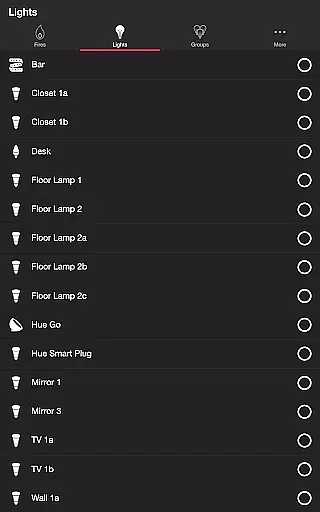
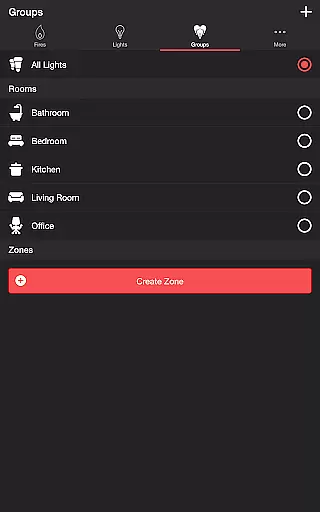
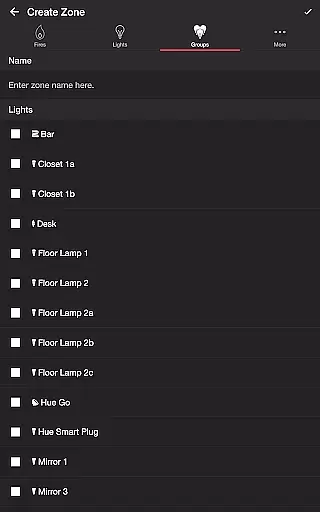
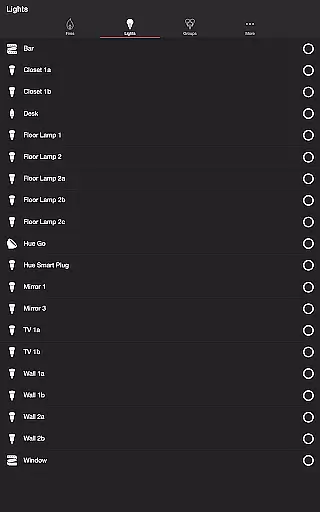
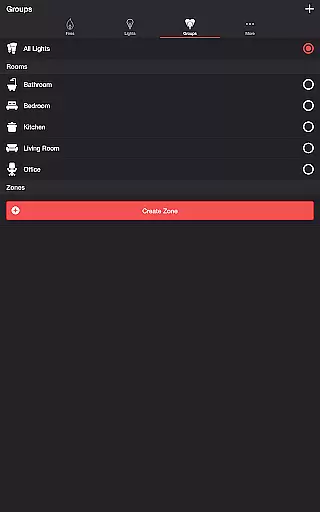
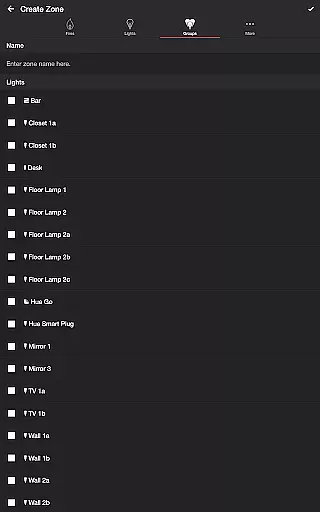
Advanced configuration options allow users to manage complex scenarios. These include setting eruption intervals for Lava effects, controlling crackle occurrence in Fireworks, and adjusting wireless audio delay compensation. The app supports zone management, enabling users to apply effects to specific groups of lights or individual bulbs.
Additional notable features include background ambient sounds (Birds, Crickets, Frogs), automatic mode scheduling, and recurring cycle setup. The integration with Google Home App enables casting to Chromecast built-in speakers while maintaining synchronized light effects, making it suitable for multi-room entertainment setups.
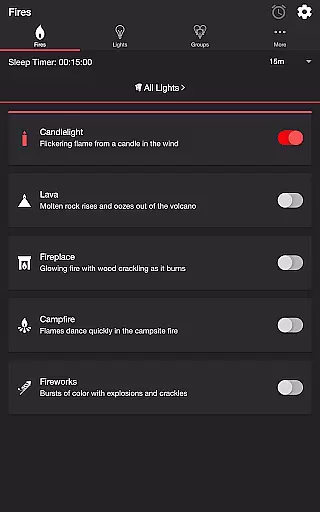
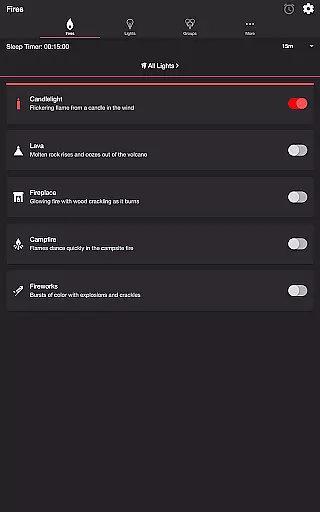
Firestorm for Hue offers a diverse range of content options that cater to different moods and settings. With five distinct fire modes including Candlelight, Lava, Fireplace, Campfire, and Fireworks, users can customize their Philips Hue lights to create the perfect ambiance.
The app doesn't just stop at visual effects; it also provides an extensive sound setting that complements the light shows. Users have the ability to toggle sound effects on or off, change audio tracks, adjust volumes, and even modify flicker speeds and colors. This ensures that each experience is unique and tailored to individual preferences.
Moreover, Firestorm for Hue includes additional features such as a sleep timer with an audio fade-out function and support for Bluetooth and casting to Chromecast-enabled speakers. These features not only enhance user engagement but also offer practical solutions for creating a seamless entertainment environment.
User engagement in Firestorm for Hue is significantly enhanced by its interactive settings and customization options. The app allows users to control various aspects of both light and sound effects, encouraging prolonged interaction as they experiment with different combinations to suit their desired atmosphere.
Retention is further bolstered by the ability to save preferred settings and zones, making it easy for users to return to their favorite configurations time and again. Whether it's adjusting the brightness of a fireplace glow or setting up recurring cycles for automatic mode changes, these personalized touches keep users coming back.
Additionally, the inclusion of background sounds like birds, cicadas, crickets, and frogs adds another layer of immersion, ensuring that users remain engaged over extended periods. By continuously offering new ways to interact with Philips Hue lights, Firestorm for Hue successfully maintains high levels of user interest and satisfaction.
Highly customizable effects
Wide range of sound options
Intuitive user interface
Comprehensive scheduling features
Excellent ecosystem integration
Requires Hue Bridge
Premium version needed
Complex for beginners
Occasional sync issues
Resource intensive

Play games. Earn real rewards. Cash out in 3hours via PayPal or gift cards.
 4.40
4.40
With the credits you earn play more games
2.90
Colorful flows will relax and calm you down, or get you trippy and creative!
4.90
Stories that spark in seconds.
4.80
Christmas Globe: Transform your Wear OS device into a festive timekeeper!
4.4
Himnario LLDM - Fast and Easy to read , updated Hymnal 2019 Edition Official
4.20
Realistic Baby Simulator App
4.00
Binaural Brainwave Doses for Every Imaginable Mood
3.60
Play casual games to get gift cards and money. More playing, more earning.
4.70
Watch Reels, Drama Shorts & TV Series Anytime. Download DramaWave Now!
4.70
Live TV, sports & holiday movies — stream on phone, tablet & TV
4.60
Direct access to the most complete Guitar Tab Archive in Spanish: LaCuerda.net
4.60
The JBL Portable app works with JBL portable Bluetooth speakers.
4.60
Triple A is a highly complex, kinetic, and interactive visualizer.
4.50
Music visualizer and party effects for Hue
3.90
Fool your friends & Family with Fake ultrasound test report
3.60
Ultimate VR movie player for android mobile videos
4.4
Air Horn - Siren Sounds Prank, Fun way to wake up your Friends and Family
4.2
Control your AWTRIX 3 easily
4.0


User Reviews