
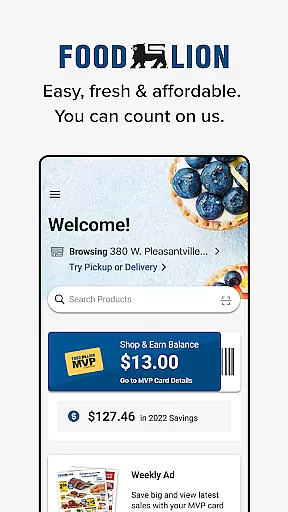
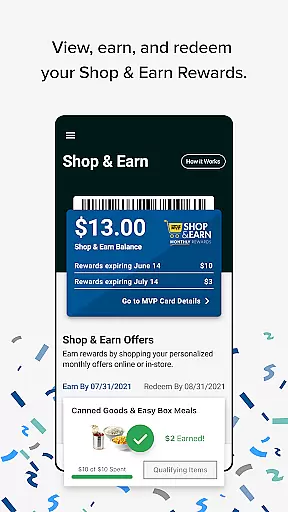
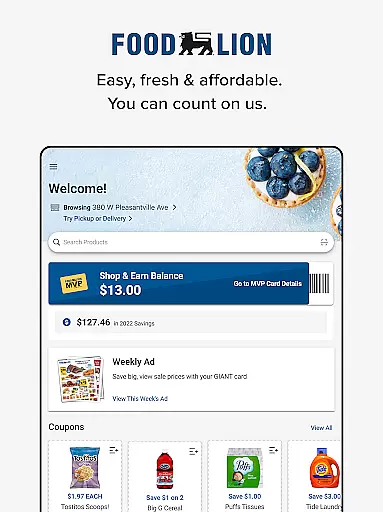
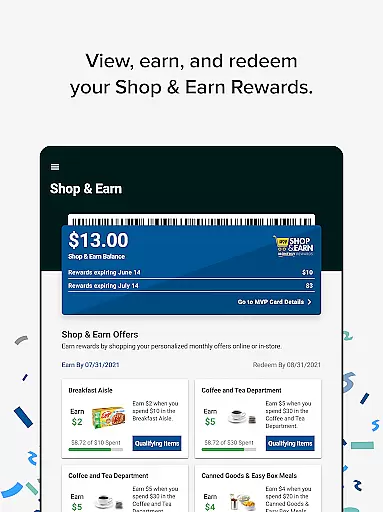
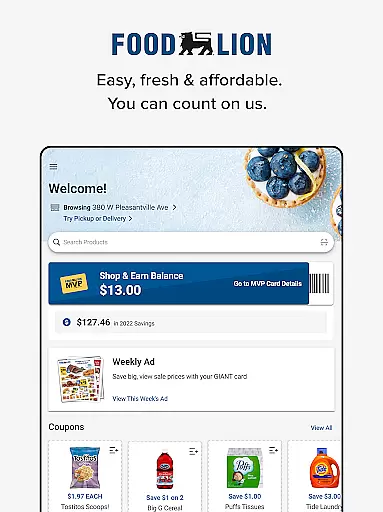
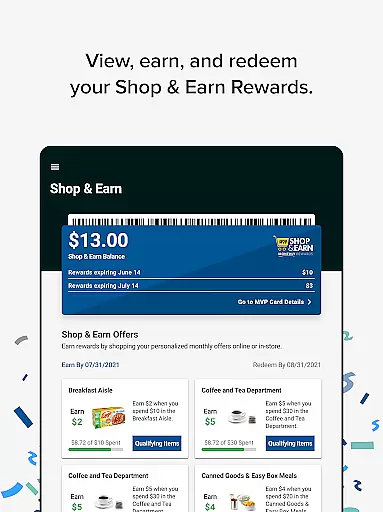
Food Lion is a comprehensive shopping app designed to enhance both online and in-store grocery experiences. The app's core functionality revolves around the MVP Card program, which allows users to easily register new cards or link existing ones. This integration simplifies the redemption process for Shop & Earn Rewards across all shopping platforms.
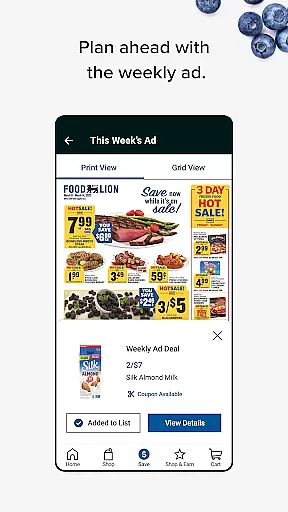
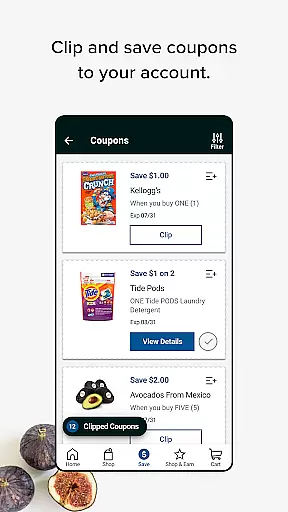
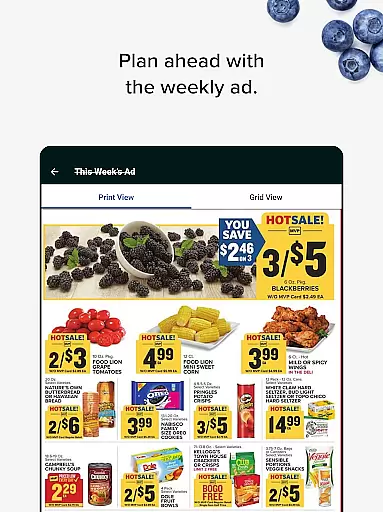
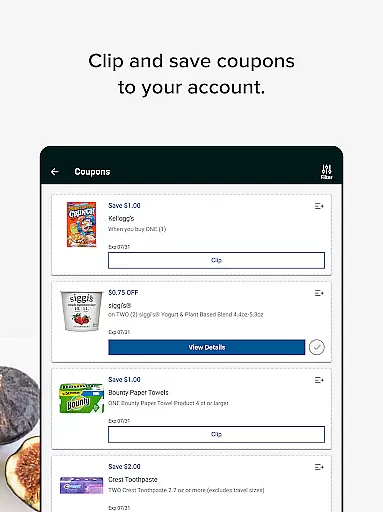
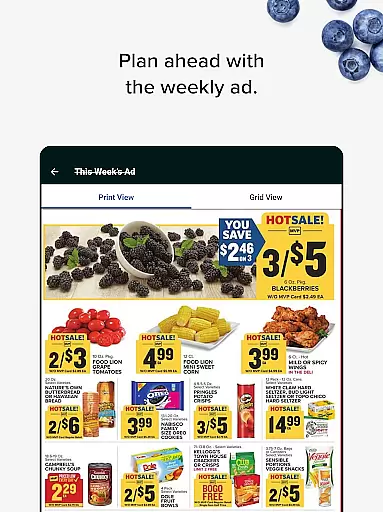
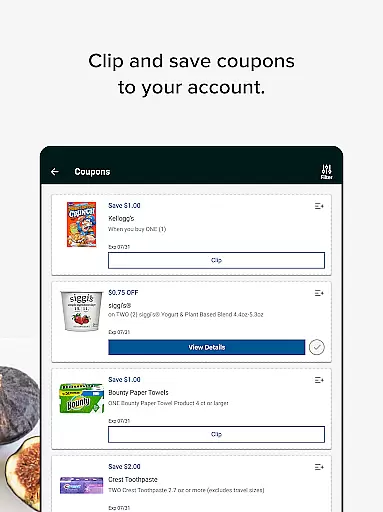
The application provides multiple money-saving features including digital coupon management, weekly ad browsing, and deal discovery - all accessible through an intuitive interface. Users can conveniently save their selected offers and automatically apply them during checkout using their registered MVP Card. Additionally, the app supports charitable donations through reward points.
Food Lion offers several distinctive features that set it apart from other shopping applications. Its most prominent feature is the seamless integration of physical and digital shopping experiences through the MVP Card system. Users can access their rewards and coupons both in-store via the digital card scanner and online during checkout.
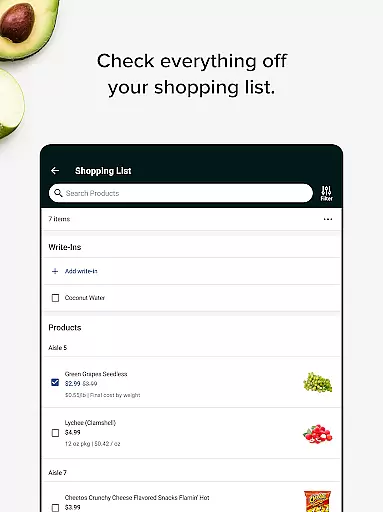
The app's architecture enables automatic synchronization of saved deals and rewards across platforms, ensuring consistent savings regardless of shopping method. Another key feature is its streamlined navigation system, which organizes various shopping tools including coupon clipping, reward tracking, and weekly ad browsing into easily accessible categories.
Additional notable features include the ability to donate reward points to charity, real-time account management, and a unified platform for managing all aspects of the MVP Card program. These features collectively create a comprehensive shopping solution that maximizes user convenience and savings potential.
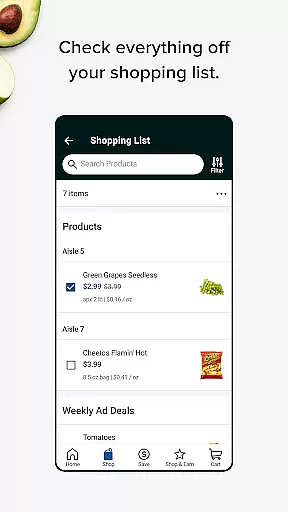
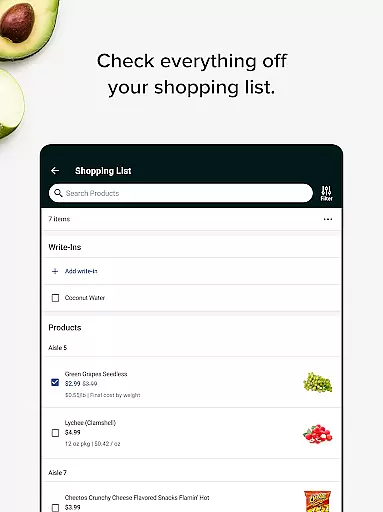
In the realm of shopping applications, product variety and categorization stand as pivotal elements for enhancing user experience. The Food Lion app excels in this area by offering an extensive range of products neatly organized into categories. This organization not only simplifies the shopping process but also ensures that users can easily find what they need without hassle.
Food Lion provides a seamless browsing experience through well-structured sections that cover everything from fresh produce to household essentials. Each category is designed to guide shoppers intuitively, making it easier to discover new items or locate specific products quickly. By integrating both online and in-store inventory, the app guarantees that customers have access to the widest possible selection of goods.
The significance of having a diverse product range cannot be overstated. With Food Lion's app, users benefit from exclusive deals, weekly ads, and coupons that are readily available within their respective categories. This strategic arrangement allows shoppers to maximize savings while enjoying the convenience of digital coupon clipping and automatic redemption at checkout.
Ultimately, the app's commitment to providing a comprehensive and well-organized product catalog empowers consumers to make informed purchasing decisions. Whether shopping in-store or online, users can rely on Food Lion to deliver a broad spectrum of choices, ensuring they find exactly what they need at competitive prices.
Pricing transparency and competitiveness are crucial factors that influence consumer trust and satisfaction in any shopping platform. The Food Lion app addresses these aspects effectively by ensuring that all pricing information is clear, accessible, and competitive within the market. This transparency helps build confidence among users, knowing they are getting the best possible deals.
One of the standout features of the Food Lion app is its ability to display real-time prices alongside available discounts and rewards. Users can view current promotions, weekly ads, and personalized offers directly within the app. This level of openness enables shoppers to plan their purchases strategically, taking full advantage of cost-saving opportunities without any hidden fees or surprises at checkout.
Moreover, the app integrates seamlessly with the MVP Card program, allowing users to automatically redeem Shop & Earn Rewards and other discounts. This integration not only enhances the overall shopping experience but also ensures that customers receive the most value for their money. By comparing prices and leveraging rewards, users can achieve significant savings on their grocery bills.
In conclusion, the Food Lion app sets a high standard for pricing transparency and competitiveness. By offering detailed insights into costs and savings, the app empowers consumers to shop smarter and more efficiently. This dedication to openness and fair pricing solidifies Food Lion's reputation as a trusted and customer-centric retailer.
User-friendly interface
Seamless online-offline integration
Automatic reward redemption
Comprehensive coupon management
Charitable donation options
Limited to Food Lion stores
Requires MVP registration
Occasional syncing issues
No advanced search function
Regional limitations

Shop, plan, order, and save
 4.70
4.70
Shop stores, delivery & pickup
4.80
The next generation of Samsung products are here.
4.50
Online Marketplace: Resell vintage clothing, thrift & shop second hand items
4.70
Shop sports wear, sneakers & apparel from Nike, Adidas, Hoka, NewBalance & more
4.90
Access free, exclusive savings on the go thanks to Capital One Shopping!
4.70
Shop & earn Cash Back at over 3,500 stores
3.40
A world-leading B2B marketplace
4.40
Shop and save from anywhere.
3.60
Pet food, pharmacy, toys, apparel & more. Shop and save on pet care with Chewy.
4.90
Buy fashion, beauty, home, & more! Save with amazing shopping deals & discounts.
4.80
Shop home goods, vintage treasures, art prints & more with Etsy. Download today!
4.80
Shop the latest items & unique used goods. Sell pre-loved items and earn money.
4.70
Earn cash back and rewards from games, surveys, receipts and more
4.70
The Costco Mobile App is the easiest way to save time and money on the go.
4.70
NCPMobile is the easy and intuitive way to scan and transmit your purchases!
4.50
Save up to 70% on the things you need every day
4.40
Smiles found here
3.90
Create Wishes & Get Inspired
3.20


User Reviews