
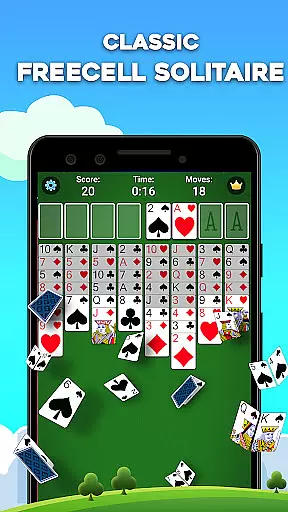
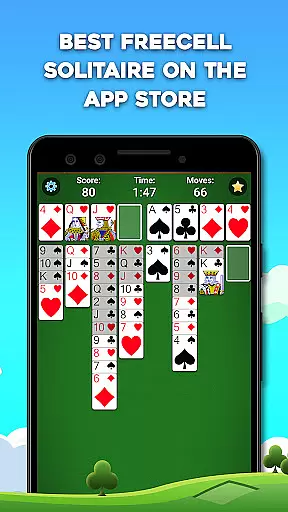
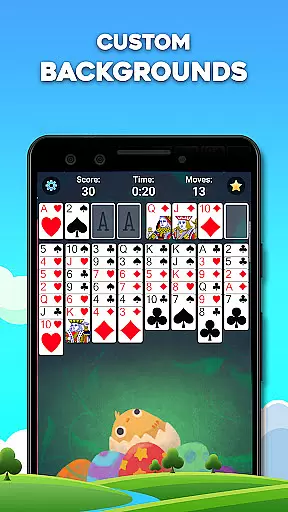
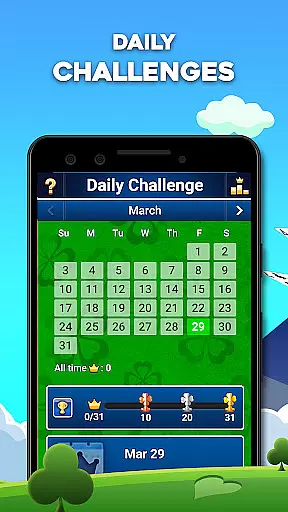
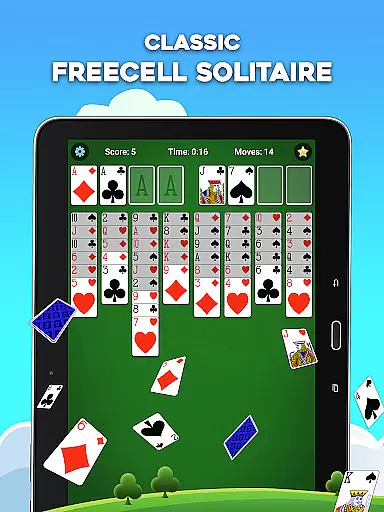
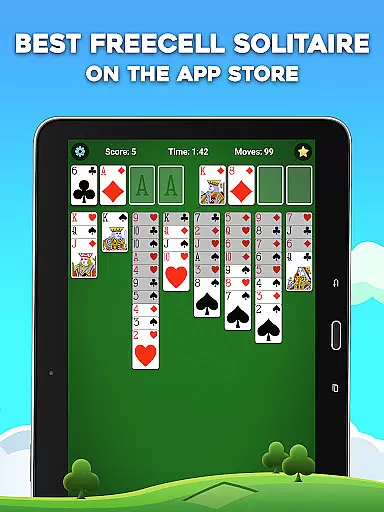
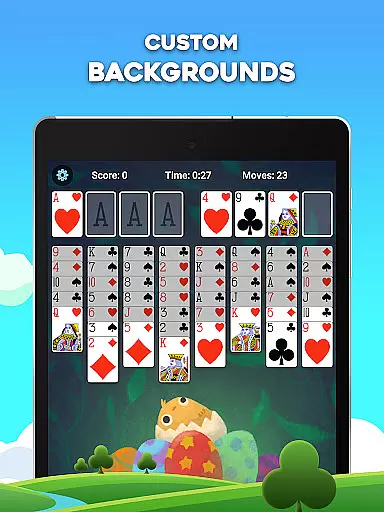
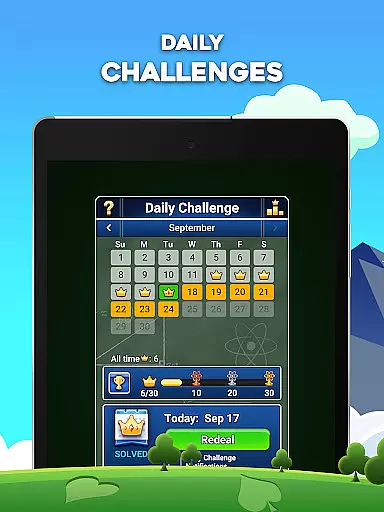
FreeCell Solitaire is a premier destination for classic card game enthusiasts, offering an engaging blend of strategy and relaxation. This free-to-play mobile application provides players with intuitive controls and smooth gameplay, making it ideal for both casual and experienced gamers. Available on mobile platforms, the app delivers a perfect balance of mental challenge and leisure, allowing users to train their brains while enjoying some downtime.
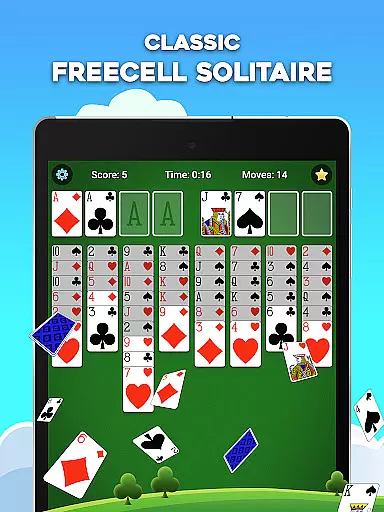
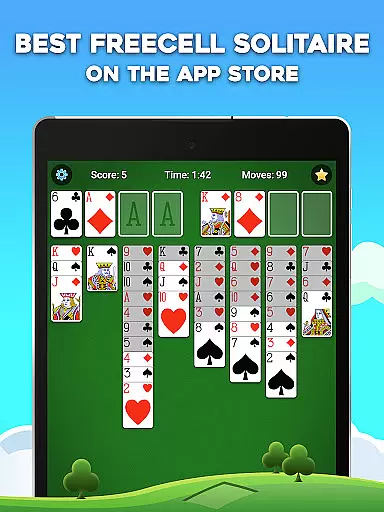
The game stands out through its strategic depth and puzzle-solving elements, requiring players to plan each move carefully. With features like the four free cell spots acting as placeholders, FreeCell Solitaire enhances traditional solitaire by adding layers of complexity. The goal is to stack all 52 cards in ascending order by suit, ensuring that precision and strategy are at the forefront of the experience. Its appeal lies in its ability to offer countless hours of entertainment while sharpening cognitive skills.
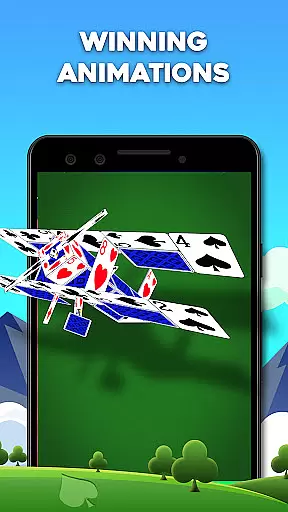
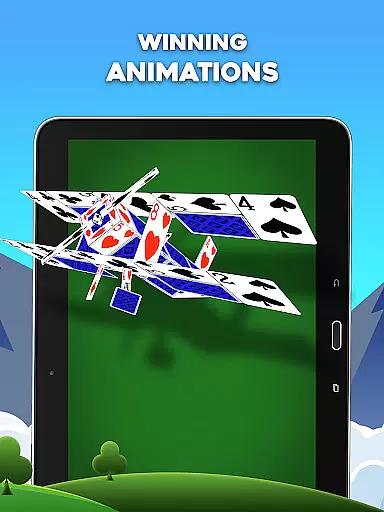
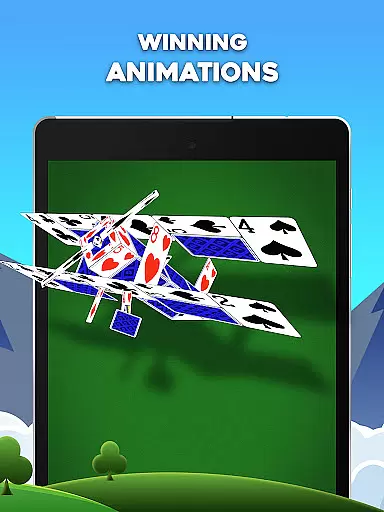
Whether you're looking to unwind after a long day or seeking a mental workout, FreeCell Solitaire offers endless replayability. Its offline functionality ensures uninterrupted gaming sessions without the need for Wi-Fi, while its modern design brings a classic game into the digital age. The app's immersive graphics and seamless animations make every card move feel natural, providing a polished user experience that keeps players coming back for more.
FreeCell Solitaire boasts a variety of features that enhance the classic card game experience. One standout aspect is its strategic gameplay, which incorporates puzzle-solving elements. Players must use the four free cell spots as placeholders to maneuver cards effectively, creating a deeper layer of engagement compared to traditional solitaire games. This added complexity challenges users to think critically and plan their moves with precision, making each game a unique experience.
In addition to its core mechanics, the app offers several modes tailored to different play styles. Whether you prefer a relaxed pace or a more intense brain-training challenge, FreeCell Solitaire adapts to your preferences. The inclusion of leaderboards adds a competitive edge, allowing players to compare scores and climb ranks. Furthermore, the app's gorgeous graphics and smooth animations provide an aesthetically pleasing environment, ensuring that every interaction feels fluid and natural.
Another notable feature is the game's accessibility. FreeCell Solitaire can be played offline, removing the need for constant internet connectivity. This makes it perfect for gaming on the go, whether during commutes or while traveling. Additionally, its modern design combines nostalgic charm with contemporary convenience, appealing to both longtime fans and newcomers alike. With thousands of possible card combinations, the game promises endless replayability, keeping players engaged for hours on end.
Random Number Generation (RNG) fairness is crucial in card games like FreeCell Solitaire to ensure every game starts with a unique and unpredictable shuffle. This randomness guarantees that no two games are the same, providing players with a fresh experience each time they play.
FreeCell Solitaire employs certified RNG algorithms that have been rigorously tested for fairness and unpredictability. These algorithms undergo regular audits by independent bodies to maintain high standards of randomness, ensuring that every player has an equal chance of success based solely on skill and strategy.
The certification process involves statistical analysis to verify that the distribution of cards follows expected probabilities. This meticulous attention to detail reassures players that their gaming experience is both fair and challenging, enhancing trust and engagement with the game.
By prioritizing RNG fairness and certification, FreeCell Solitaire fosters a competitive yet enjoyable environment where players can focus on honing their skills without worrying about biased outcomes or repetitive patterns.
Control fluidity and input latency are essential factors in delivering a seamless and responsive gaming experience. In FreeCell Solitaire, these elements are meticulously optimized to ensure that every move feels natural and immediate, allowing players to focus on strategy rather than technical distractions.
The game's interface is designed to respond instantly to user inputs, whether players are dragging cards across the tableau or tapping to select them. This immediacy enhances the overall gameplay experience, making each action feel precise and satisfying.
Input latency is minimized through efficient coding practices and leveraging modern device capabilities. By reducing the delay between a player's action and the gameu2019s response, FreeCell Solitaire maintains a smooth flow that keeps players immersed and engaged.
Furthermore, the fluid controls contribute to an intuitive learning curve, enabling both newcomers and experienced players to quickly adapt to the game mechanics. This accessibility ensures that everyone can enjoy the strategic depth of FreeCell Solitaire without being hindered by cumbersome or unresponsive controls.
Intuitive controls
Strategic depth
Offline play
Beautiful graphics
Endless replayability
Limited social features
No in-game tutorials
Ads between games
Occasional bugs
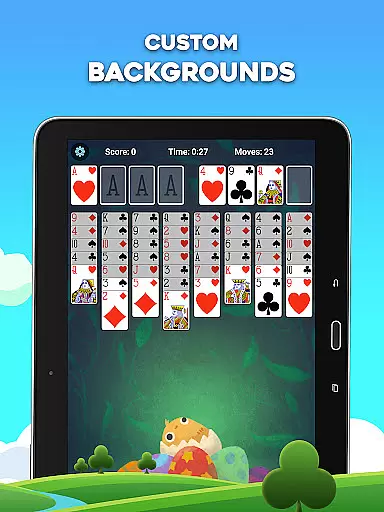
Few customization options

Become a hero or a villain as you make choice in the fairy Middle Ages!
 3.50
3.50
Play Solitaire card game and experience pure brain training.
4.50
Strategy and luck combine in our favorite partnership card game.
4.2
GWENT: Rogue Mage is a single-player expansion to GWENT: The Witcher Card Game
3.50
Classic Solitaire Game: Brain training & relaxation!
4.20
Build a dice pool to purify Astrea's corruption and save the Star System.
4.10
Beautiful customisable Klondike challenge - 3 levels, 1 or 3 card draw!
4.60
Classic Solitaire with big cards, smooth play, beautiful themes, and hints!
4.40
Classic Solitaire. The most famous card game in the world!
4.50
Solitaire Games: Play fun card games and boost your IQ!
4.80
The official digital adaptation of the beloved card game Morels.
4.70
Enjoy a beautiful solitaire card game with classic rules and relaxing play.
4.60
Classic Solitaire Game - Play Original Klondike Solitaire Card Games to Relax
4.60
Find dragons in mysterious land and play card games.
4.60
Defeat your landlord in this slot machine roguelike deckbuilder!
4.60
The Fox in the Forest is a beautifully illustrated trick-taking card game.
4.50
The card-crafting deck-builder by AEG
3.50
The classic Solitaire card game, with intuitive game-play and stunning graphics.
3.10
Decked Builder is the premium deck building app for Magic the Gathering (MTG)
2.90


User Reviews