
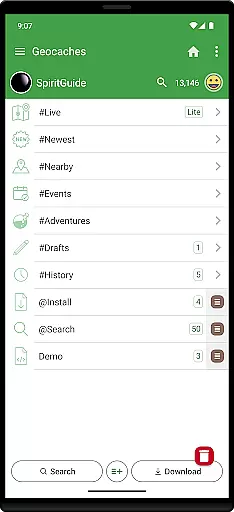
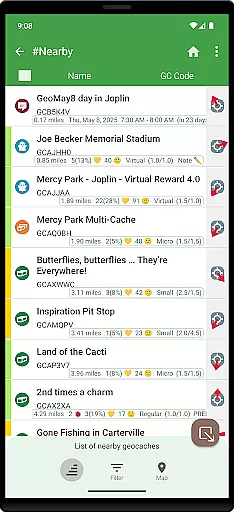
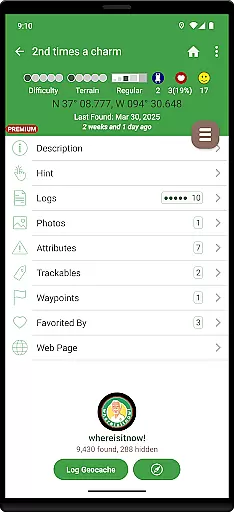
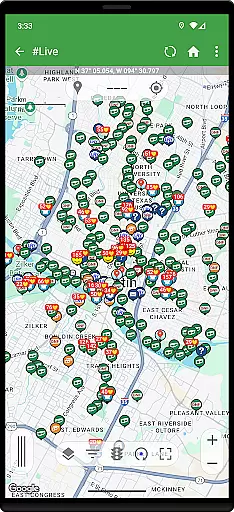
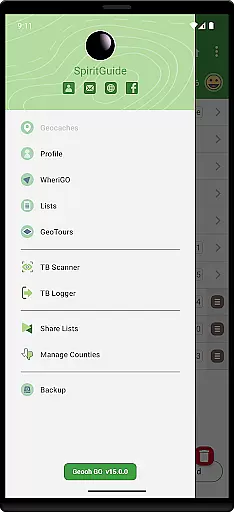
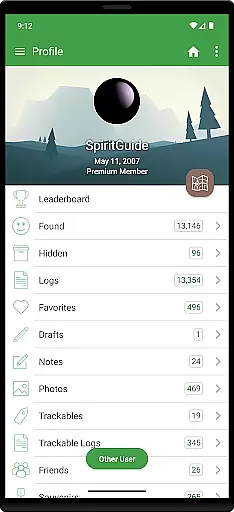
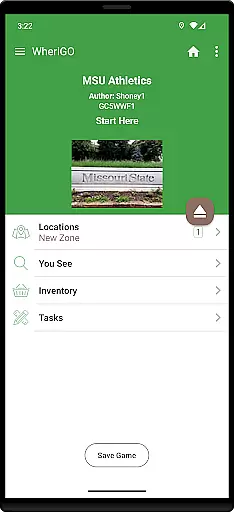
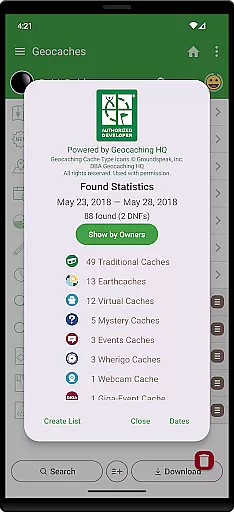
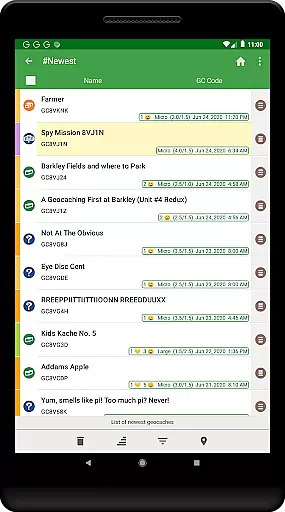
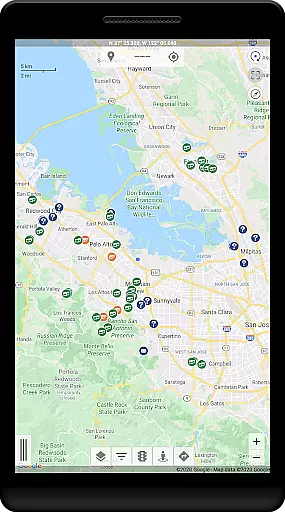
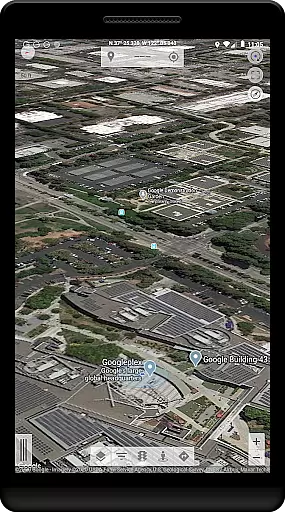
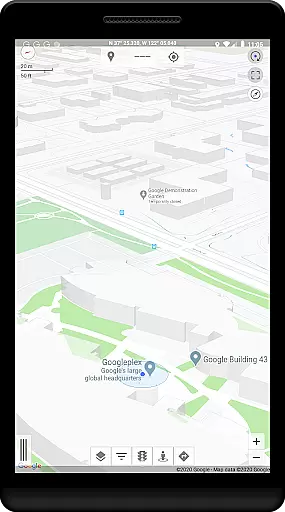
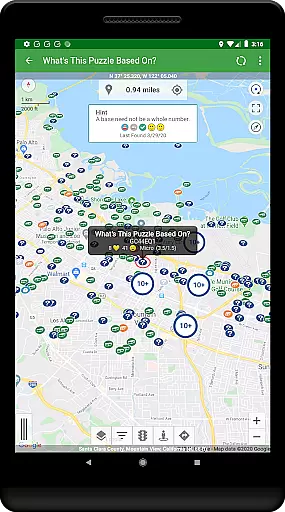
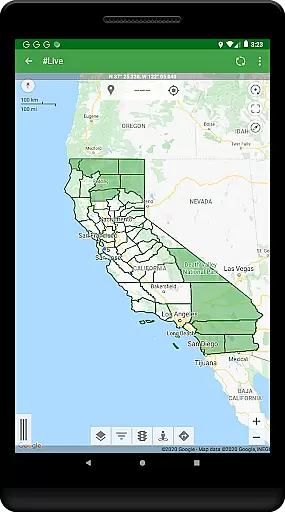
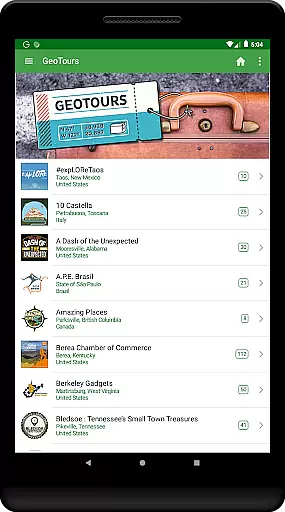
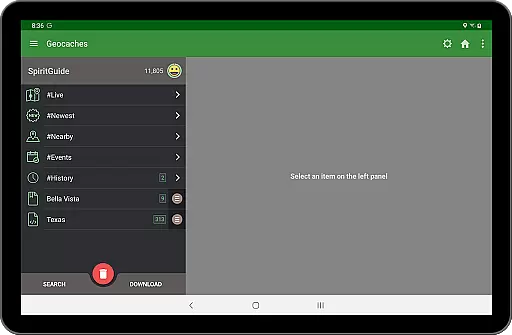
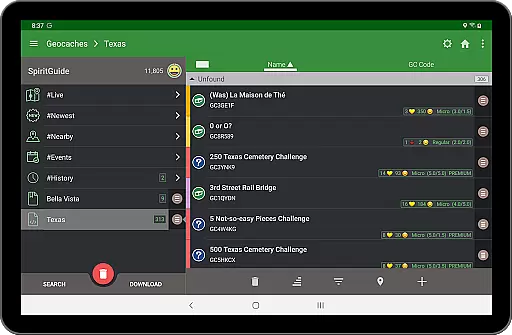
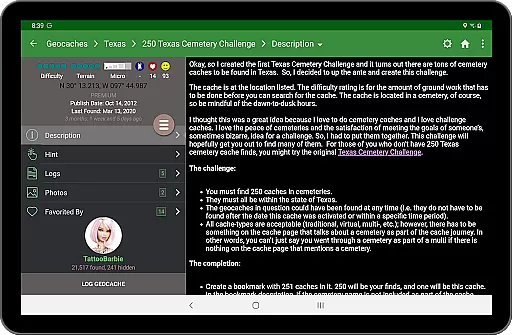
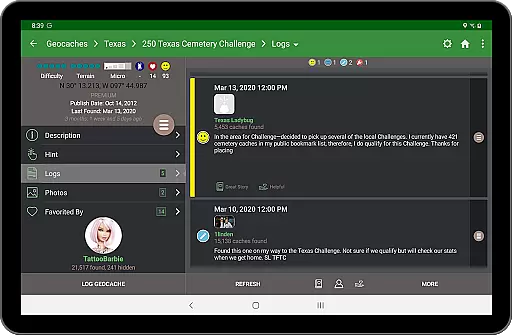
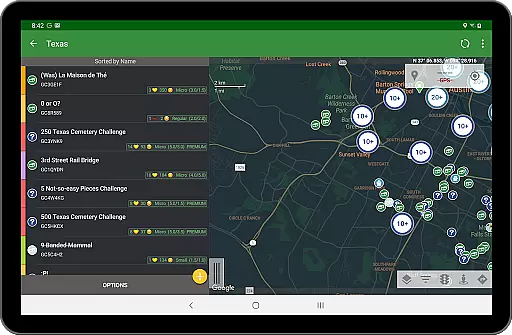
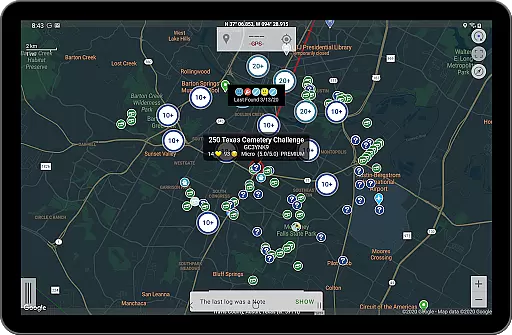
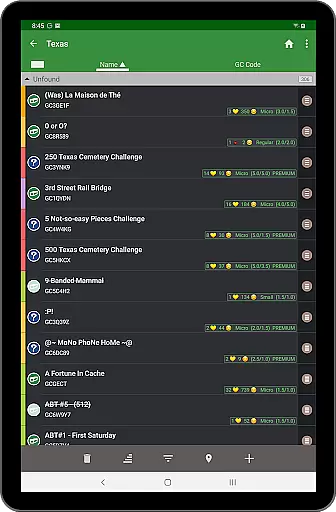
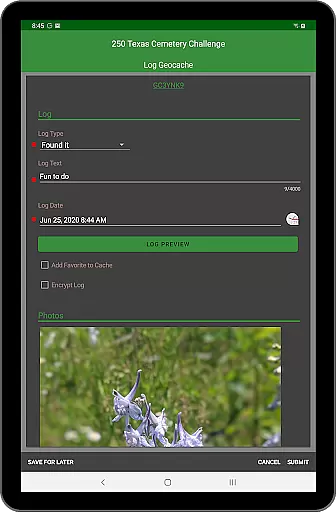
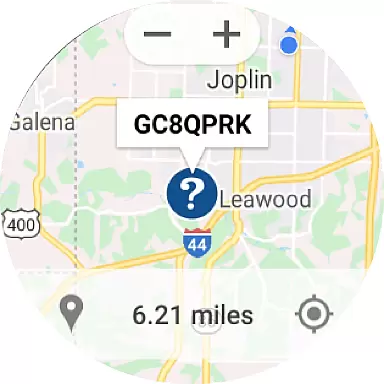
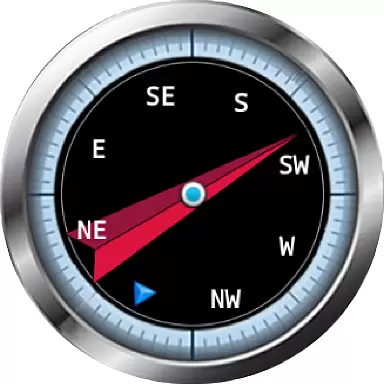
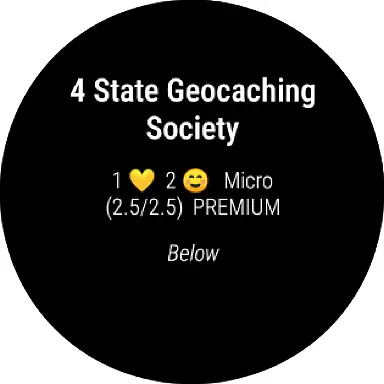
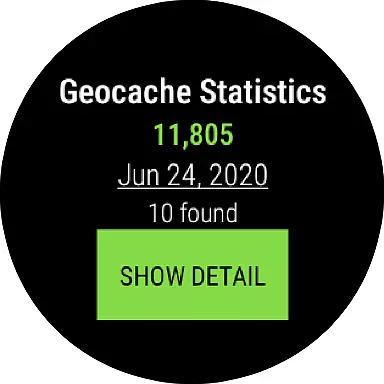
Geooh GO is a premium geocaching application designed for serious and advanced geocachers. It stands out as the most feature-rich option available in the geocaching app market today. The app offers an intuitive interface that is both visually appealing and user-friendly, making it easy to navigate through various geocaching activities.
Apart from standard geocaching functionalities, Geooh GO provides unique features such as automatic detection of nearby geocaches while driving, integration with Android Auto, and a companion Wear OS app. These specialized tools cater to geocachers who demand enhanced capabilities and seamless experiences across different devices. With its requirement for a Premium membership at geocaching.com, Geooh GO ensures a high-quality experience tailored for dedicated enthusiasts.
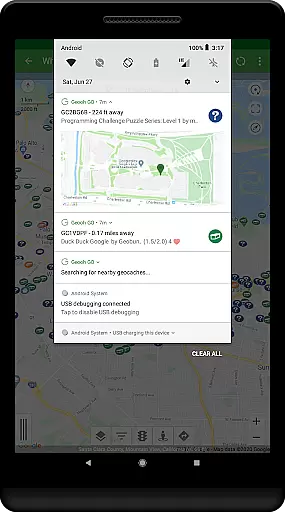
Geooh GO boasts an impressive array of features that set it apart from other geocaching apps. One standout functionality is its ability to automatically discover nearby geocaches while users are on the move. This requires granting the app foreground location permissions, ensuring real-time updates without compromising privacy since all location data remains local.
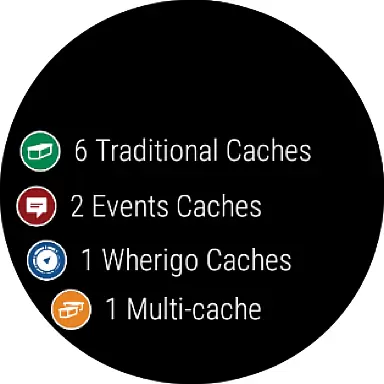
In addition to core features, Geooh GO offers optional subscriptions for advanced capabilities. Subscribers gain access to an Android Auto app displaying up to six nearby geocaches directly on their car's display. Furthermore, the companion Wear OS app includes complications, daily stats tiles, and maps showing selected geocaches. These integrations provide unparalleled convenience and enhance the overall geocaching experience by keeping essential information readily accessible.
Geooh GO stands out in the realm of geocaching apps by offering a rich and dynamic content experience. The app provides users with access to an extensive database of geocaches, ensuring that there is always something new and exciting to discover. This constant update of content keeps the experience fresh and engaging for both new and seasoned geocachers.
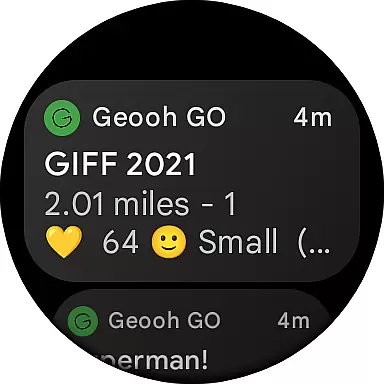
The app's ability to automatically find nearby geocaches while driving adds another layer of content variety. By leveraging Android's foreground location permission, Geooh GO continuously searches for geocaches in the vicinity, providing real-time notifications when one is found. This feature ensures that users are always aware of nearby caching opportunities, enhancing their overall experience.
In addition to its core features, Geooh GO offers optional enhanced subscriptions that include additional content through companion apps. These include an Android Auto app that displays up to six nearby geocaches on a car display and a Wear OS app with daily stats and maps. Such integrations not only diversify the content but also make it more accessible across different devices.
For serious geocachers looking for depth and breadth in their caching adventures, Geooh GO delivers unmatched content variety and freshness. Its advanced features cater to those who crave more than just basic geocache listings, making every outing a unique exploration filled with potential discoveries.
User engagement and retention are critical factors for any successful application, and Geooh GO excels in these areas by providing tools that keep users actively involved. One key aspect is the app's sophisticated notification system, which alerts users when nearby geocaches are found. These timely notifications encourage users to open the app frequently, thus increasing engagement duration.
Another significant feature contributing to user retention is the optional subscription service that includes companion apps for Android Auto and Wear OS. The Android Auto app enhances user engagement by displaying nearby geocaches directly on the car dashboard, allowing users to plan their next adventure without interrupting their drive. Meanwhile, the Wear OS app offers daily statistics and quick access to maps, keeping users engaged even when they're not actively searching for caches.
Geooh GO also fosters long-term retention by catering specifically to serious geocachers who require advanced functionalities. By offering premium features such as automatic geocache detection and detailed local information, the app ensures that experienced users have compelling reasons to remain loyal over time.
Ultimately, Geooh GO creates a comprehensive ecosystem where users can immerse themselves in geocaching activities across multiple platforms. This interconnected approach not only boosts initial engagement but also supports sustained interest, leading to higher retention rates among its dedicated user base.
User-friendly interface
Advanced geocaching tools
Seamless device integration
Real-time location tracking
Comprehensive feature set
Premium membership required
Higher cost compared to basic apps
Complex for beginners
Limited support for non-premium members
Subscription fees for extra features

Tarot & Oracle Card Readings
 4.50
4.50
Air Horn - Siren Sounds Prank, Fun way to wake up your Friends and Family
4.1
Disney Stickers: Zootopia 2
4.1
Triple A is a highly complex, kinetic, and interactive visualizer.
4.50
The JBL Portable app works with JBL portable Bluetooth speakers.
4.60
Premium version to enjoy your favorite anime
4.60
Official KennysGifs Stickers
4.20
Daily immersive workout plan: Body warm up & finger yoga exercises
3.80
Your Avatar, Endless Fun
4.60
Colorful flows will relax and calm you down, or get you trippy and creative!
4.90
Catalog & tracker of your DVD, Blu-ray & Digital Movie and TV Collection Library
4.80
Original short dramas with diverse genres for a rich viewing experience!
4.80
Exclusive creator communities
4.70
Classic dynamic pixel art from Mark Ferrari.
4.70
Fun brain twisting challenge with trending Whirlpool Filter.
4.70
Watch short films, dramas, reels, series and movies anytime on Micro Drama.
4.60
Earn gift cards for playing games. Become a real game tester!
4.40
A companion app for the game Elite Dangerous
4.10
Browse popular images and videos from Reddit on Android TV!
3.90


User Reviews