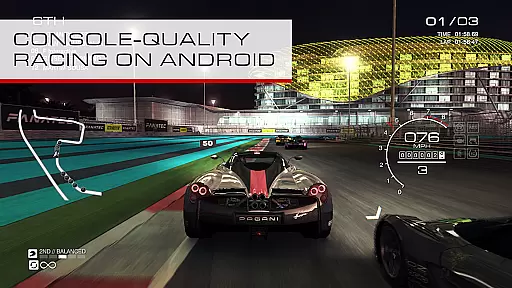
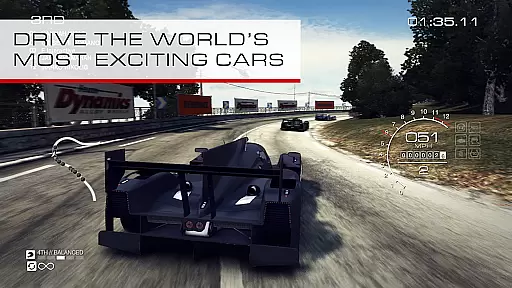
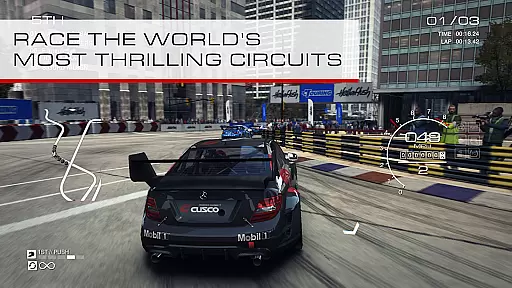
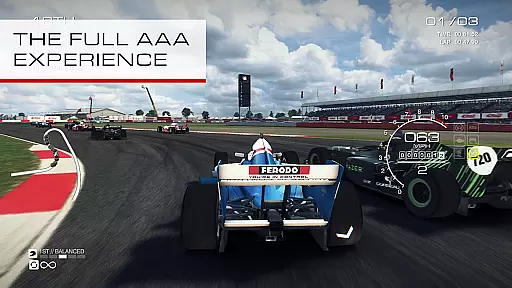
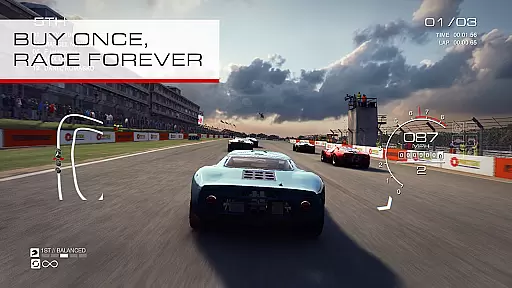
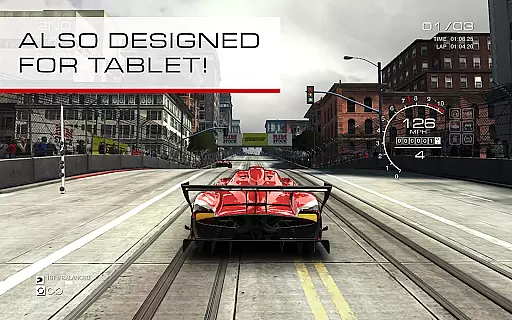
GRID Autosport is a high-octane racing game that combines realistic simulation with thrilling arcade action. Designed for both casual and hardcore racing fans, it offers an authentic driving experience across multiple racing disciplines.
The game features over 100 cars and circuits, customizable controls, and scalable difficulty settings. Whether you're competing in Open-Wheel races or mastering Street Races, GRID Autosport delivers an immersive experience on compatible Android devices.
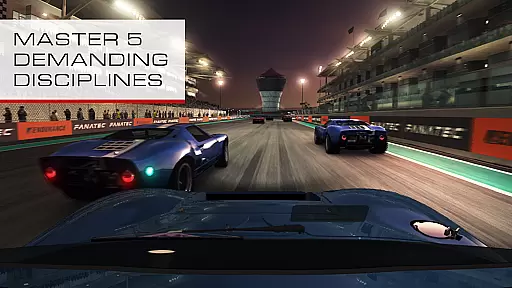
GRID Autosport stands out with its diverse range of racing modes, including Open-Wheel, Touring, Drift, and more. Each mode offers unique challenges and requires different driving skills, providing endless replayability.
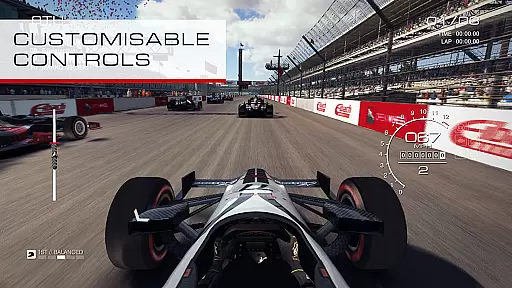
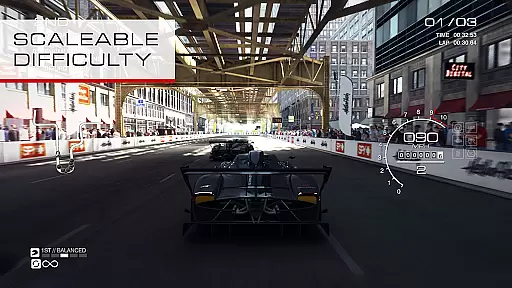
The game boasts an impressive selection of 100 high-performance cars and tracks. Players can customize their controls with options like Tilt, Wheel Touch, and Arrow Touch, ensuring a personalized driving experience. The scalable difficulty system allows racers of all skill levels to enjoy the game at their own pace.
GRID Autosport delivers an exceptional level of handling physics realism that strikes a perfect balance between simulation accuracy and arcade fun. The game is engineered to provide players with a true-to-life driving experience while maintaining the excitement of high-speed racing.
The developers have meticulously crafted the physics engine to replicate real-world vehicle dynamics. Each car responds authentically to driver inputs, road conditions, and environmental factors, ensuring every turn, acceleration, and braking moment feels precise and realistic.
This attention to detail benefits players by offering a more immersive experience. Whether you're navigating tight street circuits or mastering endurance races, the realistic handling physics enable deeper mastery and skill development.
Ultimately, this feature transforms GRID Autosport into more than just a racing game; it becomes a platform for honing your driving skills. Players can genuinely feel the difference between various car classes and develop a finer understanding of racing techniques.
In GRID Autosport, control precision and minimized input latency are paramount to delivering a responsive and engaging racing experience. The game offers multiple control schemes, including Tilt, Wheel Touch, Arrow Touch, and gamepad support, each optimized for accurate response times.
The developers have prioritized reducing input lag to ensure that every maneuver, from sharp turns to gradual drifts, is executed exactly as intended. This precision allows players to maintain complete control over their vehicles, even in the most demanding racing scenarios.
Players benefit from this meticulous focus on responsiveness as it directly impacts their performance. Quick reflexes and precise inputs can mean the difference between victory and defeat, especially in competitive multiplayer modes or challenging AI races.
By combining customizable controls with low-latency responsiveness, GRID Autosport ensures that all players, regardless of their preferred input method, enjoy a seamless and intuitive driving experience that keeps them coming back for more.
Realistic physics engine
Extensive car selection
Variety of race modes
Customizable controls
Scalable difficulty
Large file size
High-end device required
No multiplayer mode
Limited free content
Occasional bugs

Addictive stunt car game with awesome jump track challenges and cars
 4.50
4.50
Drive and destruction enemies cars
4.2
Race, Drive and Tune Real Cars in the Ultimate Street, Drag & Drift Simulator!
4.80
Once you start you can’t stop. Run, jump & win in the epic obstacle course games
4.30
Drive to the finish line.
4.5
The Drag Racing Game where you build your Dream Driving Car Collection!
4.60
Race uphill to win in this offline physics based driving game!
4.20
Experience multiplayer races with fast cars and motorcycles.
4.60
Master the controls and become the legendary motorcycle rider in the Open World
4.70
Console quality rally racing
4.70
One second to go, engine at the limiter, judges ready — this is real drifting!
4.60
Need for speed to burn the asphalt and compete with rider across the world!
4.60
Become a legend in the irresistible successor to GRID Autosport.
4.60
Real F1 action. Compete in strategic multiplayer races and climb the ranks.
4.50
Drive Car in drive simulator! Driving, bus simulator & parking games for fun!
4.30
Feel the life of a real gangster. Cars, racing and crimes in the big mad city!
4.10
Play open world offroad simulator car game. Drive cars over mud, sand and snow.
4.00
Manage race team strategy and build a motorsport team!
4.00
Drive and crash trucks in arenas, test zones and intercity routes.
4.1


User Reviews