
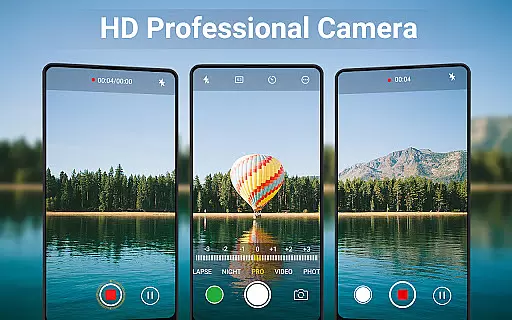
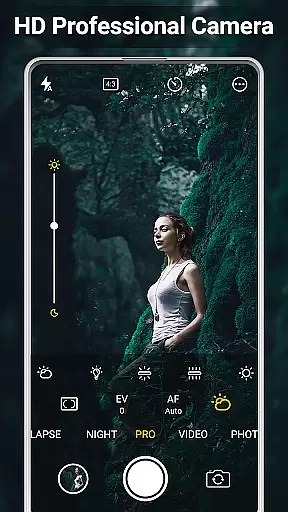
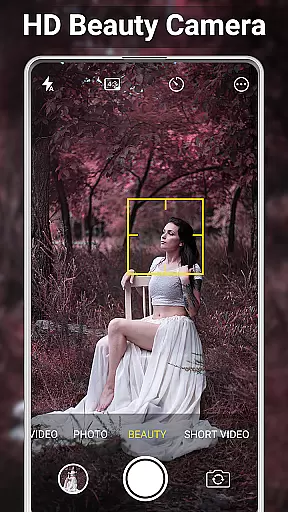
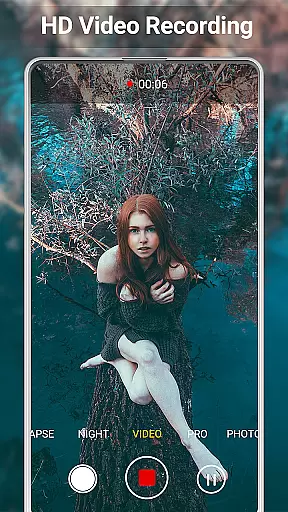
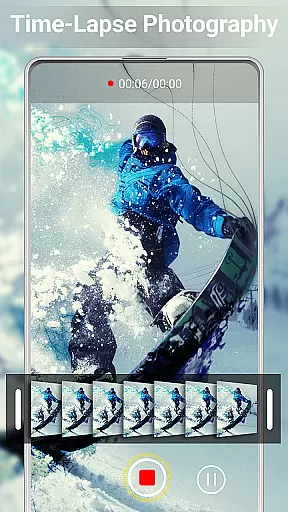
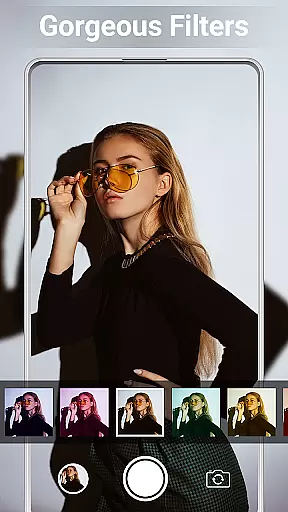
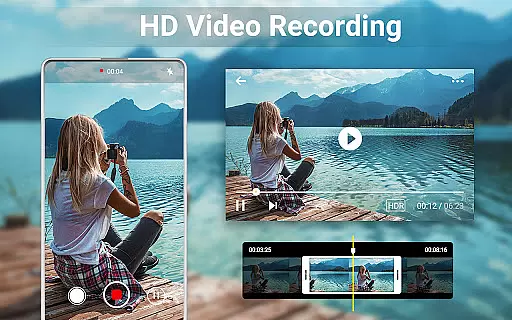
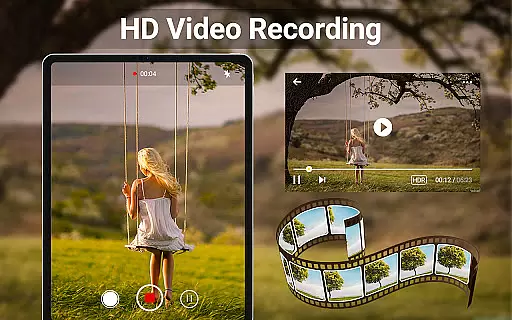
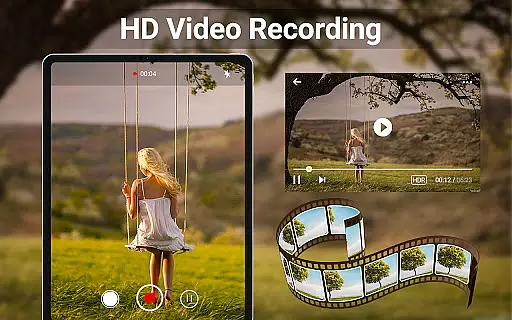
HD Camera for Android is a feature-rich beauty camera app designed to capture stunning 4K photos and videos. The application offers professional-grade capture modes, real-time filters, and advanced face detection capabilities, making it an ideal tool for users who want high-quality selfies and video content on their Android devices.
Beyond its core functionality, HD Camera also provides robust photo and video editing tools. Users can easily crop images, create photo collages, and trim videos. With additional features like HDR support, continuous shooting, and customizable save paths, this app caters to both amateur photographers and social media enthusiasts looking to enhance and share their visual content effortlessly.
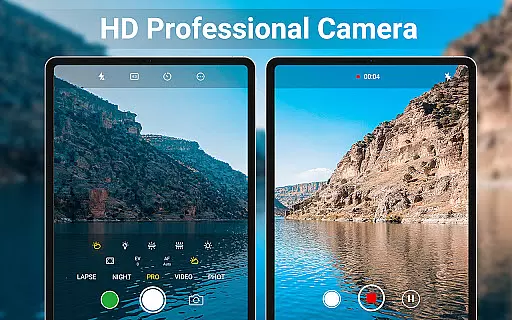
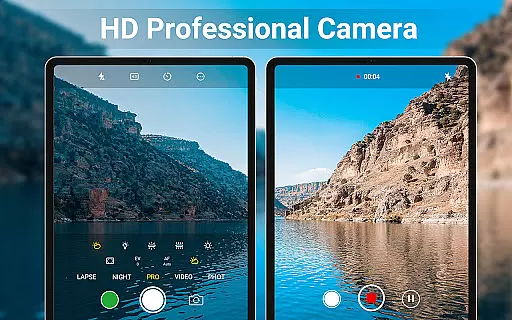
One of the standout features of HD Camera is its professional capture mode, which includes scene modes, color effects, white balance adjustments, ISO settings, and exposure compensation. These options allow users to fine-tune their photography experience according to different environments and lighting conditions.
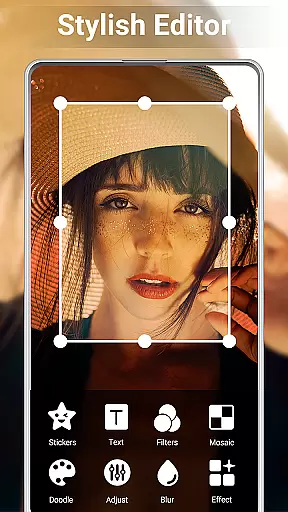
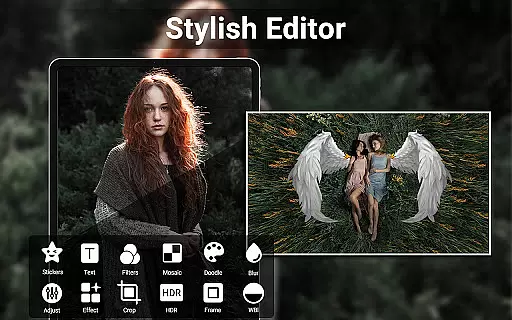
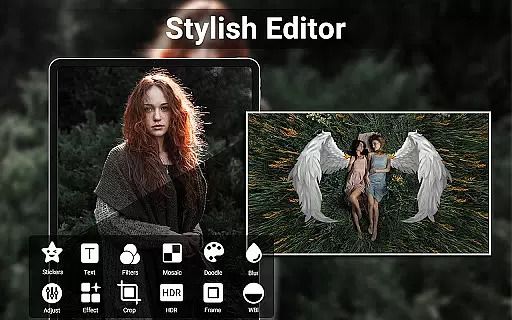
In addition to capturing high-quality images, the app offers powerful editing capabilities. The built-in photo editor lets users adjust brightness, contrast, vignette, fade, and temperature. For those interested in creative compositions, the collage maker and photo grid functions enable the quick creation of visually appealing photo collages. Video trimming is equally straightforward, ensuring that users can edit their footage with minimal effort.
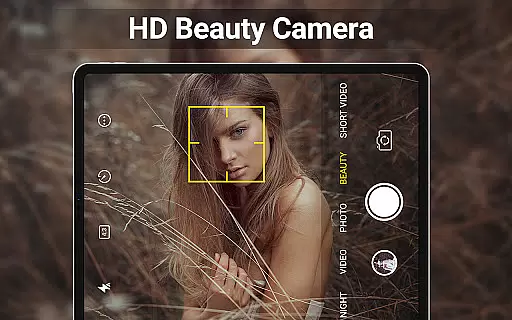
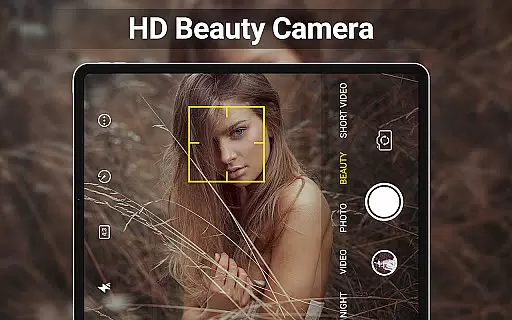
Other notable features include intelligent face detection, auto-stabilization, and real-time filter previews. Users can also apply timestamps, GPS location tags, and custom text to their photos, adding an extra layer of personalization and utility to their images.
When it comes to beauty and photography applications, having a comprehensive product database is crucial for user satisfaction. HD Camera for Android offers an extensive array of features that cater to both amateur and professional photographers. The app includes advanced functionalities such as 4K video recording, professional capture modes, and real-time filters, ensuring users can access a wide range of tools to enhance their photography experience.
The application's product database extends beyond just basic camera operations. It encompasses scene modes, color effects, white balance adjustments, ISO settings, and exposure compensation. These features are meticulously integrated to allow users to fine-tune their images and videos according to their preferences and environmental conditions. Such depth ensures that users have all the necessary tools at their disposal to produce high-quality content.
For those interested in post-production, HD Camera provides robust editing capabilities. Users can adjust brightness, contrast, vignette, fade, and temperature, among other parameters. Additionally, the app supports photo collages and video trimming, making it a versatile tool for creative expression. This breadth of options empowers users to edit and enhance their media directly within the app, streamlining their workflow and boosting productivity.
Personalization is key in todayu2019s digital age, where users expect apps to cater specifically to their individual needs and preferences. HD Camera for Android excels in delivering precise personalization options that allow users to tailor their photography experience. With intelligent face detection and auto-stabilization features, the app ensures that every shot is perfectly framed and stabilized, providing a seamless user experience.
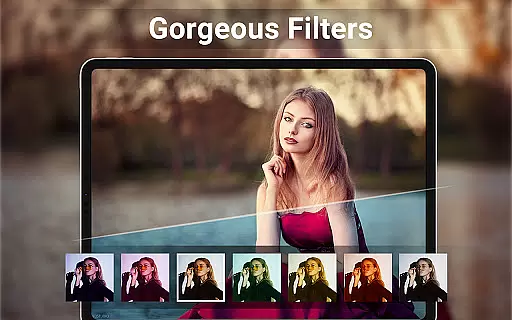
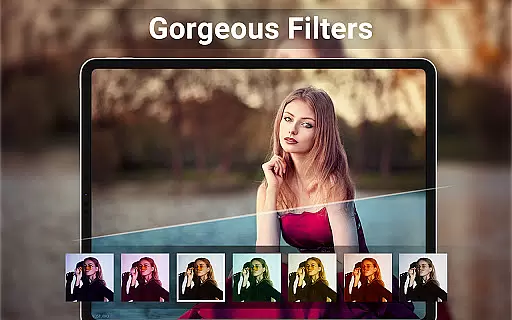
The real-time filter feature is another standout aspect of HD Camera, enabling users to preview filter effects before capturing photos or videos. This allows for greater creative control, as users can experiment with different aesthetics and choose the one that best suits their vision. Furthermore, the app offers various scene modes and color effects, giving users the flexibility to adapt their camera settings to different environments and lighting conditions.
HD Camera also includes advanced customization options such as white balance, ISO, and exposure compensation, allowing users to fine-tune their camera settings for optimal results. Whether capturing a serene landscape or a dynamic action shot, these personalized settings ensure that users can achieve their desired outcome with precision. By offering such detailed personalization, HD Camera stands out as a top choice for those seeking a customizable and intuitive photography app.
User-friendly interface
High-quality 4K capture
Real-time filter effects
Advanced editing tools
Customizable settings
Occasional performance lags
Ads in free version
Limited advanced features
Consumes more storage
Requires learning curve

Glow up with science: cosmetics, ingredients scanner, tracking & face analysis
 4.10
4.10
Intelligent Beauty calculator tool! Face scale and face symmetry in one app!
3.80
Your future self face age old or young from camera selfie into beautify videos
4.0
Enhance your selfies with face beauty makeup tool and an easy background remover
4.70
Get Smart About Your Skin with Fully Personalized Beauty Tech!
4.80
Use your phone as a makeup mirror, shaving mirror. Magnifying mirror with light!
4.80
AI Stylist, Try On Millions Of Clothes In Any Brand & Style, AI Clothes Changer
4.70
Seasonal color palette, my personal color, hair color changer, makeup, wardrobe
4.20
For businesses, Booksy Biz allows you to manage your schedule & more on the go.
4.60
Salon appointment booking and scheduling software for beauty pros and barbers.
4.80
Manage your daily skin care beauty regimen & track your skin's progress.
4.70
A tool that brings skin care and technology together at your fingertips.
4.50
Winter picture editor: Christmas stickers, frames for photos & Christmas cards.
4.40
Professional HD Camera App: Capture Bright HD Selfie & Record Stunning Moments
4.40
Shop Smarter, Dress Better, and Shine Brighter!
4.10
Try on different hairstyles and hair colors, glasses and jackets | Cartoon face
4.10
The all new Cosmo Prof app offers exclusive pro products, deals, and training.
4.00
Change your hairstyle and color instantly with AI-powered virtual makeovers.
3.90
This barber game allows you to create and design hair styles on diverse people
3.80


User Reviews