
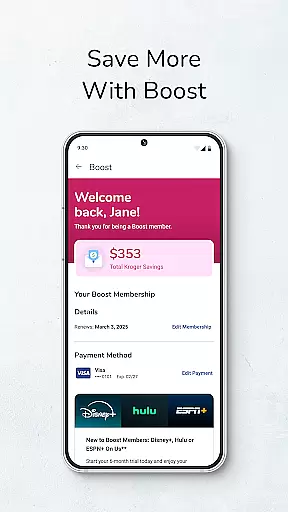
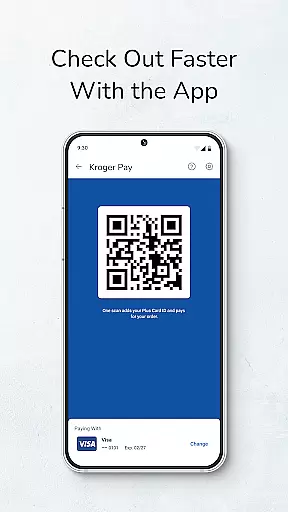
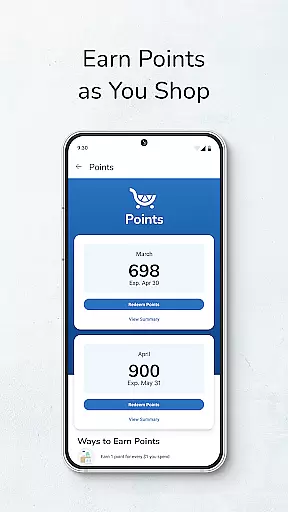
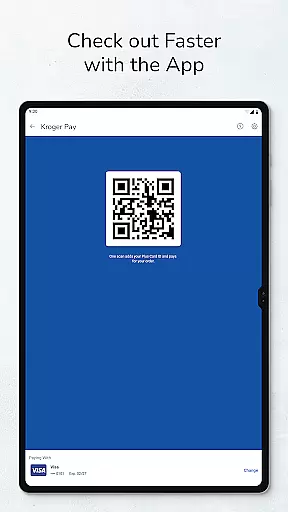
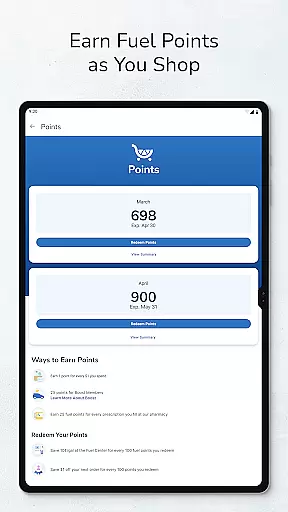
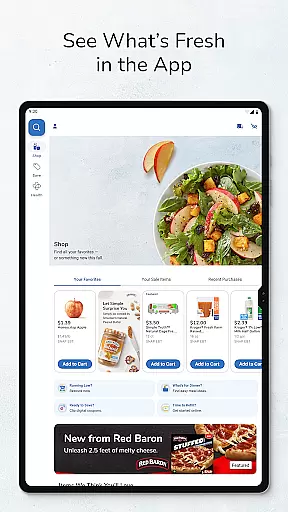
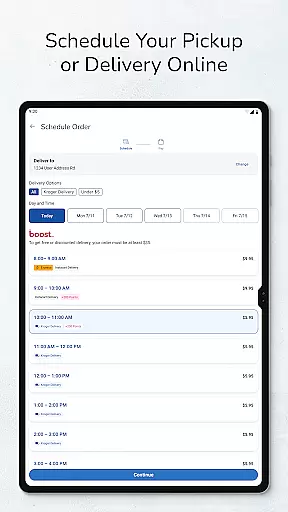
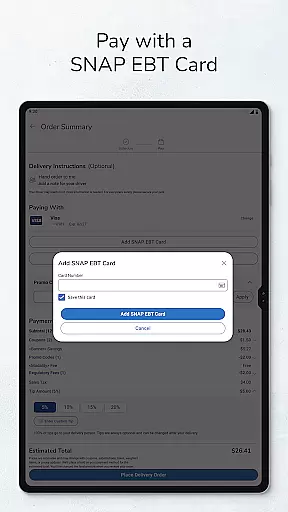
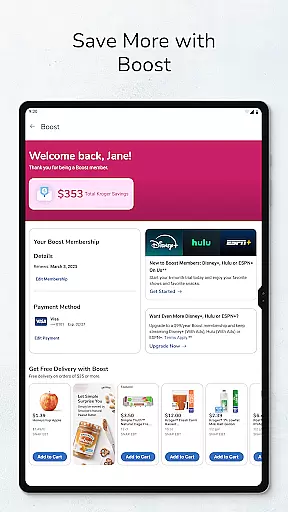
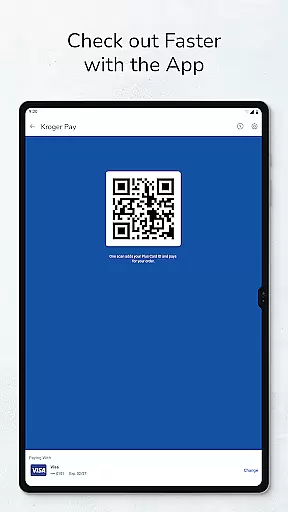
Kroger is a comprehensive shopping app designed to provide users with a faster, easier, and more rewarding shopping experience. The app allows customers to shop for pickup or delivery directly from their mobile devices, making grocery shopping more convenient than ever.
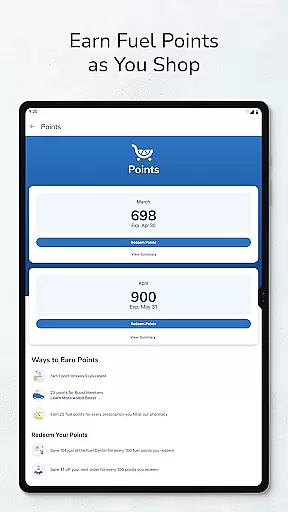
With features like digital coupon loading, prescription refills, fuel point checking, and personalized offers, Kroger ensures that users can save both time and money. Whether you're building an online shopping list, viewing weekly ads, or locating the nearest Kroger store, this app puts all essential shopping tools right at your fingertips.
The Kroger app is particularly beneficial for busy individuals who want to streamline their shopping routine while maximizing savings. By integrating various functionalities into one platform, it creates a seamless shopping experience that adapts to modern lifestyles.
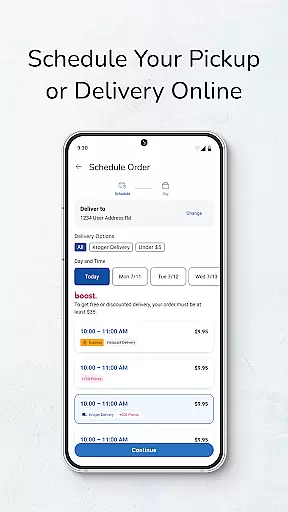
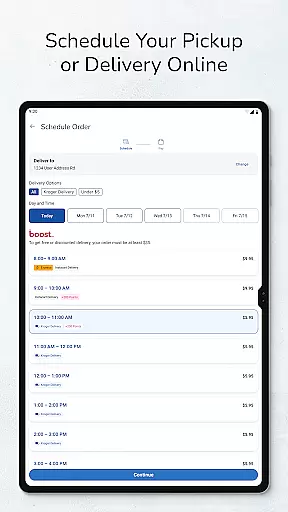
The Kroger app boasts an array of features that cater to different aspects of the shopping journey. One standout feature is the ability to shop for pickup or delivery directly through the app, which significantly reduces the time spent on grocery runs.
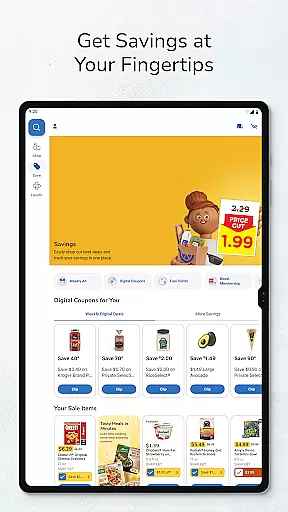
Users can easily build and manage their shopping lists digitally, add sale items from weekly ads, and load digital coupons onto their Shopper’s Card. The Smart Suggest feature recommends additional savings opportunities based on user preferences. Additionally, the app allows for prescription refills at Kroger Pharmacies and provides tools to check fuel points and locate nearby stores.
These features collectively enhance the overall shopping experience by offering convenience, personalization, and substantial savings opportunities. Each function is designed to simplify tasks and provide tangible benefits to the user, making everyday shopping more efficient and cost-effective.
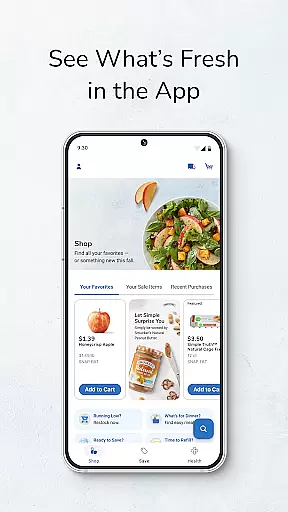
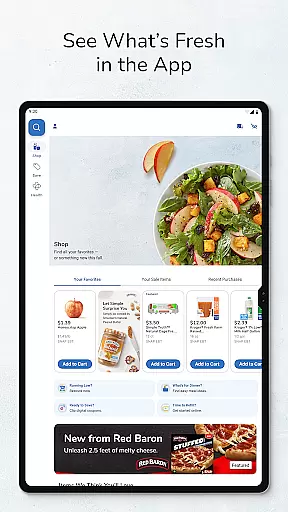
When it comes to shopping, having a wide range of products and clear categorization is essential for an efficient and satisfying experience. The Kroger app excels in this area by offering users access to a vast selection of items right at their fingertips. Whether you're looking for fresh produce, pantry staples, or specialty items, the app provides comprehensive categories that make browsing and finding products a breeze.
The app's interface allows shoppers to easily navigate through different sections, such as dairy, bakery, deli, and more. Each category contains numerous products, ensuring that customers can find exactly what they need. Additionally, the Kroger app enables users to search for specific items and quickly add them to their shopping list. This feature not only saves time but also enhances the overall shopping experience by streamlining the process of locating and purchasing desired goods.
Moreover, the Kroger app goes beyond just listing products; it offers personalized suggestions based on user preferences and past purchases. This level of customization ensures that shoppers are presented with relevant options, making it easier to discover new products while staying true to their preferences. With these capabilities, the Kroger app significantly improves the way users interact with product offerings, leading to a more enjoyable and efficient shopping journey.
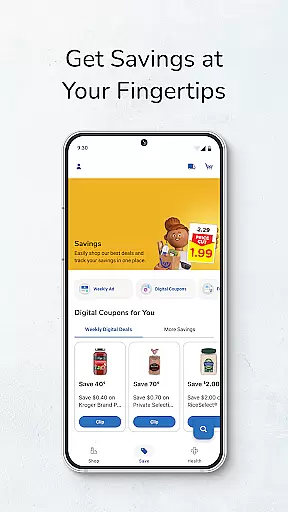
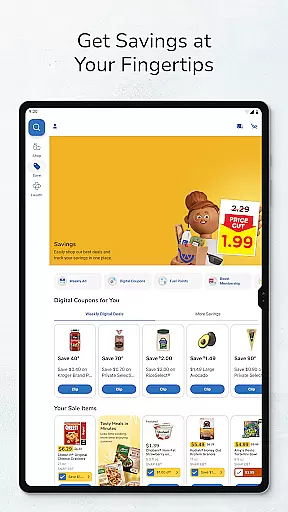
Pricing transparency and competitiveness are crucial factors for any shopper looking to save money while ensuring they receive quality products. The Kroger app addresses these needs by providing clear pricing information and various ways to maximize savings. Users can view current prices, weekly ads, and special promotions directly within the app, allowing them to make informed decisions about their purchases.
In addition to displaying regular prices, the Kroger app offers digital coupons that can be loaded onto a user's Shopperu2019s Card. These coupons provide instant savings on a wide array of products, enhancing the value shoppers receive. Furthermore, the app highlights sale items and exclusive promotions, enabling users to take advantage of limited-time offers and further reduce their expenses.
The Kroger app also includes features like Smart Suggest, which recommends additional savings opportunities based on the items in a user's cart. By suggesting alternative products or highlighting bulk purchase discounts, the app helps shoppers stretch their budgets further. Overall, the combination of transparent pricing, digital coupons, and smart suggestions makes the Kroger app a powerful tool for achieving competitive pricing and significant savings on grocery shopping.
User-friendly interface
Time-saving options
Cost-effective solutions
Personalized promotions
Convenient pharmacy services
Limited to Kroger shoppers
Requires account creation
Occasional bugs reported
Delivery fees may apply
Geographic restrictions

Stop overpaying. Grab coupons & deals for Walmart, Target, Amazon & more.
 4.80
4.80
E-commerce Wholesale Marketplace: Shop and save on all your business supplies
4.40
Headwear & Apparel
4.70
Cash back on everything you need! Join now to start earning cash back!
4.60
Easily split payments online & in-store. Buy now & pay later with Zip.
4.80
Furniture, Décor & Design Tips
4.80
One app for easy journeys.
4.60
Online shopping & digital coupons. Deals & local weekly ad in your myDG account
4.70
shop on Temu for amazing offers
4.60
Save with Coupons and Promotions
4.90
Shop latest fashion trends with fast shipping & thousands of new styles weekly.
4.80
Shop, plan, order, and save
4.70
Offering great hardware products.
4.70
Shop the latest items & unique used goods. Sell pre-loved items and earn money.
4.70
Get rewarded for every purchase you make, online or in-store!
4.60
NCPMobile is the easy and intuitive way to scan and transmit your purchases!
4.50
Buy & sell local items. Find amazing deals. Join the largest mobile marketplace!
4.40
Grooming, Training & Shopping
3.80
Shop and save from anywhere.
3.60


User Reviews