
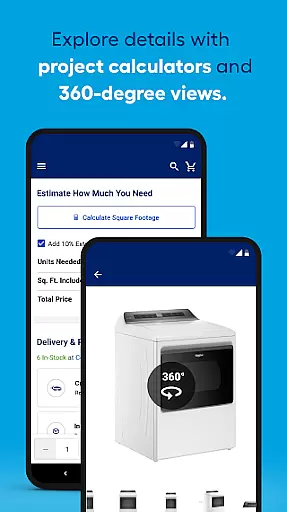
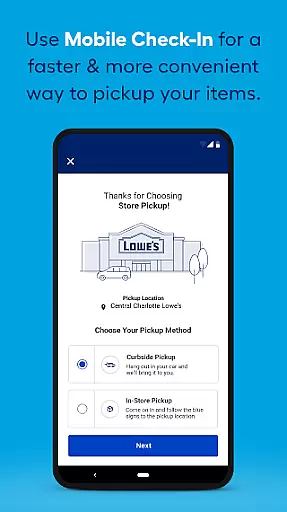
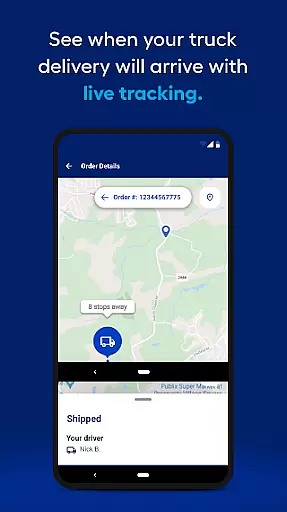
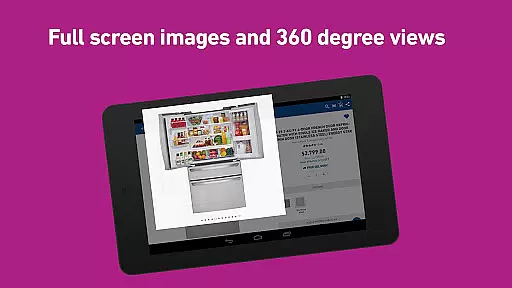
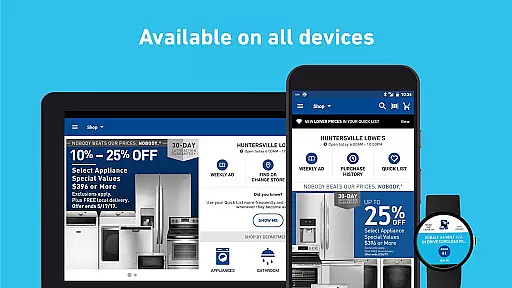
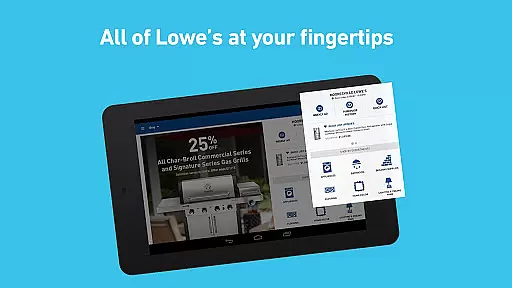
Lowe's app is a comprehensive shopping tool for home improvement enthusiasts. It allows users to search and shop thousands of products, from kitchen appliances to outdoor furniture, with zoomable images and 360° spins for detailed viewing. The app caters to both professionals and DIY enthusiasts, providing an efficient way to manage projects on the go.
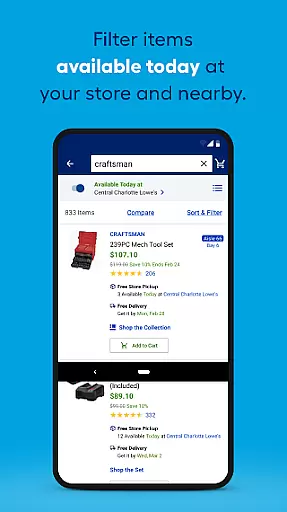
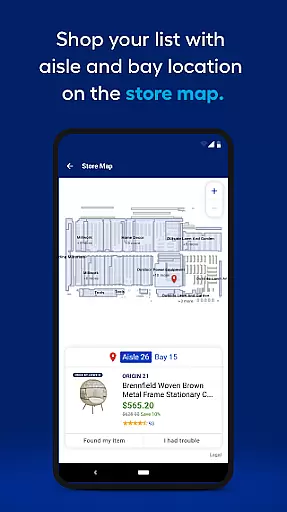
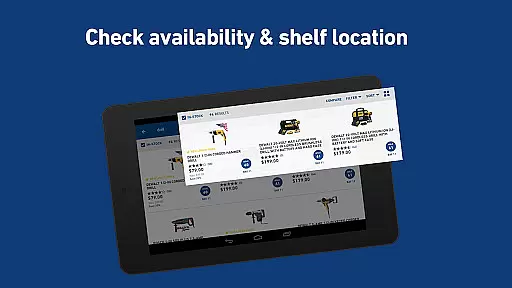
One standout feature is its in-store navigation system, which displays aisle and bay information directly on the product list page. This helps shoppers quickly locate items in physical stores. Additionally, users can filter results by in-stock status and check inventory across multiple locations with ease. The app also includes weekly deals, customer reviews, and community Q&A sections, making it a one-stop solution for all home improvement needs.
For those managing larger projects, the app offers features like order history with digital receipts, favorite lists, and custom widgets for quick access. These tools help streamline the shopping experience, saving time and effort. Whether you're planning a small DIY project or a major renovation, Lowe's app provides the resources and convenience needed to get the job done efficiently.
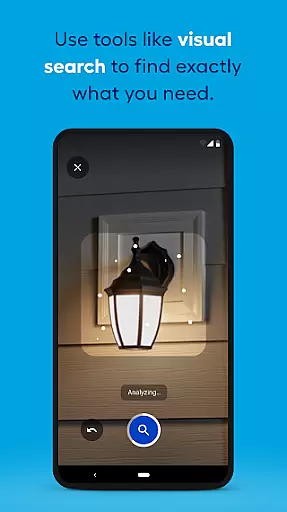
The Lowe's app stands out with its robust set of features designed to enhance the shopping experience. One key feature is the advanced product search functionality, which allows users to browse thousands of items with detailed images and 360° views. This ensures customers can make informed decisions before purchasing. The app also provides clear aisle and bay information on the list page, streamlining the in-store shopping process.
Another notable feature is the store finder tool, which helps users locate the nearest Lowe's store along with essential details like phone numbers, addresses, and drive time estimates. The app's weekly deals section offers exclusive discounts, while the customer ratings and reviews provide valuable insights from other shoppers. Additionally, the community Q&A platform enables users to ask questions and receive answers from manufacturers or previous buyers.
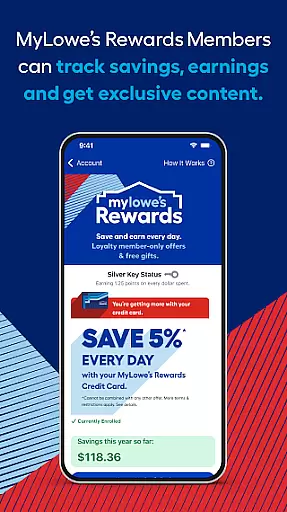
For frequent shoppers, the app includes convenient tools like favorite lists, custom widgets, and order history with digital receipts. These features allow users to save items, access their mylowes card, and track past purchases without needing to sign in. Overall, these functionalities work together to create a seamless and efficient shopping experience tailored to home improvement needs.
When it comes to home improvement, having access to a wide range of products is essential. Lowe's app offers an extensive selection of items across various categories such as kitchen appliances, paint, lumber, tools, and outdoor equipment. This vast inventory ensures that whether you are a professional contractor or embarking on a DIY project, you can find exactly what you need.
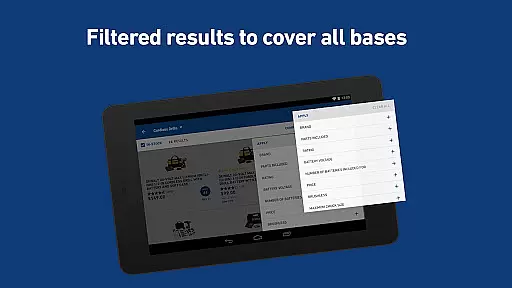
The app's interface is designed for easy navigation through these numerous product categories. With clearly labeled sections and intuitive search functions, users can quickly locate specific items or browse through related products. The ability to filter results by category streamlines the shopping process, making it more efficient and user-friendly.
Moreover, each product page provides detailed information including larger, zoomable images and 360u00b0 spins. These features allow customers to examine every detail before making a purchase decision. Such comprehensive visual representation enhances the online shopping experience by providing clarity and confidence in the chosen products.
Price transparency is crucial for shoppers looking to make informed decisions. The Lowe's app addresses this need by offering clear pricing information directly on the list page. Users can view current prices alongside any discounts or promotions available, ensuring they have all the necessary details at their fingertips.
In addition to displaying individual item costs, the app also allows users to compare prices between different stores with just a tap. This feature empowers consumers to choose the most cost-effective option based on their location and availability. By enabling price comparisons, Lowe's promotes competitive pricing practices that benefit the customer.
Furthermore, the inclusion of weekly deals and ads within the app keeps users updated on ongoing sales and special offers. Whether browsing by department or flipping through the flyer page by page, shoppers can easily identify savings opportunities. This level of pricing transparency not only builds trust but also encourages repeat business by demonstrating value for money.
User-friendly interface
Comprehensive product range
Advanced search options
In-store navigation aids
Weekly deals and discounts
Occasional bugs reported
Heavy app size
Location services required
Limited customization
Some features need login

Stop overpaying. Grab coupons & deals for Walmart, Target, Amazon & more.
 4.80
4.80
Trendy Athleisure Wear. Affordable Skirts, Leggings, Functional & All Sizes!
4.60
Healthy living for less just got easier with our updated Sprouts App.
4.50
Shop daily deals, browse best sellers, and have a laugh along the way.
4.50
Online Marketplace: Resell vintage clothing, thrift & shop second hand items
4.70
Easily split payments online & in-store. Buy now & pay later with Zip.
4.80
Access free, exclusive savings on the go thanks to Capital One Shopping!
4.70
The Costco Mobile App is the easiest way to save time and money on the go.
4.70
Life’s easier in the eBay app—buy and sell millions of items on the go.
4.60
Furniture, Décor & Design Tips
4.80
Shop online premium refurbished electronics & trade in your old device for cash.
4.70
Track all of your packages and online orders in one app - Amazon, FedEx, & USPS
4.70 4.60
4.60
Cash back on everything you need! Join now to start earning cash back!
4.60
World’s simplest mobile payment solution for machines.
4.50
Save up to 70% on the things you need every day
4.40
Shop. Earn. Redeem. Repeat!
4.30
Shop clothes, shoes, bedding, home & more. Save with exclusive deals & rewards!
4.20
The Dollar Tree app is here to take the thrill of the hunt to the next level.
3.60


User Reviews