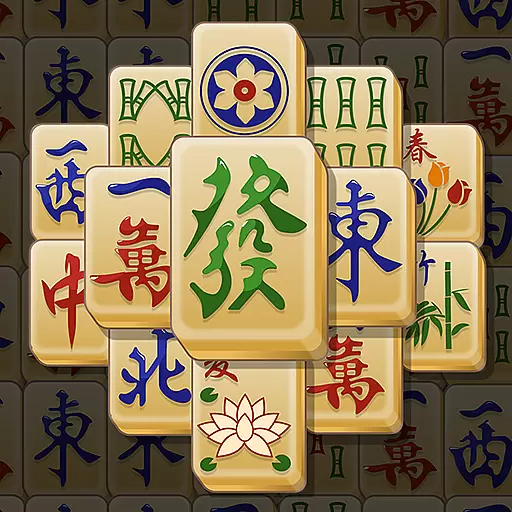
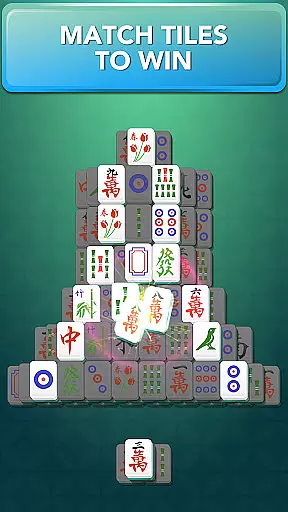
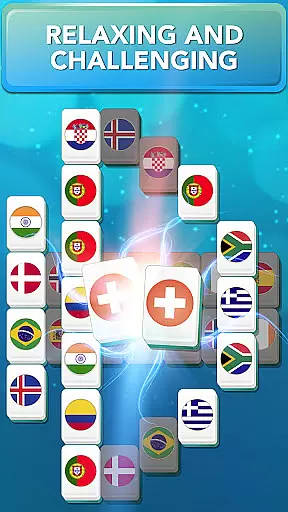


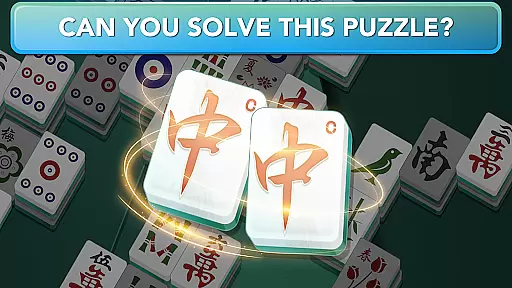
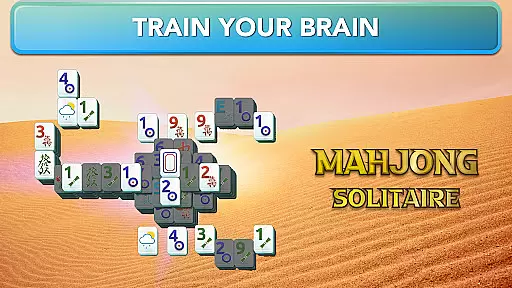

Mahjong for Seniors offers a classic Mahjong Solitaire experience tailored to keep your brain sharp while providing hours of entertainment. The game features simple rules where players match tiles to clear the board, ensuring accessibility for all skill levels.
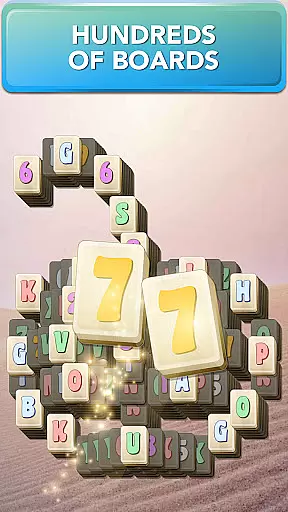
With hundreds of boards and beautiful layouts, this app provides diverse challenges. Players can enjoy various tile sets and backgrounds, daily missions, and monthly challenges that continuously refresh the gameplay experience. Its intuitive design and helpful features like hints and shuffle make it perfect for seniors looking for a mental workout combined with relaxing fun.
This app stands out with its extensive feature set designed to enhance the Mahjong experience. It includes hundreds of boards across multiple categories, ensuring endless replayability. The Daily Missions and Monthly Challenges offer fresh content regularly, keeping players engaged.
Additional features include customizable tiles and backgrounds, auto zoom, and highlighting of free tiles for easier identification. Players can also toggle the timer and goals display, use unlimited free undos, and enjoy music and sound effects. These thoughtful additions create an immersive and user-friendly environment, making Mahjong for Seniors both challenging and enjoyable.
In Mahjong for Seniors, the game strictly adheres to the traditional rules of Mahjong Solitaire while offering some flexibility to enhance user experience. The primary objective remains to clear all tiles by matching them in pairs, ensuring that players enjoy an authentic Mahjong experience.
The game allows tiles to be paired only if they have at least one side free and no other tiles on top, preserving the classic rule set. This adherence to original gameplay ensures that users can rely on their existing knowledge of Mahjong while enjoying the digital version.
Additionally, the game introduces features like Shuffle and Hint buttons, which add a modern twist to the traditional rules. These features provide assistance when players find themselves stuck, thus maintaining engagement without compromising the core authenticity of the game.
By balancing strict rule adherence with helpful features, Mahjong for Seniors offers a genuine yet flexible gaming experience, appealing to both purists and newcomers alike.
Although Mahjong for Seniors primarily focuses on Solitaire-style gameplay, it simulates competitive elements through its Daily Missions and Monthly Challenges, indirectly mimicking AI opponents. These features push players to beat time goals and achieve higher scores, effectively acting as virtual competitors.
The game's AI is implicitly present in the design of Daily Missions, where new boards are introduced each day, providing fresh challenges. Players must strategize and improve their skills continuously to keep up with these evolving puzzles, akin to competing against increasingly skilled AI opponents.
Moreover, the game encourages players to earn three-star ratings on each board, adding another layer of challenge. This system fosters a sense of competition, motivating users to refine their strategies and compete against their previous performances.
Through clever design, Mahjong for Seniors creates a dynamic and competitive environment without traditional AI opponents, keeping the gameplay engaging and intellectually stimulating.
User-friendly interface
Wide variety of boards
Daily missions and challenges
Customizable visuals
Helpful hint system
Limited social features
In-app purchases may be tempting
Ads between games
Occasional bugs reported
Steep learning curve for beginners

Legendary board game classic from award-winning designer Vlaada Chvátil
 4.70
4.70
A strategic boardgame of galactic expansion. Develop and settle outer space!
4.10
The official digital adaptation of Jamey Stegmaier’s board game - Charterstone!
3.40
The fastest way to learn and improve your Chess! The ultimate Chess teacher!
4.70
Companion app for Final Girl boardgame
4.50
The legendary naval combat game sails onto mobile and tablet.
3.50
The official award-winning domino building strategy game comes to life!
4.80
A Digital Board Game of Woodland Warfare
4.90
Play chess online with friends! Learn with lessons, puzzles & analysis!
4.70
Best Dice Game with Friends!
4.80
Official digital version of the board game Gaia Project.
4.70
Celebrate Christmas joy with fun paint by number & happy holiday coloring book!
4.70
Abstract Surreal coloring pages, color by number, relax coloring book, color app
4.70
Fun bingo with power-ups!
4.70
Large Numbers Coloring Book for Seniors. Color by number for zen and relax.
4.60
Discover the digital adaptation of Tokaido, the boardgame phenomenon!
4.30
The digital strategy game adaptation of the famous board game.
4.00
Roast coffee beans and compose a delicious cup of coffee.
3.80
Take command and turn your faction into the most powerful in all of Europa!
3.80


User Reviews