
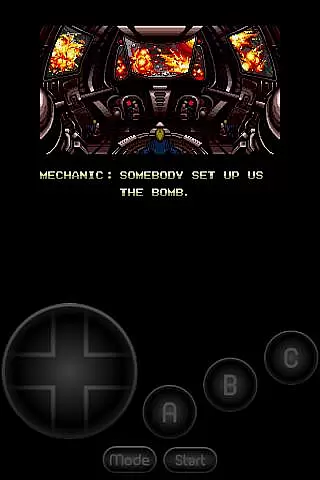
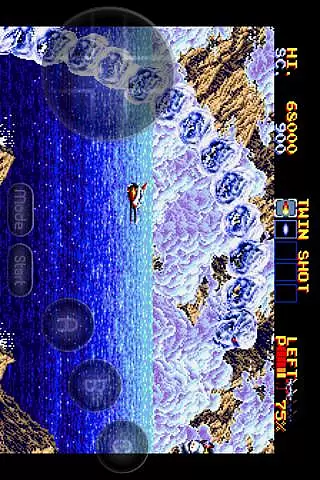
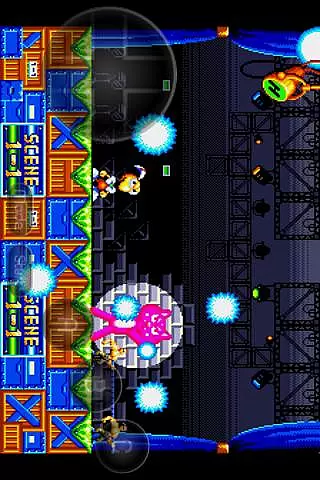
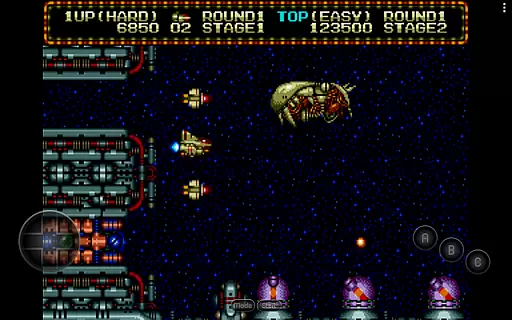
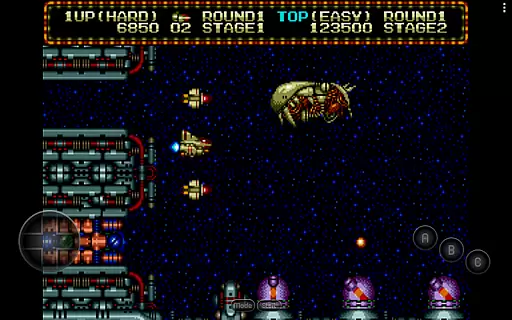
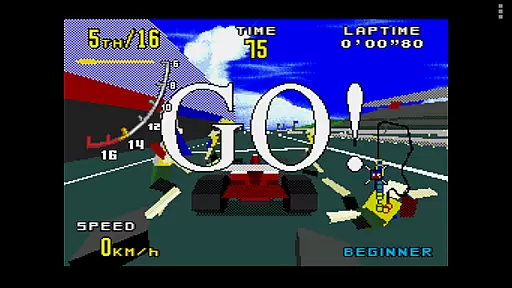
MD.emu is an advanced open-source emulator for Sega Genesis/Mega Drive, Sega CD, and Master System/Mark III. It offers a minimalist UI with a focus on low audio/video latency, making it suitable for a wide range of devices from the original Xperia Play to modern devices like the Nvidia Shield and Pixel phones. The app supports various file formats including .bin, .smd, .gen, and .sms, optionally compressed with ZIP, RAR, or 7Z.
One of its standout features is the support for Sega CD emulation via loading .cue or .bin files, although this feature is still in beta. Users can enjoy games with 6-button controller support, 4-player multitap, and even gun support for games like Menacer and Justifier. Additionally, cheat code support using .pat file format adds to the gaming experience. MD.emu also provides configurable on-screen controls and supports Bluetooth/USB gamepads and keyboards, ensuring compatibility with HID devices recognized by the OS.
This emulator is ideal for gamers who want to relive classic Sega titles on their Android devices with minimal setup and high performance. By focusing on low latency and broad device compatibility, MD.emu delivers a seamless retro gaming experience.
MD.emu boasts a rich set of features designed to enhance the retro gaming experience. The app supports multiple file formats such as .bin, .smd, .gen, and .sms, which can be optionally compressed with ZIP, RAR, or 7Z. This flexibility allows users to manage their game libraries efficiently. Additionally, the SVP chip support for Virtua Racing ensures that even complex games run smoothly.
Sega CD support is another notable feature, allowing users to load .cue or .bin files, although it is currently in beta. The app supports various audio track formats including FLAC, Ogg Vorbis, and Wav, providing high-quality sound during gameplay. With 6-button controller and 4-player multitap support, MD.emu caters to both single-player and multiplayer experiences. Gun support for games like Menacer and Justifier adds an extra layer of immersion.
Cheat code support using the .pat file format enables users to customize their gaming experience. Configurable on-screen controls and compatibility with Bluetooth/USB gamepads and keyboards ensure that users can play comfortably on their preferred input devices. These features collectively make MD.emu a versatile and powerful tool for retro gaming enthusiasts.
Arcade authenticity and nostalgia are essential elements for any gaming emulator, and MD.emu delivers on both fronts. This advanced open-source Sega Genesis/Mega Drive, Sega CD, and Master System/Mark III emulator is built with portions of well-known emulation engines like Genesis Plus/Gens/Picodrive/Mednafen. These engines have long been trusted by enthusiasts to provide an authentic arcade experience.
MD.emu supports a wide variety of classic game formats including .bin, .smd, .gen, and .sms files, optionally compressed with ZIP, RAR, or 7Z. This ensures that users can enjoy their favorite games exactly as they remember them from the original arcade era. The inclusion of SVP chip support for Virtua Racing and gun support for games like Menacer and Justifier further enhances this nostalgic journey.
For those who appreciate low audio/video latency, MD.emu focuses on delivering a seamless experience. It supports high-quality audio track formats such as FLAC, Ogg Vorbis, and Wav, ensuring that the sound is as true to the original as possible. With configurable on-screen controls and support for Bluetooth/USB gamepads, users can relive the joy of arcade gaming with modern convenience.
Control responsiveness is crucial in any gaming setup, and MD.emu excels in providing a highly reactive control environment. The emulator supports a wide array of input devices, including Bluetooth and USB gamepads, keyboards, and even Xbox and PS controllers. This compatibility ensures that users can choose their preferred method of interaction without compromising on performance.
The emulator's minimalist UI is designed to reduce latency and enhance the overall gaming experience. By focusing on low audio/video latency, MD.emu ensures that every button press translates immediately into in-game actions. This responsiveness is vital for fast-paced arcade games where split-second decisions can make all the difference.
Additionally, MD.emu offers cheat code support using the .pat file format, which is compatible with popular emulators like Kega Fusion, Gens, and Genesis Plus GX. This feature not only adds to the flexibility of gameplay but also ensures that users can customize their experience while maintaining excellent control responsiveness. Whether you're playing solo or engaging in 4-player multitap sessions, MD.emu guarantees a smooth and responsive control scheme.
Low audio/video latency
Wide device compatibility
Supports multiple file formats
Configurable on-screen controls
Active development and support
Sega CD support in beta
No ROMs included
Complex setup for beginners
Limited user interface customization
Requires BIOS files for Sega CD

Machine Gun Fire Rumbles in the Jungle
 4.0
4.0
A retro-flavoured infinite scroller Glyph toy for the Nothing Phone (3)
4.2
Mine planets, upgrade your space ship, battle others, and dominate the galaxy!
3.90
Epic offline war strategy game - build your city, train your army, conquer
4.20
Dad doesn’t let you go out, can you outwit your parents and escape?
4.00
Master the skies in this epic airplane shooting game! Join the air force now!
4.80
This app is a very fast emulator
3.40
Jump and fly your way through danger in this rythm-based action platformer!
4.70
Save the galaxy from alien shooter in classic galaxy shooter-classic arcade game
4.80
Create your restaurant story & make food on a crazy kitchen in this cooking game
4.70
Nostalgia.GBC is a high quality GBC emulator.
4.50
Motorcycle racing games! Prove your paperboy can win in the bike race 3D!
4.50
Shoot the web, jump and teleport! Be a stickman hero and destroy your enemies!
4.50
Nostalgia.GBA Pro is a high quality GBA emulator.
4.40
Relax and catch fish for your aquarium while earning rewards in these tank games
4.40
Millions of crafters have smashed billions of blocks! Now you can join the fun!
4.40
Stack the blocks as high as you can!
4.30
Get into your tractor to cut grass and harvest the crops in our mowing simulator
4.10
Restore peace and order in the city
3.20


User Reviews