
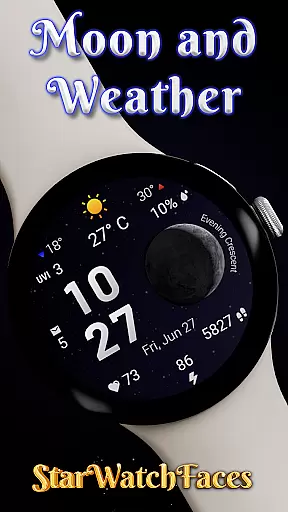
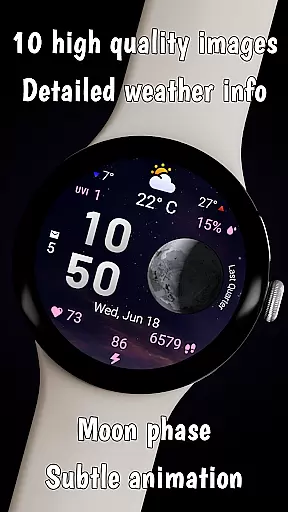
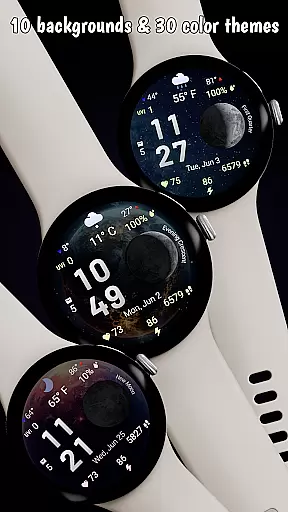
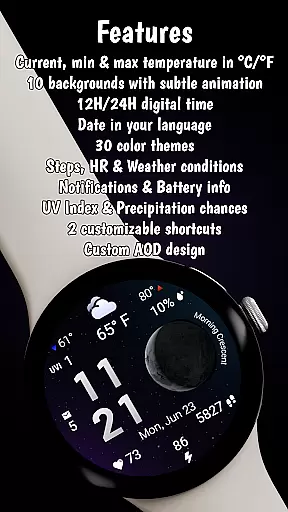

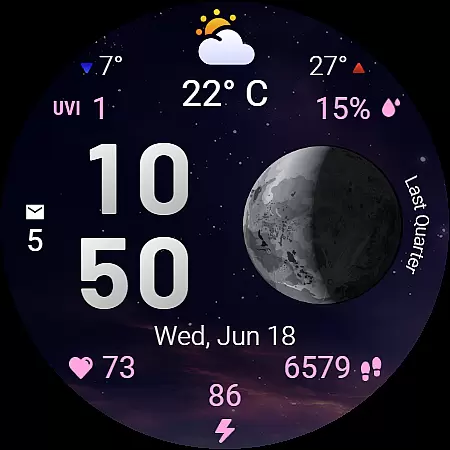
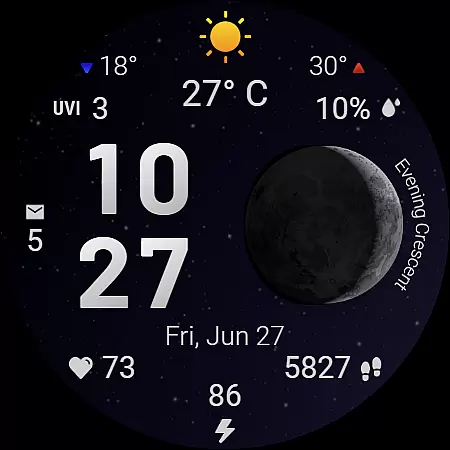
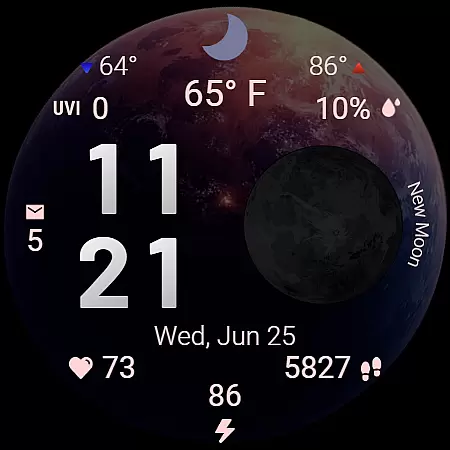
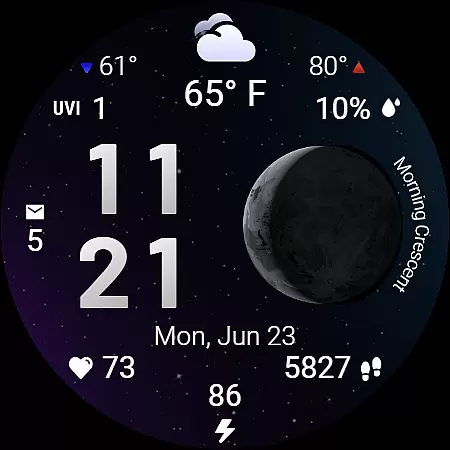
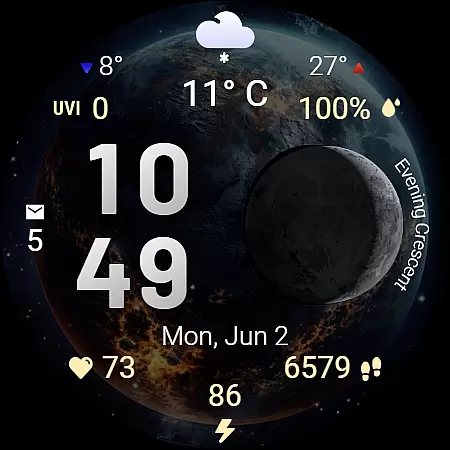
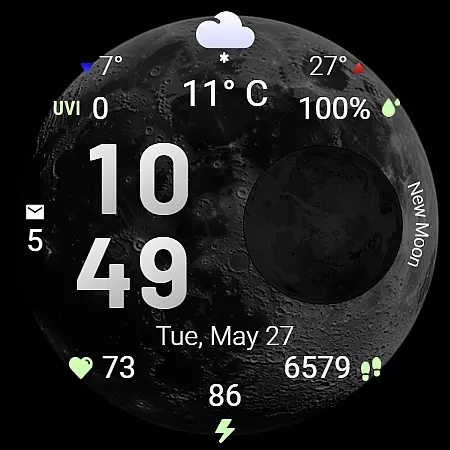
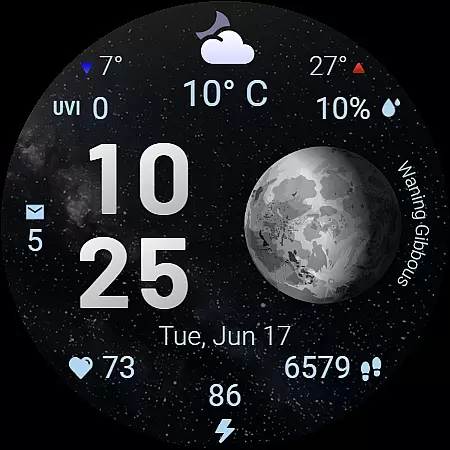
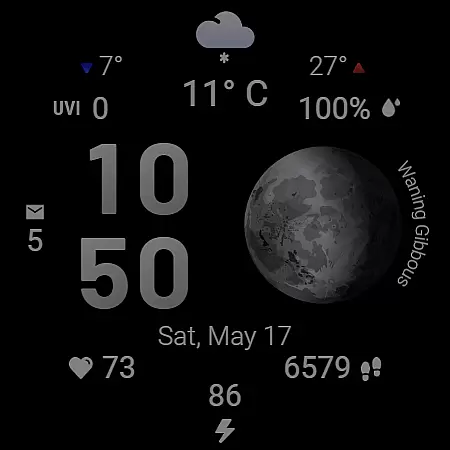
Moon & Weather is a premium Wear OS watch face that combines astronomy, weather tracking, and health monitoring into an elegant, animated display. Featuring 10 space-themed backgrounds with subtle animations, live moon phase visualization, and 30 customizable color themes, it offers users a unique cosmic aesthetic while delivering essential information at a glance.
This watch face provides detailed weather data including current temperature, daily min/max temperatures, UV index, and precipitation chances. It also integrates health stats like heart rate, step count, and battery levels, making it a complete productivity tool for smartwatch users who value both style and functionality.
The Moon & Weather watch face stands out with its stunning visual design and robust feature set. The 10 space-themed backgrounds range from moonlit skies to deep galaxies, each paired with smooth animations that bring the night sky to life on your wrist. Users can choose from 30 perfectly matched color themes to enhance readability and match their personal style.
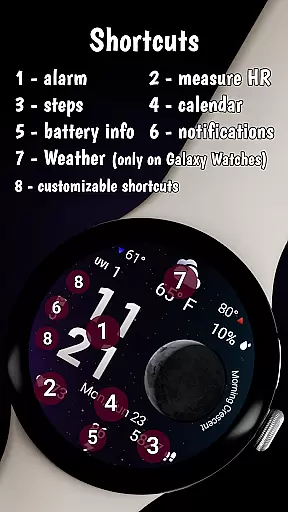
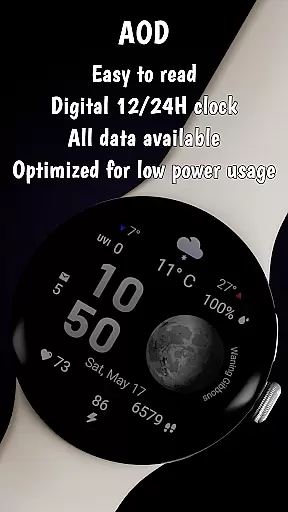
Functionality is equally impressive, offering a comprehensive weather dashboard with real-time updates, health monitoring tools, and system stats. Key features include customizable shortcut areas for quick app launches, Always-On Display (AOD) mode for uninterrupted glanceability, and optimization for low battery consumption without compromising performance or visuals.
Forecast Accuracy & Data Credibility are crucial for any weather-related application, ensuring users receive reliable and precise information. Moon & Weather watch face provides accurate current temperature readings in both Celsius and Fahrenheit, alongside clear min and max temperatures for the day. This precision is achieved through integration with trusted weather data sources.
The app goes a step further by offering detailed insights such as UV index levels and precipitation chances, empowering users to make informed decisions about their daily activities. These features are updated regularly to reflect the most recent and credible meteorological data available.
For users, this means having trustworthy information always at hand, enhancing both safety and convenience. Whether planning outdoor activities or deciding on appropriate attire, the credibility of Moon & Weather's data ensures optimal preparedness and peace of mind.
Temporal & Spatial Forecast Range refers to an application's ability to provide weather predictions across different timeframes and geographical areas. Moon & Weather watch face excels in delivering localized weather updates, adapting its display to reflect real-time conditions specific to the user's location.
This functionality is supported by advanced geolocation services and regional weather APIs, which enable the app to present relevant weather icons and forecasts tailored to the user's current environment. The Always-On Display (AOD) mode ensures that these updates remain accessible even when the watch is not actively in use.
By focusing on both temporal accuracy and spatial relevance, Moon & Weather ensures that users have access to timely and location-specific weather information. This dual focus enhances the overall utility of the watch face, making it an indispensable tool for those who rely on up-to-date environmental data.
Visually Stunning Design
Comprehensive Weather Data
Customizable Themes
Health Monitoring Tools
Optimized Battery Usage
Limited Compatibility
Premium Price Tag
Complex Setup Process
Occasional Sync Issues
Requires Companion App

Ultimate Lunar Calendar for 2021!
 4.80
4.80
Know the weather earlier.
3.90
Most precise & accurate compass app give true North South East West directions.
3.00
Your Personal Weather Assistant
4.00
Track lightning strikes with our thunderstorms map, radar and lightning alarm.
4.70
Weather watch face for Wear OS 5+
4.40
Powerful US and worldwide earthquake feed with earthquake alerts and maps.
4.70
Advanced weather toolkit, providing detailed weather information for any season!
3.50
Weather Forecast, Trending News, Hurricane & Storm Tracker, Alerts & Live Radar.
4.80
A professional, comprehensive and accurate weather forecast app
4.90
No ads, No data collected. Beautiful and powerfully customizable weather app
4.90
Live local weather updates: various widgets & radar maps & hourly forecast.
4.70
The reliable and trusted global air quality, wildfire, pollen, PM2.5 forecast
4.70
View weather widget and map. Wind direction and speed. Tides times and waves
4.70
Prepare for severe weather with notifications, future radar, and live alerts.
4.60
Accurate Weather App: various widgets, real-time storm radar, hurricane tracker.
4.50
Room Temperature Thermometer meter shows indoor, outdoor temperature, humidity.
4.40
Stay ahead of the weather with Daily Weather
4.10
Moon phase calendar with live wallpaper, lunar widget, & 3D simulation.
3.60


User Reviews