RaceChrono Pro is a comprehensive lap timing and data logging application tailored for motorsports enthusiasts. It combines advanced lap timing features with robust data analysis tools, making it an essential companion for racers and track day participants. The app supports over 2600 pre-made race tracks and allows users to create custom circuits.
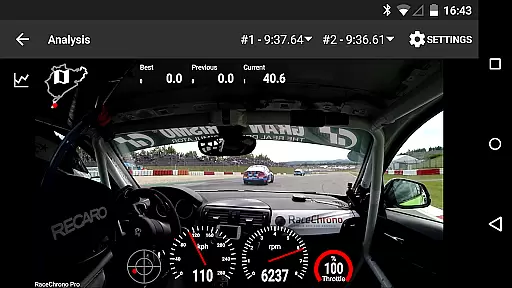
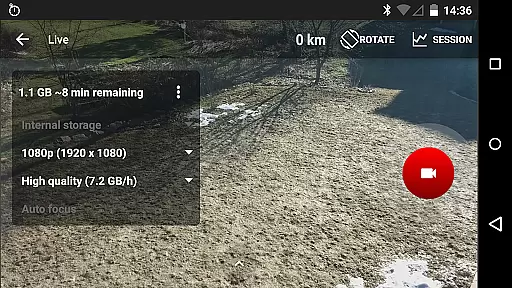
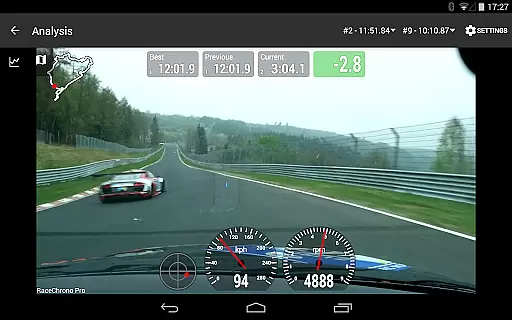
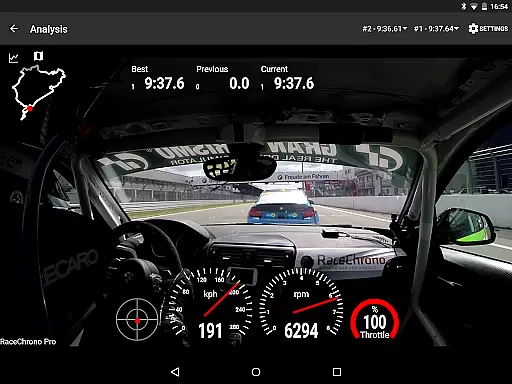
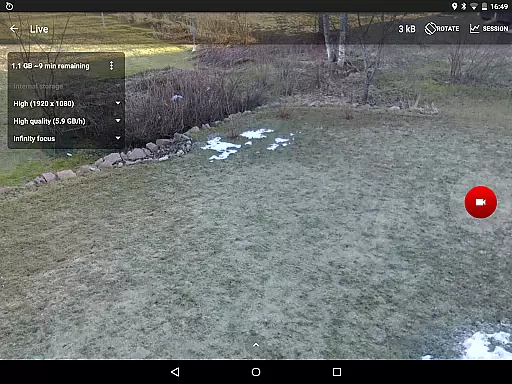
One of the standout capabilities is its video integration feature, which lets users record and overlay telemetry data onto videos. This functionality is particularly useful for analyzing driving performance and sharing professional-quality content. Whether you're a motorbike rider, go-kart driver, or car racer, RaceChrono Pro provides the tools needed to enhance your motorsport experience.
The app's value extends beyond casual users, as many professional drivers and instructors rely on it for precise performance tracking. Its compatibility with various external devices like GPS receivers and OBD-II readers makes it a versatile solution for all motorsport disciplines.
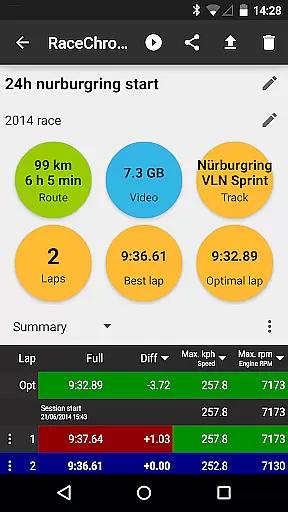
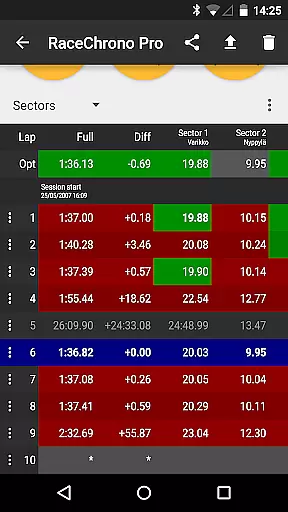
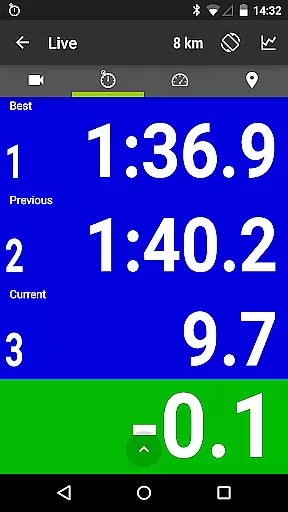
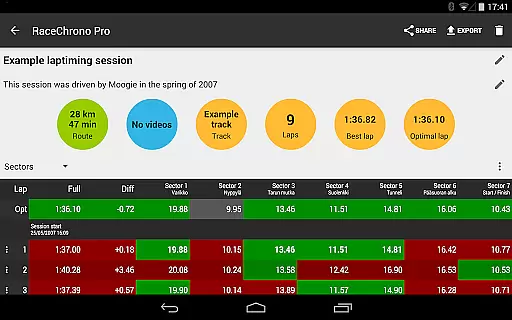
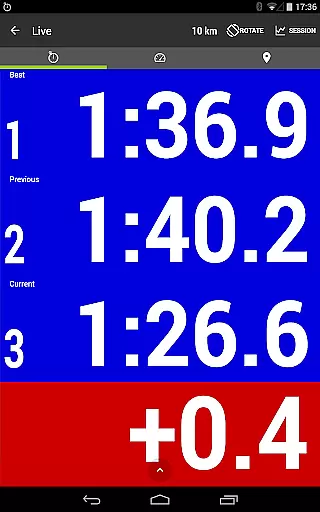
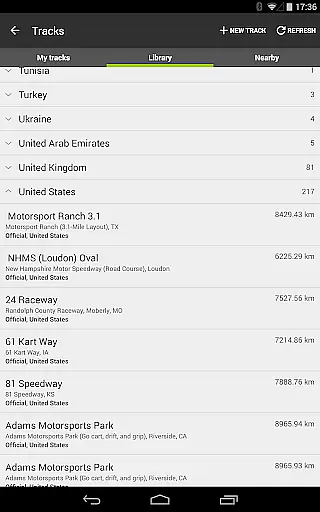
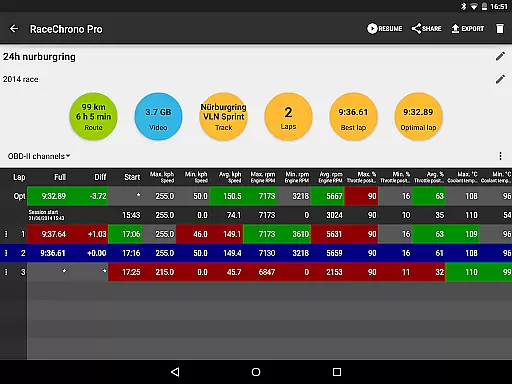
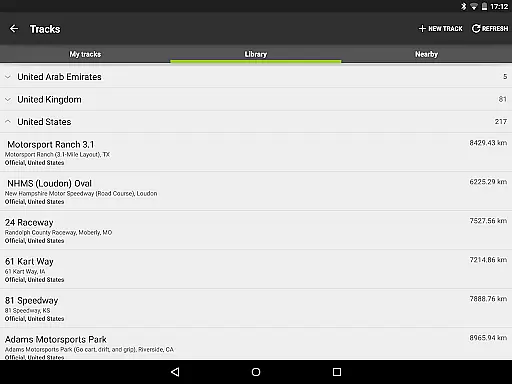
RaceChrono Pro offers an impressive array of features designed to elevate your motorsport experience. The app provides precise lap timing with sector analysis and optimal lap calculations, helping drivers identify areas for improvement. Its extensive track library includes over 2600 pre-configured race tracks worldwide, while also allowing users to define custom circuits and point-to-point tracks.
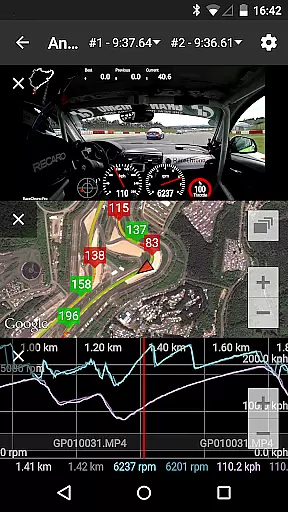
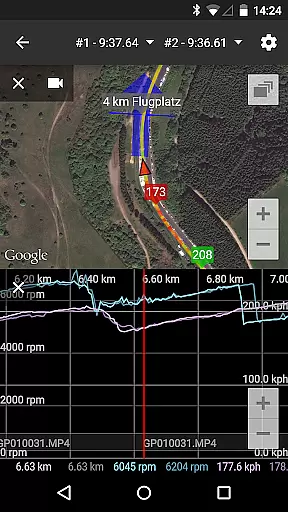
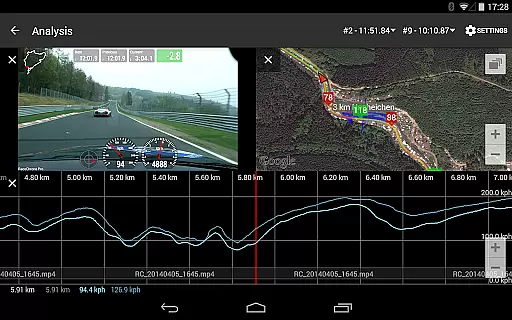
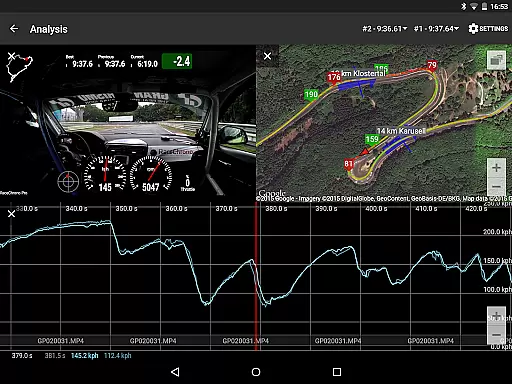
Data analysis is where RaceChrono Pro truly shines. The app features a smooth scrolling interface that synchronizes multiple data views including graphs, X/Y plots, maps, and video footage. Users can compare their performance against reference laps through predictive lap timing and time delta graphs. The hardware-accelerated video export function enables customizable data overlays, while supporting multiple camera angles and picture-in-picture configurations.
Professional-grade connectivity options set this app apart from competitors. It supports various external devices such as RaceBox Mini, Qstarz GPS receivers, VBOX Sport, and OBD-II readers. The app's ability to link and synchronize videos from action cameras, combined with its support for Bluetooth LE heart rate monitors, creates a complete performance monitoring solution suitable for both amateur and professional use.
RaceChrono Pro sets a new standard for realism in motorsports applications by providing highly accurate lap timing and data logging features. The app's ability to record precise lap times, sector splits, and optimal laps ensures that users receive reliable performance metrics during their racing sessions.
With support for external GPS receivers and OBD-II readers, the app captures real-time vehicle data with exceptional precision. This includes speed, acceleration, and other critical parameters that contribute to an authentic motorsports experience. The integration of professional-grade hardware enhances the accuracy of data collection, making it invaluable for both amateur enthusiasts and professional racers.
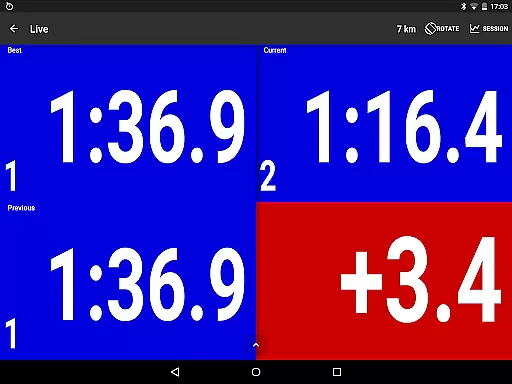
Users benefit from RaceChrono Pro's advanced predictive lap timing and time delta graph, which offer immediate feedback on performance improvements or declines. These features not only heighten the sense of realism but also provide actionable insights that can lead to better driving techniques and faster lap times.
The app's commitment to delivering realistic gameplay is further demonstrated through its track library of over 2600 pre-made race tracks and custom user-defined circuits. This extensive selection allows drivers to simulate various racing conditions and environments, ensuring that every session feels as close to real-world racing as possible.
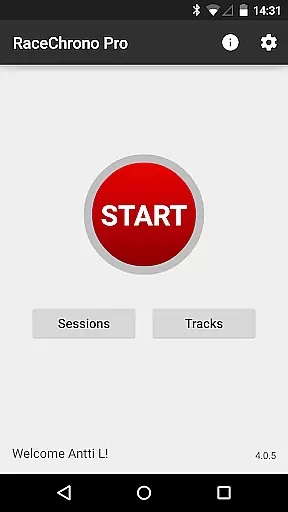
RaceChrono Pro excels in offering an intuitive control scheme that caters to users of all experience levels. The app's interface is designed to be user-friendly, allowing even newcomers to motorsports data logging to navigate and utilize its features effectively. Clear menus and straightforward settings make setup and operation seamless.
One of the standout aspects of RaceChrono Pro's control scheme is its hardware compatibility. By supporting a wide range of external devices such as GPS receivers, OBD-II readers, and Bluetooth LE heart rate monitors, the app provides a versatile and adaptable user experience. This compatibility ensures that drivers can focus on their performance without being distracted by complex configurations.
The app also offers smoothly scrolling data analysis tools, including synchronized graphs, X/Y graphs, maps, and video overlays. These visual aids are presented in an easily digestible format, enabling users to quickly interpret their data and make informed decisions about their driving strategies.
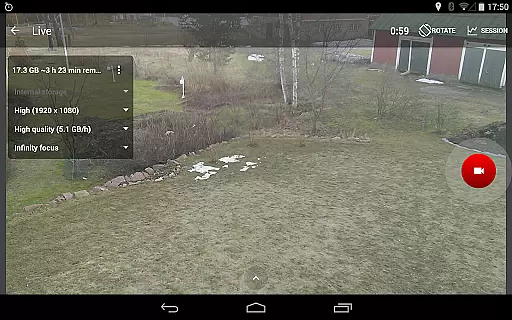
Furthermore, RaceChrono Pro's support for multiple camera recording and picture-in-picture video export adds another layer of intuitiveness to the control scheme. Users can effortlessly capture and review their sessions from different angles, enhancing both the analytical and entertainment value of the app.
Comprehensive data analysis
Extensive track library
Professional video tools
Wide device compatibility
Unlimited session length
Steep learning curve
Premium price point
High system requirements
Limited beginner guidance
Complex setup process

Soccer mini games! Play career mode: Score & be the next soccer superstar!
 4.70
4.70
Join over 10,000,000 people in the only official PBA bowling game!
4.40
NEOGEO's masterpiece game is now available in the app!
4.20
Establish a stable of talented boxers to take on the world.
4.80
Out of the Park Baseball Go is a strategy & sports gaming fan’s dream come true.
4.40
Rediscover the joy of the original Backyard Baseball 1997
3.70
Play with friends and join millions of players in the king of bowling games!
4.60
Be a wrestling Superstar
4.40
The Hudl app helps coaches and athletes win using video.
3.70
Create and customize your own golf course in this charming management sim.
4.70
Quick-fire archery duels! Play the most realistic 3D archery game now!
4.70
Trampoline backflips, frontflips & trick stunts! Ultimate adrenaline rush!
4.60
Shoot, score, and outplay your rival in a fast-paced basketball battle duel!
4.60
Play the World's Soccer Game Anywhere with Premier League, UCL & LALIGA stars.
4.60
FIFPRO licensed soccer game
4.50
Master the arrow art in archer duels
4.50
Pixel Cup Soccer is a retro-style arcade game, just the fun part of soccer!
4.00
Mental skills exercise/training - improve your power of focus and concentration
4.2
Webcam based exercise and learning game with rock climbing!
4.2


User Reviews