
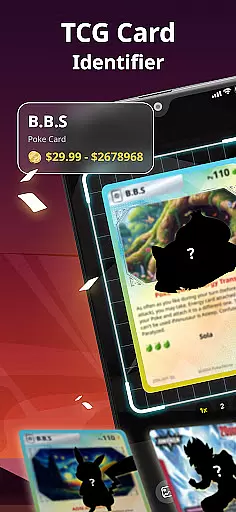
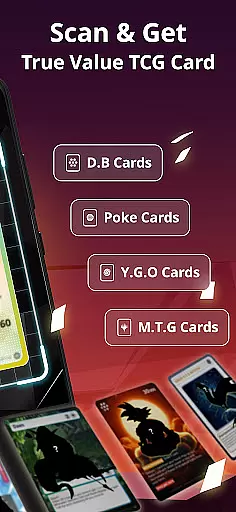
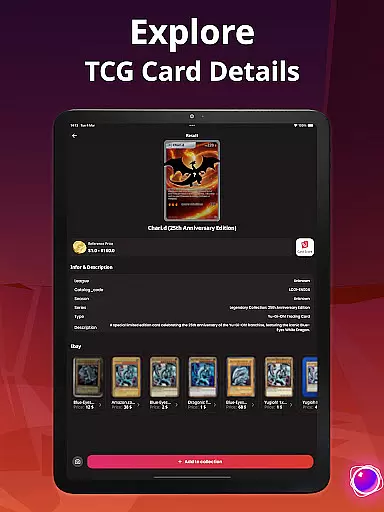
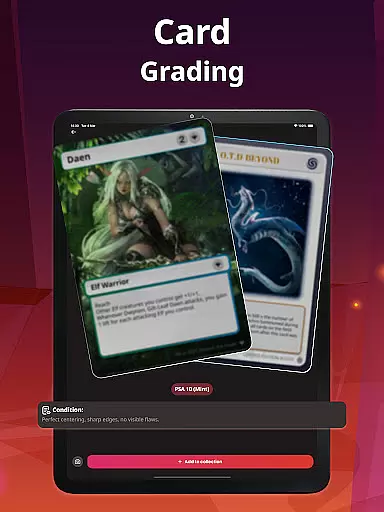
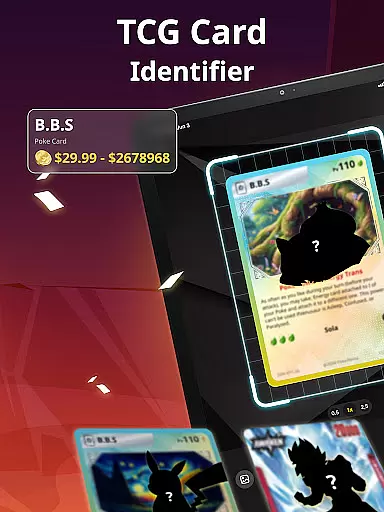
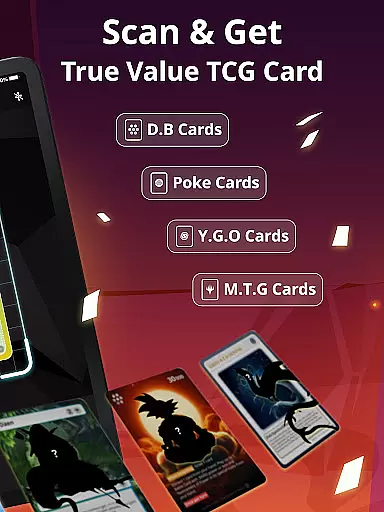
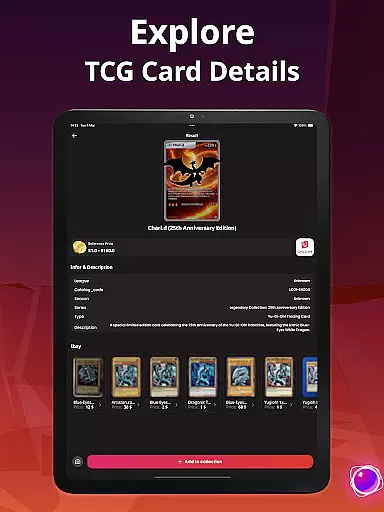
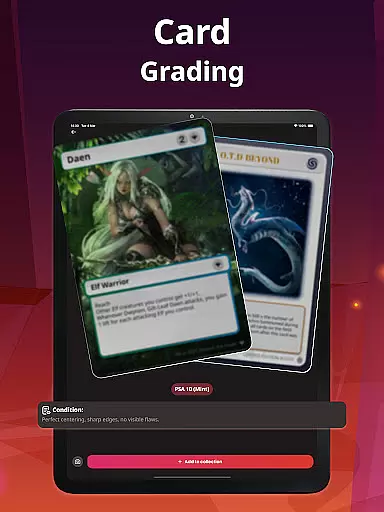
TCG Card Scanner TCG Collector is a comprehensive tool designed for trading card enthusiasts who want to scan, price, track, and manage their collections. This app caters to collectors of fantasy sets, sports series, and competitive TCG card games, offering features like instant card scanning, accurate market value estimation, and digital collection management.
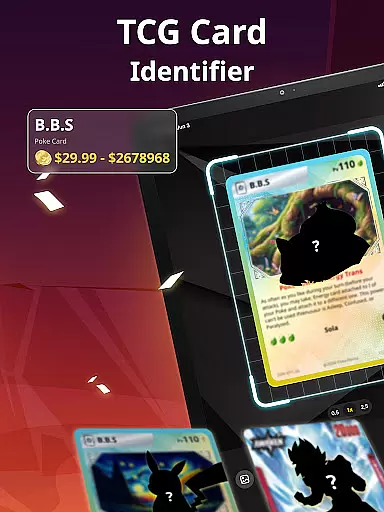
With its powerful scanning technology, users can identify any TCG card by capturing details such as the card name, set, edition, rarity, and condition using their device's camera. The app supports both raw and graded cards, including reprints, promos, and variants, making it versatile for various types of collections. Whether you're into sports cards or TCG games, this app provides the tools necessary to organize and enhance your collection.
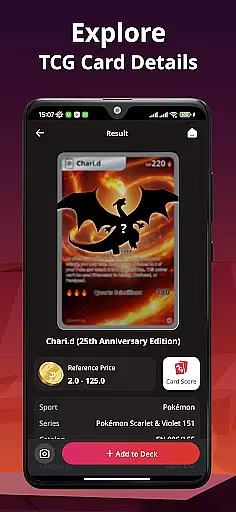
The app also includes real-time pricing data, portfolio tracking, and a vast searchable database, ensuring that collectors have access to up-to-date information and insights to make informed decisions about their collections.
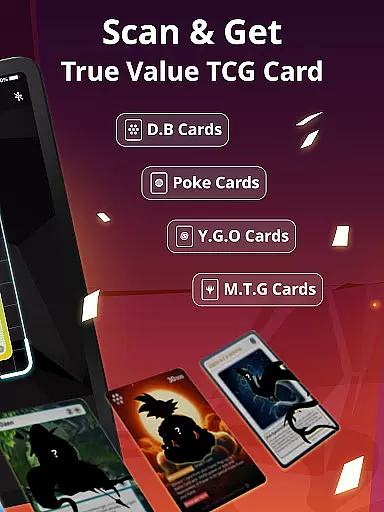
TCG Card Scanner TCG Collector stands out with its robust feature set tailored for avid collectors. One of its key features is the instant card scanning capability, which uses advanced image recognition to detect card details quickly and accurately. This functionality supports a wide range of card types, including sports cards from football, hockey, and baseball, as well as cards from popular TCG and CCG games.
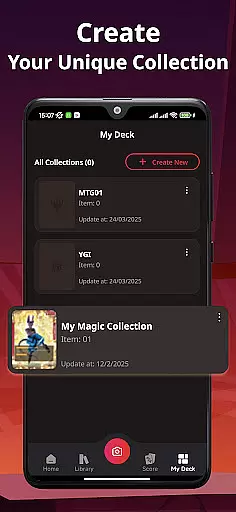
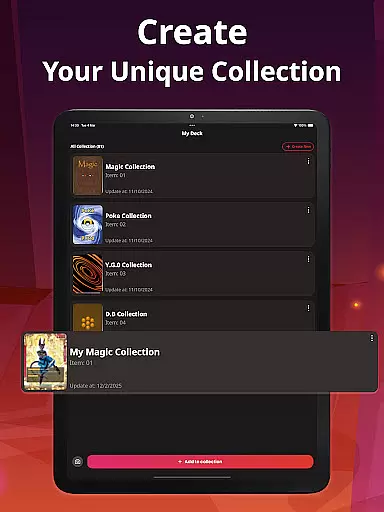
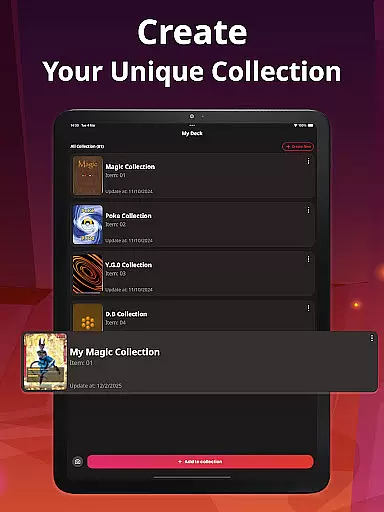
Beyond scanning, the app offers real-time card pricing sourced from trusted market data providers. Users can track changes in card values over time, compare prices, and gain valuable insights for trading or investing. The app also allows for detailed collection management, enabling users to organize their cards with custom folders, filters, and sorting options based on different criteria such as set, game, condition, or market value.
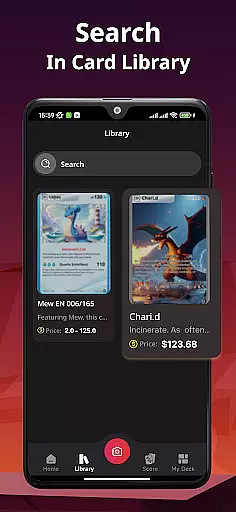
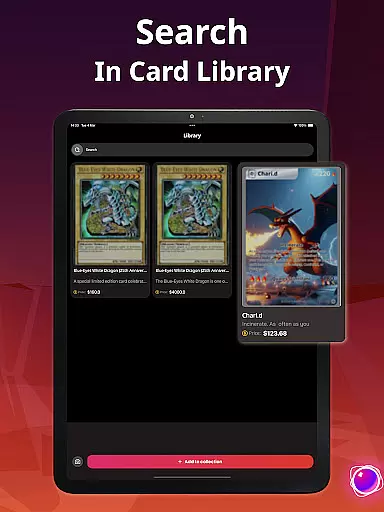
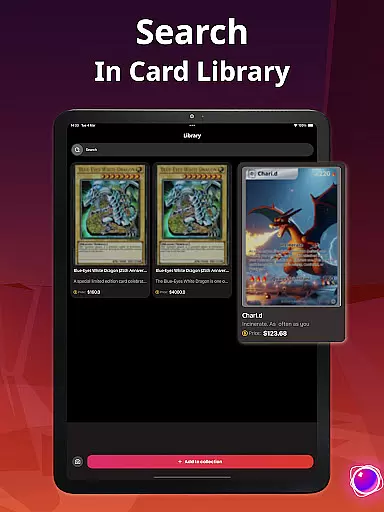
Additionally, the built-in card database is extensive, supporting searches by name, number, set, and rarity. This ensures that users can easily find specific cards and access detailed information, aiding in trades and sales. Overall, these features provide a seamless experience for managing and growing a card collection.
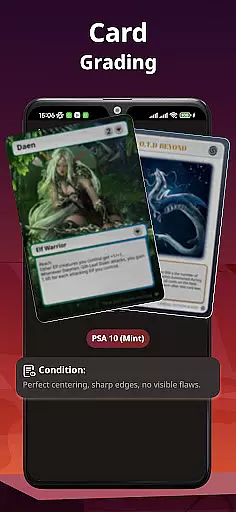
Gameplay realism in TCG Card Scanner TCG Collector is achieved through its advanced scanning technology that accurately identifies trading cards. The app uses sophisticated algorithms to detect card details such as name, set, edition, rarity, and condition, ensuring that users receive precise information about their collection.
The physics accuracy of the scanning process supports both raw and graded cards, accommodating a variety of formats including reprints, promos, and variants. This versatility allows collectors to scan sports cards from football, hockey, and baseball alongside their favorite trading card games with confidence in the authenticity of the data captured.
For users, this means an immersive experience where every scan feels intuitive and reliable. Whether organizing decks from a TCG card simulator or sorting cards from physical collections, the app's precision ensures that each interaction mirrors real-world actions closely.
Ultimately, the app's dedication to realism enhances user engagement by providing trustworthy insights into their collections' values and conditions. Collectors can make informed decisions based on accurate market data, elevating their collecting or trading strategies.
The control scheme of TCG Card Scanner TCG Collector is designed for maximum intuitiveness, allowing users to effortlessly manage their collections. With simple navigation and clear options, the app makes it easy to scan, price, track, and organize trading cards without a steep learning curve.
Users benefit from features like instant card identification using the deviceu2019s camera, which streamlines the process of cataloging new acquisitions. Custom folders, filters, and sort tools further enhance usability by enabling collectors to categorize their items efficiently according to personal preferences such as set, game, condition, or market value.
This straightforward approach extends to monitoring portfolio growth and tracking individual card values over time. Investors and casual collectors alike will appreciate how seamlessly they can update their inventories and access detailed analytics at any moment.
By prioritizing user-friendly controls, TCG Card Scanner TCG Collector empowers enthusiasts across all levelsu2014from beginners starting their journey to seasoned collectors managing extensive portfoliosu2014to engage more deeply with their hobby while saving time on routine tasks.
User-friendly interface
Accurate card scanning
Real-time pricing data
Comprehensive database
Versatile card support
Limited offline functionality
Premium features require subscription
Occasional scanning inaccuracies
Database updates may lag
Interface can be complex for beginners

Enjoy an easy to play multiplayer Baseball game!
 4.40
4.40
Join over 10,000,000 people in the only official PBA bowling game!
4.40
Ice Fishing Derby - It's the fun of ice fishing without the frostbite
4.40
Shoot, score, and outplay your rival in a fast-paced basketball battle duel!
4.60
Fun multiplayer golf game! Prove you’re a golf legend and play with friends!
4.40
Play football like it's 1987! Classic retro arcade action and franchise mode.
4.60
Master the arrow art in archer duels
4.50
For Fans to Buy Tickets
4.80
NHL scores for Wear OS. Quickly see all NHL game details, standings & schedules+
4.2
Establish a stable of talented boxers to take on the world.
4.80
Score as a Super Star in Football Strike: Action Multiplayer Online Soccer Game!
4.70
Score stunning goals and outsmart defenders on your path to football glory!
4.40
Battle, grow, and conquer in an epic fight to become the boss!
4.30
The ultimate skateboarding sim
4.20
Play eFootball™ with users around the world!
4.10
A classic reborn, now into Season 3!
4.00
Relive the second baseball game in the Backyard Sports franchise!
4.00
Rediscover the joy of the original Backyard Baseball 1997
3.70
Space City Home Network subscribers can now stream their favorite local teams.
3.60


User Reviews