
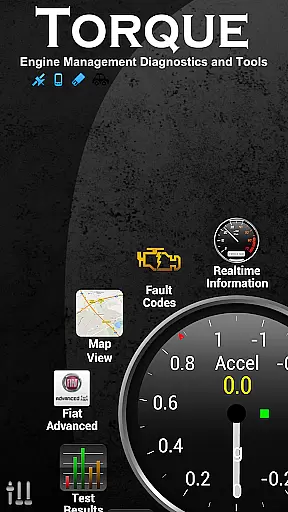
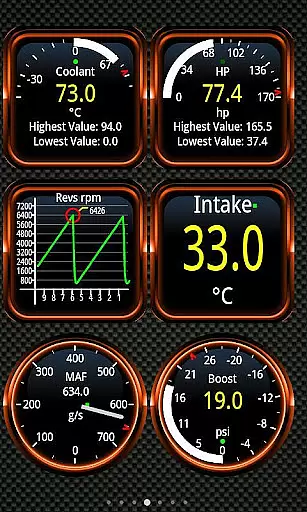
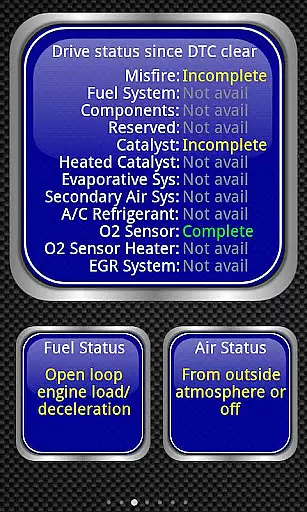
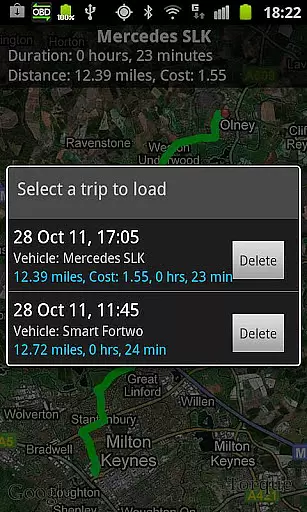
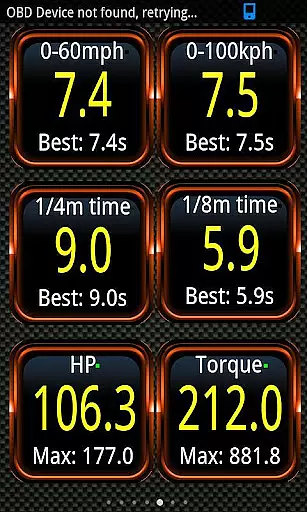
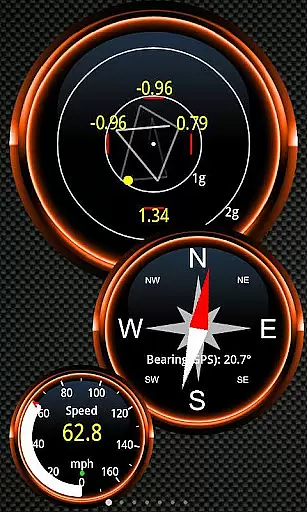
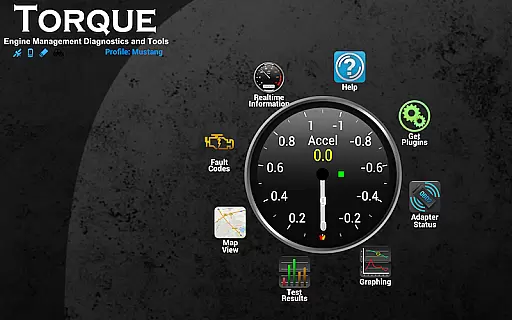
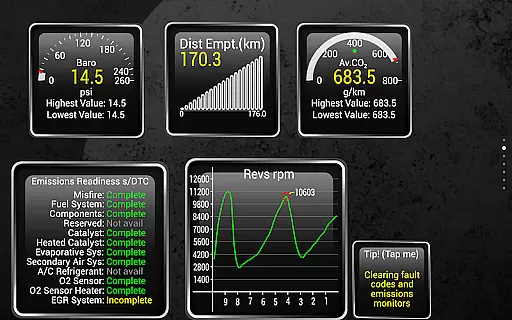
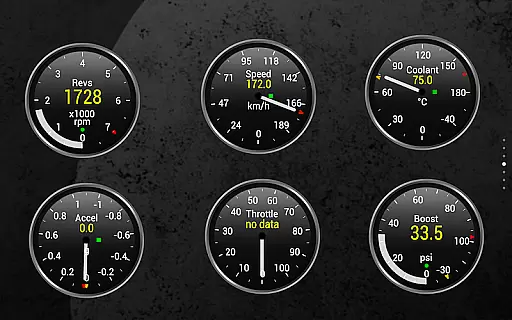
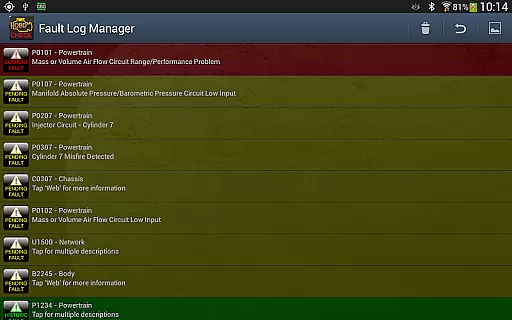
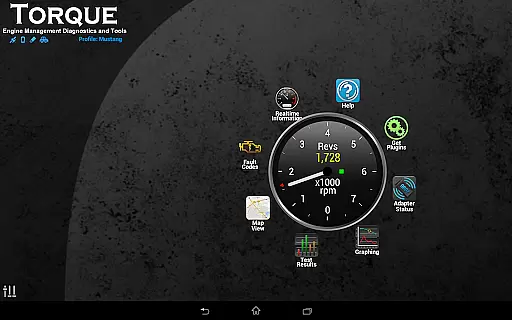
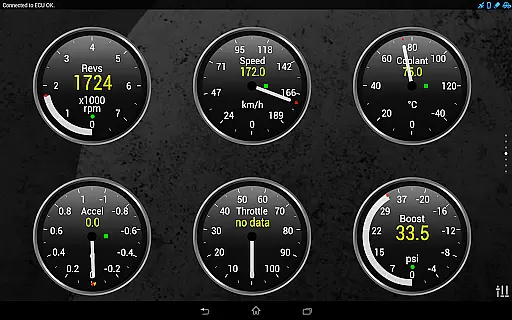
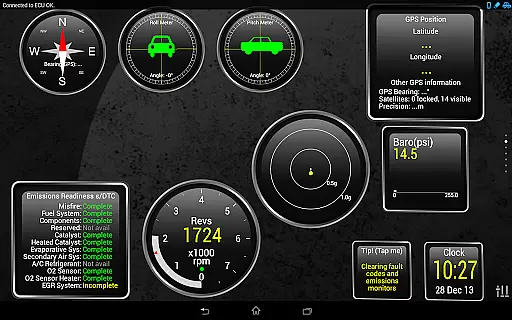
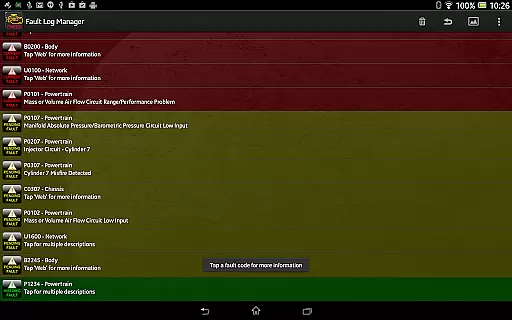
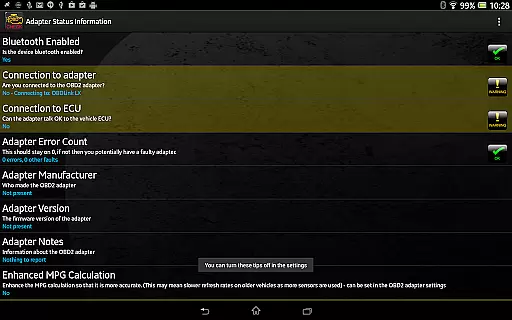
Torque Pro is a comprehensive vehicle diagnostics and performance monitoring tool designed for car enthusiasts and professionals alike. The app connects to your vehicle's OBD II port via a Bluetooth adapter, enabling real-time tracking of engine performance, fault codes, and sensor data.
With its customizable dashboard, users can create personalized layouts featuring widgets and gauges that display critical metrics such as horsepower, torque, and transmission temperatures. This level of customization allows drivers to monitor their vehicle's health and performance with precision.
Ideal for both everyday drivers and automotive professionals, Torque Pro transforms your smartphone into a powerful diagnostic tool. By providing detailed insights into vehicle performance and potential issues, it helps users make informed decisions about maintenance and repairs, ultimately saving time and money.
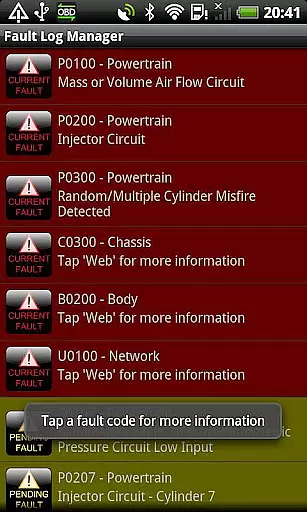
Torque Pro stands out with its extensive feature set tailored for in-depth vehicle analysis. One of its key capabilities is the ability to read and reset DTC fault codes, effectively acting as a scan tool that can help diagnose and fix car issues without needing professional assistance.
The app also includes advanced functionalities like dyno testing for measuring horsepower and torque, 0-60 speed timings for performance benchmarking, and CO2 emissions tracking for eco-conscious drivers. These features provide a holistic view of vehicle performance and environmental impact.
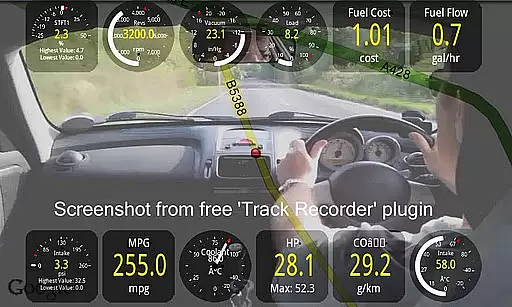
Additionally, Torque Pro supports GPS-based tracking and logging, allowing users to record journeys with overlaid OBD II data. This feature serves as a black box for vehicles, capturing crucial information that can be invaluable for troubleshooting or accident analysis. The app's versatility makes it an indispensable tool for anyone seeking detailed insights into their vehicle's operation.
Real-time messaging speed and reliability are crucial for any communication app, especially in automotive diagnostics. Torque Pro ensures that the data transfer between your vehicle's OBD II system and your smartphone is both rapid and dependable.
This application uses a Bluetooth adapter to establish a stable connection with the caru2019s engine management system. The real-time data transmission allows users to monitor their vehicle's performance instantly, providing up-to-date information on fault codes, sensor data, and other critical metrics.
For drivers and automotive enthusiasts, this means they can rely on Torque Pro to deliver timely alerts and notifications about their vehicle's status. Whether you're tracking your journey or diagnosing an issue, the app's efficient communication framework ensures that you receive the necessary data without delays.
The benefit of such reliable real-time messaging is clear: it empowers users to make informed decisions quickly, enhancing both vehicle performance and safety. With Torque Pro, you can trust that the information you receive is both current and accurate, allowing for prompt action when needed.
Media sharing support is another essential feature of modern applications, and Torque Pro excels in this area by offering comprehensive options for sharing diagnostic data and performance logs. This functionality is vital for users who need to share detailed reports with mechanics or fellow car enthusiasts.
Torque Pro allows users to export logging information via email in CSV or KML formats, making it easy to analyze data using tools like Excel or OpenOffice. Additionally, the Track Recorder plugin lets users video their journeys with onscreen OBDII data overlays, creating a black box for their car or truck.
Moreover, the app supports social media integration, enabling users to share screenshots directly to platforms like Facebook, Twitter, Google+, and more. This feature not only facilitates collaboration but also helps build communities around shared interests in automotive performance and diagnostics.
By providing robust media sharing capabilities, Torque Pro enhances user engagement and fosters a collaborative environment where knowledge and insights can be easily exchanged. This ultimately leads to better-informed users who can maintain and improve their vehicles more effectively.
User-friendly interface
Real-time diagnostics
Customizable dashboard
Extensive feature set
Wide vehicle compatibility
Requires Bluetooth adapter
Some features vehicle-dependent
Premium version costly
Complex for beginners
Occasional connectivity issues

Radio communication simulator for gaming communities
 4.0
4.0
Connect and browse the internet with a fast VPN proxy server and IP blocker.
4.50
Welcome to the future of phone service.
4.60
Send SMS and chat messages easily with a fast text messaging app for Android.
4.10
Experience real private browsing without tracking, surveillance, or censorship.
4.50
Faster version of Messages. Messenger for your contacts.
4.50
RemoteHams.com Android RCForb Client Pre-Release
4.30
Manage your mobile phone plan, check unlimited 5g data usage and track rewards
4.50
Telegram is a messaging app with a focus on speed and security.
4.00
Useful. Social. Expressive.
4.70
Adblock & VPN Browser: Blocks banners, pop-ups and video ads, fast downloader!
4.60
Talk & text free with a second phone number plus unlimited 5G data, no fees.
4.50
Caller ID App! Add names & photos to unknown calls & Call Recording
4.40
Fast and simple walkie talkie app
4.20
SMS Messenger is a lightning-fast messaging app.
4.20
Message and video call your family and friends in HD!
3.80
A softphone app with seamless SIP calling and an intuitive VoIP dialer
3.50
Fast, Simple And Secure Application That Provides SMBv3 Server On Your Device
3.30
A Browser with powerful ad blocker to help focus on what really matters.
3.00


User Reviews