
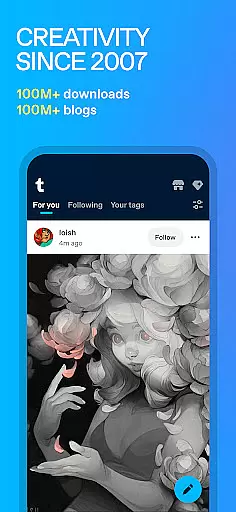
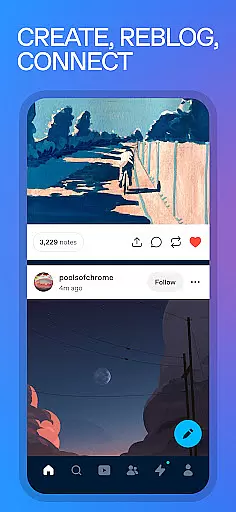
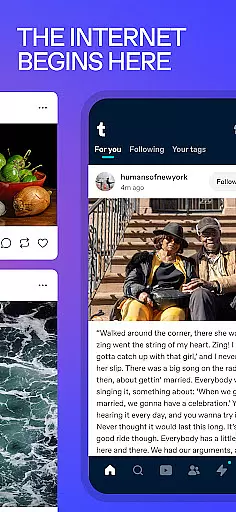
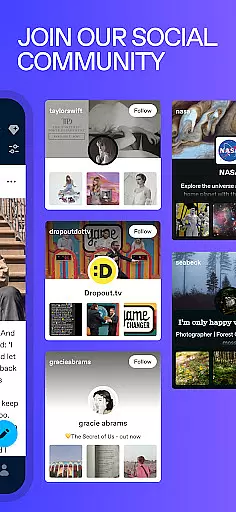
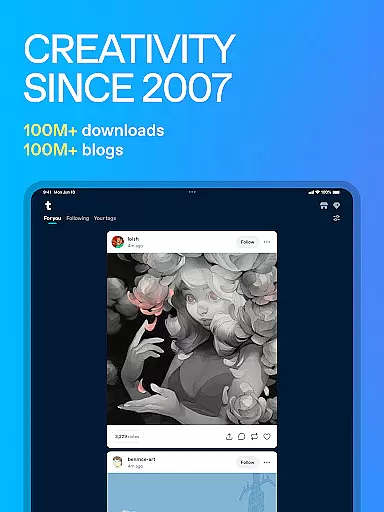
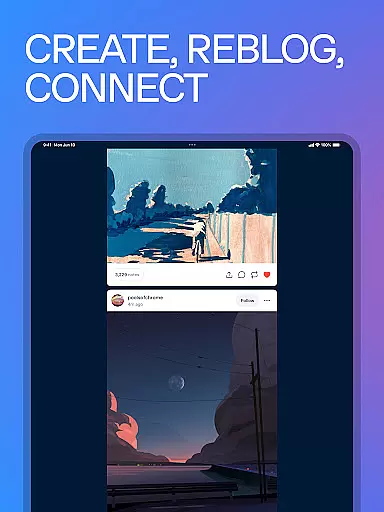
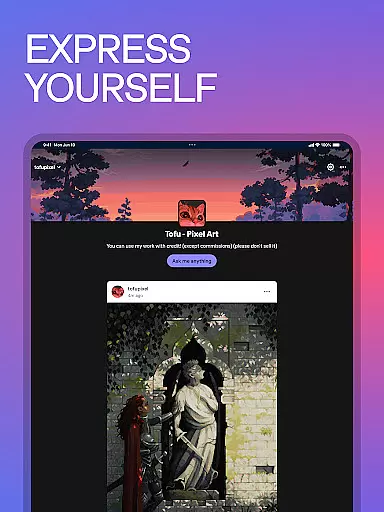
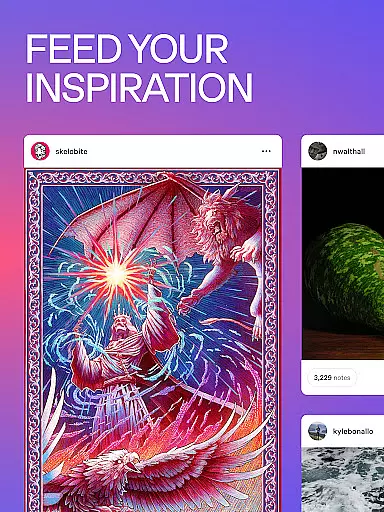
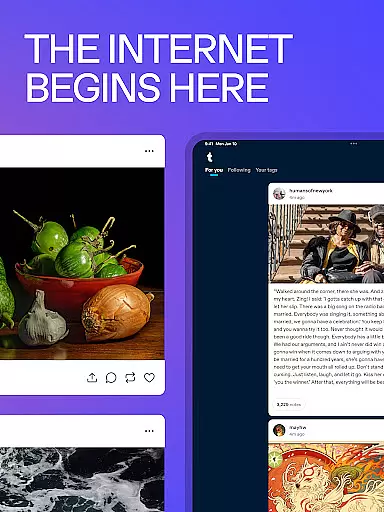
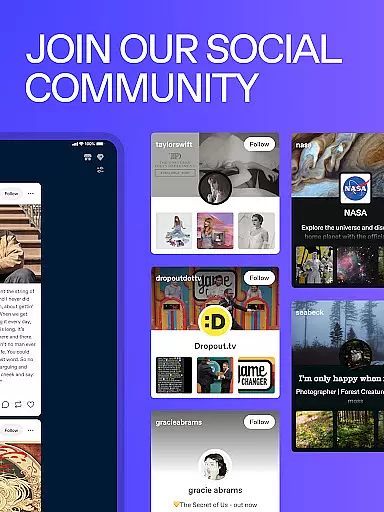
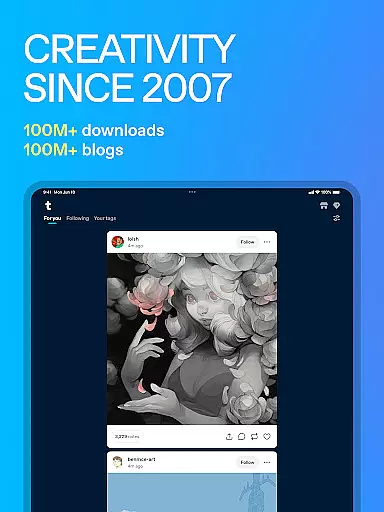
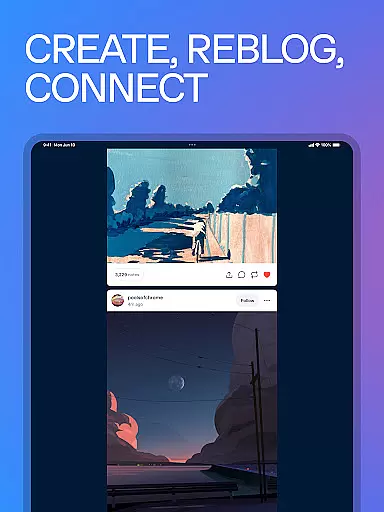
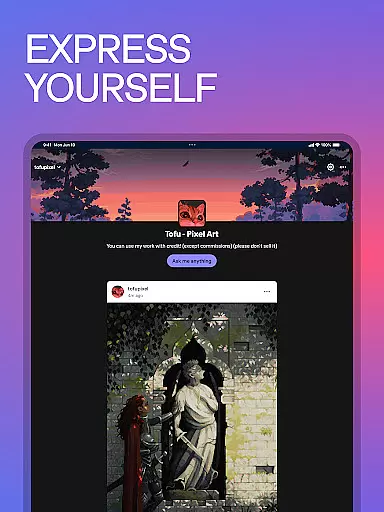
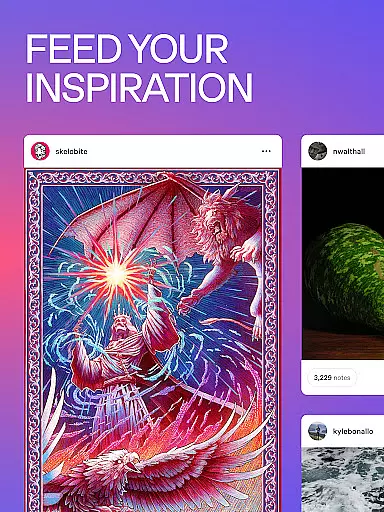
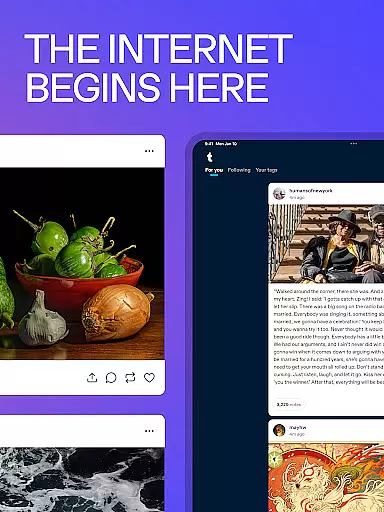
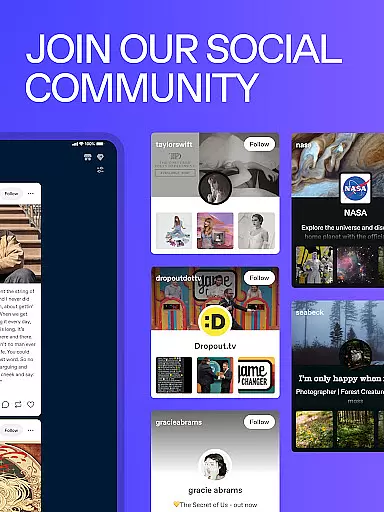
Tumblr is a dynamic social media platform designed for creative expression and community building. It serves as a hub for artists, meme creators, and fandom enthusiasts to share their work and connect with like-minded individuals. The app allows users to post various types of content including images, text, videos, GIFs, and audio, making it a versatile tool for self-expression.
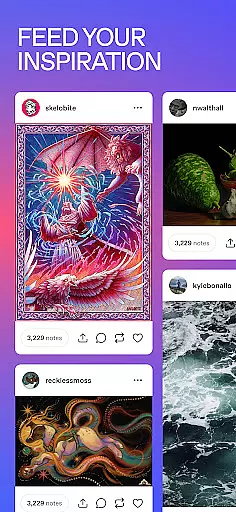
One of Tumblr's standout features is its highly customizable dashboard, where users can follow topics they love, reblog inspiring content, and build a personalized feed. This makes it easy to immerse oneself in niche communities or explore broader interests. Whether you're an illustrator, photographer, or fanfiction writer, Tumblr offers a supportive environment to showcase your creations and engage with a global audience.
The platform thrives on authentic interactions, encouraging users to express themselves freely through GIFs, memes, fanart, and more. With tools for tagging, privacy settings, and multiple blog creation, Tumblr empowers users to curate their online presence while connecting with others who share their passions. This combination of creative freedom and community support makes Tumblr an ideal space for artistic exploration and social connection.
Tumblr offers an impressive array of features that cater to diverse creative needs. The platform supports multiple content formats including images, text posts, videos, GIFs, and audio files, allowing users to express themselves through various mediums. Its intuitive interface enables seamless content creation and sharing, while the reblogging system facilitates content discovery and community engagement.
A key feature is the customizable dashboard, which lets users follow specific tags, themes, or creators to create a personalized content feed. The platform also supports original content creation through webcomics, fanfiction, and digital art sharing. Users can participate in creative challenges, explore trending tags, and join curated collections across countless fandoms including K-pop, anime, and gaming communities.
Tumblr's robust tagging system helps content reach wider audiences, while privacy settings and multiple blog options provide control over visibility and presentation. These features, combined with tools for liking, sharing, and commenting, create an engaging environment where users can build meaningful connections and establish their presence in the digital art world.
User profile customization is a crucial aspect of any social platform, allowing users to express their individuality and establish their digital identity. Tumblr offers an extensive range of customization options that enable users to personalize their profiles according to their preferences.
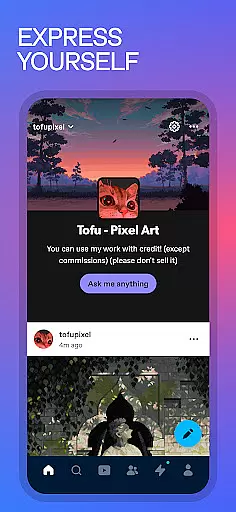
With Tumblr, users can create multiple blogs under one account, each with its unique theme and content focus. This flexibility allows for a diverse expression of interests and passions, whether it's art, fandoms, or niche communities. Users can customize the appearance of their blogs with various themes and layout options, making each profile distinct and reflective of the user's personality.
In terms of authenticity verification, Tumblr employs measures to ensure the credibility of profiles. While Tumblr does not have a traditional 'verified' badge system like other platforms, the platform encourages genuine interactions by fostering close-knit communities where users can build trust through consistent and meaningful engagement.
The ability to customize and manage multiple profiles on Tumblr not only enhances user experience but also contributes to creating a more authentic and trusted community. By giving users control over their online presence, Tumblr empowers individuals to present their true selves and connect with others who share similar interests in a meaningful way.
Connection discovery is a fundamental feature of social media platforms, enabling users to find and engage with like-minded individuals and communities. Tumblr excels in this area by providing tools that facilitate the discovery of new connections based on shared interests and content preferences.
Tumblr's tagging system is at the heart of its connection discovery mechanism. Users can tag their posts with relevant keywords, making it easier for others interested in those topics to find and follow their content. This system creates a dynamic and interconnected web of posts, allowing users to explore related content and discover new creators effortlessly.
Beyond tags, Tumblr's recommendation algorithms analyze user behavior to suggest accounts and content that align with individual preferences. The 'Explore' feature showcases trending topics and curated content collections, offering users a gateway to emerging trends and popular discussions within various fandoms and interest groups.
These connection discovery features significantly enhance user engagement on Tumblr by continuously introducing users to fresh content and potential community members. The platform's emphasis on organic discovery through tags and personalized recommendations fosters meaningful interactions and helps users build lasting connections within their areas of interest.
User-friendly interface
Versatile content options
Strong community support
Customizable dashboard
Global reach
Occasional NSFW content
Interface can be complex
Ads may be intrusive
Limited analytics
Spam issues

Looking for a date or a friend? Swipe to match and meet open-minded singles.
 4.20
4.20
Meet Strangers Online, Live Video Chat & Make Random Video Calls on Joi!
4.30
Live video chat to connect with people around the world. Video chatting on Olive
4.40
Social calendar for friends to make plans, group chat, share events & schedules
4.60
Online group games like Mafia, Word War, Scattergories, Ludo, Uno, and many more
4.30
The world's leading social networking app for gay, bi, trans, and queer people.
4.10
Unlimited messages, WiFi Calling, Texting app. Text now with Second Phone Number
4.10
Free texting (SMS) to US, Canada & more. Free new number. Call free & Text free.
4.30
Calling and texting app. 2nd virtual line plus new phone number. Txt & talk now.
4.40
Reddit is where you’ll find your people and feel at home in every conversation.
4.60
A video app from OpenAI - AI video generation by the maker of ChatGPT
4.60
Unlimited calls & texts | WiFi voice line plus group txt | Call & text now
4.50
Watch 24/7 great live stream, or go live to boost your social followers!
4.50
Social App Used By Millions
4.40
Build Your Team With One App
4.30
Honest dating app where real people find genuine love and real matches.
4.20
Sell unwanted items and buy preloved stuff in your local community.
4.10
Random chat & meet online. Find your soulmate or someone special and have fun!
3.90
Swipe, Meet & Chat Real People
3.80


User Reviews