
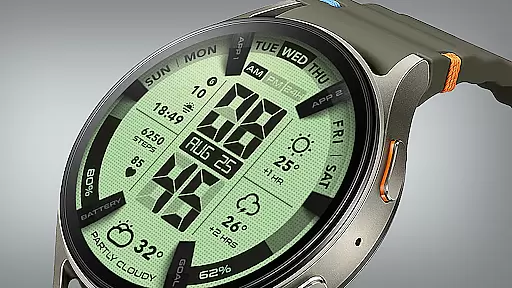
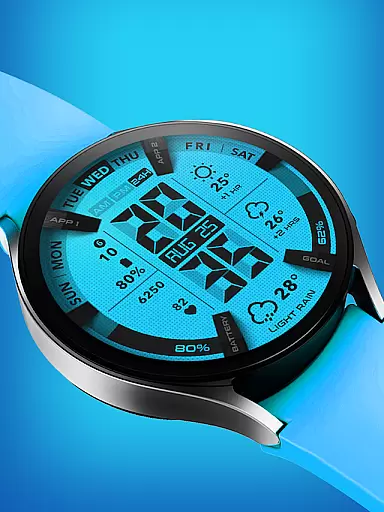
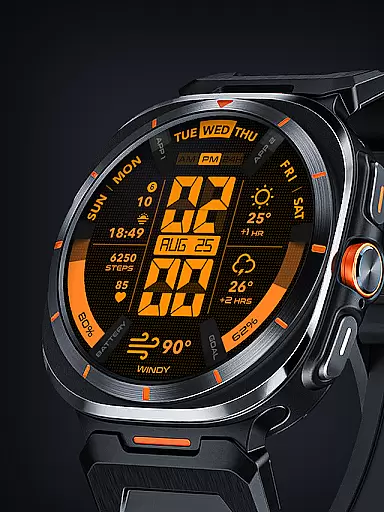
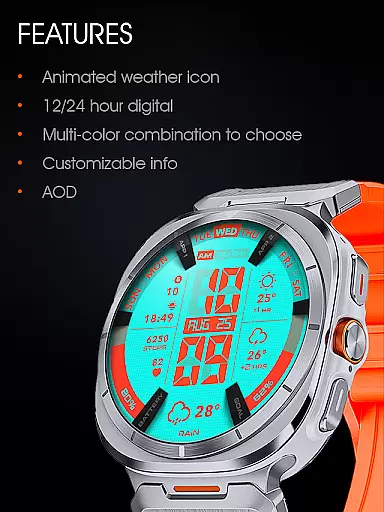
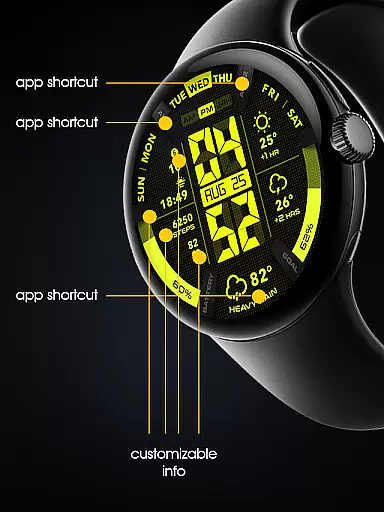

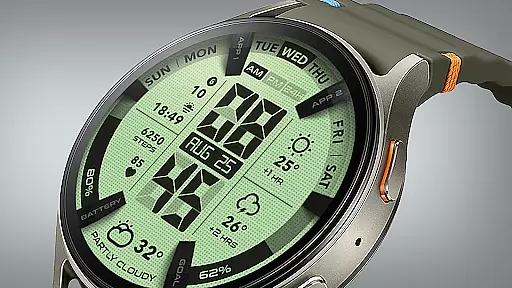
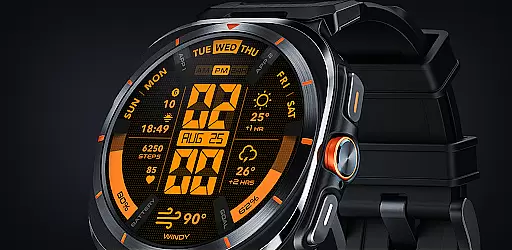
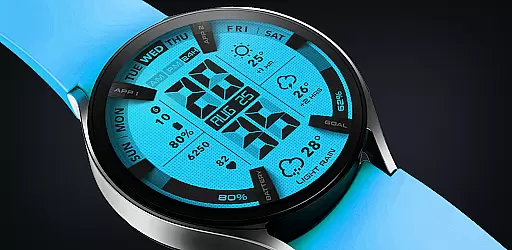
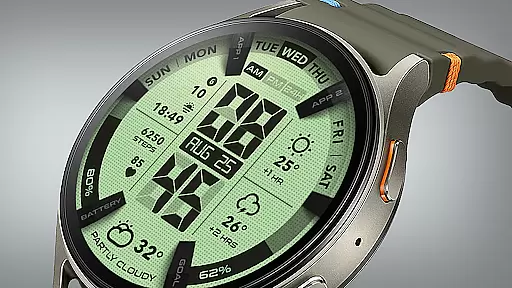
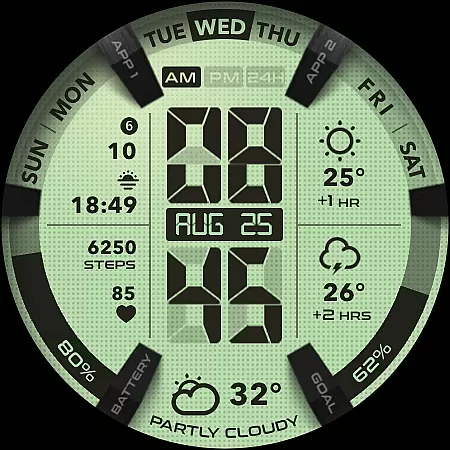
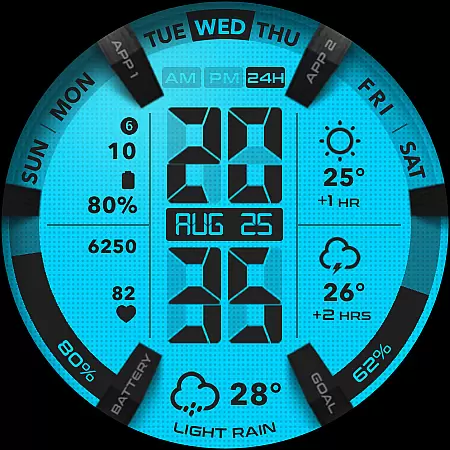
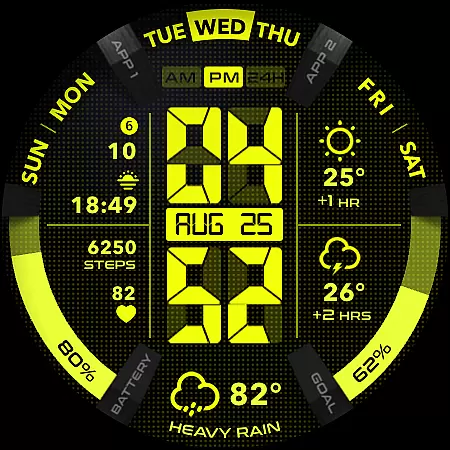
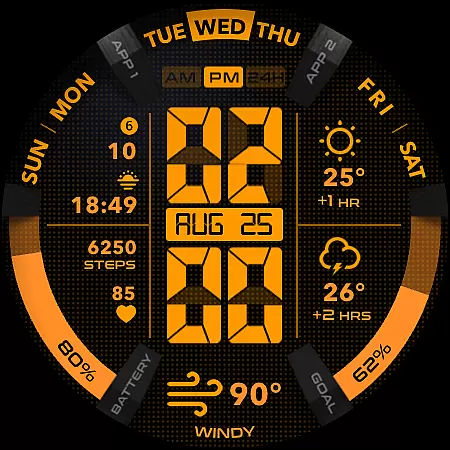
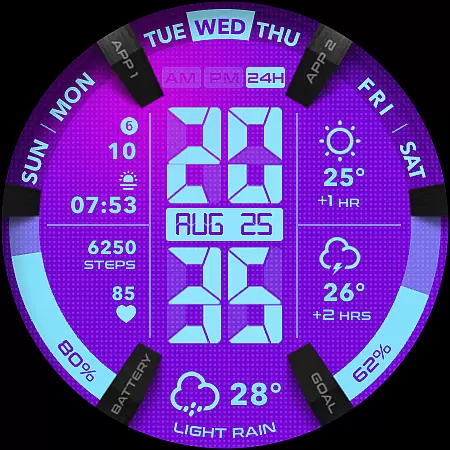
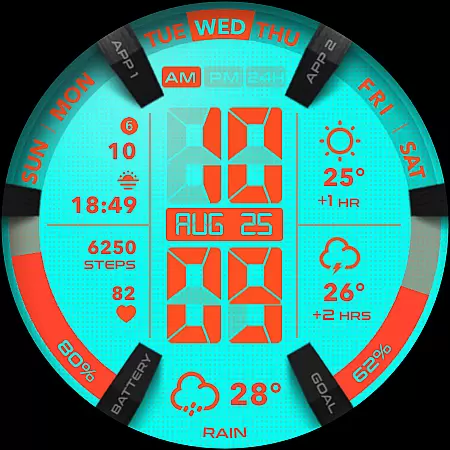
UsA LCD Weather Anim is a digital watch face designed for Wear OS devices, offering users an animated weather display alongside hourly forecasts. The app supports Wear OS API 34+ (Wear OS 5) and later, ensuring compatibility with the latest smartwatch models.
This lifestyle application allows customization of color styles, making it possible for users to personalize their watch faces. With features like step goal gauges, battery indicators, and customizable complications, it provides both functionality and personal flair. Its unique Always On Display (AOD) mode shows essential information at a glance while conserving battery life.
Whether you're tracking daily activities or staying updated on weather conditions, UsA LCD Weather Anim enhances your wearable experience by combining practicality with aesthetics.
One of the standout features of UsA LCD Weather Anim is its animated weather display, which includes forecasts for the next two hours. This functionality helps users stay prepared for changing weather conditions throughout their day.
The app offers extensive customization options, allowing users to adjust color schemes and manage complications through intuitive settings menus. Additionally, the inclusion of a step goal gauge and battery indicator ensures that users can monitor their fitness progress and device status effortlessly.
With support for both 12-hour and 24-hour time formats, synchronization with phone settings, and a specially designed AOD mode, this app caters to various user preferences while maintaining ease of use and energy efficiency.
UsA LCD Weather Anim offers a comprehensive lifestyle experience by integrating essential daily features into a single smartwatch application. The app includes animated weather updates, hourly forecasts, and customizable color styles, making it more than just a digital watch face.
The inclusion of step goal gauges, battery indicators, and customizable complications ensures that users have all necessary information at their fingertips. These features cater to various aspects of daily life, from fitness tracking to practical utility, enhancing the overall lifestyle management capabilities of the app.
Additionally, the specially designed Always On Display (AOD) feature provides users with quick access to important information without needing to wake the watch, thus conserving battery while maintaining functionality. This thoughtful design aspect underscores the app's commitment to covering multiple lifestyle categories effectively.
UsA LCD Weather Anim prides itself on delivering authentic and credible content through its meticulously designed features. The animated weather updates and hourly forecasts are powered by reliable data sources, ensuring that users receive accurate and timely information about weather conditions.
The customization options available in the app, such as color style adjustments and complication settings, reflect a deep understanding of user preferences and needs. This level of personalization is achieved through expert design and development practices, guaranteeing that each feature serves a meaningful purpose in enhancing user experience.
Furthermore, the app's support for Wear OS API 34+ (Wear OS 5) and later versions demonstrates a commitment to staying current with technological advancements. By continuously updating and refining its offerings, UsA LCD Weather Anim maintains its position as a trusted and authoritative source for smartwatch users seeking both style and substance in their digital experiences.
Customizable color styles
Animated weather updates
Step goal tracking
Battery usage indicators
Always On Display mode
Battery drain in AOD
Limited to Wear OS
No iOS compatibility
Requires Google account
Installation not instant

The Work of Byron Katie— the mobile app for inner peace.
 4.40
4.40
Design and brew great homebrewing beer, mead, cider and wine recipes on the go!
3.60
Discover how to help puppies stay calm around noise with this helpful app.
4.4
Designed to delight, impress and energize your festive spirit every single day
4.2
Daily lessons from A Course in Miracles with scheduled reminders
4.80
A watch face with transparency and fluid visuals inspired by liquid glass design
4.4
Connect to your Shark ROBOT™ from anywhere using the SharkClean™ App.
3.60
Discover your Nationality, Family Origin, and Ancestry from one selfie
4.50
Have your Tehillim with you at all times
4.70
Discover the "To Be a Christian" App: Your Guide to Deepening Faith!
5.00
Vehicle ownership simplified. Get the myChevrolet® app today.
4.60
PARAVOX 4 is a professional ITC paranormal research application.
4.50
What is my face shape? Find out your face shape from picture, see fitting frames
3.90
Spirit Communicator is a real paranormal ghost hunting app with many fun modes.
3.90
Your home in your hand
3.80
Subwoofer school’s in session! You’ve now enrolled into KICKER U.
3.80
Going above and beyond known spirit communication
3.60
Take Hobby Lobby with you wherever you go!
3.40
A uniquely designed isometric digital watch face made for Wear OS
4.4


User Reviews