
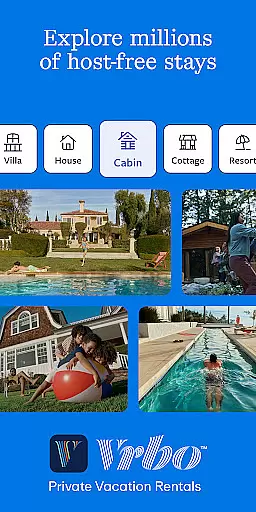
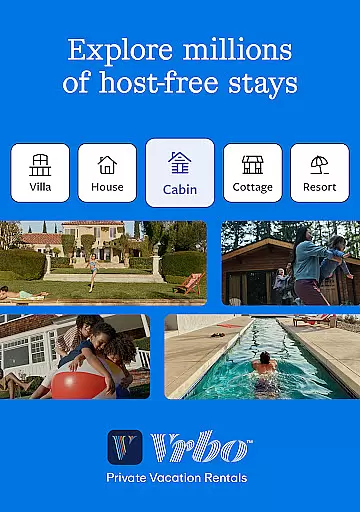
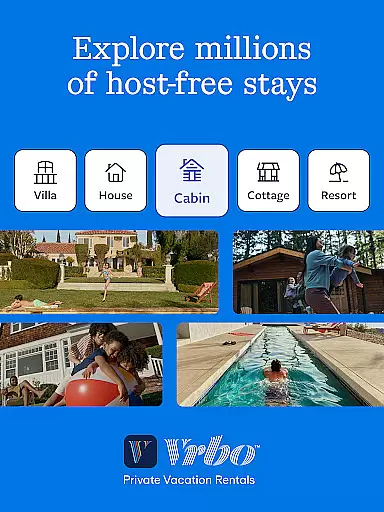
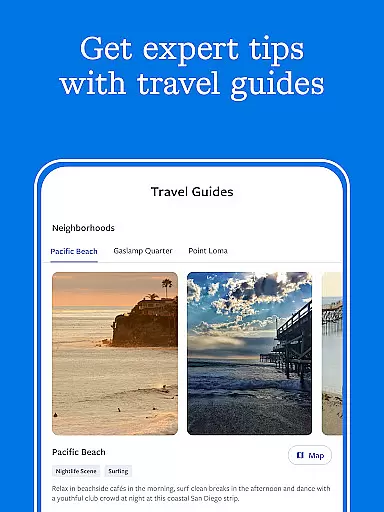
Vrbo Vacation Rentals offers a seamless way to find and book private vacation homes worldwide. With over 190 countries to choose from, the app provides access to unique properties complete with pools, backyards, and other desirable amenities. Whether you're planning a beach getaway or a mountain retreat, Vrbo ensures a stress-free booking experience.
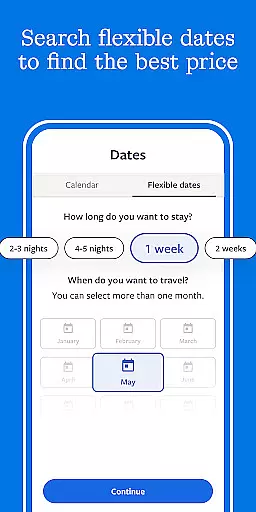
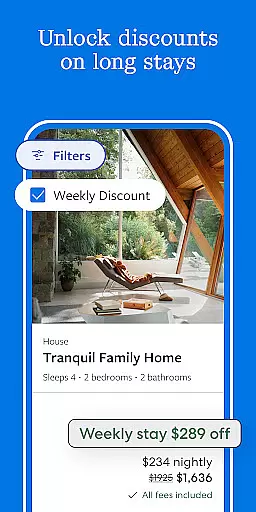
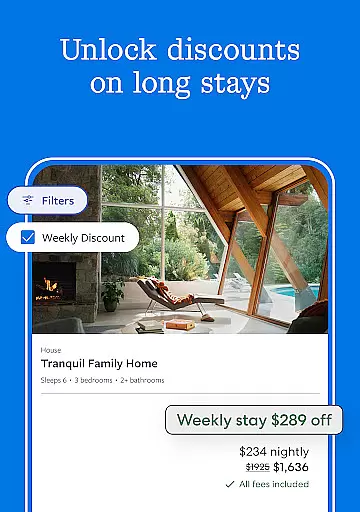
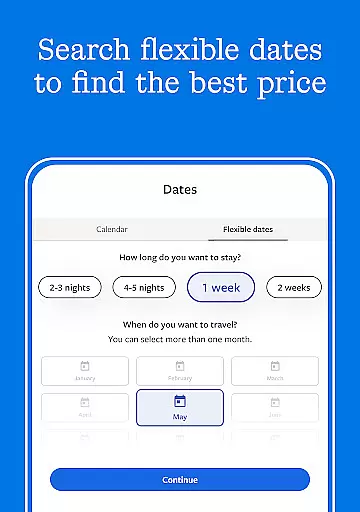
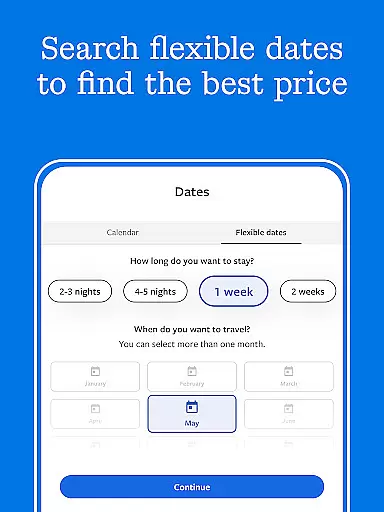
The app's standout feature is One Key, a rewards program that lets users earn and redeem points on various travel-related purchases across its family of brands. This includes eligible vacation homes, flights, hotels, and car rentals. Additionally, features like Flexible Date Search and Long Stay Discounts make it easier to find the best options for your travel needs.
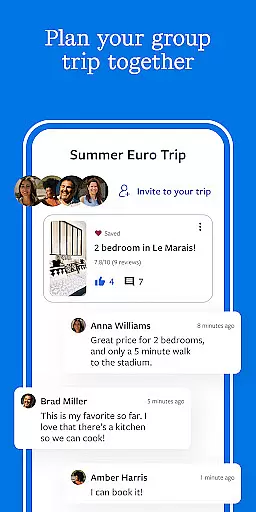
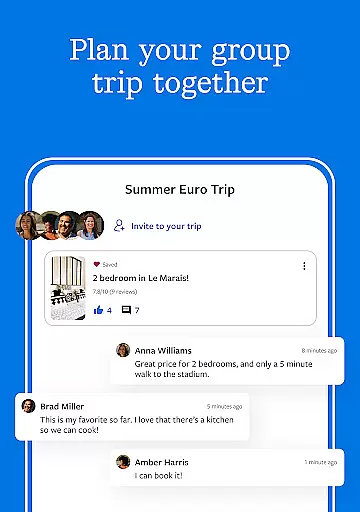
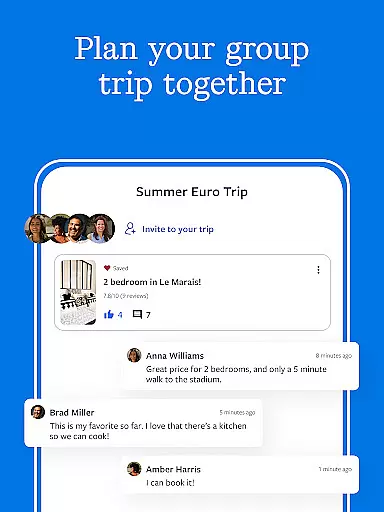
Travelers benefit from 24/7 customer support, ensuring assistance is available at any time during their journey. The app also facilitates group planning through collaborative tools like Trip Planner and group chat, making it ideal for family vacations or group trips.
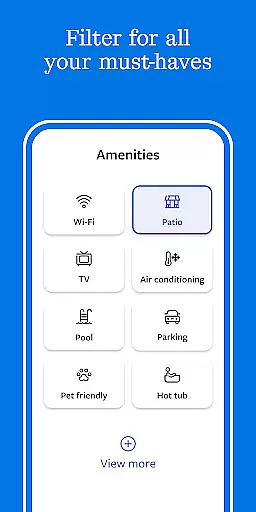
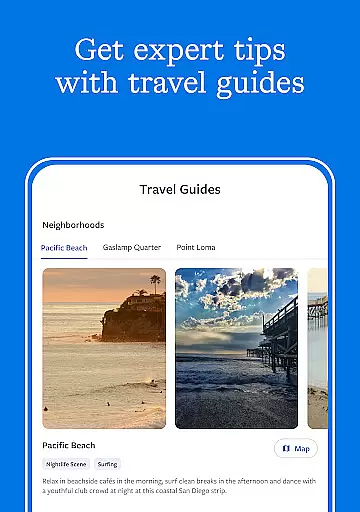
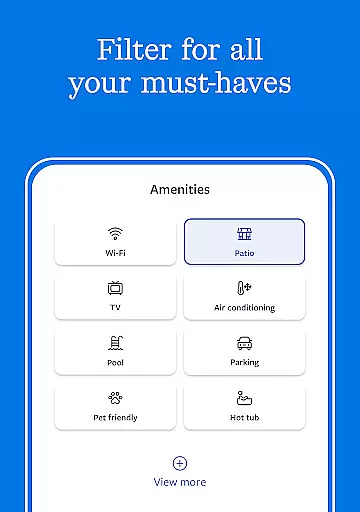
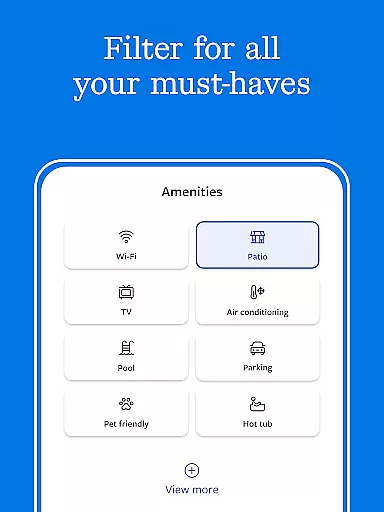
Vrbo stands out with its comprehensive search capabilities, allowing users to filter by price, location, and amenities. The app showcases high-quality photos and reviews, giving users a clear understanding of each property before booking. Its virtual assistant quickly answers property-related questions, enhancing the decision-making process.
Planning is made effortless with features like Trip Planner and real-time group chat. Users can save favorite rentals, invite friends and family to collaborate, and vote on preferred locations. The Flexible Date Search tool helps compare prices across multiple dates, ensuring users find the best deals.
Booking is secure and straightforward, with payment handled directly through the app. Long-term stay discounts provide additional savings, while 24/7 customer support ensures peace of mind throughout the travel experience. These robust features collectively offer a superior user experience tailored to modern travelers.
When it comes to booking vacation rentals, ensuring the authenticity of your reservation is paramount. Vrbo Vacation Rentals provides a secure and reliable booking process that gives travelers peace of mind. The platform allows users to book directly through the app using their credit cards, ensuring that all transactions are protected and verified.
Vrbo goes a step further by offering 24/7 customer support. Whether you have questions about a property or need assistance with your booking, help is available around the clock. This ensures that any issues can be swiftly resolved, maintaining the integrity of your travel plans.
The app also features a messaging system that lets you communicate directly with property hosts. This feature not only adds a layer of transparency but also allows for real-time clarification and confirmation of property details. Such direct communication helps in verifying the legitimacy of the booking, making sure that what you see is what you get.
By focusing on these aspects, Vrbo Vacation Rentals ensures that every booking is authentic and trustworthy, allowing users to plan their trips without worry. This dedication to security and verification makes Vrbo a preferred choice for travelers seeking reliable vacation accommodations.
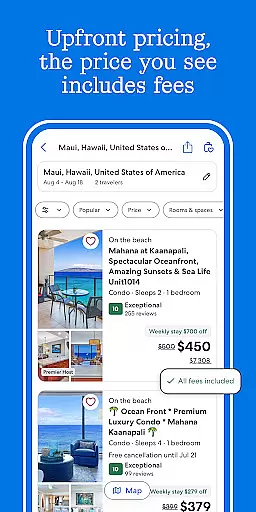
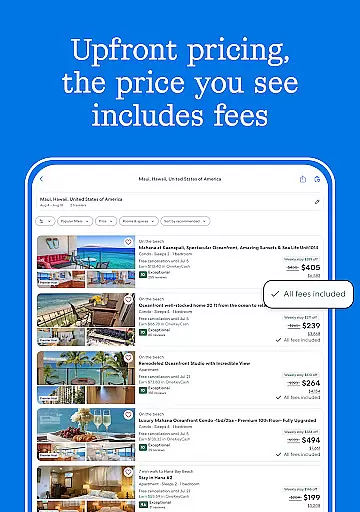
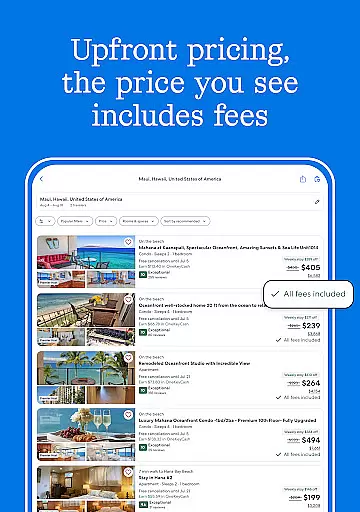
Price transparency is crucial when selecting vacation rentals, as hidden fees can significantly impact your budget. Vrbo Vacation Rentals excels in this area by providing clear and upfront pricing information. Users can easily compare prices across multiple dates thanks to the Flexible Date Search feature, which helps identify the best deals without surprises.
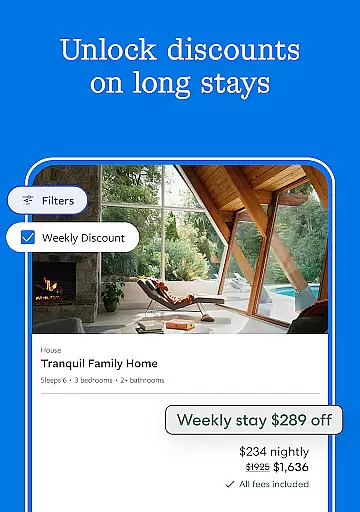
In addition to transparent pricing, Vrbo offers long-stay discounts on select properties. These discounts provide significant savings for extended bookings, making it easier to manage travel expenses effectively. By clearly displaying these discounts, Vrbo empowers users to make informed decisions about their accommodations.
Moreover, Vrbo's platform includes detailed listings with comprehensive information about each property, including amenities and reviews. This level of detail ensures that users understand exactly what they are paying for, reducing the likelihood of unexpected costs. With such thorough information at hand, planning a cost-effective vacation becomes much simpler.
Overall, Vrbo Vacation Rentals' commitment to price transparency enhances the user experience by fostering trust and enabling better financial planning. Travelers can confidently book their stays knowing that there will be no hidden charges, allowing them to focus on enjoying their vacations.
User-friendly interface
Wide selection of properties
Flexible date search
24/7 customer support
Rewards program
Limited international support
Occasional bugs
High demand pricing
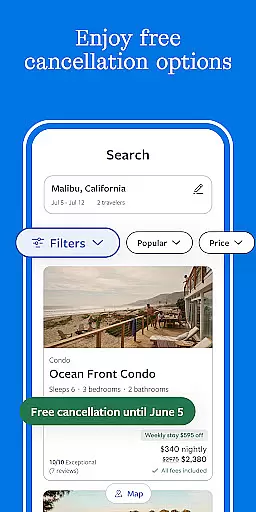
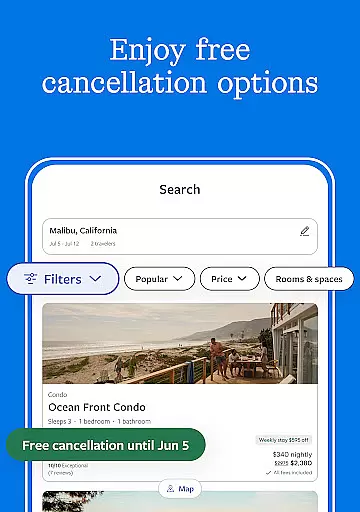
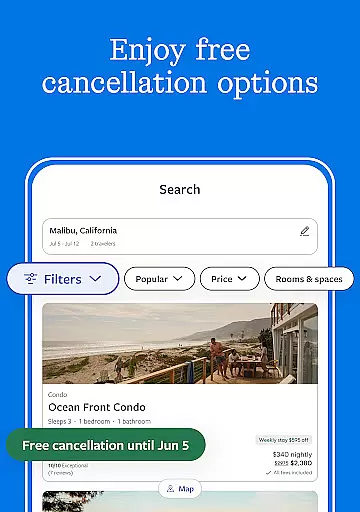
Strict cancellation policies
Ads in free version

INDOT Trafficwise is a traffic and traveler information mobile app.
 4.00
4.00
Tide Table Chart provides quick and easy access to high and low tide forecasts.
3.20
A tool for outdoor activities.
4.30
Replace your car trips with the world’s largest shared electric vehicle company.
4.90
Walt Disney World Resort maps, wait times, tickets, dining & more.
4.50
Link & locate for real-time child & family safety: GPS tracker for families
4.40
Managing your travel should be easy. With the Amtrak app, it is.
4.30
Examine the planet
3.80
Stack Upside with your current credit & debit rewards for even more cash back!
4.50
One app, 300,000+ travel experiences, tours, and tickets you’ll remember.
4.90
Book neighborhood dog boarding, dog walking, pet sitting, and doggy day care.
4.60
Easily rent a car at over 9,500 locations with the Enterprise car rental app.
4.60
Vacationing on CARNIVAL? Maximize your fun on board with the ultimate cruise app
4.60
NEW! Vacation with Ease.
4.60
Travel light with our easy-to-use mobile app, the perfect flying companion.
4.40
Explore our parks like never before with the completely reimagined Six Flags app
4.30
Navigate your world faster and easier with voice navigation & street view map
4.20
MyTSA gives you 24/7 access to info that passengers frequently request from TSA.
4.10
OFFLINE detailed information about the Florida National and State Parks
4.1


User Reviews