
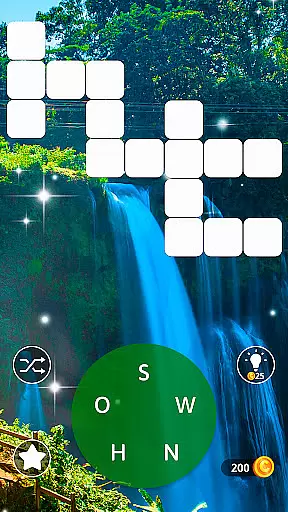
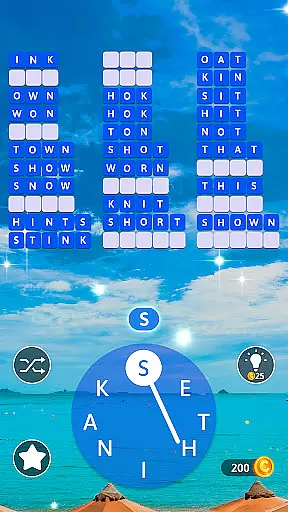
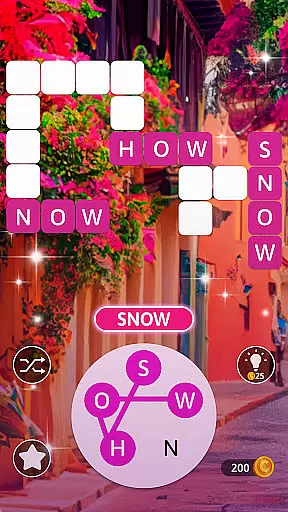
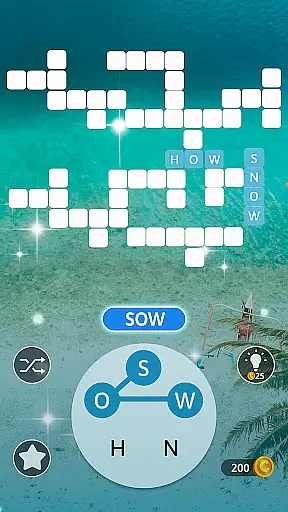
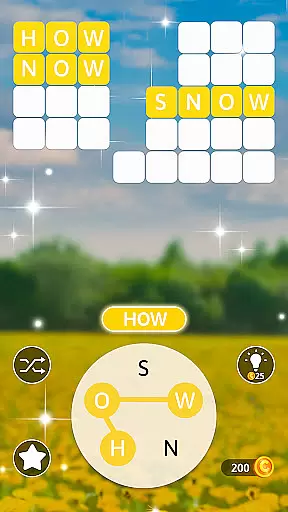
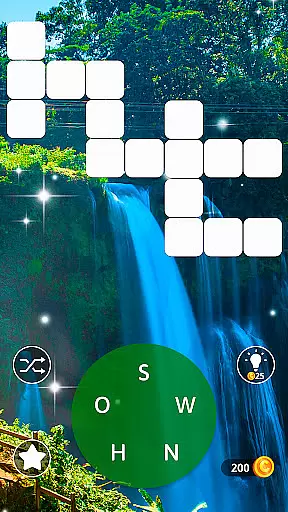
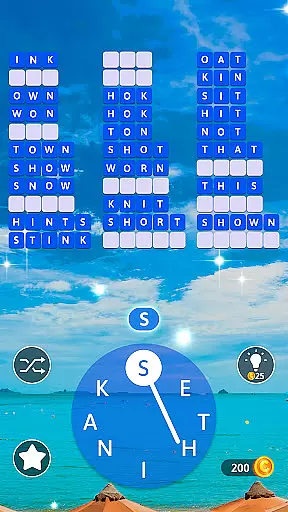
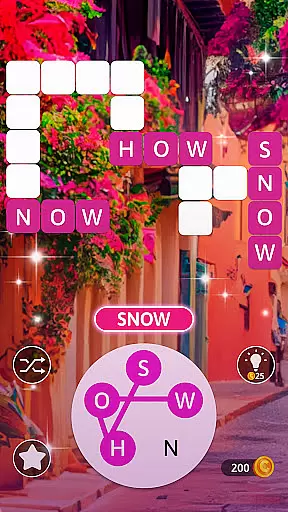
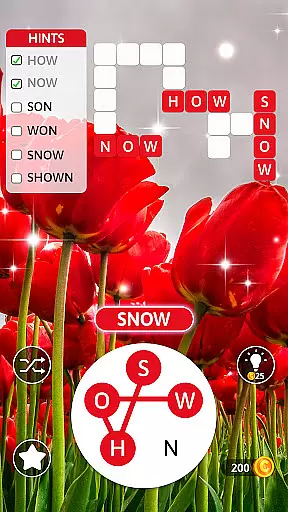
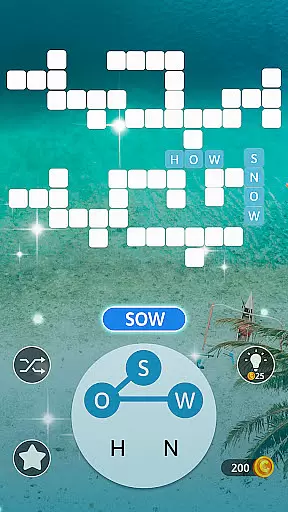
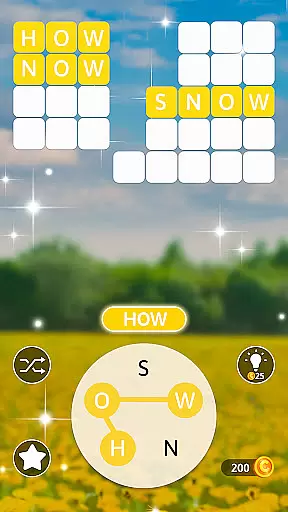
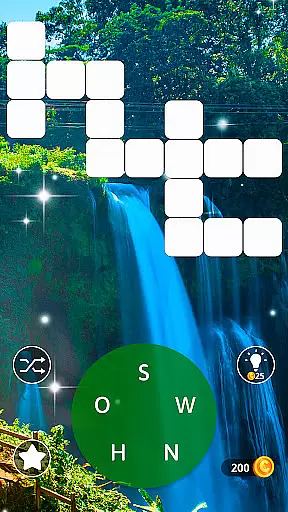
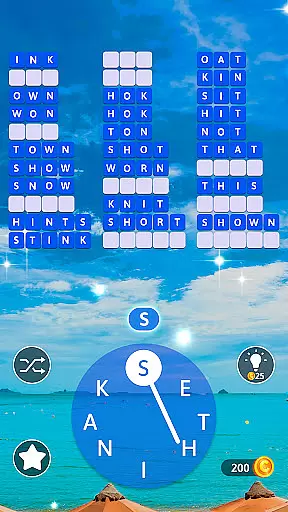
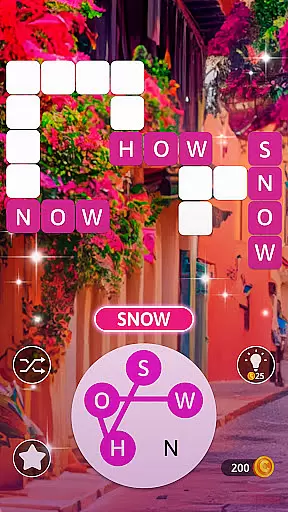
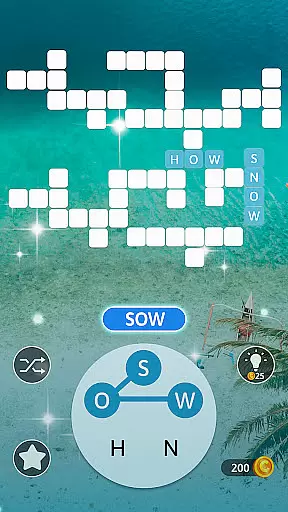
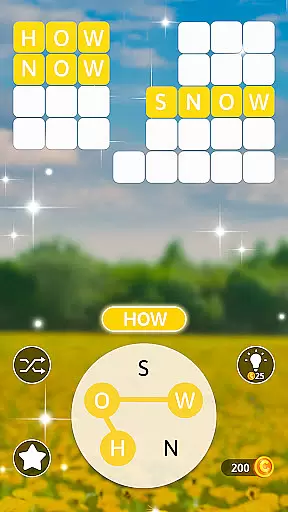
Word Maker: Words Games Puzzle is an engaging word puzzle app that combines crosswords, word search, and word connect games to enrich vocabulary while training the brain and improving IQ. Designed for word game enthusiasts, this app offers a variety of challenges that cater to all ages, making it a perfect pastime for individuals and families alike. With over 2000 levels to unlock, users can embark on a virtual world tour, solving puzzles in different cities and enhancing their language skills along the way.
The app provides a comprehensive experience by integrating various word games into one platform. Players can enjoy testing their vocabulary, connecting letters, and finding hidden words in a beautifully designed interface with stunning graphics. Word Maker also includes helpful tools such as hints and shuffle options, ensuring that players remain engaged without feeling overwhelmed. Whether you're on a break from work, traveling, or spending time at home, Word Maker offers a fun and educational escape through its diverse word puzzles.
Word Maker stands out with its rich set of features tailored to enhance user engagement and learning. The app boasts over 2000 levels, each designed to challenge and improve vocabulary skills progressively. As players advance through the levels, they unlock new cities and gain access to additional tools that assist in revealing words and letters, adding an element of excitement and discovery to the gameplay.
In addition to its extensive level offerings, Word Maker incorporates unique perks such as daily bonus rewards and the ability to earn gold coins throughout the game. These incentives not only motivate continued play but also provide practical benefits like purchasing hints. The app's Travel Theme immerses users in a global adventure, featuring well-designed interfaces and captivating backgrounds that create a relaxing atmosphere. Suitable for the entire family, Word Maker serves as an excellent brain exercise tool, focusing on memory enhancement and cognitive skill development.
Clue quality and clarity are essential in word games as they guide players through challenging puzzles while maintaining engagement. In Word Maker, clues are designed to be intuitive yet stimulating, ensuring that users can progress without feeling overwhelmed.
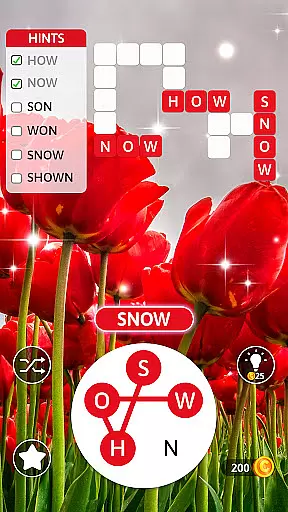
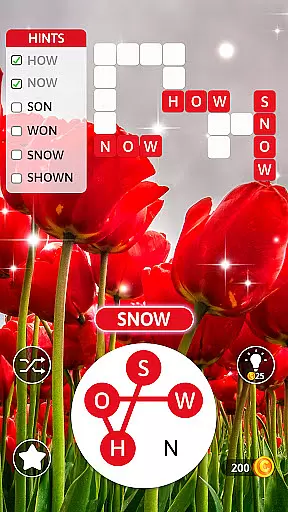
The app employs a hint system that provides timely assistance when players encounter difficult words. By tapping the Hint button, users receive clear directions on how to connect letters, making the gameplay experience smoother and more enjoyable. This feature strikes a balance between challenge and support, catering to both casual gamers and word puzzle enthusiasts.
Additionally, Word Maker offers visual aids such as highlighted letter paths and shuffle options for rearranging letters. These tools enhance clue clarity by helping players visualize potential solutions. As a result, users can focus on expanding their vocabulary rather than getting stuck on complex puzzles.
Ultimately, the high-quality clues in Word Maker contribute significantly to user satisfaction. Players can enjoy a seamless word search experience that sharpens their language skills while providing hours of entertainment. The thoughtful design of these features ensures that every player can achieve success in their word puzzle journey.
Puzzle variety is crucial in word games as it keeps players engaged and prevents monotony. Word Maker excels in this area by offering over 2000 unique levels, each presenting different challenges that test various aspects of vocabulary and problem-solving skills.
The game incorporates multiple puzzle types, including crosswords, word searches, and letter connections. This diverse range of activities ensures that players encounter fresh experiences with each new level. Whether forming words horizontally or vertically, users must adapt their strategies, enhancing both cognitive flexibility and linguistic abilities.
Moreover, Word Maker introduces special themed levels that take players on a virtual world tour. From New York to global destinations, these thematic puzzles provide contextual richness, making the gameplay more immersive. Players unlock new cities and tools as they advance, adding layers of excitement to the overall experience.
By combining varied puzzle formats with engaging themes, Word Maker successfully maintains user interest. The extensive level selection and daily bonus rewards encourage regular play, fostering continuous learning and enjoyment. This variety not only entertains but also promotes mental agility through diverse word challenges.
User-friendly interface
Educational and entertaining
Variety of challenging levels
Engaging travel theme
Suitable for all ages
Limited offline functionality
In-app purchases necessary
Ads between levels
Complex for beginners
Occasional bugs reported

Crossword & Trivia Game for Christian
 4.60
4.60
Play this fun word connect game to calm and train your brain.
4.60
Relax, challenge yourself, and sharpen your mind anytime, anywhere!
4.60
Dive into the fun word puzzle games for adults! Train your brain with word games
4.80
Search for FAITH and FUN!
4.90
Combine crossword clues with a fill in the quote cryptogram style answer
4.30
Are you smart enough for this Word Challenge?
4.90
Relax, train your brain and improve your vocabulary with Word Search Journey
4.80
Daily logic and word puzzles: Sudoku, Bonza, Jigsaw, Keysmash & more.
4.60
Challenge your brain with online learning and solve word puzzles!
4.90
Crossword puzzles for all ages- easy to hard games. All offline!
4.80
Play Word Games & train your brain in Word Collect - Word Games Fun Word Games!
4.70
Word Puzzles from the hit TV show! Spin the wheel for fun word games!
4.60
Can you handle the heat of the Word Kitchen?
4.60
The classic word game with advanced AI and built-in definitions
4.60
Mind-challenging word game — form words with letters and beat your opponent!
4.50
Relax your brain with this fun word puzzle game and beautiful landscapes!
4.50
Daily Word Search Puzzles
4.10
Who is the Imposter? The ultimate group game for 3 to 30 players!
4.5


User Reviews