
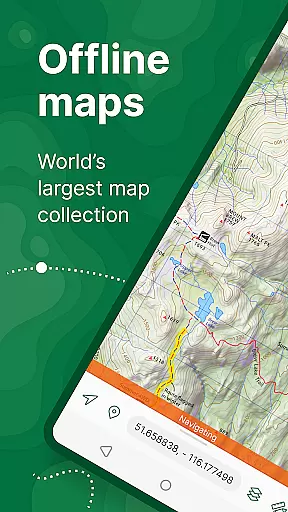
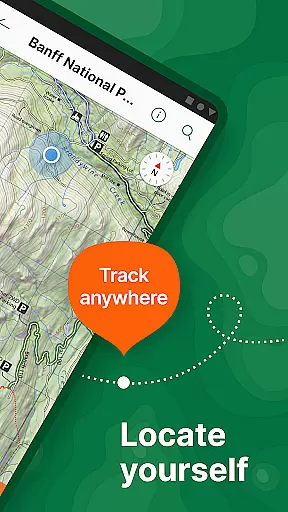
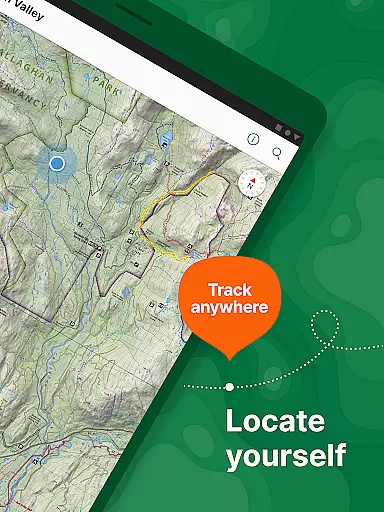
Avenza Maps is a premier offline mapping application designed for outdoor enthusiasts and professionals alike. This app provides access to an extensive library of maps from top publishers, including National Geographic and the National Park Service, making it ideal for hiking, biking, and exploring trails. With offline GPS functionality, users can confidently navigate without internet connectivity while precisely tracking their location.
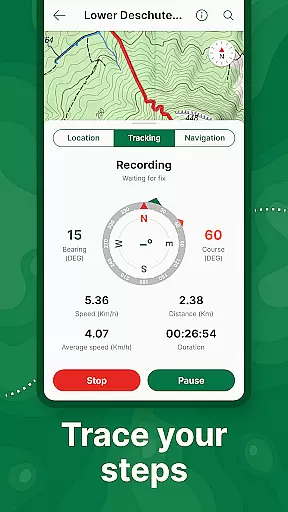
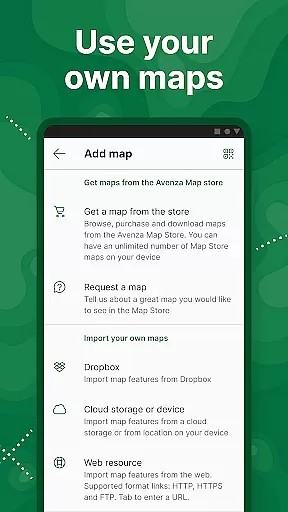
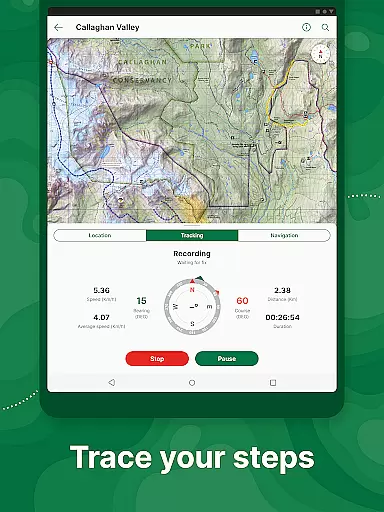
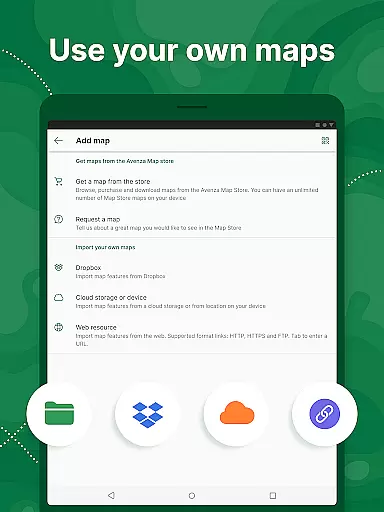
The app's versatility extends beyond recreational use, offering advanced features for professional applications. Users can import custom geospatial maps in various formats, add placemarks, measure distances, and even record GPS tracks during activities. The intuitive interface allows seamless interaction with maps, enabling users to enhance their navigation experience through photos, notes, and custom symbols. Whether planning a family camping trip or conducting fieldwork, Avenza Maps ensures reliable and accurate mapping solutions.
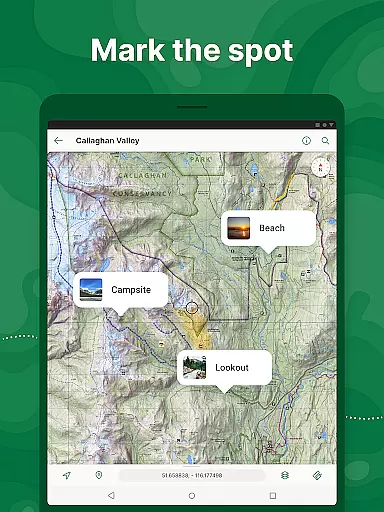
Avenza Maps stands out with its comprehensive feature set tailored for diverse mapping needs. The app offers real-time GPS positioning, allowing users to track their location accurately even without an internet connection. Outdoor adventurers can utilize the built-in compass tools to navigate towards specific features, ensuring they stay on course during their explorations. Additionally, users can enrich their maps by adding photos, notes, and customized placemarks, providing valuable context to their journeys.
For power users, Avenza Maps supports advanced functionalities such as importing geospatial PDFs, GeoPDFs, and GeoTIFFs, catering to professional mapping requirements. The Pro subscription unlocks further capabilities like connecting high-accuracy GPS devices via Bluetooth, creating unlimited geofences, and managing custom symbology sets. These robust features make Avenza Maps suitable for commercial, academic, and governmental applications, delivering a complete offline mapping solution with enhanced precision and flexibility.
Map accuracy is a critical feature for any navigation app, and Avenza Maps excels in this area. The app offers maps from reputable sources such as National Geographic, the US Forest Service, and other professional publishers, ensuring that users have access to reliable and precise mapping data.
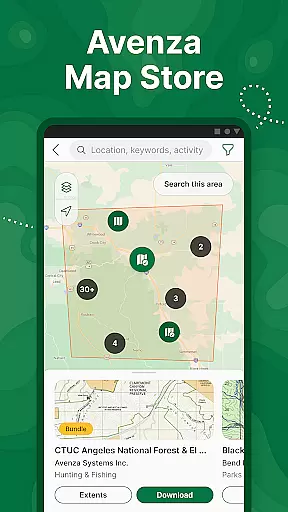
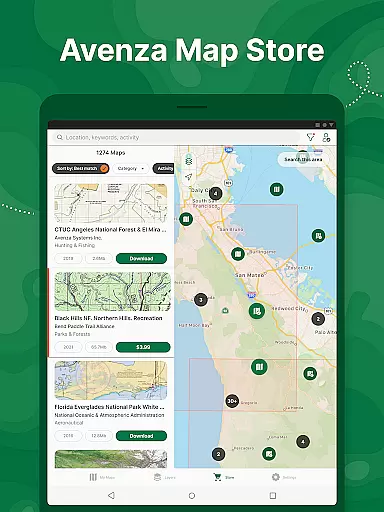
Avenza Maps provides an extensive Map Store where users can search and download topographic, cycling, city, nautical, and trail maps. These maps are sourced from premium publishers including Michelin, Backroad Mapbooks (BRMB), and the National Park Service, which guarantees high-quality map data for various activities like hiking, biking, and off-roading.
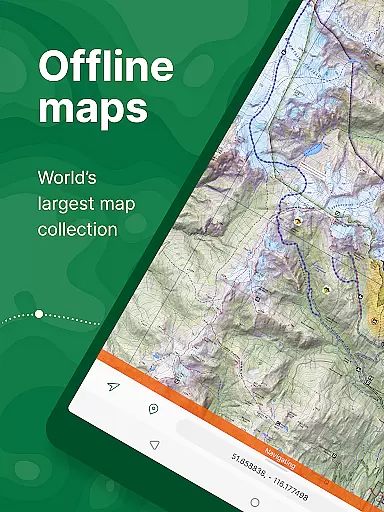
For users who require offline functionality, Avenza Maps allows them to download maps for use without an internet connection. This ensures that even in remote areas, users can accurately pinpoint their location using GPS and navigate confidently. The inclusion of what3words further enhances location precision, providing peace of mind when venturing into less-charted territories.
Whether planning a camping trip or exploring backcountry trails, Avenza Maps' dedication to accuracy means users can trust the app to deliver precise and up-to-date geographical information, making it an indispensable tool for outdoor enthusiasts.
Route planning is essential for adventurers looking to explore new terrains efficiently and safely. Avenza Maps equips users with comprehensive tools to plan their routes effectively. With features like GPS tracking, compass navigation, and the ability to measure distances and estimate times, users can prepare detailed itineraries tailored to their specific needs.
The app supports popular file formats such as KML, GPX, and CSV, allowing users to import pre-existing route data or export tracks for future reference. This compatibility ensures seamless integration with other mapping platforms and devices, enhancing the overall route-planning experience.
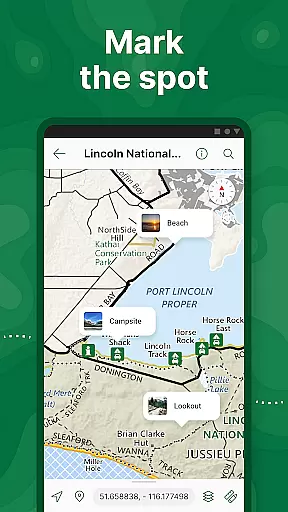
Avenza Maps also enables users to enhance their maps by adding photos, notes, and placemarks at specific locations. These annotations provide valuable context and help mark important waypoints along the planned route, ensuring that adventurers stay informed and oriented throughout their journey.
For those requiring advanced functionalities, Avenza Maps Pro offers additional tools such as GPS averaging, custom symbol sets, and the ability to connect high-accuracy GPS devices via Bluetooth. These features empower professional users to create highly accurate and detailed route plans, making Avenza Maps a versatile choice for both recreational and serious explorers alike.
User-friendly interface
Offline GPS functionality
Extensive map library
Custom map imports
Professional-grade tools
Pro subscription costly
Limited free maps
Advanced features complex
Occasional bugs
High storage usage

This app is military GPS coordinate systems helper. (MGRS, UTM & DMS Maps)
 4.80
4.80
Plan routes, share locations, and set custom alert zones
4.40
Navigate confidently with our precise Digital Compass app & Direction Compass!
4.70
Drive safe with real-time speed camera radar, police, and traffic alerts
3.80
Truck Safe GPS Navigation & Maps: Parking, Fuel, Diesel, Weight Station
4.80
Gas Station & Fuel Rewards Points
3.70
Live Satellite view app for find GPS navigation Direction and live location map
3.70
GPS phone tracker, family locator, secure location sharing app
4.20
Get there with the Waymo Driver — The World’s Most Experienced Driver™
4.90
GPS Speedometer & Odometer: Track car, bike, truck speed & distance in real-time
4.70
Navigate with your watch and keep the phone in your pocket!
4.60
Explore with GPS Navigation with GPS offline, voice GPS, speed camera radar
4.60
Maps, Driving Directions & GPS navigation using directions app & GPS App
4.30
Get matched with a nearby driver — you’ll be on your way in minutes.
4.30
Number locator, real connection map
4.10
Avoid delays. Get real-time GPS navigation, safety alerts and live traffic.
4.10
Navigate via GPS Maps of GPS Voice Navigation, driving directions to find routes
3.60
Explore offline maps with radar, satellite view, and real-time alerts.
3.60
Play in the outdoors with Android as your Handheld GPS and offline topo maps!
3.50


User Reviews