
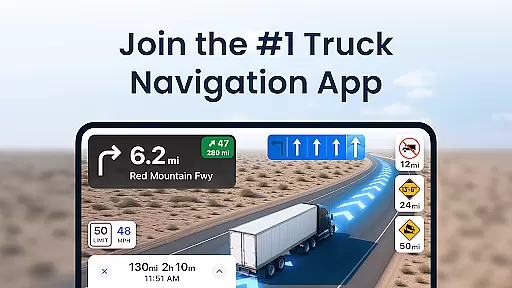
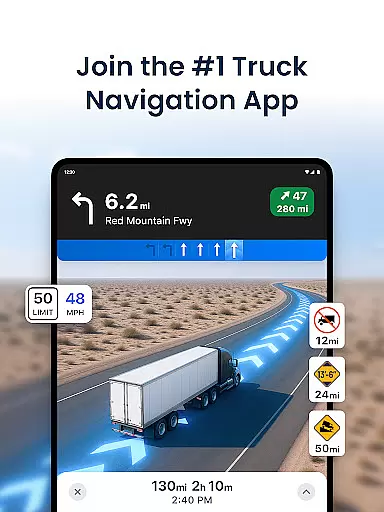
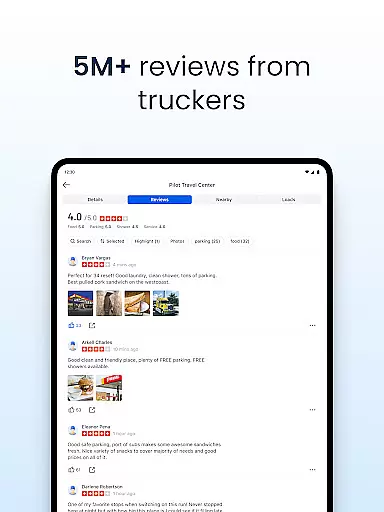
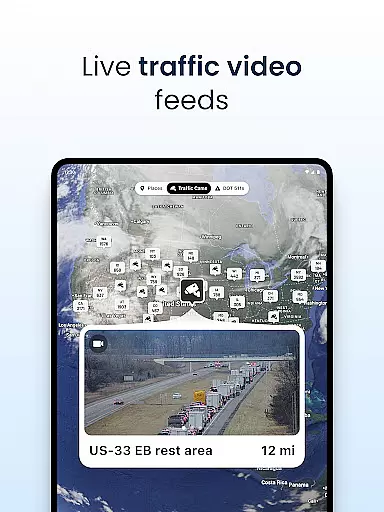
Trucker Path is the leading truck navigation app, trusted by millions of CDL truck drivers across the United States. This comprehensive trucker's tool provides specialized maps designed specifically for large vehicles, incorporating crucial information about truck stops, parking spots, weigh stations, and fuel prices.
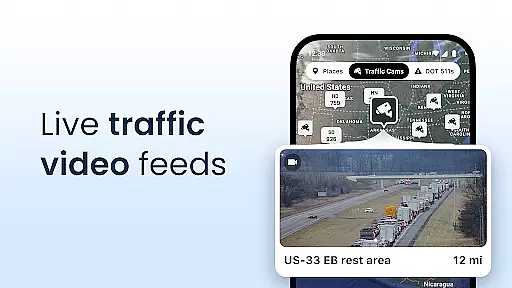
The application serves as an all-in-one solution for professional truckers, offering advanced GPS navigation that surpasses traditional systems like Garmin and Rand McNally. With real-time updates on parking availability, weather conditions, and live traffic information, Trucker Path helps drivers make informed decisions while on the road.
Beyond basic navigation, the app creates a connected community where truckers can share vital information, making long-haul journeys safer and more efficient. The app's value extends to both independent operators and fleet drivers, providing essential tools for route planning and operational cost optimization.
Trucker Path distinguishes itself through its comprehensive set of features tailored specifically for commercial truck drivers. The app's mapping system includes over 40,000 truck-specific locations, featuring detailed information about major truck stops like Pilot Flying J, Love's Travel Centers, and Petro TA, along with independent rest areas and parking spots.
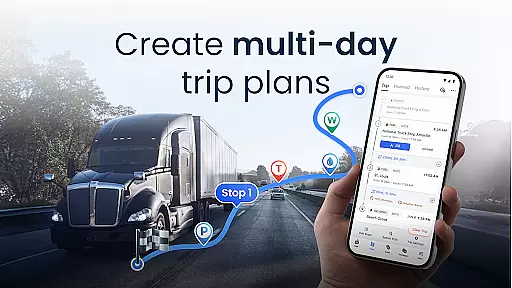
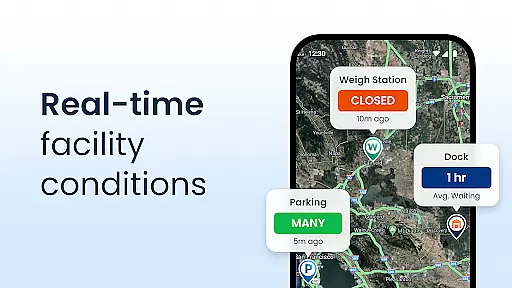
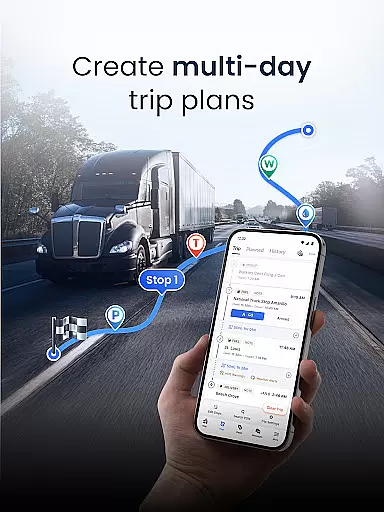
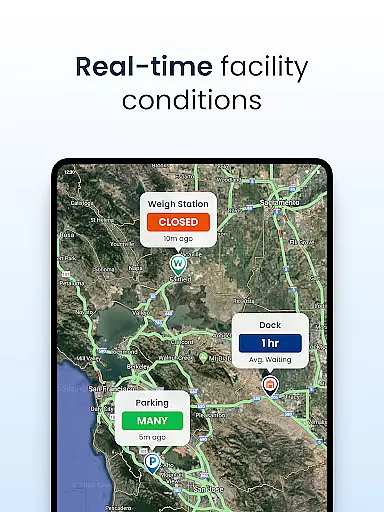
The GPS navigation functionality supports multi-day trip planning, offering routes optimized for large vehicles while avoiding restricted roads and low bridges. Real-time updates provide current status on weigh station operations, CAT scale availability, and parking capacity at thousands of locations nationwide.
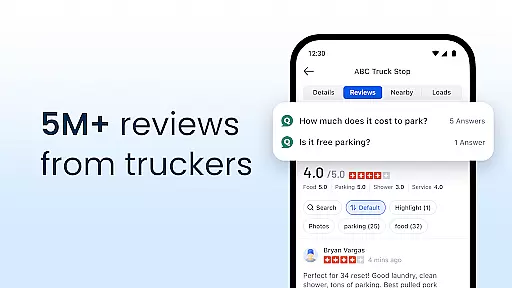
What sets Trucker Path apart is its active user community that contributes live updates, creating a dynamic information network similar to CB radio but with digital precision. The app also integrates fuel price comparisons and weather alerts, helping drivers optimize their routes and reduce operational costs effectively.
Map accuracy is crucial for truck drivers who rely on precise navigation to reach their destinations safely and efficiently. Trucker Path excels in this area by providing detailed maps specifically designed for truckers. These maps include over 40,000 trucking-related locations such as truck stops, rest areas, and weigh stations.
The application leverages real-time updates from a large community of truckers, ensuring that the information is current and reliable. This feature allows drivers to make informed decisions about their routes, avoiding potential hazards or roadblocks. The inclusion of live traffic conditions and weather updates further enhances the accuracy of the maps.
By focusing on the unique needs of commercial drivers, Trucker Path offers a level of detail and precision that surpasses traditional GPS systems like Garmin or Rand McNally. Users can plan multi-day trips with confidence, knowing that the map data is tailored to accommodate the size and weight restrictions of their vehicles.
Ultimately, the high degree of map accuracy provided by Trucker Path translates into significant benefits for its users. Drivers experience reduced travel times, lower fuel consumption, and increased safety on the road. This makes Trucker Path an indispensable tool for professional truckers across the United States.
Effective route planning is essential for truck drivers looking to optimize their journeys and minimize costs. Trucker Path offers advanced route planning capabilities that cater specifically to the needs of commercial drivers. With features like multi-day trip planning and real-time updates, the app ensures that drivers can chart the most efficient courses possible.
The application's routing algorithms take into account various factors such as truck-specific road restrictions, live traffic conditions, and weather forecasts. This comprehensive approach allows drivers to avoid delays and choose the safest paths available. Additionally, the app provides information on weigh station statuses, helping drivers save time by skipping unnecessary stops.
Trucker Path stands out by offering a more dynamic and responsive route planning experience compared to traditional GPS devices. Its integration with a vast network of truckers means that the suggested routes are continually refined based on up-to-the-minute feedback. This collaborative aspect enhances the overall reliability of the planned routes.
For professional truckers, the ability to plan optimal routes translates directly into tangible benefits. Reduced fuel expenses, shorter delivery times, and enhanced safety are just some of the advantages gained through Trucker Path's sophisticated route planning tools. By leveraging these features, drivers can significantly improve their operational efficiency and profitability.
User-friendly interface
Real-time updates
Comprehensive truck stops
Free to download
Active driver community
Occasional inaccuracies
Heavy data usage
Limited offline support
Ads in free version
Interface clutter

Compass is an accurate compass and a great tool for any outdoor activities
 4.3
4.3
The fastest and most convenient way to pay for parking on our lots.
4.40
Find 93 Octane Gas: Locate Gasoline Stations Selling Premium 93 Octane or Higher
4.4
OpenCPN is a full featured ChartPlotter and Navigator for Android.
3.60
Voice GPS with driving directions, offline maps navigation GPS for safe travel
4.50
Track accurate speed & distance with GPS Speedometer. Check speed limit & time.
4.50
Off-Roading Navigation App With Trails, Public Lands, & Private Property Info
3.30
Lets explore the world's famous places by using Live Cams, GPS & Satellite View.
4.20
Get there with the Waymo Driver — The World’s Most Experienced Driver™
4.90
Navigate MTA, NJ Transit, MBTA, SEPTA, BART, MARTA, CTA & 900+ cities
4.60
Explore with GPS Navigation with GPS offline, voice GPS, speed camera radar
4.60
Maps, Driving Directions & GPS navigation using directions app & GPS App
4.30
Get matched with a nearby driver — you’ll be on your way in minutes.
4.30
Route schedules, maps, and real-time tracking of MTA buses in New York City.
4.20
Phone Tracker and GPS Location Sharing
4.20
Simple & easy to use a compass app. Get accurate directions.
4.20
Find radar, speed camera, flight tracker. Use hud, location tracker, speedometer
4.20
Explore Earth with live GPS, satellite view & street navigation
3.60
Your real-time window to the world. Explore anywhere, anytime.
3.30


User Reviews