
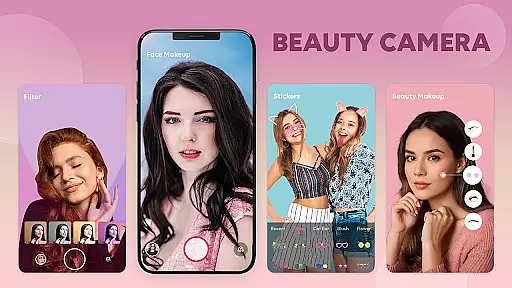
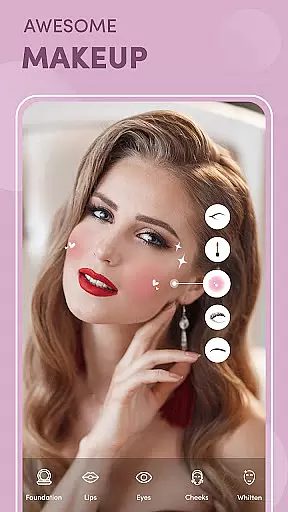
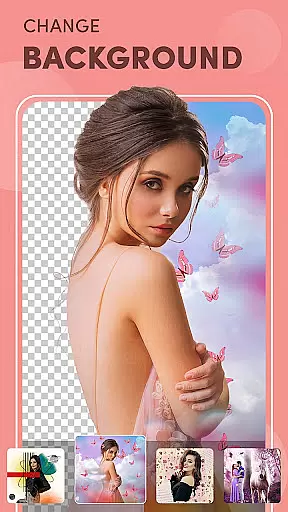
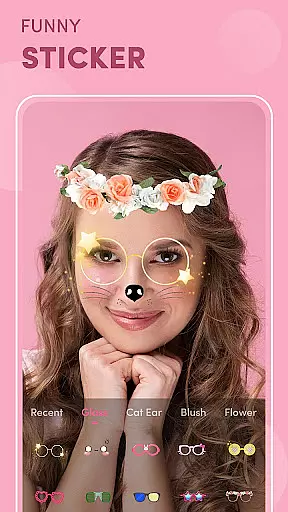
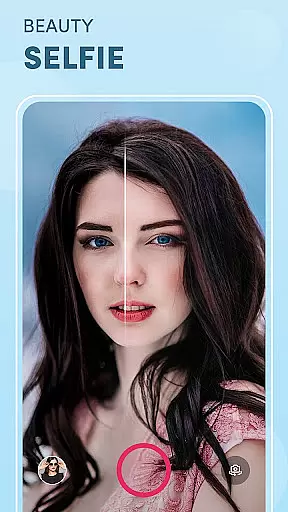


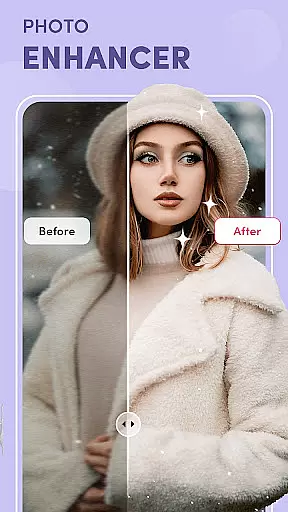
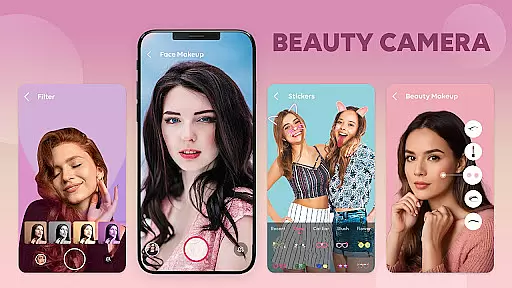
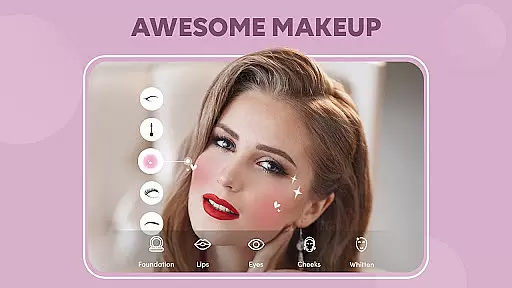


Beauty Camera - AI Photo Editor is a comprehensive beauty and photo editing application designed to help users capture perfect selfies and enhance their photos with ease. The app offers a variety of features including weekly updated makeup effects, stunning photo filters, and advanced face editing tools. Whether you're looking to apply light makeup looks in real-time or retouch specific facial features, Beauty Camera provides the tools necessary to achieve professional-quality results.
The application's core functionality revolves around its powerful AI technology that automatically detects facial features and applies enhancements accordingly. Users can experiment with the latest makeup trends, smooth skin, whiten teeth, enlarge eyes, and remove blemishes with just a few taps. Additionally, Beauty Camera supports HD video recording with music, making it an ideal choice for creating high-quality content for social media platforms.
Perfect for both amateur and experienced photographers, this app caters to anyone interested in photography and beauty enhancement. Its intuitive interface and robust feature set make it easy to take beautiful selfies and edit photos comprehensively within seconds. With Beauty Camera, users can effortlessly enhance their natural beauty and share their best moments with confidence.
Beauty Camera - AI Photo Editor stands out with its rich array of features tailored to meet diverse photo editing needs. One of the standout capabilities is its real-time makeup application feature, which uses AI to detect faces and apply preset makeup looks instantly. This feature is particularly beneficial for beginners who may not be familiar with traditional makeup techniques, allowing them to try on the latest trends effortlessly.
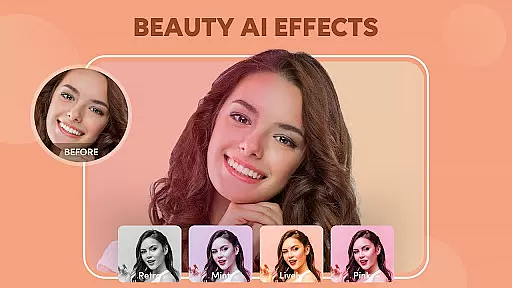
In addition to makeup effects, the app offers a suite of advanced editing tools. Users can beautify their photos with specialized filters, smooth skin textures, whiten teeth, brighten eyes, and remove blemishes. The HD retouch function ensures that every selfie looks natural and stunning with minimal effort. Furthermore, the inclusion of fun stickers and real-time beauty filters adds an element of creativity and personalization to each photo.
Another significant advantage of Beauty Camera is its versatility. It caters to both casual users looking to enhance everyday photos and more serious photographers aiming to produce high-quality content. The app's ability to handle both still images and HD videos with music makes it a one-stop solution for all photo and video editing needs. Overall, Beauty Camera empowers users to express their unique style and capture life's moments beautifully.
Beauty Camera - AI Photo Editor offers an extensive product database that caters to a wide array of beauty enhancement needs. The application provides users with access to a vast selection of makeup effects, photo filters, and editing tools, all updated weekly to ensure the latest trends are available at your fingertips.
The app's comprehensive database includes features such as light makeup looks, beauty touch-up options, and facial editing capabilities. Users can experiment with different styles, from simple skin smoothing to detailed eye enhancements, ensuring that every selfie reflects their desired aesthetic.
With real-time face detection, Beauty Camera allows for instant visualization of makeup effects, making it an invaluable tool for beginners who may not be familiar with traditional cosmetics. This feature empowers users to try on new looks without the commitment, providing both education and entertainment in the realm of digital beauty.
One of the standout features of Beauty Camera - AI Photo Editor is its ability to deliver personalized beauty edits with remarkable precision. The app utilizes advanced algorithms to detect facial features accurately, allowing for targeted adjustments that enhance natural beauty while maintaining authenticity.
Users can customize their experience by fine-tuning specific aspects of their appearance, such as whitening teeth, contouring, or removing blemishes. Each tool within the app is designed to offer granular control, ensuring that edits are both subtle and effective.
This level of personalization extends to the app's filter offerings, which adapt to individual skin tones and lighting conditions to produce stunning, natural-looking results. By prioritizing user-specific modifications, Beauty Camera sets itself apart as a sophisticated choice for those seeking tailored photo editing solutions.
User-friendly interface
Real-time makeup effects
Advanced editing tools
HD video support
Versatile functionality
Occasional ads
Premium features locked
High storage usage
Limited free filters
Subscription required

Photo enhancer 360, image enhancement, restore old photos, colorize photo ai
 4.70
4.70
Blushify is a beauty camera for makeup, face editing, and glowing selfies!
4.70
Seasonal color palettes for shopping clothes and makeup products with confidence
4.20
Selfiechat Filters for amazing photos with Funny face filters
4.60
Transform your sweet selfies with Selfie Beauty Camera Filters And Effects!
4.60
Use your phone as a makeup mirror, shaving mirror. Magnifying mirror with light!
4.80
The all new Cosmo Prof app offers exclusive pro products, deals, and training.
4.00
Try On Style with AI: Virtual Dressing Room & Personal Fashion Stylist App
4.00
DSLR Hd camera capture high quality 4k hd picture with filters and blur editor
4.50
Book your appointments
4.90
Get Smart About Your Skin with Fully Personalized Beauty Tech!
4.80
Beauty Camera & Selfie Camera snap Beauty selfie with filter, makeup, stickers
4.80
Try interesting trending filters allows you switch to a cute girl
4.70
The ultimate beauty membership
4.70
Crown Heart Emoji Photo Editor has given you the chance to look cute girl
4.40
Hair style app, Face shape finder, Face shape, Hair style, Face shape detector
4.30
Shop Smarter, Dress Better, and Shine Brighter!
4.10
Make beautiful Hairstyles for girls with your own hands in little bit of time
4.00
Beauty/age defining ai coach guides you through the exercises in daily routine.
3.30


User Reviews