
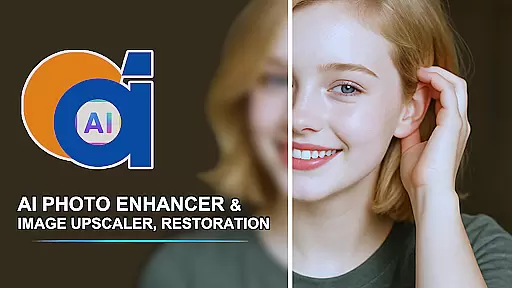
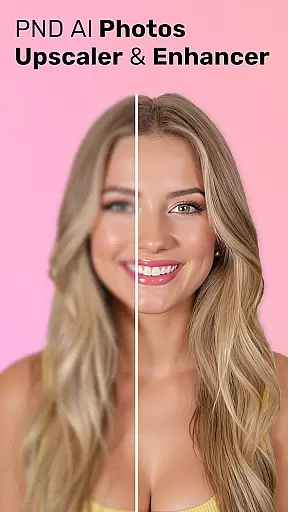
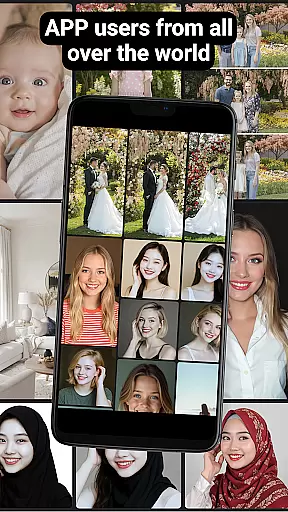
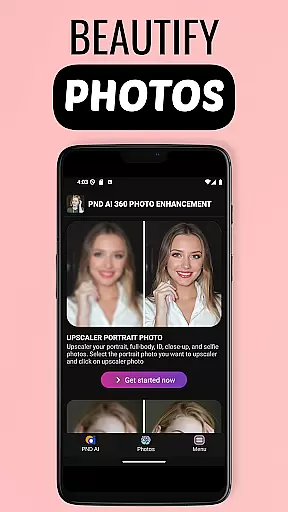
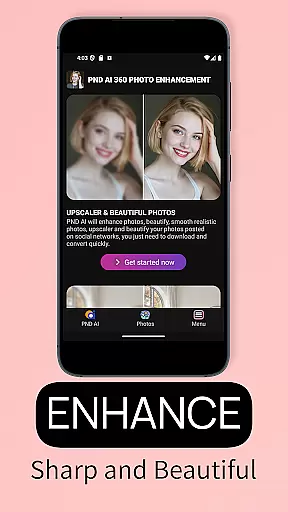
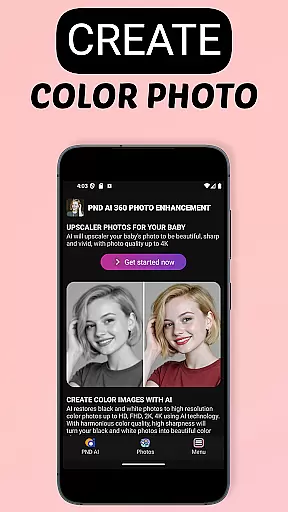
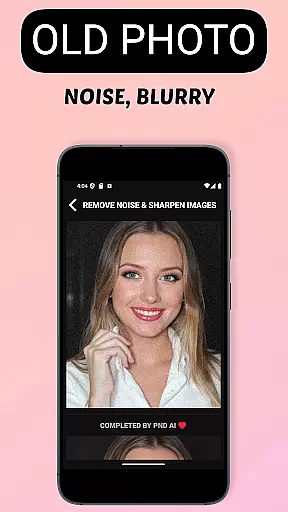
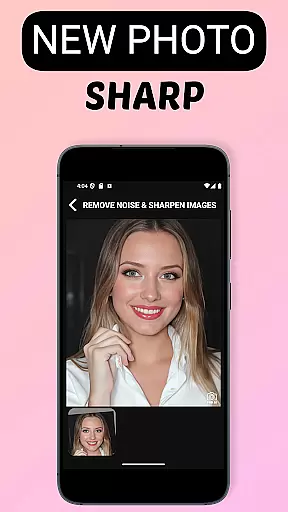
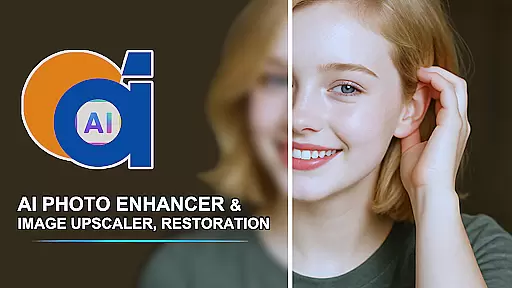
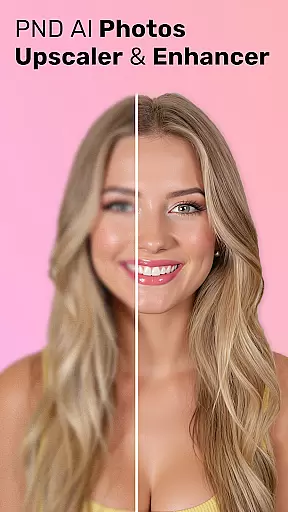
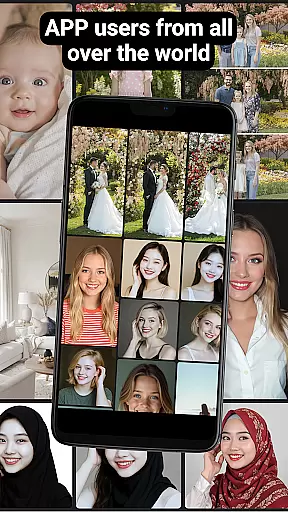
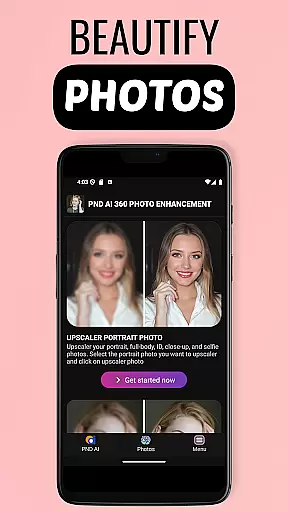
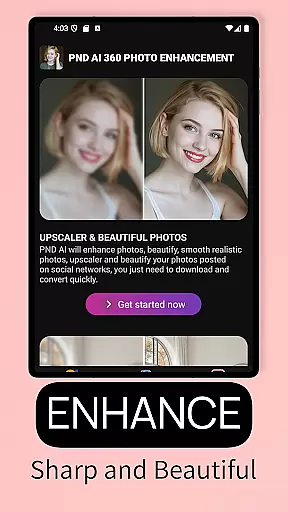
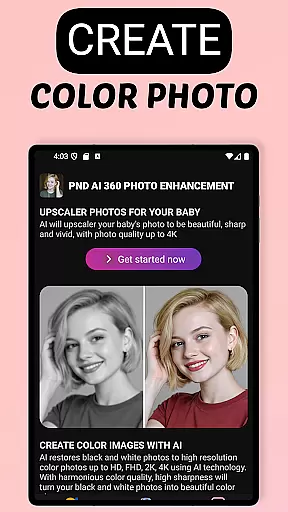
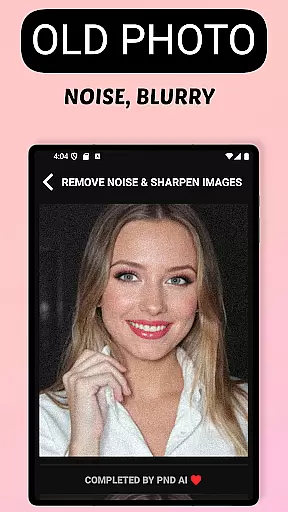
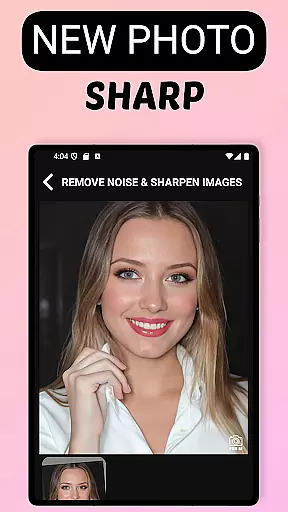
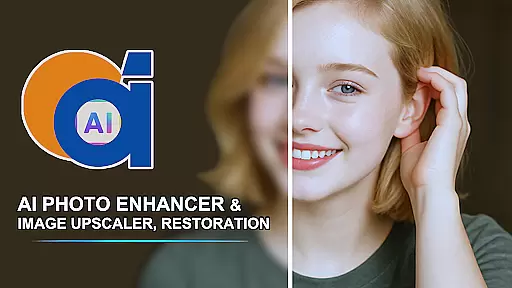
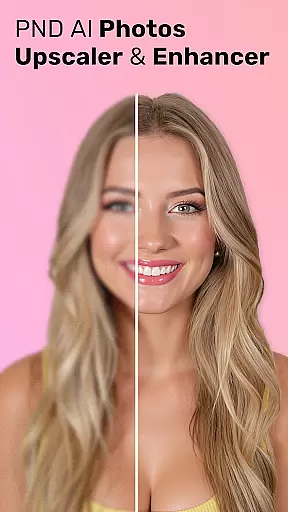
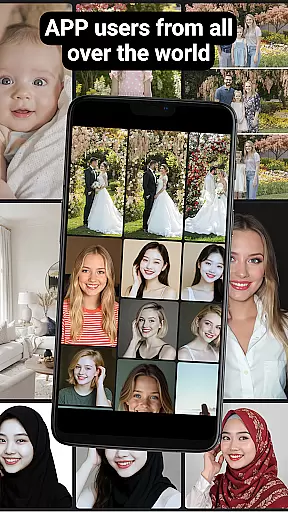
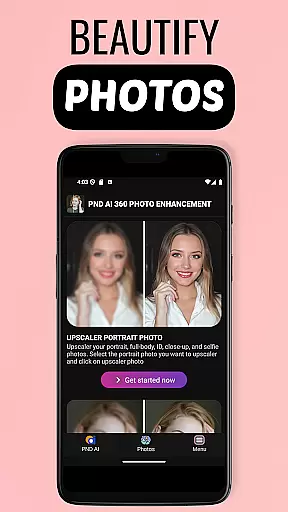
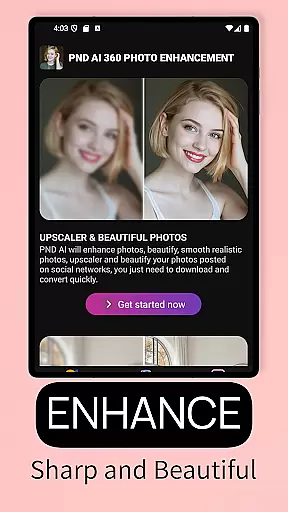
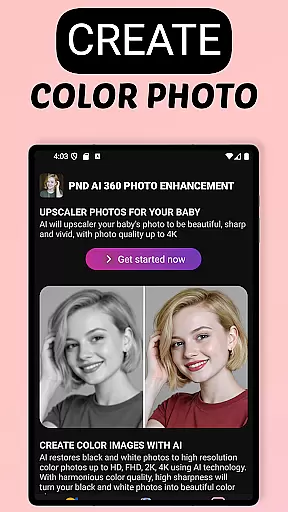
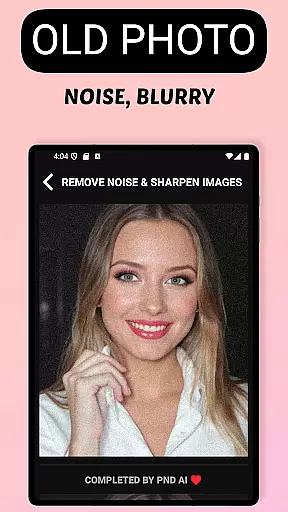
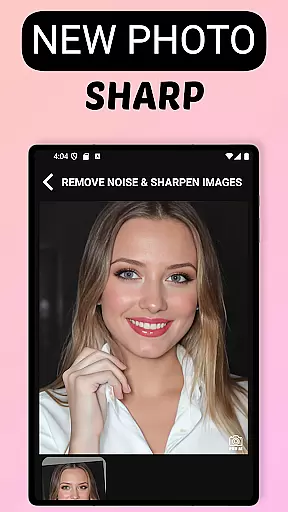
AI Photo Enhancer 360 is a cutting-edge AI-powered application designed to transform your old, blurry, or damaged photos into sharp and vivid images with just one tap. This app leverages advanced artificial intelligence technology to restore precious memories by detecting and fixing damaged areas while maintaining the photo's natural look. It also offers an automatic and efficient photo processing experience that brings faded moments back to life with true details and colors.
In addition to restoration, AI Photo Enhancer 360 supports modern photo enhancement features such as increasing resolution up to 8K, colorizing black-and-white photos, beautifying portraits, and creating unique profile pictures with personal style. Whether you're looking to enhance wedding photos or upscale small images for printing, this app provides professional-quality results suitable for both casual users and creative professionals.
AI Photo Enhancer 360 stands out with its comprehensive suite of features tailored for photo restoration and enhancement. The app uses intelligent AI algorithms to sharpen blurry images, restore old or damaged photos, and add vibrant colors to black-and-white pictures. Its AI Gen technology allows users to create artistic profile photos in various styles, including modern, cartoon, and classic designs.
Another key feature is the ability to upscale images to resolutions as high as 2K, 4K, or even 8K without losing detail. This ensures that low-resolution photos taken on older devices can be repurposed for digital sharing or physical printing. Additionally, the app prioritizes user privacy by automatically deleting uploaded photos from secure servers after processing, ensuring data security at all times.
AI Photo Enhancer 360 offers an extensive product database that caters to a wide array of photo enhancement needs. The application is designed to address issues with old, blurry, and low-resolution images, providing specialized tools for sharpening, restoration, and colorization. With features ranging from AI-driven photo sharpening to black and white photo colorization, the app ensures comprehensive coverage for both restoration and modern photo editing requirements.
The depth of the product database is demonstrated through its advanced AI technology which intelligently detects and processes damaged or underexposed areas in photos. This allows users to restore precious memories with impressive accuracy while maintaining the natural aesthetics of the original images. Additionally, the app's ability to enhance photo resolution up to 2K, 4K, and even 8K showcases its commitment to detail preservation and high-quality output.
Users benefit from this robust product database as it empowers them to tackle various photo issues using one platform. Whether it's reviving faded moments, improving portrait photos, or creating unique profile pictures with personal style, AI Photo Enhancer 360 provides the necessary tools to achieve professional results. This versatility makes the app an indispensable resource for anyone looking to breathe new life into their cherished photographs.
Personalization precision in AI Photo Enhancer 360 is achieved through sophisticated algorithms that tailor the photo editing experience to individual user needs. The app employs advanced AI Gen technology to create unique profile photos that reflect personal styles, whether modern, artistic, cartoonish, or classic. This level of customization ensures that each user can express their identity through their photographs with remarkable accuracy.
The app's personalized approach extends to its ability to improve portrait photos by smoothing skin, removing blemishes, and adjusting lighting and backgrounds. These features mimic studio-quality edits, allowing users to transform ordinary snapshots into professional-looking images without requiring any technical expertise. Furthermore, the intelligent detection and processing of photo imperfections are handled with such precision that the final output retains its authenticity while being significantly enhanced.
By leveraging these personalized solutions, users gain access to a powerful toolset that adapts to their specific photo enhancement requirements. From restoring old family portraits to creating vibrant social media profiles, AI Photo Enhancer 360 delivers tailored results that resonate with each user's unique preferences and expectations. This adaptability not only enhances user satisfaction but also establishes the app as a leader in personalized photo editing technology.
Advanced AI technology
One-tap photo restoration
Supports 8K upscaling
Automatic defect detection
Privacy-focused design
Premium features locked
Requires internet
Limited free usage
Occasional slow processing
Subscription fees apply

Intelligent Beauty calculator tool! Face scale and face symmetry in one app!
 3.80
3.80
All-in-one solution for independent beauty pros to manage & grow their business
4.30
Design unique tattoos and preview them on your body image using Tattoo Maker App
3.30
Salon appointment booking and scheduling software for beauty pros and barbers.
4.80
HD Camera, Selfie Camera, Camera filters, is a fully featured 4K camera
4.60
Monthly Perfume Subscription
4.70
Top brand haircare & fragrance
4.60
Never run out of your go-to beauty & get 5% off with auto-replenish deliveries!
4.00
Snap stunning selfies with AI from the Sweet Beauty Camera editor
4.10
Book your appointments
4.90
The ultimate beauty membership
4.70
Manage your daily skin care beauty regimen & track your skin's progress.
4.70
Transform your sweet selfies with Selfie Beauty Camera Filters And Effects!
4.60
Unleash your (Pro)tential with the hottest hair, nails and beauty brands!
4.60
Your on-demand aesthetician
4.40
This application is for the Luvme Hair official website: shop.luvmehair.com .
4.30
Shop Smarter, Dress Better, and Shine Brighter!
4.10
Try On Style with AI: Virtual Dressing Room & Personal Fashion Stylist App
4.00
Design your nails, manicure and pedicure with nail paint art and nail idea app
3.90


User Reviews