
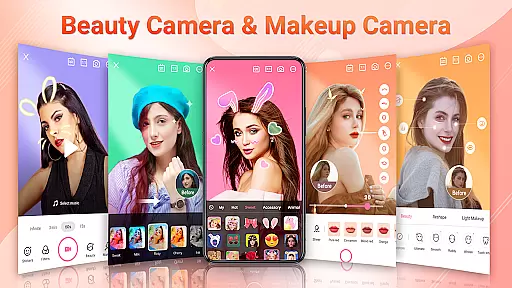
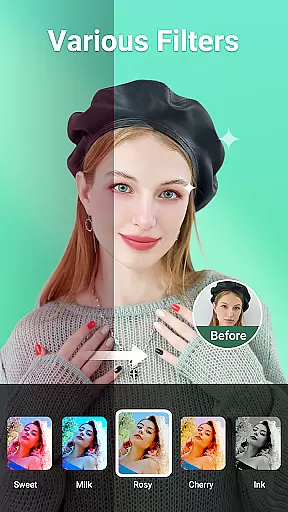
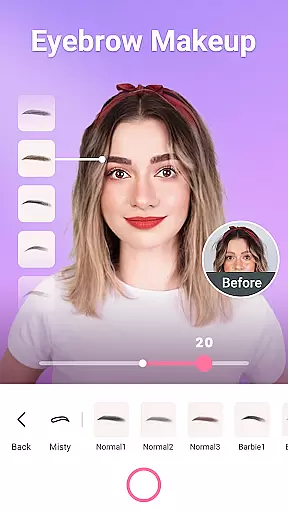

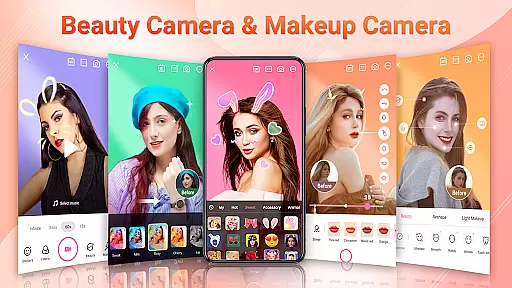
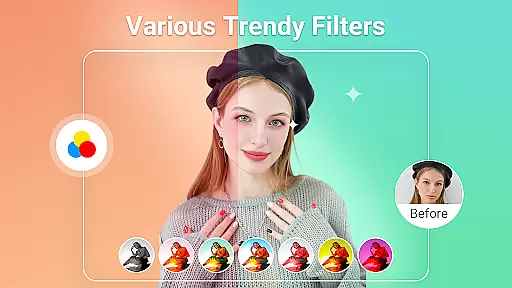
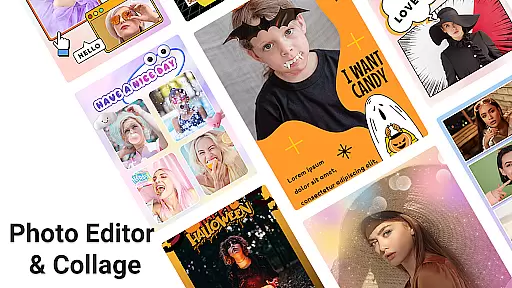
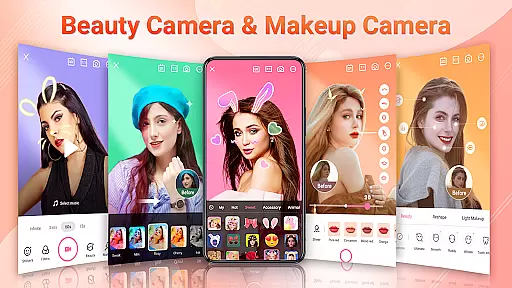
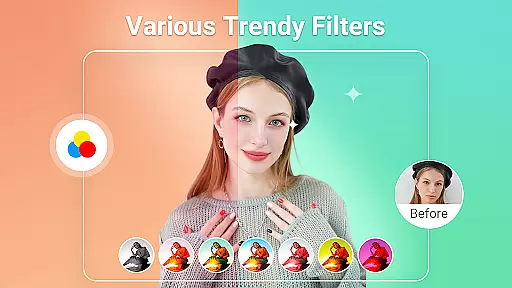
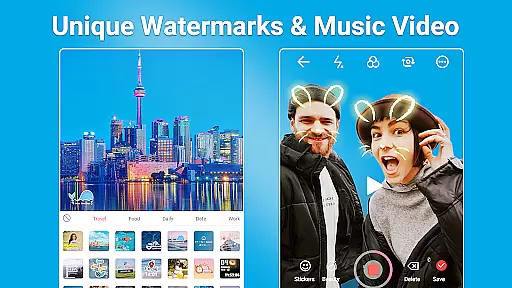
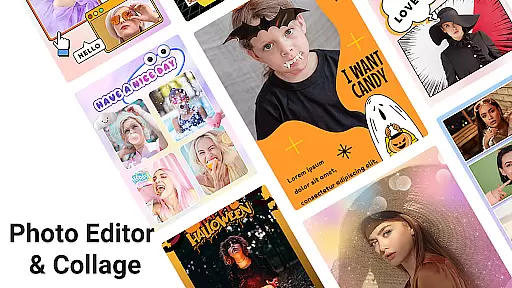
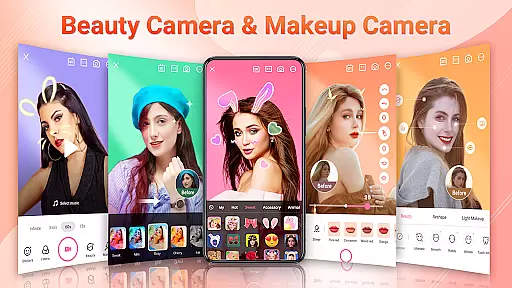
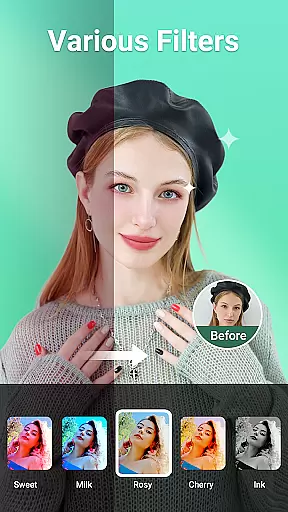
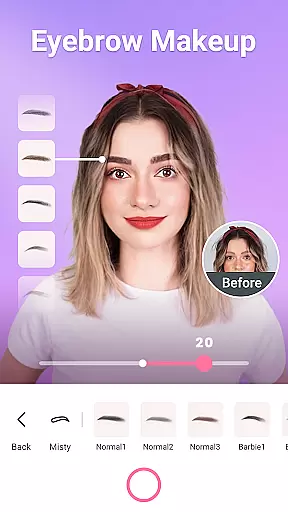

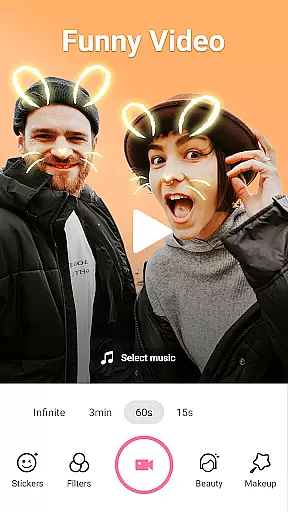
Beauty Camera - Sweet Camera is a comprehensive beauty and photo editing application designed to help users create stunning selfies and videos. The app offers auto-beautification tools, trendy makeup options, cool AR stickers, and various filters that enhance the natural beauty of photos effortlessly.
With powerful editing capabilities, Beauty Camera allows users to retouch their face and body, apply makeup, and use creative stickers and filters. Whether you're looking to refine skin texture, reshape facial features, or add fun effects, this app provides all the necessary tools in one place.
This app is perfect for social media enthusiasts who want to capture perfect moments and share them on platforms like Instagram, Facebook, and TikTok. Its intuitive interface and professional-grade features make it an essential tool for anyone interested in photography and self-expression.
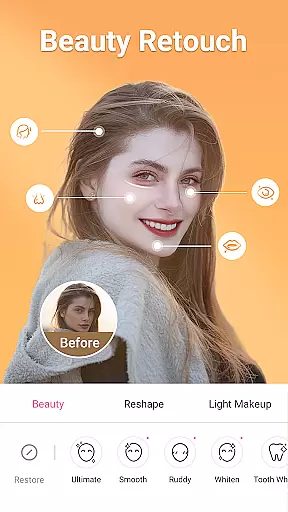
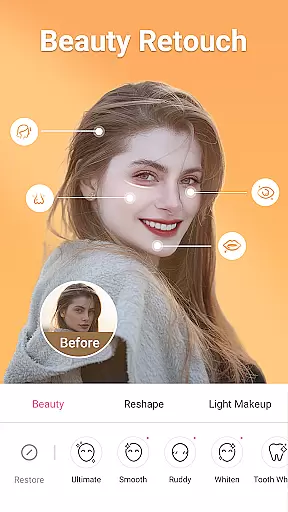
Beauty Camera stands out with its extensive range of features tailored for selfie enthusiasts. The app includes smart recognition technology that automatically enhances photos and videos, ensuring every shot looks its best. Users can achieve flawless skin by refining pores, removing blemishes, and erasing pimples with just a few taps.
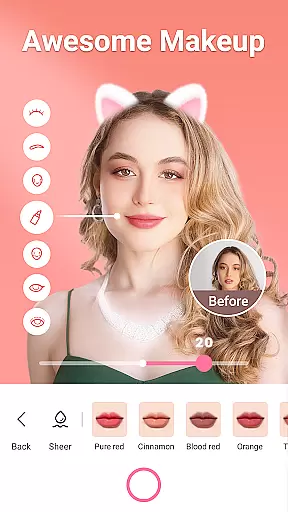
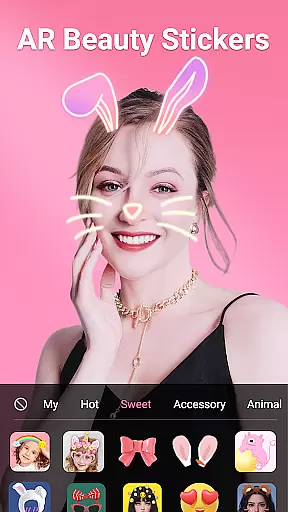
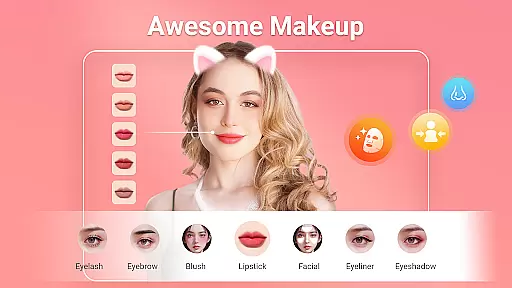
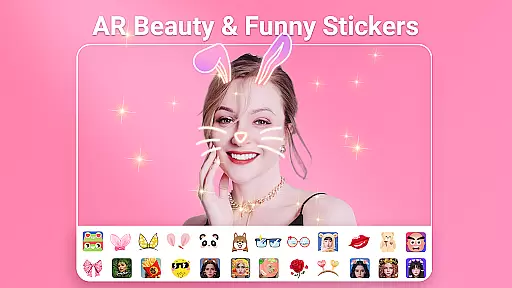
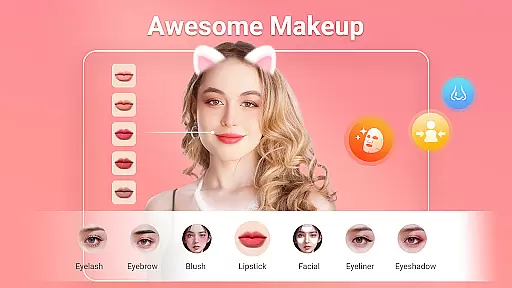
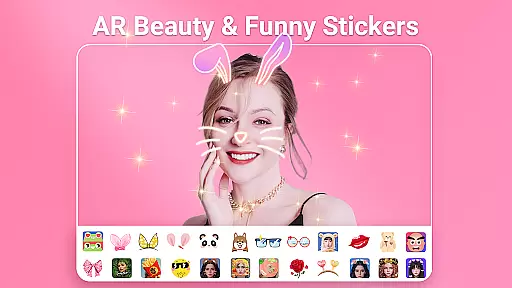
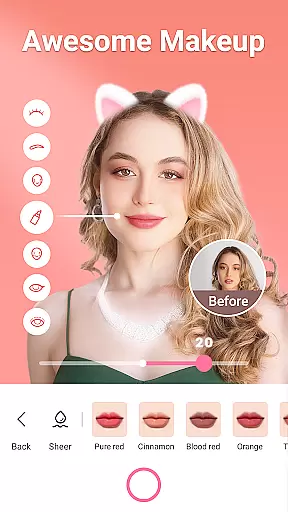
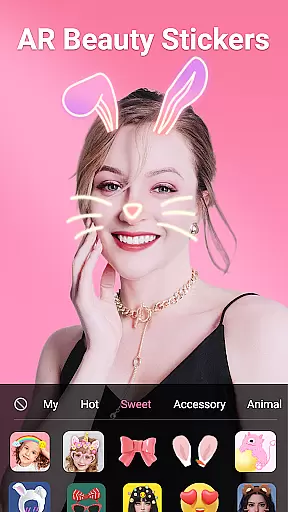
The app also offers a variety of AR filters and stickers, such as cat ears, flower crowns, and emoji effects, adding a playful touch to selfies. With makeup tools like lipstick, blush, and eyeliner, users can experiment with different looks and styles. Additionally, the body reshaping tools allow for detailed adjustments to the waist, arms, legs, and more, providing complete control over the final image.
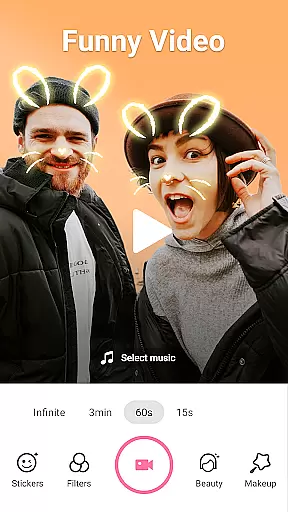
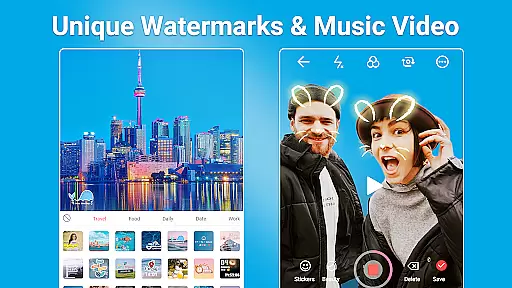
For those interested in video content, Beauty Camera includes a music video maker feature, enabling users to shoot short videos with background music. This multifunctional app combines powerful photo editing tools with creative expression options, making it a versatile choice for enhancing visual content.
When it comes to beauty and photo editing applications like Beauty Camera - Sweet Camera, the depth of the product database plays a crucial role in delivering a comprehensive user experience. This app offers an extensive range of beautification tools, makeup options, AR stickers, and filters that cater to diverse user preferences.
The application provides users with a vast selection of virtual makeup products, including different types of lipsticks such as matte, metallic, and shine finishes. Users can experiment with blush, eyeliner, eyeshadows, and even contouring, all inspired by top beauty brands. This extensive database ensures that users can achieve their desired look with precision and authenticity.
Moreover, the app's collection of AR effects and stickers is updated daily, offering fresh content that keeps pace with current trends. From adorable animal ears to fantasy-inspired accessories, the variety is immense. The inclusion of these dynamic elements allows for endless creativity and personalization in photo editing.
By providing such a deep and varied product database, Beauty Camera empowers users to express themselves fully while enhancing their natural features. Whether it's for social media or personal albums, this richness in content choice ensures that every user can find something suited to their style.
Personalization is at the heart of the Beauty Camera - Sweet Camera experience, allowing users to tailor their photo editing process with remarkable accuracy. The app employs advanced facial recognition technology to ensure that each effect and enhancement applied is perfectly aligned with the user's facial features.
With precise controls for reshaping and retouching, users can adjust specific aspects of their face and body with simple sliders. Whether it's modifying the shape of the eyes, nose, lips, or cheekbones, the app delivers exact modifications that look natural and appealing. Additionally, specialized tools for teeth whitening and brightening smiles add another layer of customization.
The app also excels in offering personalized recommendations based on user interactions. As users engage with various features, the app learns their preferences and suggests relevant filters, makeup styles, and AR stickers that align with their tastes. This learning mechanism enhances the overall user experience by streamlining the selection process.
Ultimately, the high level of personalization precision in Beauty Camera ensures that every user can achieve their unique vision. By combining sophisticated technology with intuitive design, the app makes personalized photo editing accessible and enjoyable for everyone.
User-friendly interface
Wide range of filters
Powerful editing tools
Daily updated stickers
High-quality results
Some features may require purchase
Occasional ads
Can be resource-intensive
Limited advanced options
Interface might feel cluttered

Color haircut changer style on
 3.30
3.30
Your Personal Stylist for Smart Shopping, Beauty & Styling Outfits.
4.5
Shop Smarter, Dress Better, and Shine Brighter!
4.10
Make beautiful Hairstyles for girls with your own hands in little bit of time
4.00
Crown Heart Emoji Photo Editor has given you the chance to look cute girl
4.40
Enhance Your Look with Face Analysis, Hair Style Changer, Beauty Score, Rating
3.90
Wacky mirror filter, waves effect & wavy effect to make your own funny videos.
4.60
Healthier, more beautiful with Medicube Digital Clinic AGE-R!
4.10
Monthly Perfume Subscription
4.70
Get Smart About Your Skin with Fully Personalized Beauty Tech!
4.80
Use your phone as a makeup mirror, shaving mirror. Magnifying mirror with light!
4.80
Beauty camera & Selfie camera for perfect selfie with filter, sticker, makeup
4.70
Unleash your (Pro)tential with the hottest hair, nails and beauty brands!
4.60
DSLR Hd camera capture high quality 4k hd picture with filters and blur editor
4.50
Download Today
4.40
This application is for the Luvme Hair official website: shop.luvmehair.com .
4.30
True mirror app with zoom, LED light, for makeup & shaving anywhere!
4.20
This barber game allows you to create and design hair styles on diverse people
3.80
Design unique tattoos and preview them on your body image using Tattoo Maker App
3.30


User Reviews