
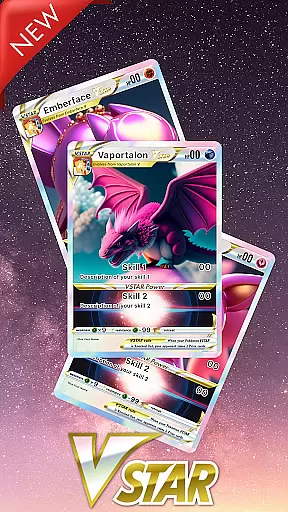
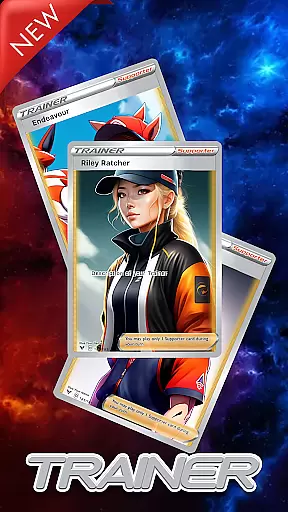
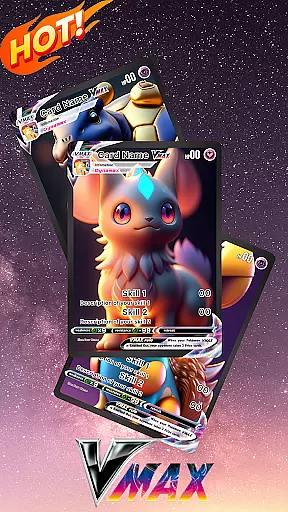
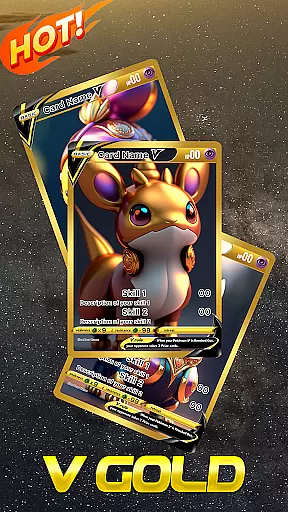
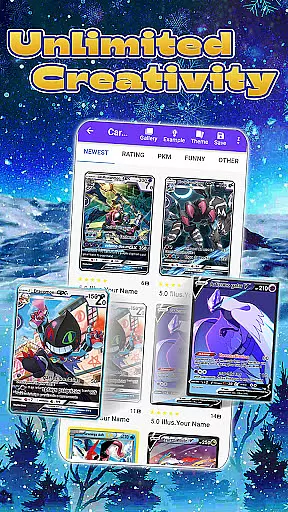
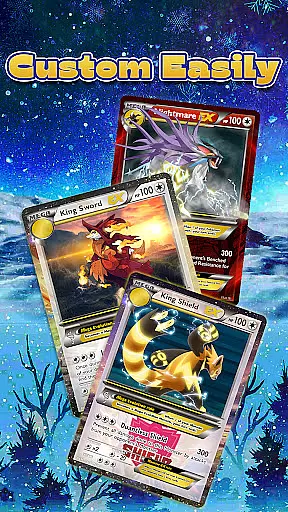
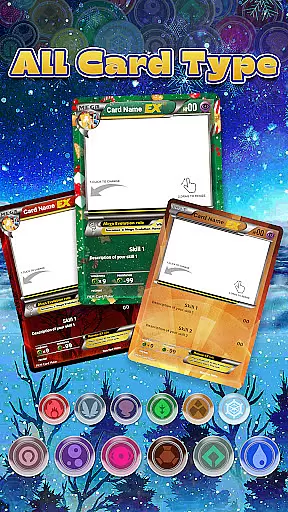
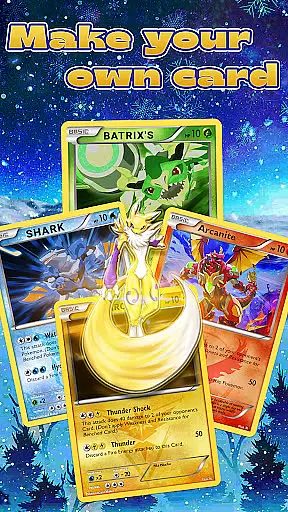
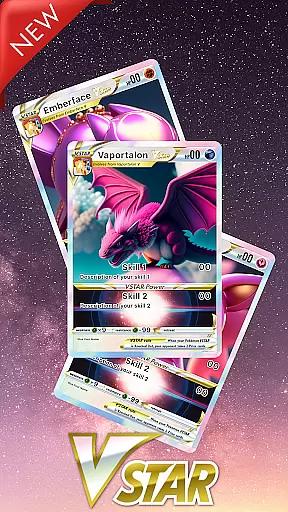
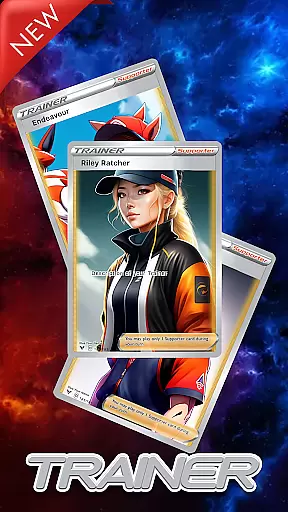
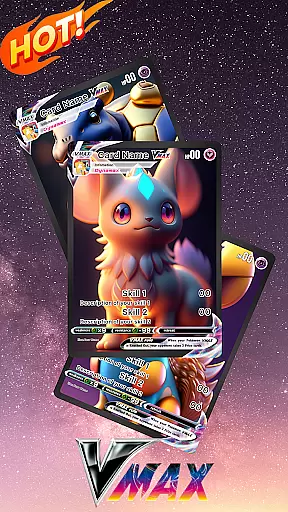
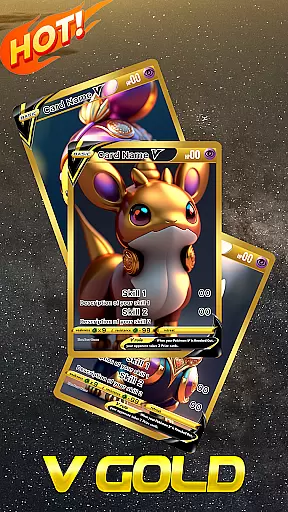
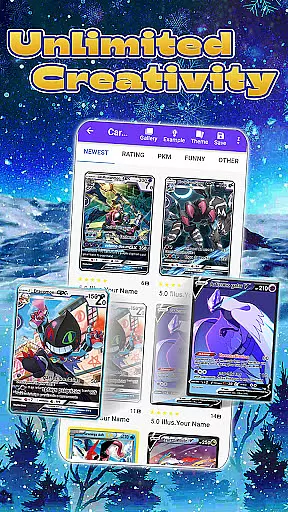
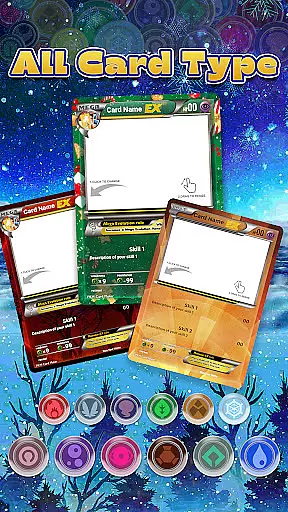
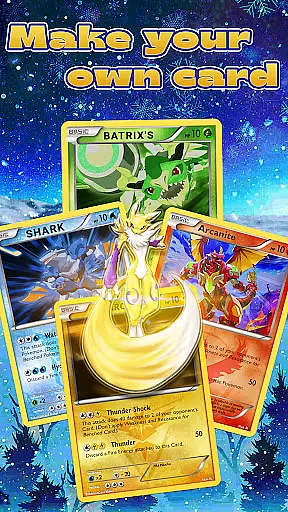
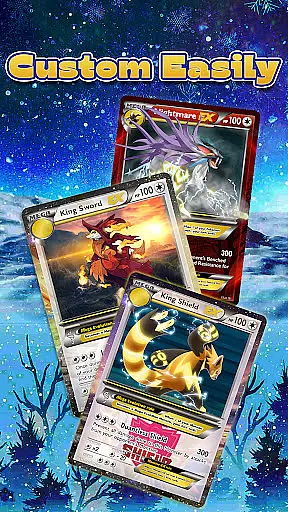
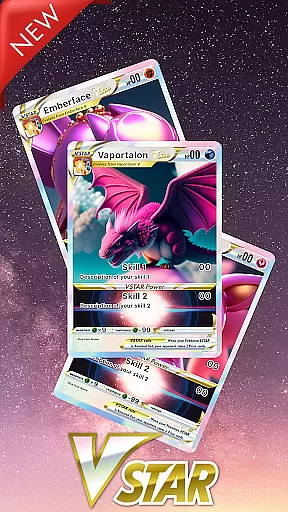
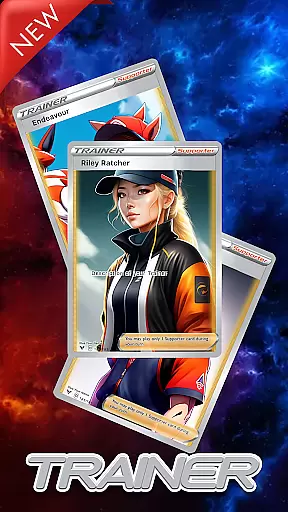
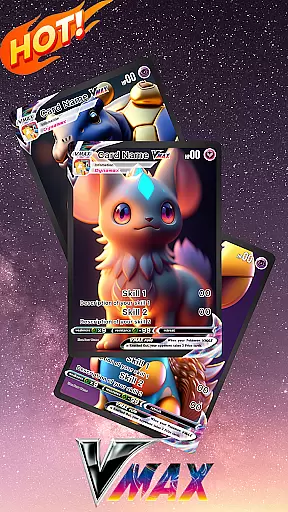
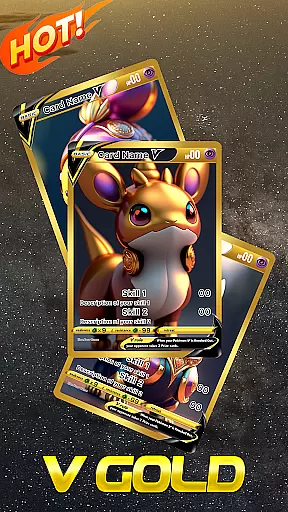
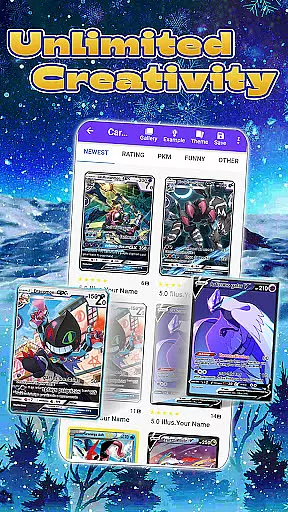
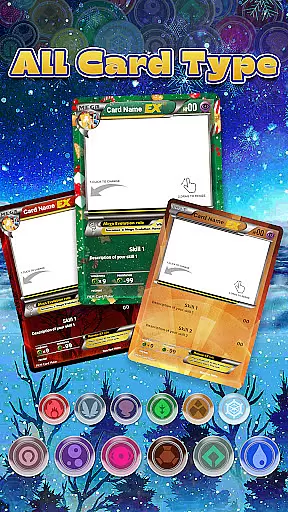
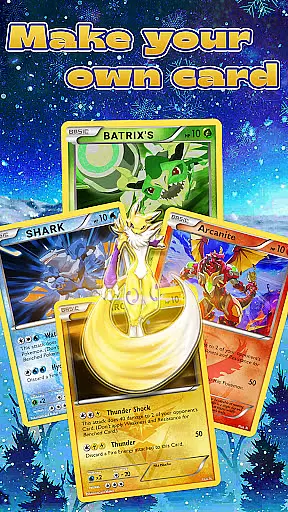
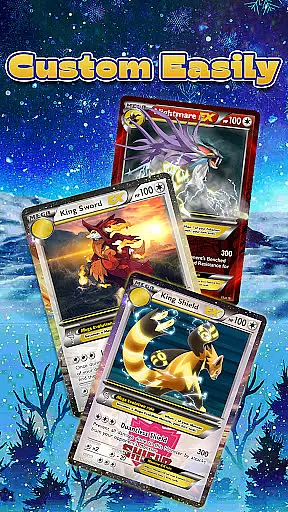
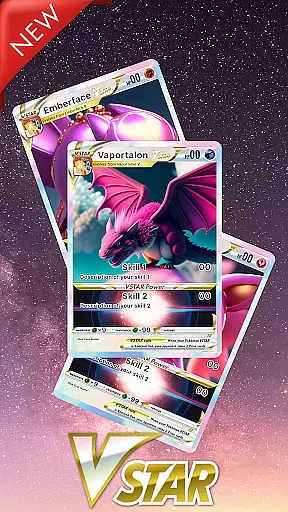
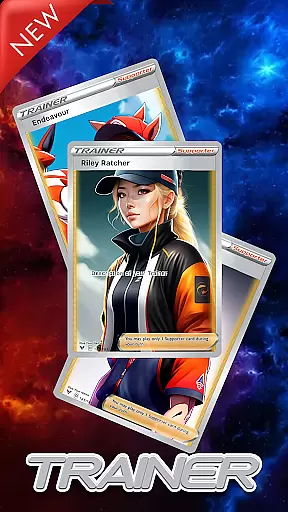
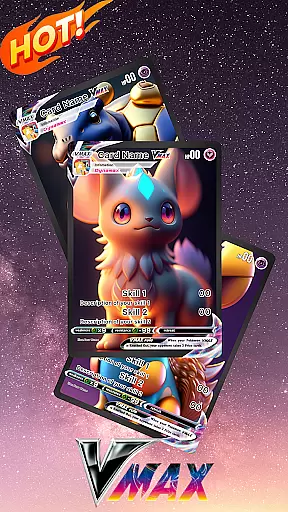
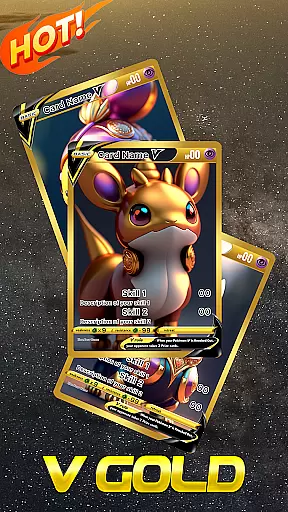
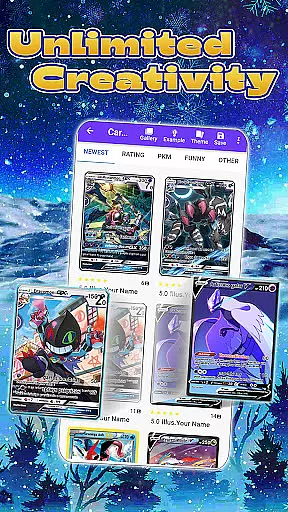
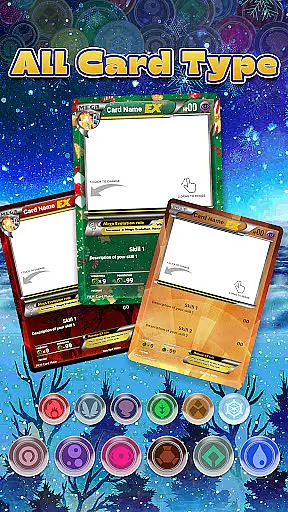
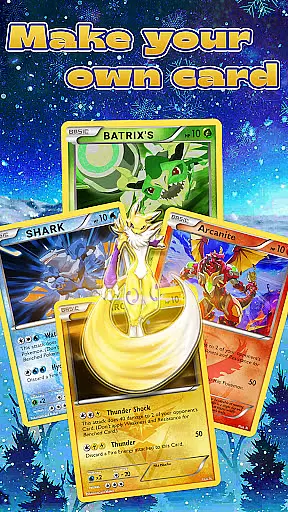
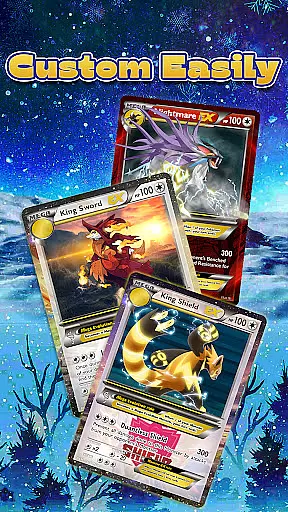
Card Maker for PKM (Poke Fan) is a specialized app designed for Pokemon enthusiasts who want to create their own custom trading card game (TCG) cards. The app offers an easy-to-use interface that allows users to generate unlimited Pokemon cards with just a few taps, making it accessible even for beginners. With support for multiple stages of Poke cards including EX, GX, V, Vmax, and more, this tool provides a comprehensive experience that mirrors the original Pokemon game.
One of the standout features of Card Maker for PKM is its immersive design capabilities. Users can insert any images from their device, customize cards with various assets, and even create special cards like V Star and Trainer Cards. Once created, cards are saved in a library where they can be reviewed, edited, and shared with the PKM community. This functionality not only enhances user engagement but also fosters creativity within the Pokemon fanbase.
The app caters to both casual fans and serious collectors by offering exact dimensions for printing physical copies of your digital creations. Whether you're looking to enhance your personal collection or share unique designs with friends, Card Maker for PKM serves as a valuable resource for unleashing creativity while adhering to familiar aesthetics from official games.
Card Maker for PKM stands out due to its rich feature set tailored specifically for Pokemon TCG enthusiasts. One key aspect is its ability to support all functions reminiscent of the original Pokemon game, ensuring authenticity in every card created. Users have access to numerous assets and customization options, allowing them to craft detailed cards that include different stages such as Basic, Stage 1, Mega, Legendary, and others, each following specific rules.
A significant advantage of using Card Maker for PKM lies in its flexibility and creative freedom. The 'Freemium' mode unlocks unlimited creativity, enabling users to experiment without restrictions on Premium PKM card themes. Additionally, practical features like saving decks in a library facilitate ongoing projects and easy editing at any time. Sharing capabilities further extend the utility by letting users showcase their work within the community or print high-quality physical versions.
Ultimately, what sets Card Maker for PKM apart is how it empowers fans through intuitive design tools combined with robust sharing functionalities. By providing precise dimensions for printing and fostering interaction among users, the app successfully bridges digital creativity with tangible outcomes—making it indispensable for dedicated Poke fans aiming to expand their collections authentically.
For any fan of Pokemon TCG card games, having access to a vast and varied comic library is essential. The Card Maker for PKM app offers an extensive collection that caters to the needs of every Poke fan. With support for multiple stages of Poke cards including EX, GX, V, Vmax, and VGold, users can explore different levels from Basic to Legendary, each coming with its own special rules.
The app doesn't stop there; it also introduces new special card types such as V Star, Trainer Card, and Energy Card, ensuring that the library remains dynamic and engaging. This diverse selection allows users to experiment with various card combinations and strategies akin to the original Pokemon game, making it an invaluable resource for both novice and experienced players.
Moreover, Card Maker for PKM stands out by providing unlimited creativity. Fans are not restricted to existing templates but are encouraged to customize their cards using personal images and a wide array of available assets. This feature empowers users to bring their unique visions to life while adhering to the familiar aesthetics of official Pokemon cards.
Authenticity and proper licensing are crucial factors when creating content based on beloved franchises like Pokemon. Card Maker for PKM takes this seriously by ensuring all generated cards maintain the look and feel of official game cards, despite being fan-made creations. Although the app operates independently from Niantic or Nintendo, it meticulously follows the design principles seen in authentic Pokemon materials.
It's important to note that while Card Maker for PKM provides tools for custom card creation, it clearly states its disassociation from official entities. The disclaimer confirms that the app is not affiliated with or endorsed by Nintendo, respecting intellectual property rights while fostering a creative community. Users can confidently create and share their custom cards knowing they're engaging with a platform that values legal compliance.
Additionally, the app enhances user trust through transparent communication about its Freemium model for premium themes. By continuously improving functionality based on user feedback, Card Maker for PKM demonstrates a commitment to delivering high-quality, authentic experiences within legally permissible boundaries.
User-friendly interface
Extensive customization options
Supports multiple card stages
Active community sharing
Precise printing dimensions
Limited to custom cards
No integration with official games
Premium features may require payment
Occasional bugs reported
Design complexity for new users

Alpha Manga is a Japanese manga app where you can read isekai manga.
 4.10
4.10
Scan comics instantly! Find comic value, price, and key collector details fast.
4.50
More fun from BOM! Hurry up and do the following self-test, if you meet more than one item, come and experience the brand new world of comics!
3.40
Official digital-manga store. Quality translations that support artists.
3.10
The most popular comic book reader.
4.40
Comic Scanner - Book Value - Identify and sell your comic collection with AI.
3.80
매일 매일 새로운 네이버 웹툰
4.50
Toomics is a premium comic service with every genre for all readers to enjoy!
4.00
Instant access to over 30,000 Marvel comics with new issues added every week.
4.70
Catalog your collection. Just scan covers with your device camera. (US $20/yr)
4.80
File management and show images, comics and pictures in compressed cbr, pdf file
4.70
100k comics, manga & webcomics, including Batman, Invincible, Hellboy & more
4.60
Manga Reader for Comics, Webtoons & Manhwa. Read Mangas, Chat Stories and Novel.
4.30
Read comics, manhwa, manga & novels Official webtoons with daily updates
4.30
The anime tv for fans Sud and Dub
4.20
Browse and read all your comics and mangas from YACReaderLibrary
4.20
Arabic manga reader
4.00
Read official webcomics, webtoons, Korean manga & webnovels
3.70
Goat sound simulator. This app makes for fun.
4.0


User Reviews