
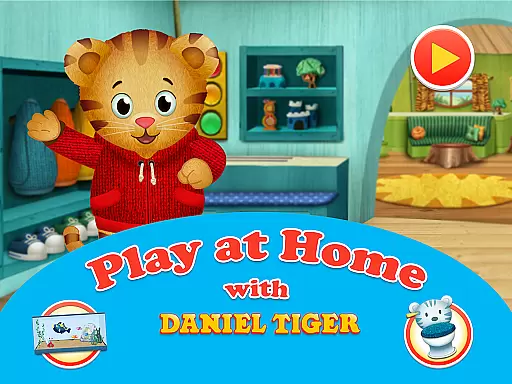
Daniel Tiger's Play at Home is an educational app designed to help children learn about their world through interactive games and activities. The app focuses on teaching everyday routines such as bedtime, bathroom habits, and healthy practices in a fun and engaging way.
Children can explore various mini-games that simulate real-life scenarios like visiting the doctor or taking care of pets. These activities are not only entertaining but also foster essential life skills such as responsibility and emotional expression. With songs from the PBS KIDS show 'Daniel Tiger’s Neighborhood,' kids can enjoy learning while playing along with familiar characters.
This app serves as a valuable tool for parents looking to supplement their child's distance learning. By talking, listening, and playing together, families can reinforce important lessons about daily routines and social-emotional development. The combination of play-based learning and parental involvement makes Daniel Tiger's Play at Home an effective resource for early childhood education.
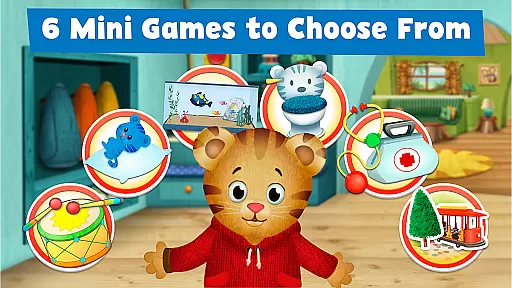
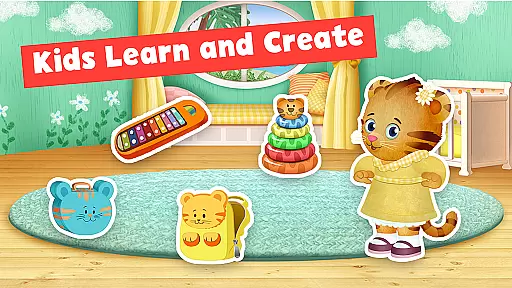
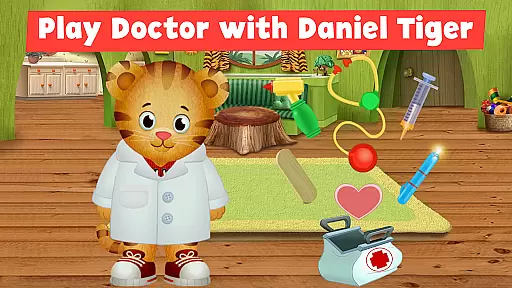
The app offers six unique mini-games, each focusing on different aspects of a child's daily life. From pretend-play doctor visits to caring for virtual pets, these interactive experiences help children understand and practice real-world responsibilities. The sticker book feature allows kids to create their own stories using dozens of stickers set in Daniel Tiger's world, encouraging creativity and imagination.
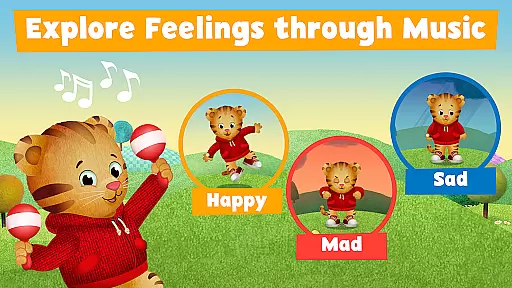
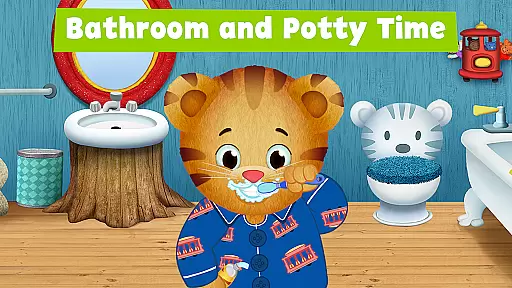
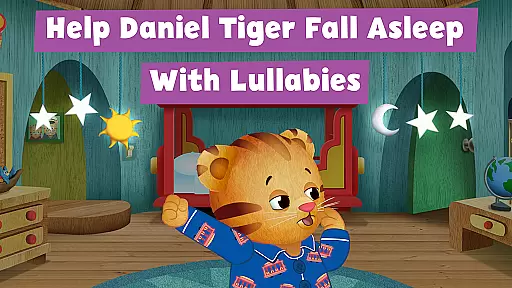
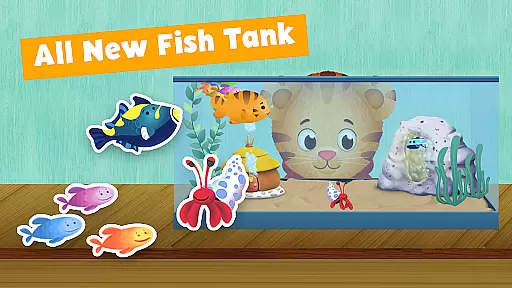
One standout feature is the fish tank game where children feed and interact with Daniel's pet fish, promoting lessons in responsibility and empathy. Bedtime and bathroom routine games guide kids through essential self-care tasks, making these sometimes challenging transitions more approachable. Songs from the television series provide musical cues for expressing emotions and handling various situations.
Parents will appreciate how the app seamlessly integrates learning into playtime. Each activity is carefully designed to align with educational goals while maintaining an element of fun. Whether it's helping Daniel get ready for bed or exploring feelings through music, every feature supports both cognitive and social-emotional growth in young learners.
In the realm of educational apps, content accuracy and authority are paramount. Daniel Tiger's Play at Home app excels in this area by providing meticulously crafted learning experiences that align with the trusted content from the PBS KIDS show 'Daniel Tigeru2019s Neighborhood.' The app offers six mini-games focused on everyday activities and routines, ensuring that children learn correct habits through interactive play.
The app is developed in partnership with Cloud Kid, PBS KIDS, and Fred Rogers Productions, guaranteeing that the educational material is vetted by experts in child development and education. This collaboration ensures that the lessons about healthy habits, responsibility, and emotional expression are both accurate and age-appropriate.
Parents can feel confident that their children are learning from reliable sources. The bedtime and bathroom routines, as well as the doctor games, are designed to make real-life experiences more approachable for children. By engaging with Daniel Tiger's world, kids gain knowledge that is directly applicable to their own lives, reinforcing the importance of trustworthiness in educational content.
Daniel Tiger's Play at Home app understands the importance of personalized learning paths in early childhood education. While it doesn't offer adaptive algorithms in the traditional sense, the app provides a variety of mini-games and activities that cater to different aspects of a child's daily routine. This allows children to explore and learn at their own pace, focusing on areas such as bedtime routines, bathroom habits, or even emotional expression through music.
Through pretend-play doctor games, sticker book creations, and fish tank interactions, children can choose their own adventures within Daniel Tiger's world. Each activity is crafted to encourage exploration and self-guided learning, which is crucial for young minds. These diverse experiences ensure that every child can find something that resonates with their interests and developmental needs.
Moreover, the app supports parents in guiding their children's learning journey. By participating in these activities together, parents can observe their child's preferences and progress, effectively creating a personalized learning path outside the digital environment. This holistic approach fosters a deeper connection between the child's virtual and real-world experiences, enhancing the overall educational impact.
User-friendly interface
Educational content
Engaging activities
Parent-child interaction
Safe environment
Limited free content
In-app purchases
Occasional bugs
Ads present
Device compatibility

The Only Official DVSA Theory Test Kit App
 4.50
4.50
Hebrew Vocab
4.90
Astronomy Guide to the Night Sky
4.40
Monkey Preschool Lunchbox: 7 exciting educational games for your preschooler.
4.30
A collection of favorite stories from Daniel Tiger's Neighborhood
2.00
Enrich the experience of your visit to the Pantheon with our audiotour.
1.60
Hasbro’s classic CANDY LAND game is now a gorgeous interactive storybook app.
2.30
An aviator’s preparation, study and test tool for FAA Knowledge Exams.
4.00
Plant identifier: Identify plants, trees, weeds, flowers. Disease diagnosis.
4.30
Discover Your Place in the Universe
4.70
A magical world of fun, building, and learning with Mickey Mouse and more!
4.20
Learn to make peaceful contact with extraterrestrial civilizations
4.10
Break Language Barriers with AI—Learn Language Anytime, Anywhere!
4.00
An animated storybook app to help ease your child through toilet training.
3.70
Quiz App to help case managers studying for CCMC Certification, 200+ Questions
3.40
Snap a dog photo to identify its breed instantly. Fast, accurate and easy to use
3.40
scanner body part for fun Prank friends realistic scan effects
3.00
Master the NRP with 700+ questions, rationales, and updated NREMT scenarios.
3.00
Animals pop up and make sounds—learn names and noises in Peekaboo Barn!
4.1


User Reviews