
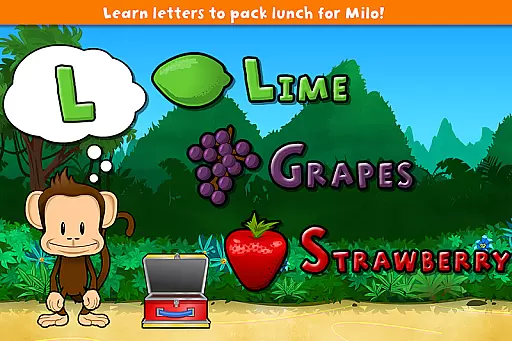
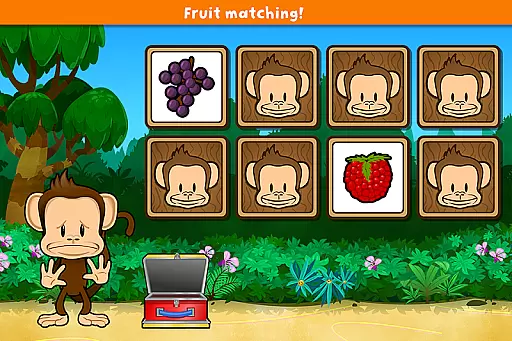
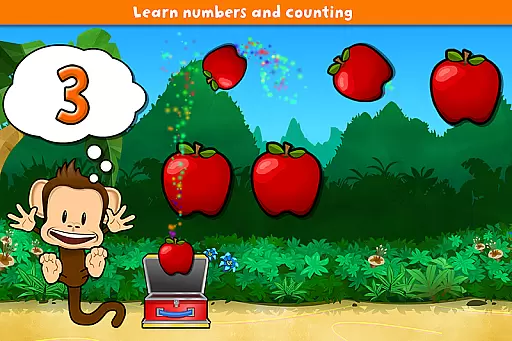
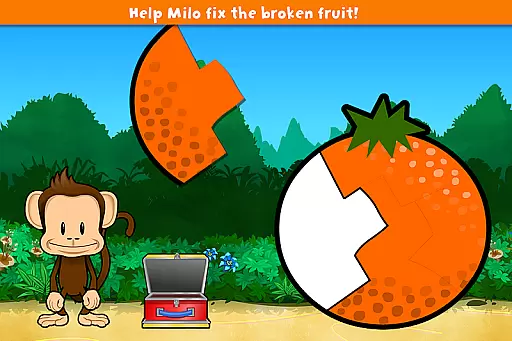
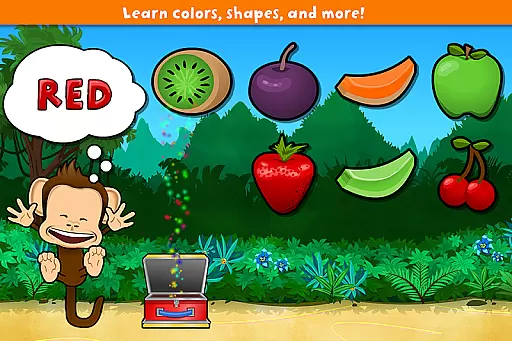
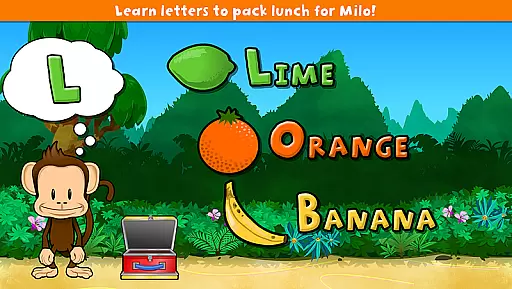
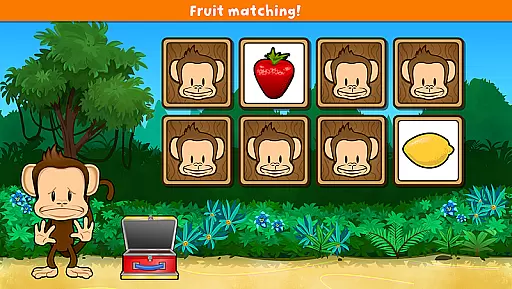
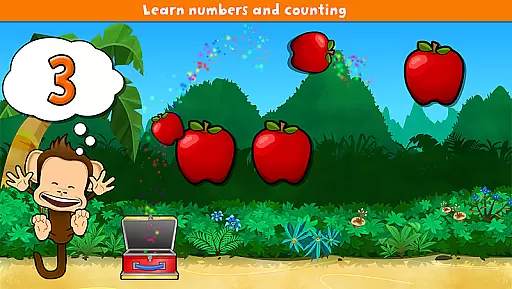
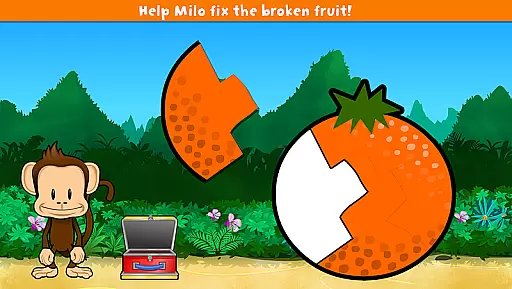
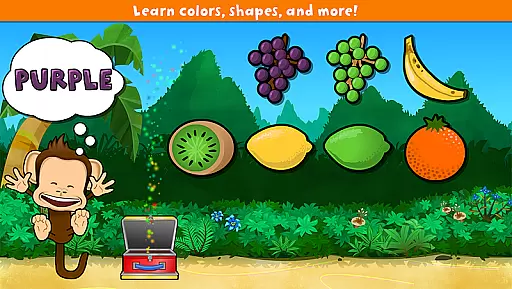
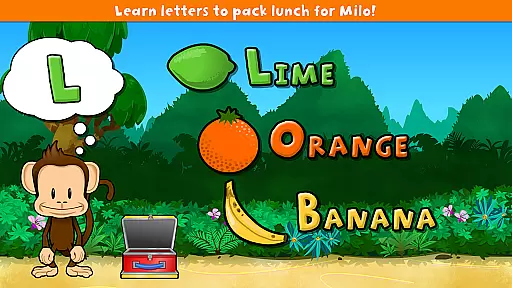
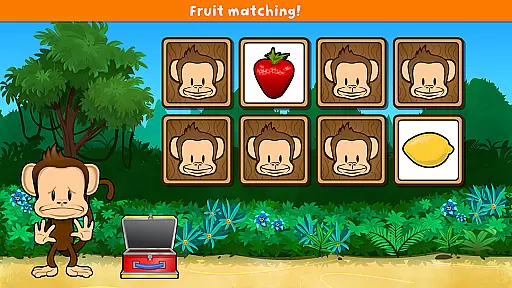
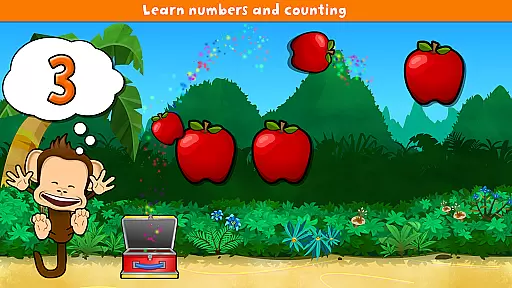
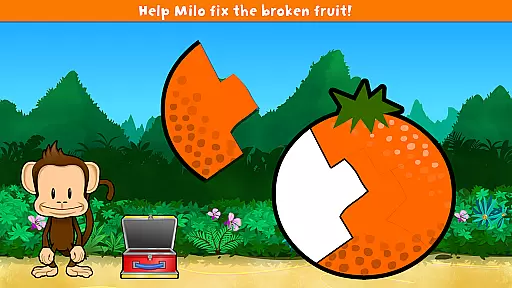
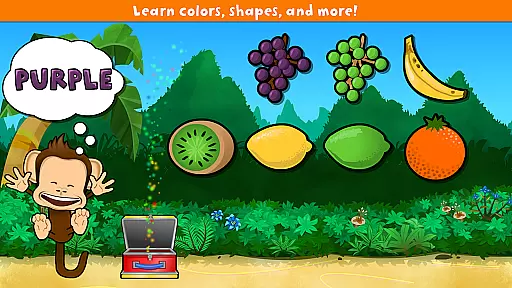
Monkey Preschool Lunchbox is an educational app designed for preschoolers aged 2 to 5, featuring a collection of 7 engaging games. Available exclusively on Google Play, the app supports learning in colors, letters, counting, differences, and matching, all within an ad-free environment. The animated monkey guide and reward system with animated stickers make learning fun and interactive.
The app is crafted with preschoolers in mind, ensuring no confusing menus or navigation. With support for 8 languages including English, French, German, Portuguese, Spanish, Korean, Chinese, and Japanese, it offers a diverse linguistic experience. Its unlimited play feature seamlessly transitions from one game to the next, keeping young learners engaged without interruptions.
This app provides a safe learning environment as it does not collect, store, or share personal information, adhering to a strict privacy policy. Parents can be confident that their children are learning in a secure digital space without advertisements or in-app purchases, making Monkey Preschool Lunchbox a trusted choice for early education.
Monkey Preschool Lunchbox stands out with its comprehensive suite of educational games tailored for young learners. Each of the 7 games focuses on essential skills such as color recognition, letter identification, basic counting, identifying differences, and matching objects. This variety ensures a well-rounded educational experience that caters to different learning styles.
A key feature is the lovable animated monkey that accompanies children throughout their gaming journey, providing encouragement and guidance. The inclusion of dozens of sounds and voice recordings enriches the learning process by introducing kids to the pronunciation of colors, letters, and fruit names. The unique sticker reward system motivates children by awarding them after every other game they win.
Designed specifically for preschoolers, the app eliminates any complex menus or navigation, allowing seamless interaction. The unlimited play feature ensures continuous engagement, flowing effortlessly from one game to the next. With its multilingual support and commitment to privacy, Monkey Preschool Lunchbox delivers both educational value and peace of mind to parents and educators alike.
Monkey Preschool Lunchbox stands out in the Education category by offering meticulously crafted content that ensures accuracy and authority. The app provides seven distinct educational games, each designed to teach preschoolers fundamental concepts such as colors, letters, counting, differences, and matching. These games are developed based on early childhood education principles, ensuring that the information presented is both age-appropriate and pedagogically sound.
The inclusion of professional voice recordings for colors, letters, and fruit names further enhances the authoritative nature of the content. Each recording is clear and precise, aiding in the correct pronunciation and recognition of various terms. This auditory reinforcement complements the visual learning elements, creating a comprehensive educational experience that aligns with recognized teaching methodologies.
Moreover, the app's availability in eight languagesu2014English, French, German, Portuguese, Spanish, Korean, Chinese, and Japaneseu2014demonstrates its commitment to global educational standards. By providing multilingual support, Monkey Preschool Lunchbox caters to a diverse user base, ensuring that children from different linguistic backgrounds receive accurate and reliable educational content. This feature not only broadens the app's reach but also reinforces its credibility as a trusted educational resource.
One of the key strengths of Monkey Preschool Lunchbox lies in its ability to offer personalized learning paths tailored to each child's developmental stage. Designed specifically for preschoolers aged 2 to 5, the app features an intuitive interface that eliminates confusing menus or navigation, allowing young learners to focus entirely on their educational journey. This thoughtful design ensures that children can engage with the app independently, fostering a sense of autonomy and confidence in their learning abilities.
The app employs an adaptive learning model where each game flows seamlessly into the next, creating a continuous and engaging experience. This structure supports individualized pacing, enabling children to progress at their own speed without feeling rushed or overwhelmed. The animated monkey companion serves as a guiding presence, offering encouragement and assistance as needed, which helps maintain a positive and motivating learning environment.
Additionally, the reward system of animated stickers after every other game victory adds a layer of personalization and motivation. These rewards not only celebrate the childu2019s achievements but also encourage repeated play, reinforcing learned concepts through practice. By combining these elements, Monkey Preschool Lunchbox effectively creates a customized learning path that adapts to each child's unique needs and abilities, promoting sustained engagement and educational growth.
User-friendly interface
Multilingual support
Engaging animations
Educational content
Privacy-focused design
Limited to Android
No advanced levels
Simple graphics
Repetitive gameplay
Restricted age group

Dinosaurs coloring book game. Drawing and painting dinos.
 4.50
4.50
Deal Craps (Practice Craps Payouts)
3.80
Prepare for the BCBA / BCaBA exam. Study ABA with the ABA Wizard app.
4.60
An aviator’s preparation, study and test tool for FAA Knowledge Exams.
3.80
Hasbro’s classic CANDY LAND game is now a gorgeous interactive storybook app.
2.30
A realistic sky map to observe stars, planets, satellites and constellations!
4.80
Professional Award-Winning Astronomy Star Map App With Telescope Control
4.40
The best way to study for your amateur radio license exam.
4.90
Memorize anything efficiently with AnkiDroid! Many pre-built decks available.
4.80
Welcome to the Speak Navajo Language Application - Volume 1
4.50
Intuitive Transformer Lab - By a Lineman, For Linemen & Apprentices
4.50
Stack the Countries makes learning world geography fun!
4.50
Astronomy Guide to the Night Sky
4.40
Astronomy Guide To Night Sky
4.30
School Communication
4.30
An aviator’s preparation, study and test tool for FAA Knowledge Exams.
3.90
Visit Daniel's house & make believe. Play doctor, make music, & feed fish.
3.20
The official CCM Glossary app, including 700+ terms and definitions.
2.90
Your best partner for learning Japanese words. Based on a best-selling textbook.
2.80


User Reviews