

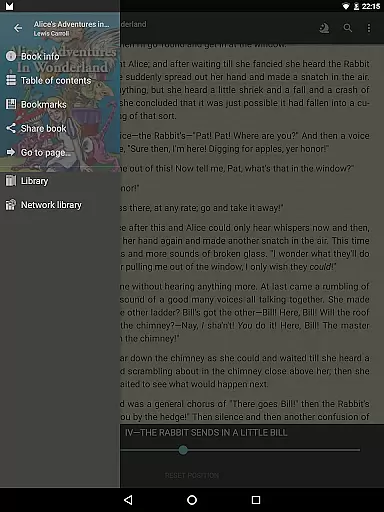
FBReader Premium is a comprehensive ebook reader designed for avid readers who demand flexibility and advanced features. This paid version offers an exceptional reading experience across various devices, including both LCD and e-ink screens. With support for numerous ebook formats like ePub, PDF, Kindle azw3, and more, it ensures compatibility with virtually any digital book library.
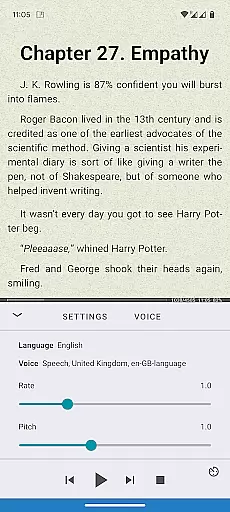
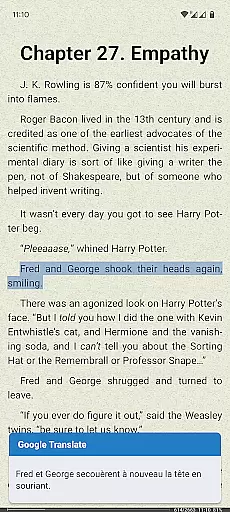
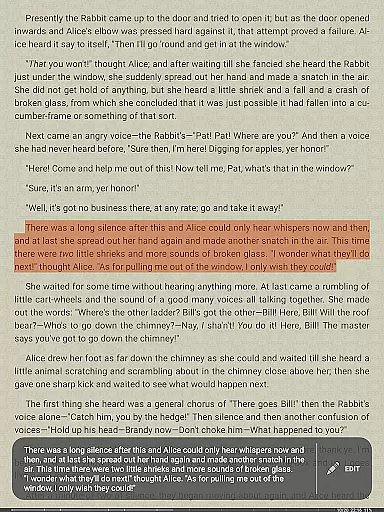
The app stands out with its premium features such as Android text-to-speech for read-aloud functionality, instant translation via Google Translate or DeepL, and built-in support for PDFs and comic books. These capabilities make it an ideal choice for users seeking a versatile reading tool that caters to diverse needs, whether for leisure reading or academic purposes.
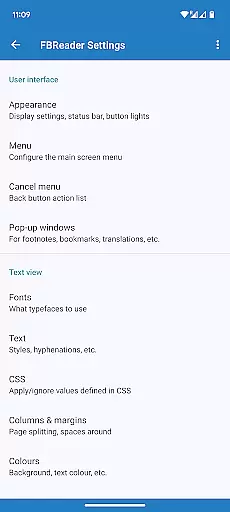
FBReader Premium also provides smart reading tools, extensive customization options, and easy access to online catalogs. Its cloud sync feature, customizable themes, and multilingual support create a personalized and seamless reading experience that adapts to individual preferences and global accessibility.
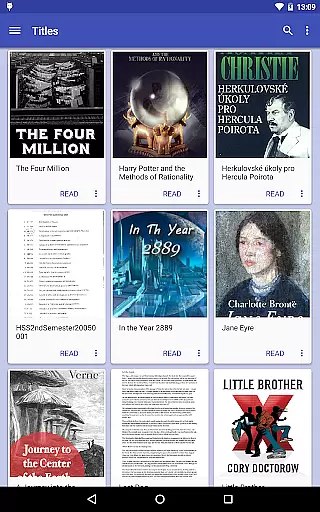
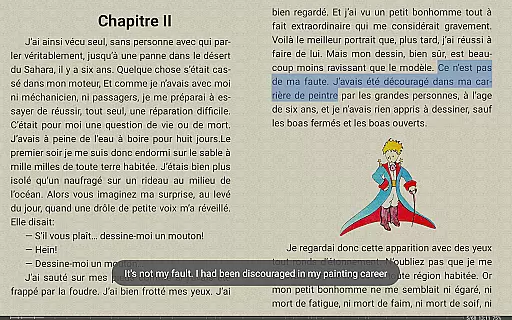
FBReader Premium boasts an array of sophisticated features tailored to enhance the reading experience. One of its standout capabilities is the support for a wide range of ebook formats, including ePub, PDF, Kindle azw3, fb2(.zip), CBZ/CBR, DOC, RTF, HTML, and TXT. This extensive format compatibility ensures users can access virtually any ebook without conversion hassles.
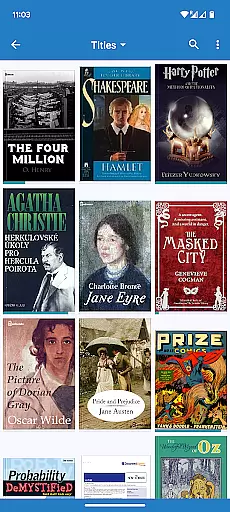
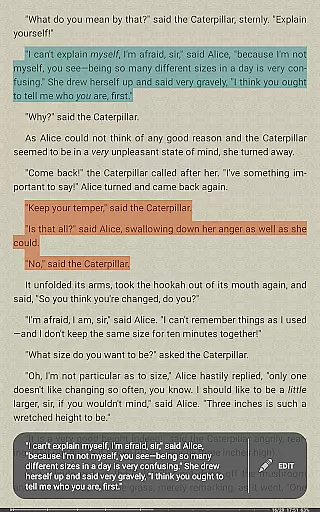
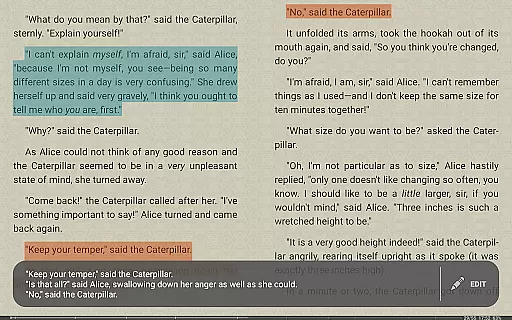
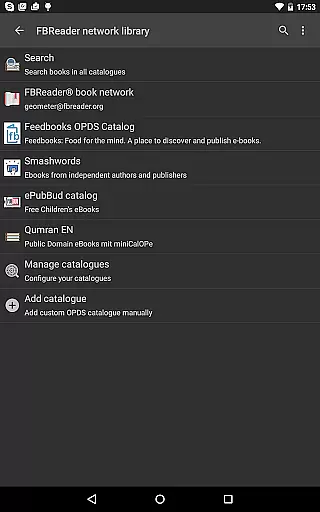
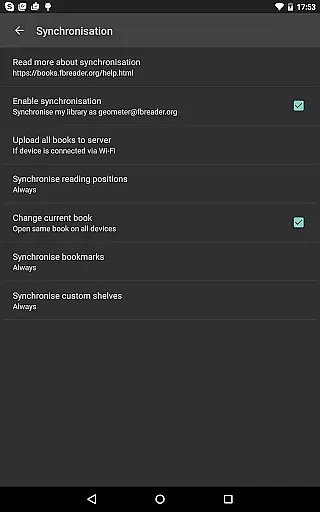
The app integrates advanced reading tools such as quick dictionary lookups using preferred dictionary apps and optional cloud sync for libraries and reading positions via the FBReader Book Network. Additionally, it offers built-in browser functionality for online catalogs and OPDS stores, making it easy to discover and download new content. Users can also customize their reading environment with personal fonts, backgrounds, day and night themes, and adjustable brightness settings.
Designed for global accessibility, FBReader Premium supports 34 languages and includes hyphenation patterns for 24 languages. This multilingual support, combined with its highly customizable interface and reading tools, positions FBReader Premium as a top-tier choice for readers worldwide who value both functionality and personalization in their digital reading experience.
FBReader Premium offers an extensive e-book library that supports a wide range of formats including ePub, PDF, Kindle azw3, fb2(.zip), CBZ/CBR, DOC, RTF, HTML, and TXT. This ensures that readers have access to almost any ebook they wish to read, making it a versatile choice for book enthusiasts.
The application is committed to copyright authenticity by supporting DRM-free books as well as titles protected with Readium LCP. This dedication to legitimate content distribution provides users with peace of mind, knowing they are accessing books through legal and authorized means.
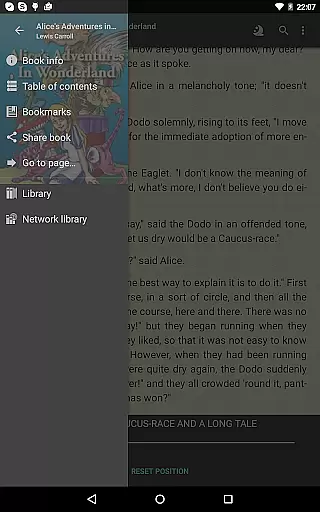
With built-in support for various formats and compatibility with online catalogs and OPDS stores, FBReader Premium makes it easy for users to discover and download new reading materials. The inclusion of a browser for these services enhances the user's ability to access a vast array of literature from different sources.
Furthermore, FBReader Premium's support for custom OPDS catalogs allows users to personalize their library experience, ensuring they can connect to niche or specialized collections that cater to their specific interests and reading preferences.
One of the standout features of FBReader Premium is its exceptional format compatibility. It reads almost any ebook format you throw at it, such as ePub (including ePub3), PDF, Kindle azw3, fb2(.zip), CBZ/CBR, along with common text formats like DOC, RTF, HTML, and TXT. This versatility ensures that no matter what device or platform a user comes from, their ebooks will be accessible.
In addition to supporting numerous file types, FBReader also integrates seamlessly with external dictionary apps for quick lookups, enhancing the reading experience without interrupting the flow. Users can instantly translate text using Google Translate or DeepL within the app, breaking down language barriers.
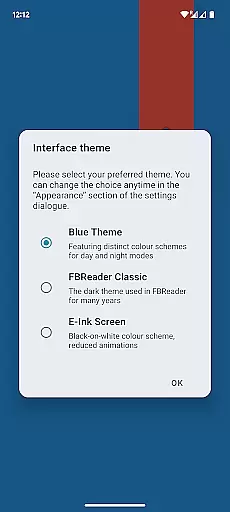
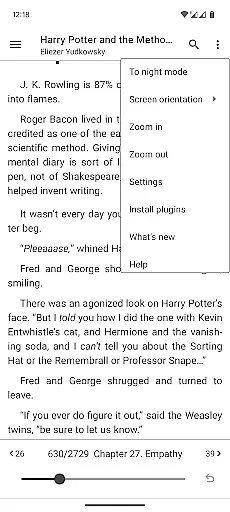
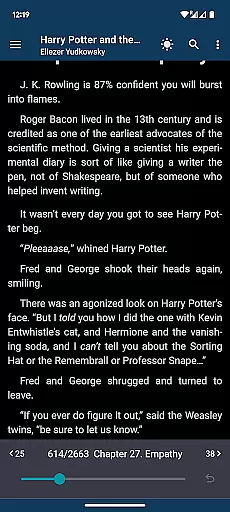
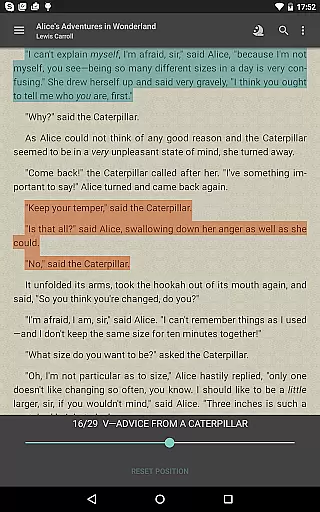
For those who value customization, FBReader allows personal fonts and backgrounds, catering to individual aesthetic preferences. Its day and night themes offer comfortable reading sessions at any time, while brightness adjustment via simple swipes adds another layer of convenience.
The app's commitment to accessibility extends beyond just file formats; it includes localized interfaces in 34 languages and hyphenation patterns for 24 languages, making it truly global. Whether users prefer e-ink devices or LCD screens, FBReader Premium delivers a superior reading experience tailored to diverse needs.
Extensive format support
Advanced customization options
Multilingual accessibility
Cloud sync functionality
Read-aloud feature
Paid version only
No DRM support for all platforms
Limited free features
Complex for beginners
Requires Google account for sync

Bilingual dictionary with English translations of Modern Standard Arabic words.
 4.30
4.30
Guide for dōTERRA® Products
3.60
“There was one last piece of cake. My little sister said ‘Me too!’”
4.00
Crowd-sourced listing of businesses with anti-gun signs, and pro-2a alternatives
4.60
Read popular romance books and web novels on the fantastic ebook reader
3.50
"When tweetle beetles fight, it's called a tweetle beetle battle."
4.90
Provides location information of vehicle Shift Interlock releases.
4.30
My Bible offers a comprehensive app by providing offline access, daily verses.
4.80
A story reading app: Read stories, novels and books, or write your own.
3.90
Bible, Catechism, Study, Saints, Mass Readings, Rosary, Prayer, Bible in a Year
4.80
Audiobook player with cross-device progress sync, playlists, and widget support.
4.80
Read and study the Bible and other content in over 1,000 languages.
4.80
The dynamic dictionary/reference app for piano chords and scales!
4.80
Daily Prayer, personalized Bible Study, AI-guided Insights, and Spiritual Growth
4.80
Unlock unlimited access to bestselling ebooks, novels, stories, and audiobooks
4.60
Essential Technical Rescue Field Operations Guide 6, the Industry Standard Guide
4.20
Zerobooks Light Novel Reader by GOLDENAGATO
4.20
Battle Royale Chapter 5 Season 2 HD Wallpapers Emotes Skins and BattlePass
3.00
Sea tide predictions for all coastal U.S. locations.
4.4


User Reviews