
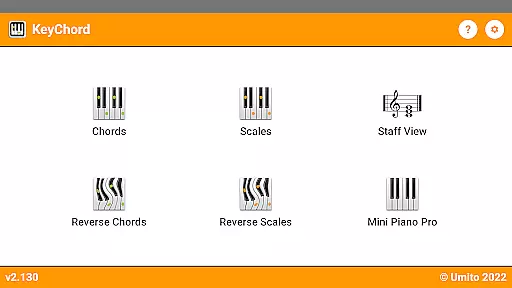
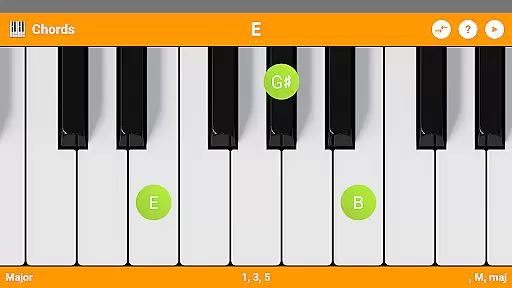
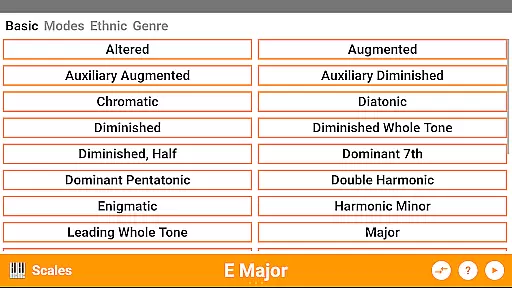
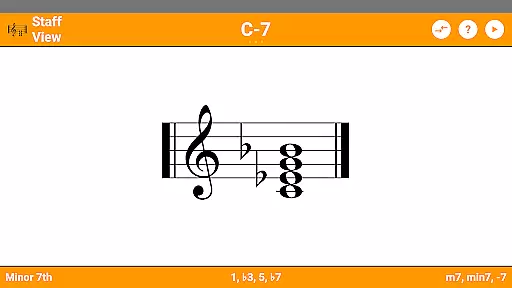
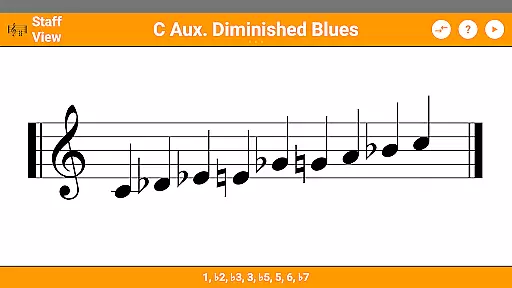
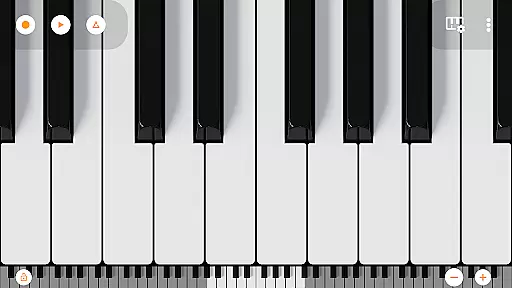
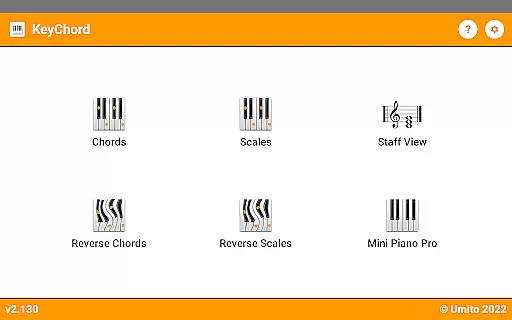
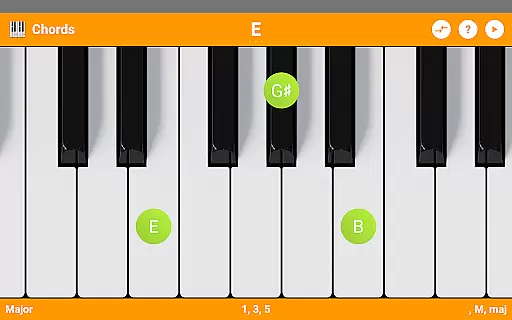
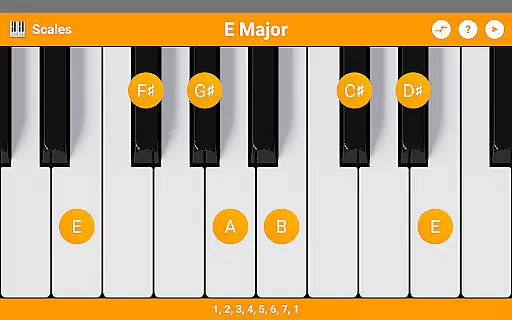
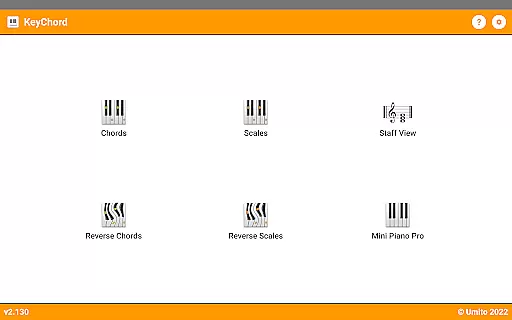
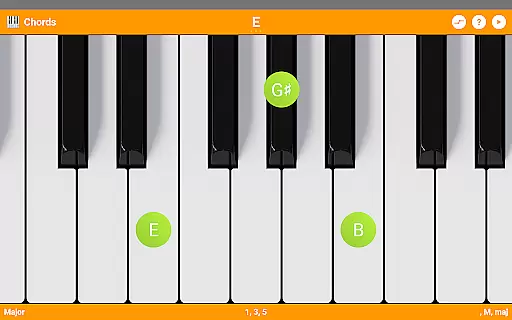
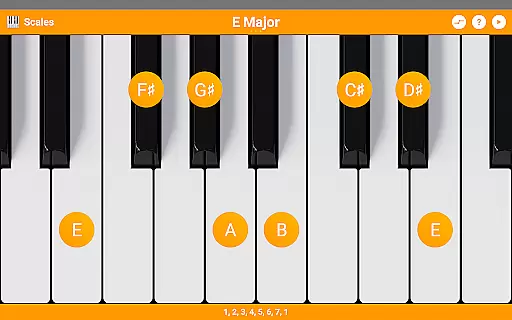
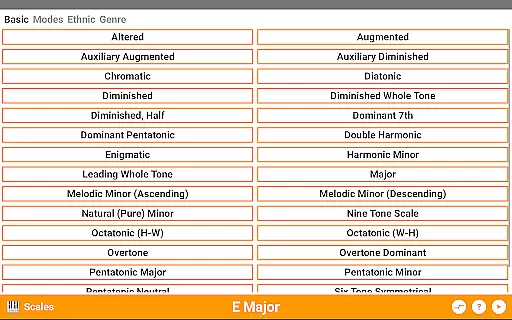
KeyChord is an innovative reference app designed for musicians and piano enthusiasts who want to explore chords and scales in depth. This dynamic dictionary allows users to look up and experiment with all types of chords and scales using an intuitive virtual keyboard interface. The app stands out with its 88-key multitouch piano feature, which provides a realistic playing experience directly on your mobile device.
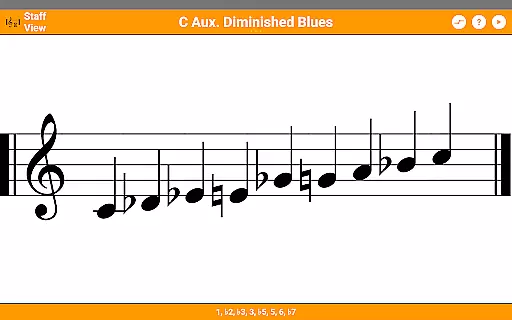
Beyond just being a static reference, KeyChord offers interactive features such as reverse chord and scale lookup, staff view, and the ability to hear every chord and scale played back. Whether you are a beginner learning basic chords or an advanced musician exploring complex progressions, KeyChord adapts to your needs by allowing full customization of chords and scales across the musical spectrum.
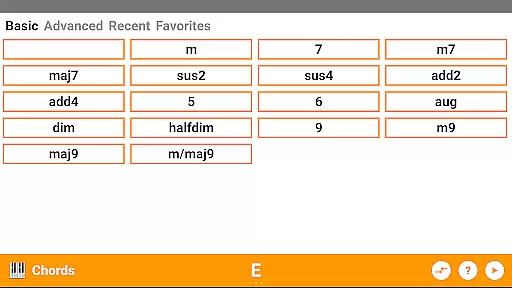
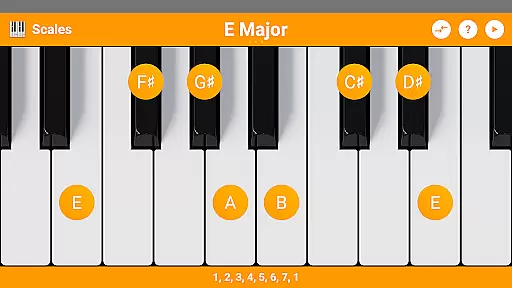
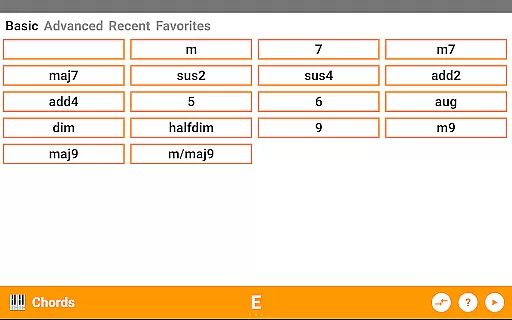
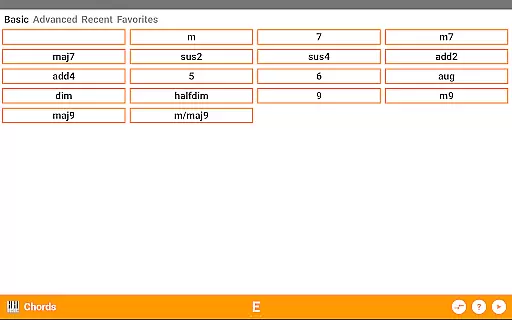
The app's versatility makes it suitable for various use cases, from composing music on-the-go to aiding practice sessions and music theory studies. With over 50 chord types and 100 scale types available, KeyChord serves as an invaluable tool for anyone serious about enhancing their musical knowledge and skills.
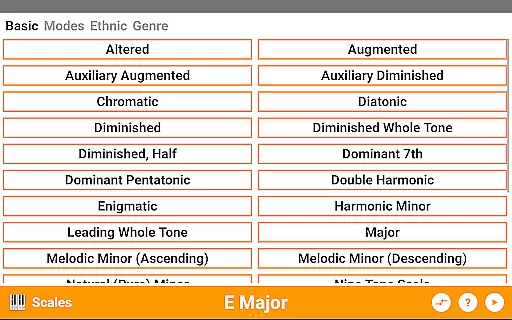
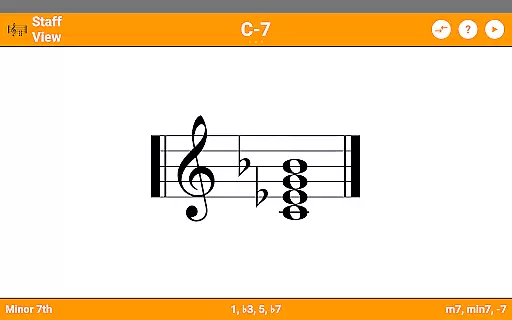
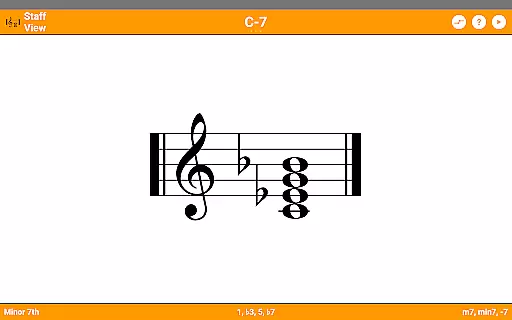
KeyChord distinguishes itself through a comprehensive set of features tailored for musicians. One standout aspect is the extensive library of more than 50 chord types and 100 scale types, ensuring that users have access to virtually any combination they might encounter in their musical journey. The inclusion of note names, component intervals, inversions, and slashed chords adds another layer of depth, making this app a thorough educational resource.
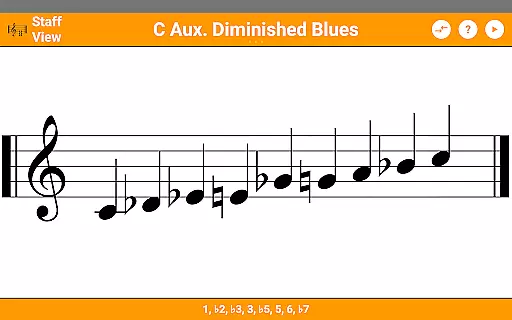
A unique feature of KeyChord is its reverse lookup capability for both chords and scales. This functionality allows users to select notes on the virtual keyboard and discover the corresponding chord or scale name—even accommodating partial chords. Additionally, the app supports dark mode, caters to visual learners with its staff view, and enables auditory learning by letting users hear each chord and scale.
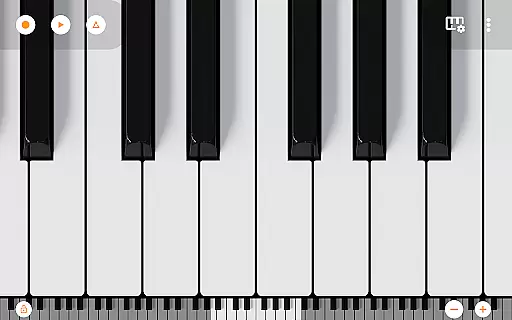
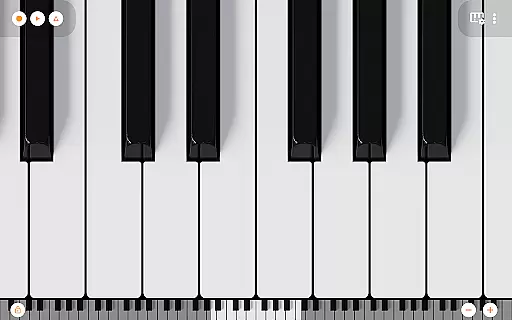
For those interested in composition, KeyChord includes a fully functional 88-key multitouch virtual piano sourced from Mini Piano Pro. Users can record their compositions as MIDI files and even set them as ringtones. This integration of robust reference materials with practical tools for creation and playback solidifies KeyChord’s position as a top-tier application in the Books & Reference category.
KeyChord offers an extensive virtual library of over 50 chord types and 100 scale types, ensuring a comprehensive resource for both beginners and advanced musicians. This vast collection is akin to a well-stocked e-book library, providing users with a rich repository of musical knowledge.
The app guarantees the authenticity of its content by dynamically generating chords and scales rather than relying on pre-defined entries. This approach ensures that every piece of information is accurate and true to music theory, much like how copyright authenticity assures originality in e-books.
Users benefit from KeyChord's dynamic dictionary by gaining access to unlimited musical references without concerns about outdated or incorrect data. The assurance of credible content enhances learning and experimentation.
By integrating features such as reverse lookup and staff view, KeyChord not only provides quantity but also quality in its reference material. Musicians can confidently explore various combinations knowing they are engaging with genuine and authoritative musical resources.
KeyChord demonstrates exceptional format compatibility by supporting a wide range of musical expressions through its diverse chord and scale types. Whether you're interested in basic triads or complex jazz harmonies, this app accommodates all levels of musical complexity.
The inclusion of a full 88-key multitouch virtual piano with 128 different sounds showcases KeyChord's versatility in handling various musical formats. Users can seamlessly switch between different instruments and tonalities, similar to how versatile e-readers handle multiple file formats.
This adaptability extends to practical applications such as recording songs as MIDI files and setting them as ringtones. Such functionality mirrors how modern e-readers allow users to convert and utilize content across different platforms and devices.
Furthermore, KeyChord's support for dark mode and customizable settings ensures optimal user experience across different environments and preferences. This flexibility in presentation and interaction makes it an invaluable tool for musicians seeking a comprehensive yet adaptable musical reference application.
User-friendly interface
Comprehensive chord library
Realistic piano simulation
Reverse chord lookup
Audio playback feature
No free version available
Occasional bugs reported
High system requirements
Limited offline support
Complex for beginners

Bilingual dictionary with English translations of Modern Standard Arabic words.
 4.30
4.30
The Bible Audio Guide
4.80
"Do you like green eggs and ham?"
4.70
Provides location information of vehicle Shift Interlock releases.
4.30
Watch real short episodes in just minutes— addictive, you won't be able to stop!
4.70
Build family tree & discover DNA, family history heritage, origins and ancestors
4.60
A story reading app: Read stories, novels and books, or write your own.
3.90
Fast loot guide for ARC Raiders. Simple tips, stats, maps, and item details.
4.3
Premium reader for ePub, PDF, and more. TTS and translation. Great on any screen
3.50
Bible, Catechism, Study, Saints, Mass Readings, Rosary, Prayer, Bible in a Year
4.80
The favorite Christmas story comes to life!
4.80
Liturgy of the Hours totally off-line
4.80
This is the pro version King James bible Offline that we have
4.70
Read aloud texts, audiobooks, PDFs or any eBook with text to speech AI audio
4.60
Manage collectibles, survey and treasure maps in Elder Scrolls Online.
4.40
Shop over 13 million new and used books at up to 80% off list price
4.20
A companion for prayer, with Azan alarm, Quibla direction, and Holy Quran book
4.10
Sea tide predictions for all coastal U.S. locations.
4.1
University of North Carolina Herbarium presents the flora of TN, AL, & MS.
4.3


User Reviews