
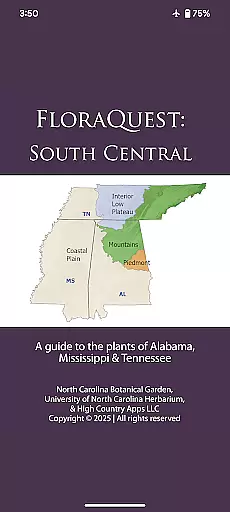
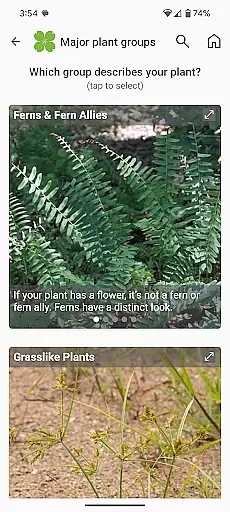
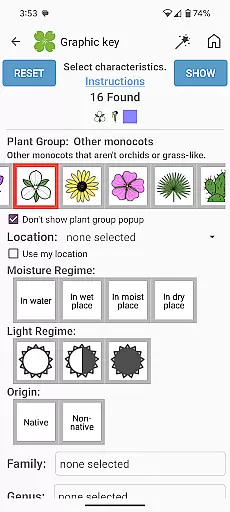
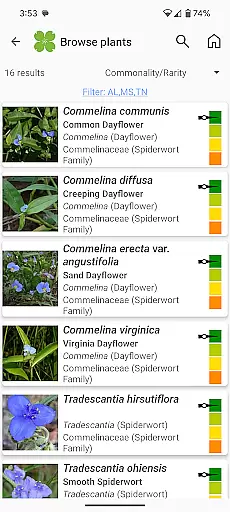
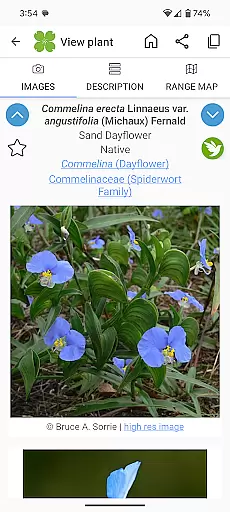
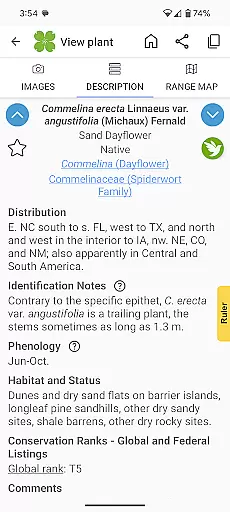
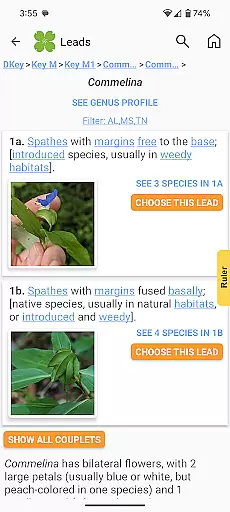
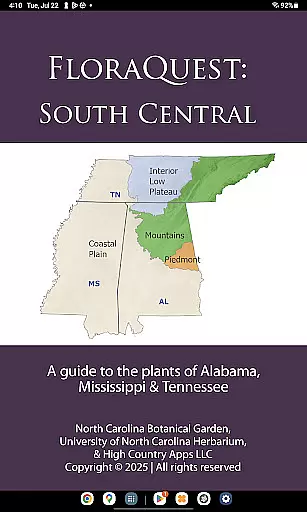
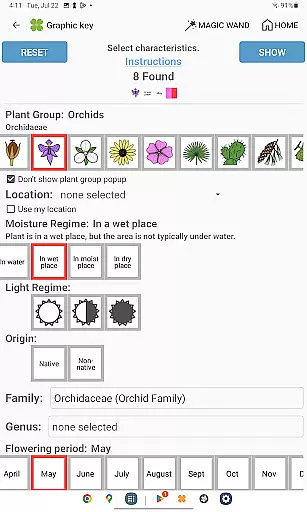
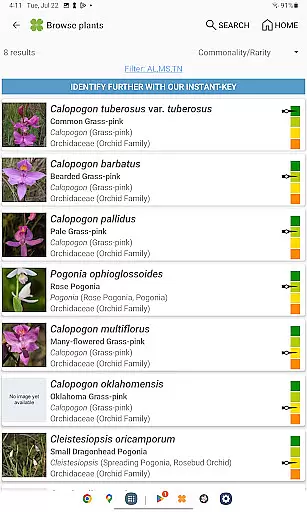
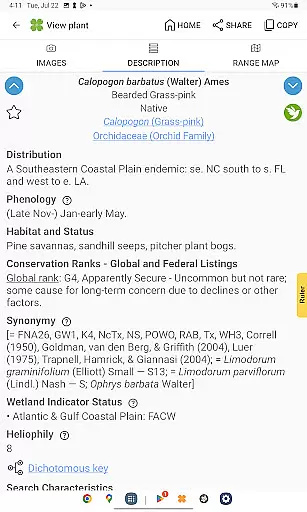
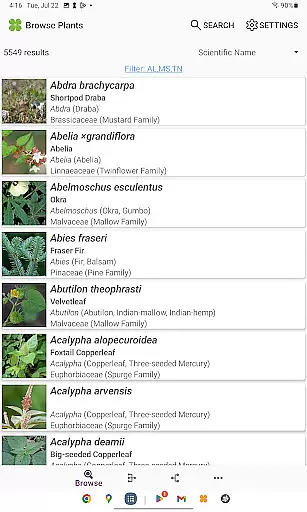
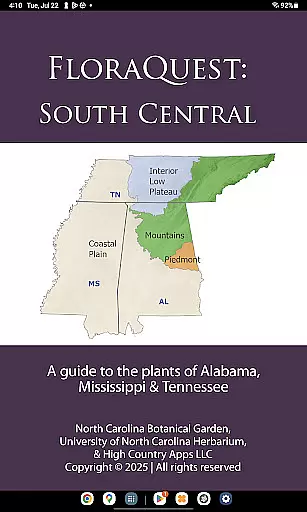
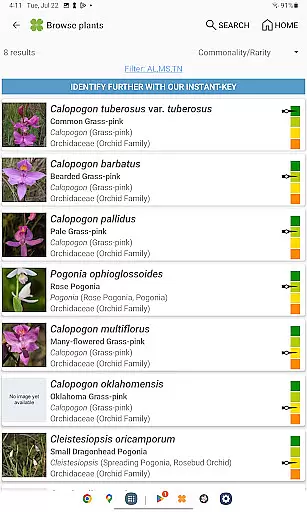
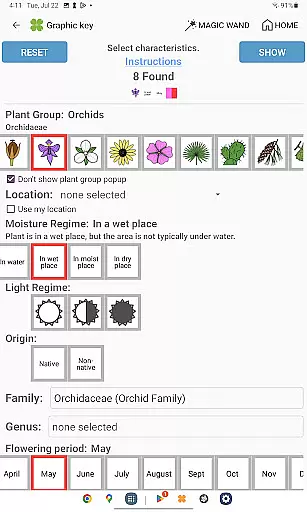
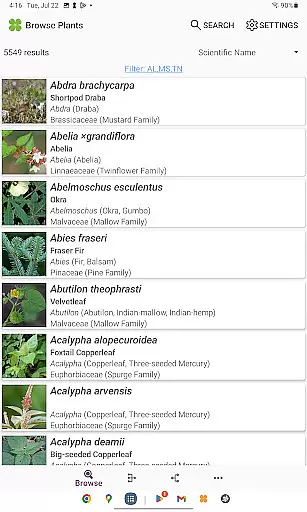
FloraQuest: South Central is an extensive plant identification app developed by the University of North Carolina's Southeastern Flora Team. This comprehensive guide covers 5,549 plant species across Alabama, Mississippi, and Tennessee, making it an invaluable resource for botanists, students, and nature enthusiasts. The app features multiple identification methods including graphic keys, dichotomous keys, and detailed habitat descriptions.
What sets this app apart is its offline functionality and rich content library. Users can access over 38,000 high-quality diagnostic photographs without an internet connection. The app also includes enhanced features like illustrated glossary terms, image-enhanced keys, and dark mode support. Its powerful search functionality with base 2 and base 3 codes allows for precise plant identification, while the 'Great Places to Botanize' feature recommends prime botanical exploration sites across the region.
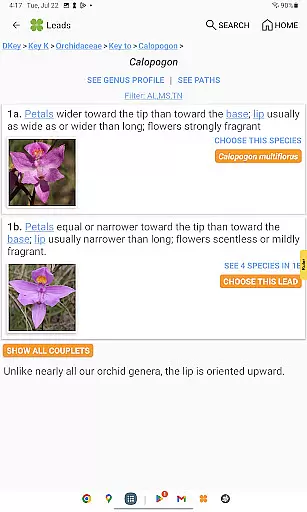
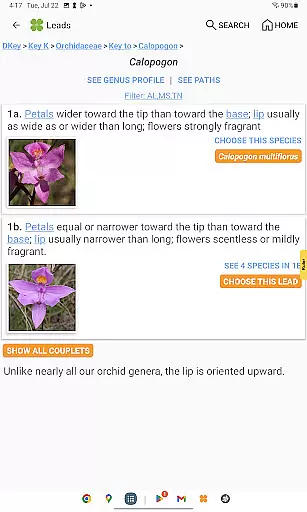
FloraQuest: South Central offers a robust set of features designed for both professional and casual users. The app's graphic keys have been significantly improved, providing more intuitive plant identification through visual cues. Its dichotomous keys are now enhanced with images, making complex identification processes more accessible to users of all experience levels.
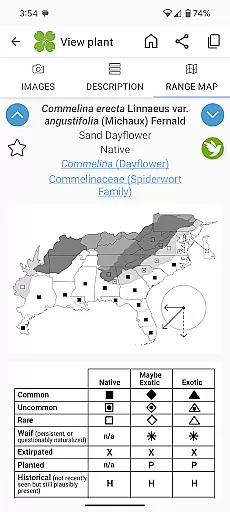
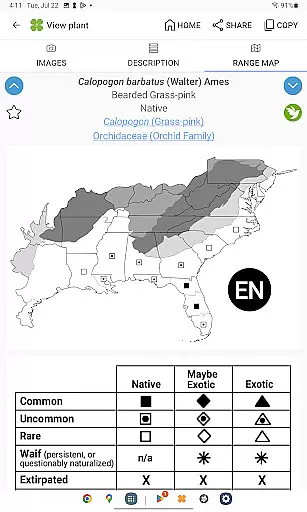
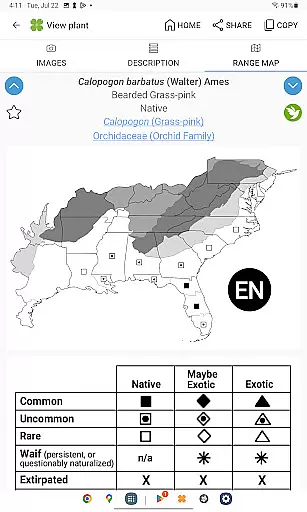
The app's comprehensive database includes detailed range maps and habitat descriptions for each species. The inclusion of over 38,000 diagnostic photographs creates a valuable reference library. Unique features like plant sharing capabilities and dark mode support demonstrate the developers' attention to user experience. Additionally, the app's offline functionality ensures reliable access to critical information regardless of internet connectivity.
FloraQuest: South Central offers an extensive e-book library with information on 5,549 plant species found across Alabama, Mississippi, and Tennessee. This vast collection ensures that users have access to a comprehensive database of flora, making it an essential tool for both enthusiasts and professionals in the field.
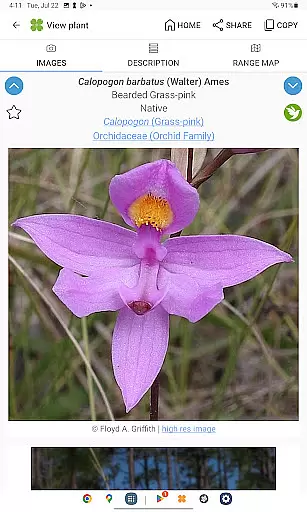
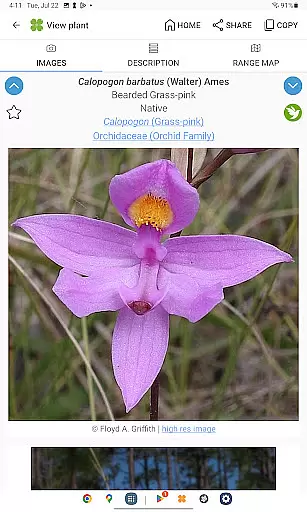
The app includes over 38,000 high-quality diagnostic photographs, providing visual references that enhance the identification process. These images are not only useful for accurate plant recognition but also serve as valuable educational resources for students and researchers alike.
Regarding copyright authenticity, FloraQuest: South Central is developed by the University of North Carolina's Southeastern Flora Team, ensuring that all content is credible and properly authorized. Users can trust the accuracy and legitimacy of the information provided within this digital library.
By offering such a rich repository of botanical knowledge, FloraQuest: South Central supports offline use without needing an internet connection. This feature allows users to access the e-book library anytime, anywhere, which is particularly beneficial when exploring remote areas where connectivity may be limited.
FloraQuest: South Central excels in format compatibility by integrating various tools that cater to different user preferences and needs. The app features easy-to-use graphic keys and powerful dichotomous keys, allowing users to choose their preferred method for identifying plants efficiently.
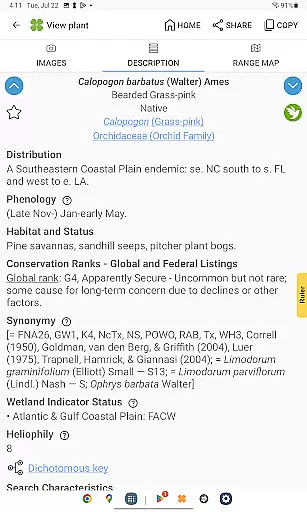
In addition to its key systems, the app provides detailed habitat descriptions and comprehensive range maps. These formats help users understand the ecological context of each plant species, facilitating more informed botanical explorations across Alabama, Mississippi, and Tennessee.
Another highlight is the enhanced search functionality with base 2 and base 3 codes, enabling quick retrieval of specific plant data. This advanced search capability ensures that users can find desired information swiftly, regardless of how they categorize or label plant characteristics.
Furthermore, FloraQuest: South Central supports dark mode, catering to users who prefer this display setting for comfortable reading during nighttime or low-light conditions. By accommodating diverse user requirements through versatile format options, the app delivers a personalized experience tailored to individual preferences while maintaining ease of use throughout.
User-friendly interface
Comprehensive plant database
Offline functionality
High-quality images
Enhanced key systems
Limited regional coverage
Large app size
Advanced features may overwhelm beginners
Occasional technical issues
Steep learning curve for novices

"Five Dr. Seuss titles in one omBook!"
 4.60
4.60
Track your Star Wars book collection across Canon & Legends
4.80
Master AKC Rally signs with in-depth hints, diagrams, and expert guidance.
4.50
Read popular romance books and web novels on the fantastic ebook reader
3.50
“It is fun to have fun, but you have to know how!”
4.40
Learn Thai with 195,000+ entries, crisp Thai sounds, big text; works offline.
4.80
"When tweetle beetles fight, it's called a tweetle beetle battle."
4.90
Identify birds of North America by call or picture | Bird Identification
4.20
A Comprehensive Restoration of Sacred Scripture
4.50
The Original Tropical Freshwater Aquarium Fish And Plant Care Guide
4.80
Liturgy of the Hours totally off-line
4.80
The dynamic dictionary/reference app for piano chords and scales!
4.80
My Bible offers a comprehensive app by providing offline access, daily verses.
4.80
Read the Quran in Arabic alongside its translation, with color coded Tajweed.
4.50
Bible Spiritual Companion
4.40
Essential Technical Rescue Field Operations Guide 6, the Industry Standard Guide
4.20
Knots 360 Pro ( 3D ) shows you animated 192 knots in 3D perspective
4.10
“There was one last piece of cake. My little sister said ‘Me too!’”
4.00
A story reading app: Read stories, novels and books, or write your own.
3.90


User Reviews