
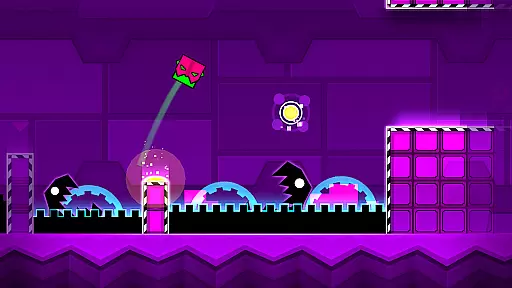
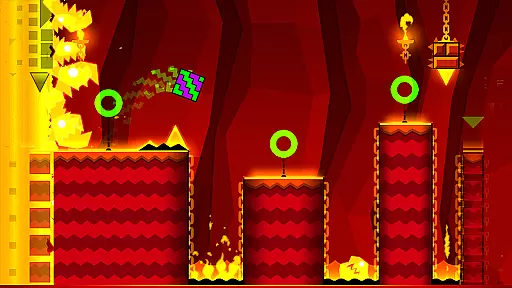
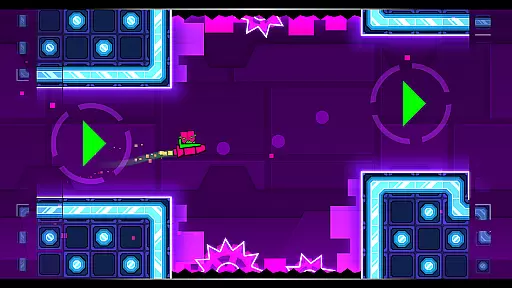
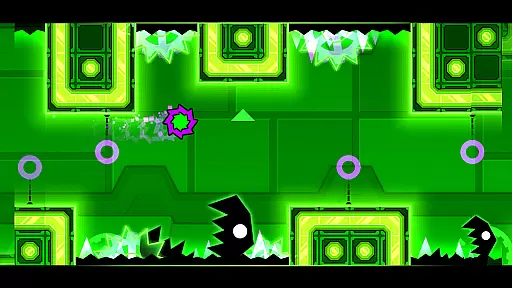
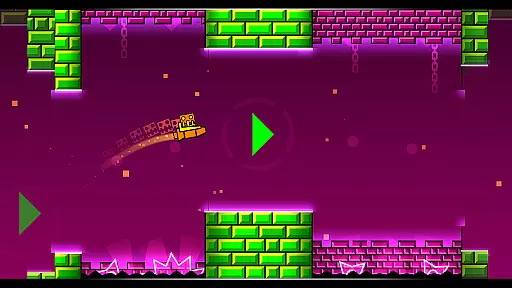
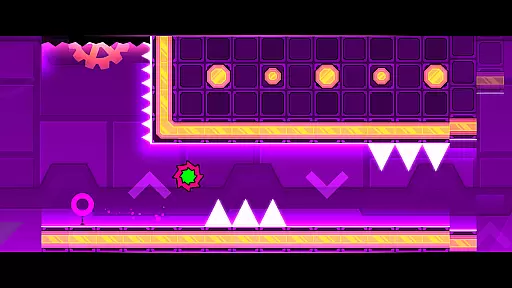
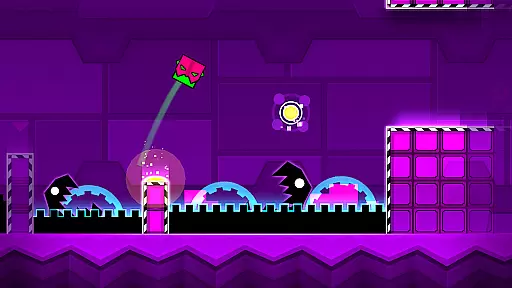
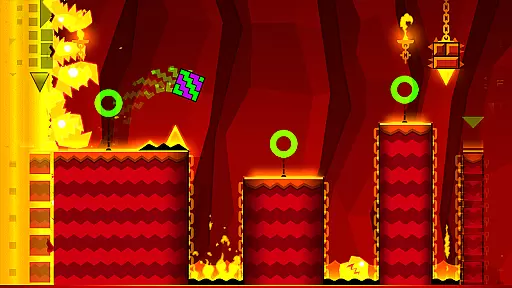
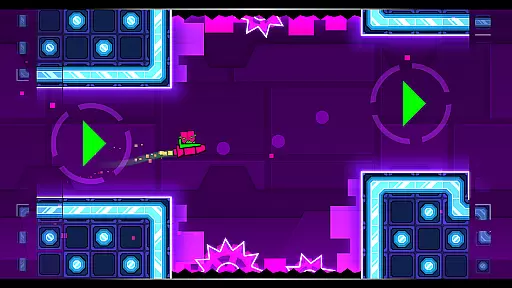

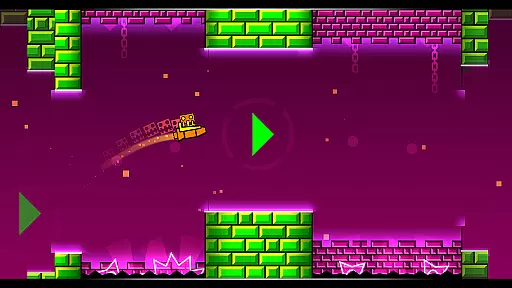
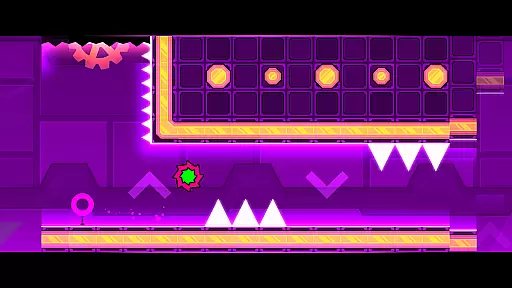
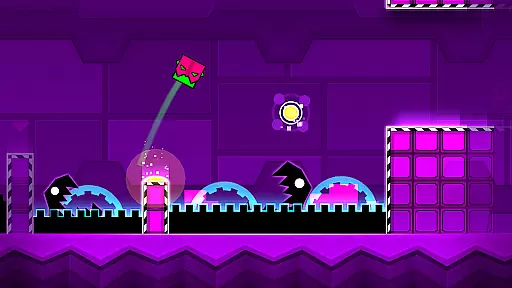
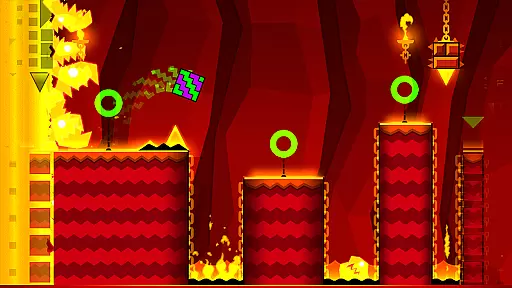
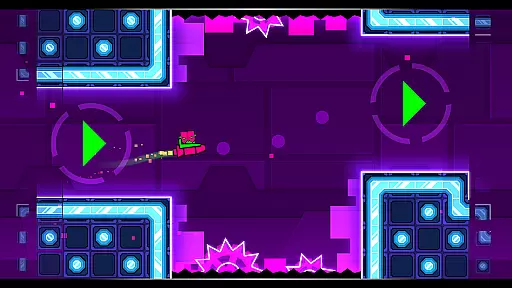
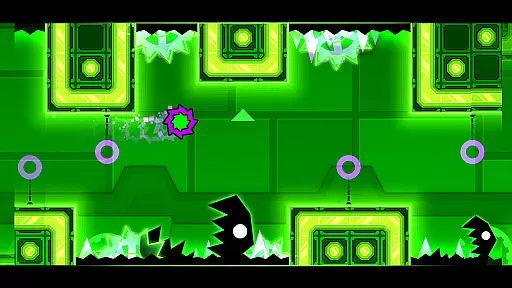
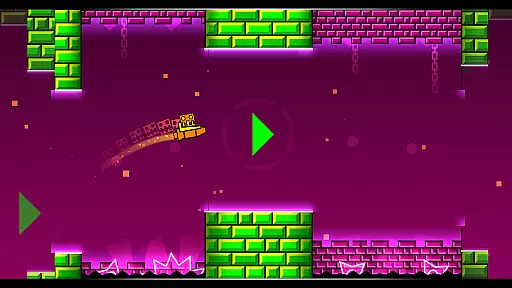
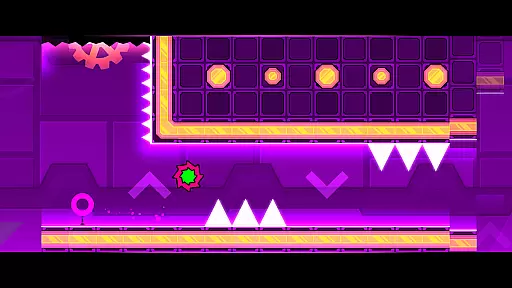
Geometry Dash Meltdown is an arcade game that combines rhythm-based platforming with challenging obstacles. Players navigate through dark caverns filled with spikes and monsters, requiring quick reflexes and precise timing.
The game features three unique levels with music from F-777, offering an engaging audiovisual experience. With customizable characters, gravity flips, and rockets, it provides diverse gameplay mechanics that keep players engaged.
Ideal for gamers seeking a challenge, this app is perfect for short bursts of play during commutes or breaks, delivering intense action in bite-sized levels.
Geometry Dash Meltdown stands out with its rhythm-based action platforming, where timing and skill are crucial. The game includes three distinct levels, each with original soundtracks by F-777, enhancing the immersive experience.
Players can unlock unique icons and colors to personalize their characters, adding a layer of customization. Features like flying rockets and flipping gravity provide varied gameplay, while practice mode allows users to refine their skills before attempting harder challenges.
The near-impossible difficulty level appeals to hardcore gamers looking for extreme challenges, setting it apart from typical casual arcade games.
Arcade authenticity in Geometry Dash Meltdown is brought to life through its vibrant mix of rhythm-based action platforming. The game captures the essence of classic arcade challenges while infusing them with modern techno and dubstep beats, creating a nostalgic yet fresh experience.
Players navigate through dark caverns and spiky obstacles, requiring precise timing and quick reflexes. This setup echoes the demanding nature of traditional arcade games, where mastering controls and overcoming progressively difficult levels were key to success.
The inclusion of unique features such as flying rockets and flipping gravity adds an innovative twist to the familiar arcade formula. These elements ensure that while players enjoy the reminiscent vibe of old-school gaming, they also encounter new mechanics that keep the gameplay engaging and relevant.
Control responsiveness in Geometry Dash Meltdown is critical for navigating its fast-paced and challenging levels. Players must execute jumps, flights, and flips with exact precision, which is only possible when controls are highly responsive and intuitive.
The game employs a simple one-touch control scheme that ensures players can easily interact with the game mechanics. This simplicity in control, combined with immediate response times, allows gamers to focus on timing their moves perfectly without being hindered by complex input methods.
Practice mode further enhances this experience by allowing players to sharpen their skills at their own pace. This feature not only improves control proficiency but also makes the near-impossible challenges feel achievable, providing a satisfying sense of progression and mastery over time.
Engaging rhythm gameplay
Challenging level design
Vibrant visual effects
Customizable characters
Addictive replay value
Steep learning curve
Limited level variety
Repetitive over time
No multiplayer mode
Occasional bugs

Three awesome new levels for The Impossible Game.
 4.30
4.30
BallStack is a vibrant match-3 game where you stack and match colorful balls!
4.1
Mine planets, upgrade your space ship, battle others, and dominate the galaxy!
3.90
Granny keeps you locked in her house.
4.30
Eat & evolve your shark in the ultimate shark survival game!
4.50
Fast reflexes, glowing obstacles, endless action.
4.2
Genesis/Mega Drive/CD & Master System/Mark III Emulator
4.30
Venture into the galaxy to fight against the invasion of space invaders.
4.60
Challenge your friends in this game! Two players on one device!
4.70
Cool car builder & racing simulator: make a car to win the obstacle course race!
4.60
Nostalgia.GBC is a high quality GBC emulator.
4.50
Play, Craft and Share your Endless Runner Levels on Kooply Run: Subway Craft
4.50
Suck the other’s blood and be the longest surviving mosquito!
4.40
Millions of crafters have smashed billions of blocks! Now you can join the fun!
4.40
Stack the blocks as high as you can!
4.30
Genesis, Mega Drive, Mega CD, Master System, Game Gear Emulator!
4.20
Slice up a juicy storm!
4.20
Frenetic party game, pass the bomb to the other players!
3.80
Infinite Arcade
4.0


User Reviews