
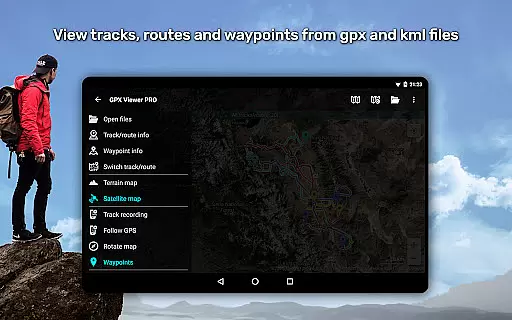
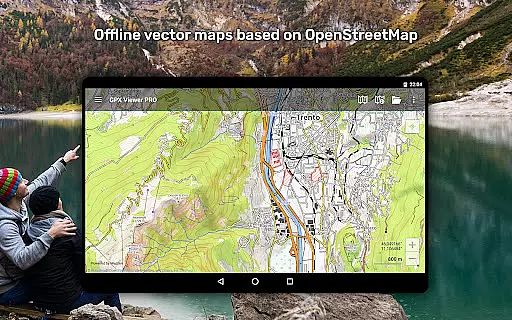
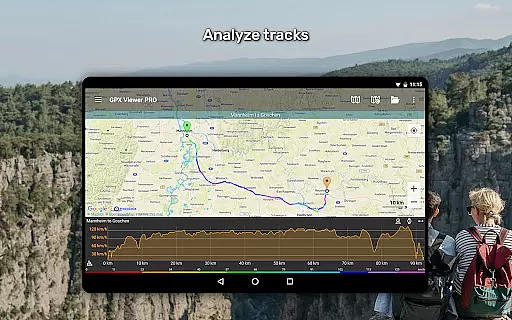
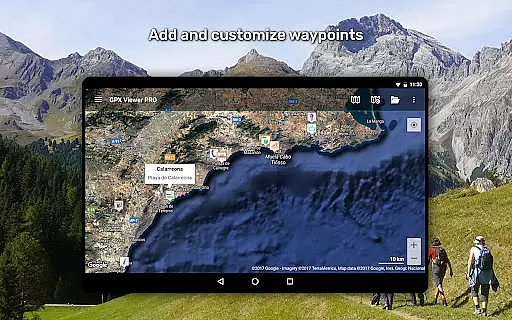
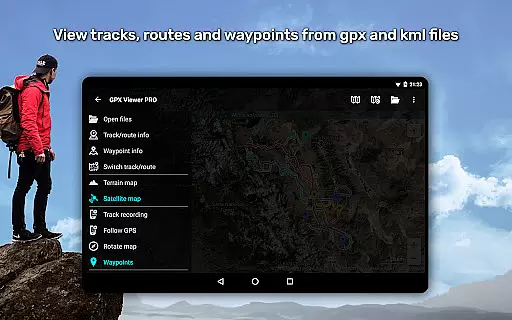
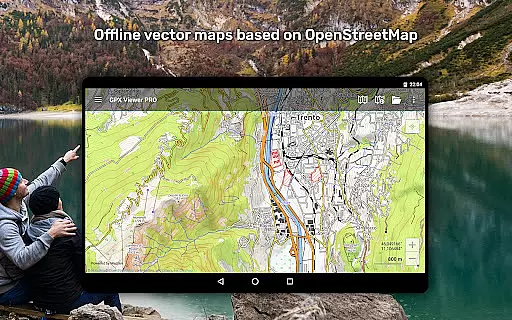
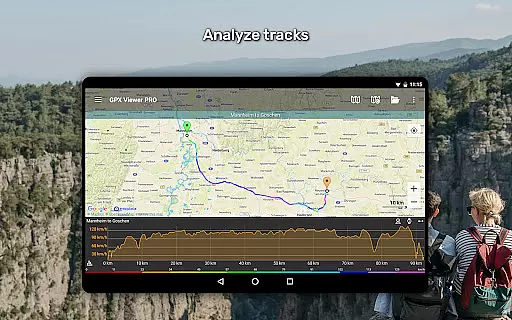
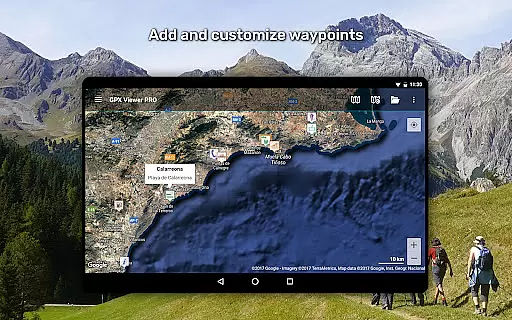
GPX Viewer PRO is a comprehensive GPS and mapping application designed for outdoor enthusiasts and travelers. This app allows users to view, analyze, and manage GPX, KML, KMZ, and LOC files with ease. It stands out as one of the best-rated offline vector maps apps available, offering detailed worldwide maps based on OpenStreetMap data.
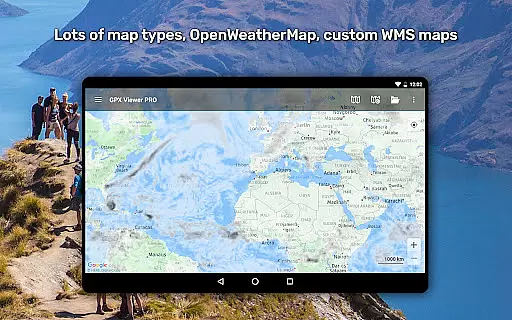
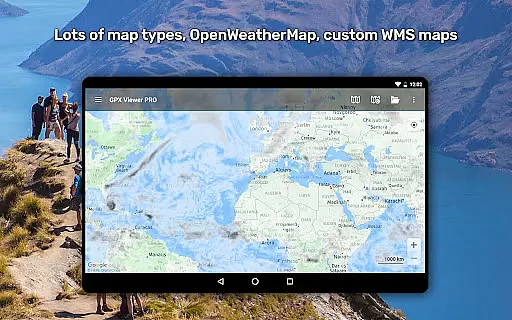
In addition to its robust file support, GPX Viewer PRO provides advanced trip statistics, including elevation profiles, speed graphs, and other track data analysis. The app also integrates online maps from providers like Google Maps and HERE, along with weather layers from OpenWeatherMap. Its simple navigation tools make it an essential companion for all your trips and outdoor activities.
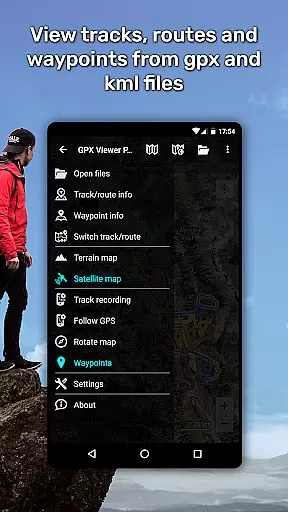
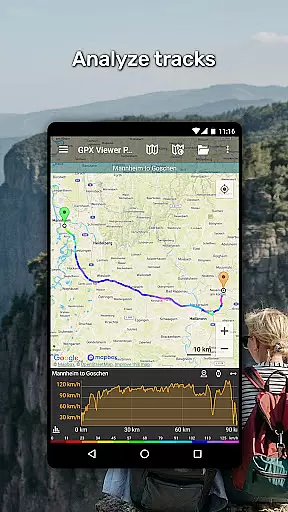
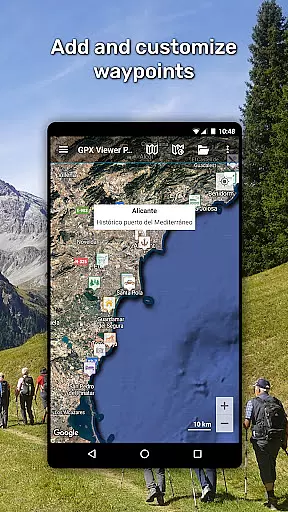
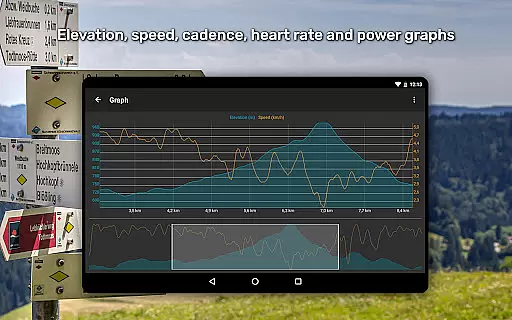
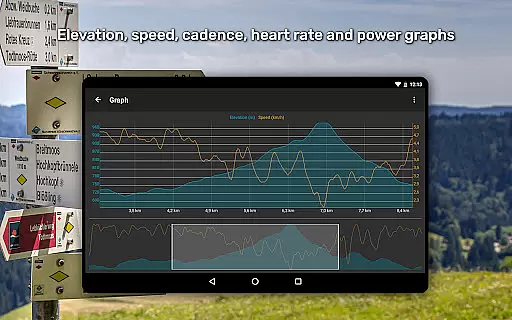
One of the standout features of GPX Viewer PRO is its ability to handle multiple file formats such as GPX, KML, KMZ, and LOC. Users can view tracks, routes, and waypoints while enjoying functionalities like file compression into GPZ and KMZ formats. The app's detailed trip stats provide insights through various graphs and charts, allowing users to analyze their trips comprehensively.
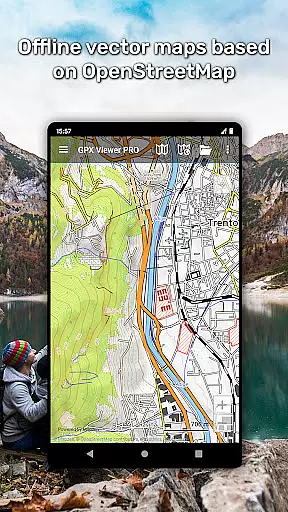
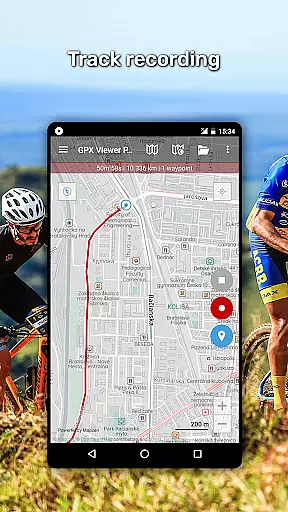
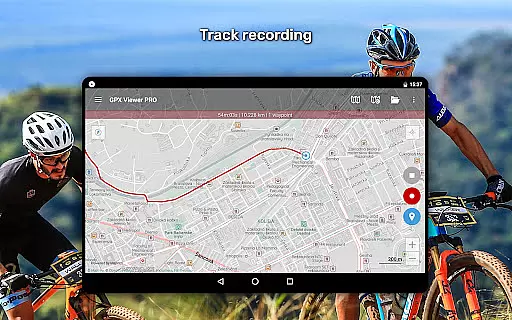
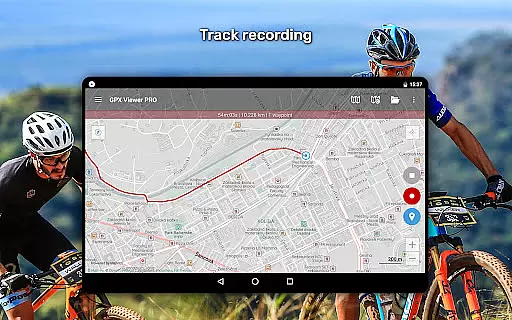
GPX Viewer PRO also excels in its offline capabilities. It offers detailed worldwide vector maps that are customizable and updated monthly. Additionally, the app includes a track recording feature, weather forecasts, and integration with Trackbook for seamless synchronization of tracks and waypoints. These features collectively enhance the user experience by providing both offline reliability and extensive customization options.
Map accuracy is a crucial feature for any navigation app, and GPX Viewer PRO excels in this area. The application provides highly detailed offline vector maps based on OpenStreetMap data, ensuring users have access to precise geographical information even without an internet connection. These maps cover a wide variety of styles, from city-oriented to outdoor-focused designs, catering to different user needs.
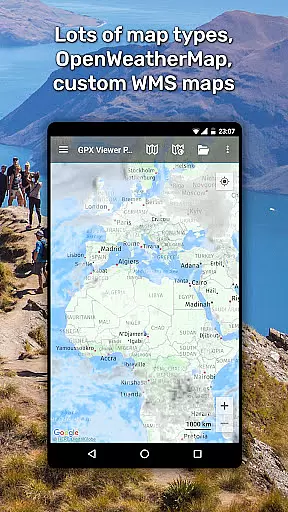
The app also supports online maps such as Google Maps, Mapbox, HERE, and Thunderforest, which are based on OpenStreetMap data. This dual capability of offering both offline and online map options ensures that users can rely on GPX Viewer PRO for accurate mapping regardless of their connectivity status. Additionally, the inclusion of OpenWeatherMap weather layers and overlays further enhances the accuracy by providing real-time weather data.
Users benefit from monthly updates that improve map data, ensuring that the maps remain current and reliable. With these features, GPX Viewer PRO not only meets but exceeds the expectations for map accuracy, making it an indispensable tool for travelers, hikers, and outdoor enthusiasts who require dependable mapping solutions.
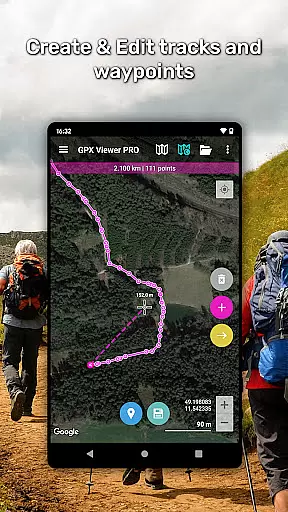
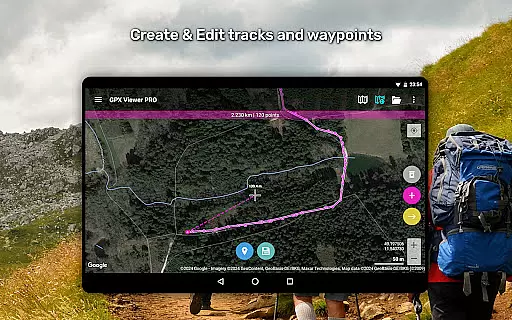
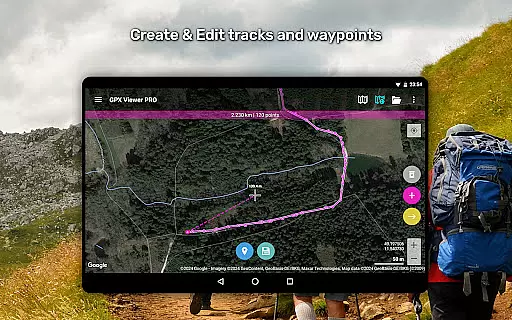
Route planning is another standout feature of GPX Viewer PRO, designed to assist users in creating efficient and well-informed travel plans. The app allows users to view tracks, routes, and waypoints from various file formats including gpx, kml, kmz, and loc files. This versatility ensures that users can import and utilize a wide range of route data, enhancing their planning capabilities.
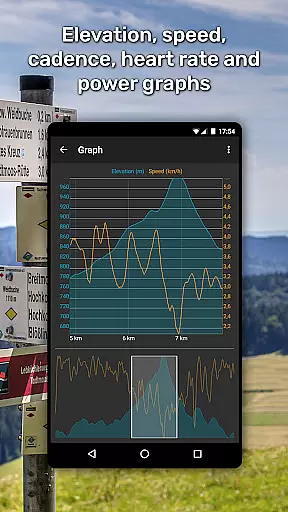
GPX Viewer PRO goes beyond basic route viewing by offering detailed trip statistics and analysis tools. Users can analyze information and statistics for tracks and routes, view elevation and speed profiles, and even examine other track data like cadence, heart rate, power, and air temperature. These analytical tools enable users to make informed decisions about their routes, optimizing their travel experience.
Additionally, the app includes a simple navigation tool that shows the current GPS position on a map and follows the GPS position continuously. This feature, combined with the ability to rotate the map according to device orientation or movement direction, makes GPX Viewer PRO a powerful ally for anyone looking to plan and execute their trips with precision and confidence.
User-friendly interface
Comprehensive file support
Detailed trip statistics
Offline map availability
Customizable map styles
Premium features locked
Complex for beginners
Occasional bugs reported
High cost for full access
Limited free version

This app is military GPS coordinate systems helper. (MGRS, UTM & DMS Maps)
 4.80
4.80
Route schedules, maps, and real-time tracking of MTA buses in New York City.
4.20
Find 93 Octane Gas: Locate Gasoline Stations Selling Premium 93 Octane or Higher
4.5
Plan routes, share locations, and set custom alert zones
4.40
Parcel map, property lines, owner, acres, land use, zoning and more from Regrid.
4.60
Phone Tracker and GPS Location Sharing
4.20
Your real-time window to the world. Explore anywhere, anytime.
3.30
LIRR and Metro-North tickets and trips
4.80
Avoid delays. Get real-time GPS navigation, safety alerts and live traffic.
4.10
Truck Safe GPS Navigation & Maps: Parking, Fuel, Diesel, Weight Station
4.80
GPS Speedometer & Odometer: Track car, bike, truck speed & distance in real-time
4.70
Affordable rides and food delivery with incredible discounts in just one app.
4.50
Turn your Android device into a real off-road GPS using off-line topo maps!
4.40
CamSam PLUS - The speed and red light camera warning system!
4.40
Instant diesel discounts - save big with each fill up!
4.40
GPS Navigation: Get map directions and find the shortest routes to avoid delays!
4.00
Route Planner is travel map to get turn by turn navigation & driving directions
3.90
Get real-time bus and train schedules for easy, hassle-free city transportation.
3.90
Start your next adventure confidently using our Accurate Compass App
3.70


User Reviews