
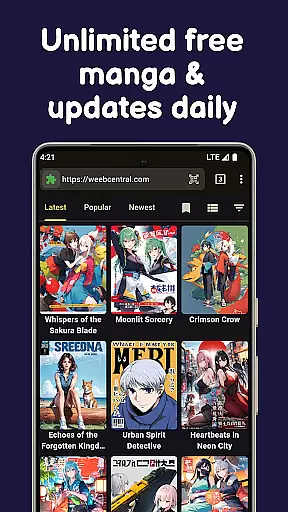
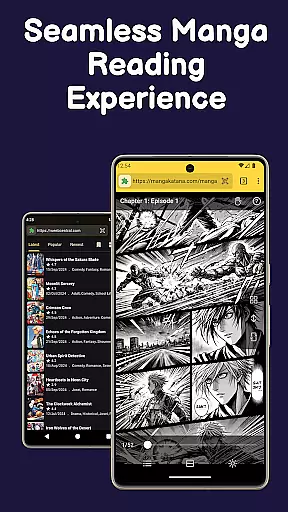
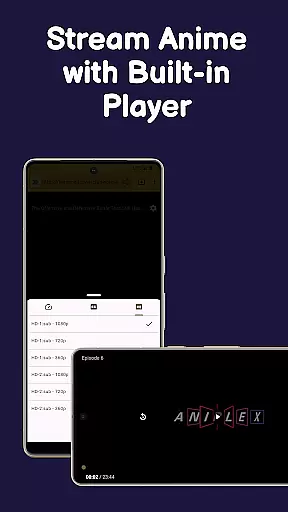
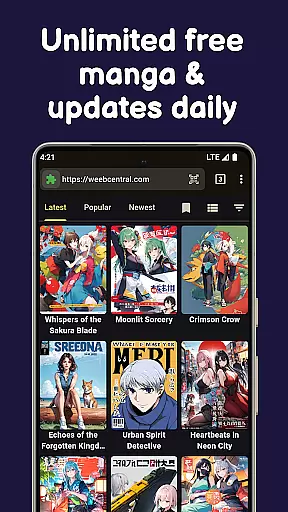
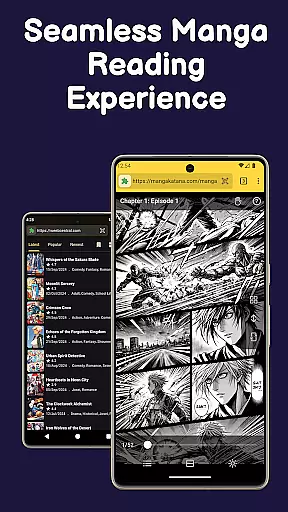
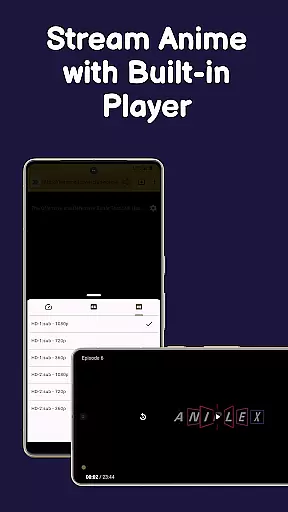
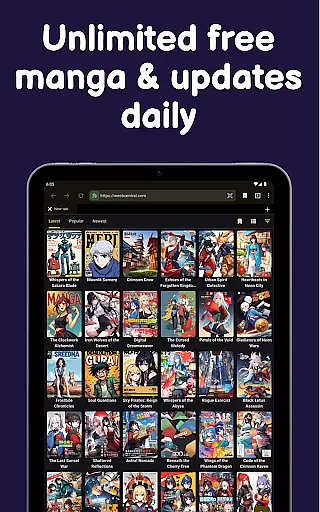
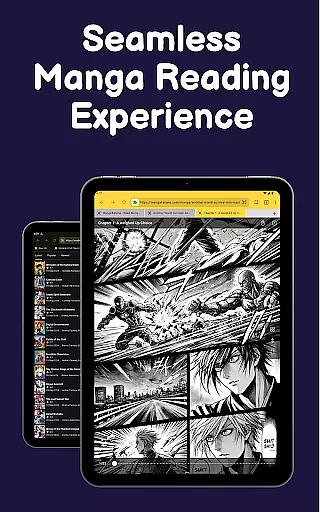
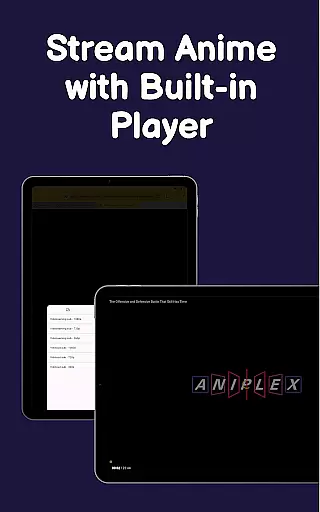
Manga Reader is a versatile app designed for manga enthusiasts, offering access to manga, manhwa, manhua, webtoons, and light novels. It functions as a fast browser with specialized features for seamless manga exploration and reading.
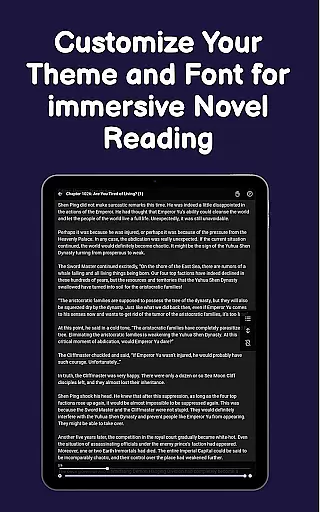
With distraction-free reading mode, customizable themes, and offline download capabilities, it ensures an optimal reading experience. The app allows users to bookmark favorites, receive update notifications, and create personalized libraries, making it ideal for commuting or traveling.
This app bridges the gap between powerful browsing and enjoyable reading, catering to diverse preferences while maintaining speed and simplicity.
Manga Reader stands out with its comprehensive feature set tailored for manga lovers. Its built-in ad blocker provides a clean interface, while the lightweight design ensures smooth performance without compromising functionality.
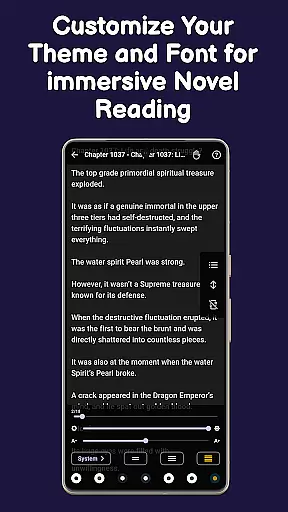
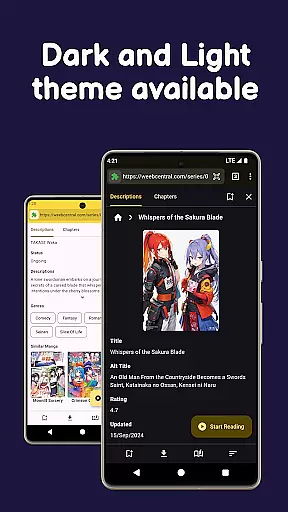
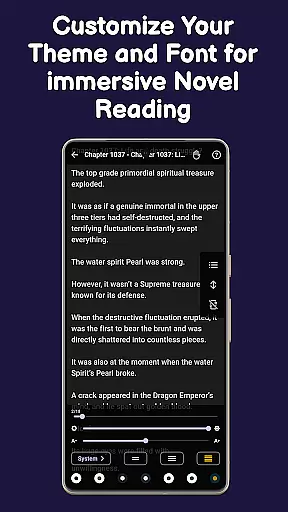
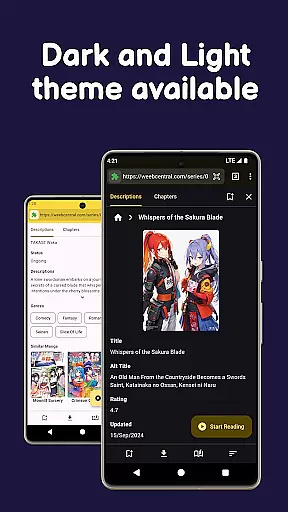
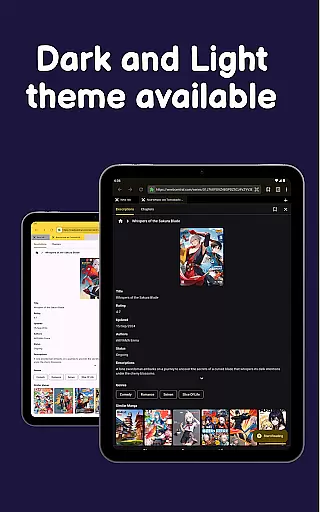
Users can customize their reading experience by switching fonts, choosing light or dark modes, and organizing content into a personal library. The auto-update notification system keeps readers informed about new chapters of bookmarked series.
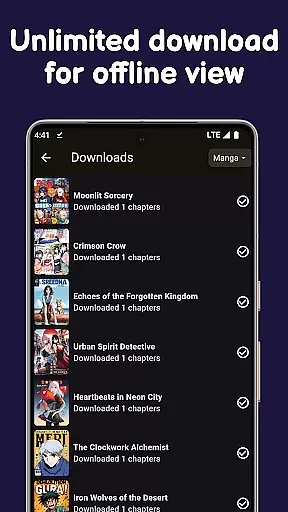
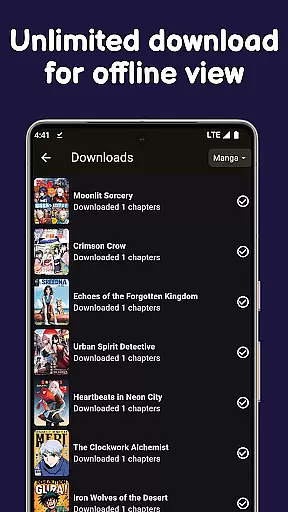
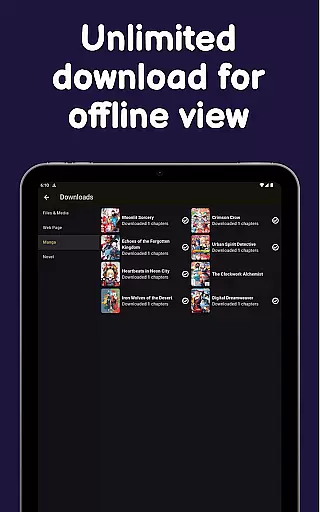
Additionally, Manga Reader supports offline downloads, enabling users to save unlimited chapters and enjoy them without an internet connection. This makes it perfect for uninterrupted reading during commutes or travel.
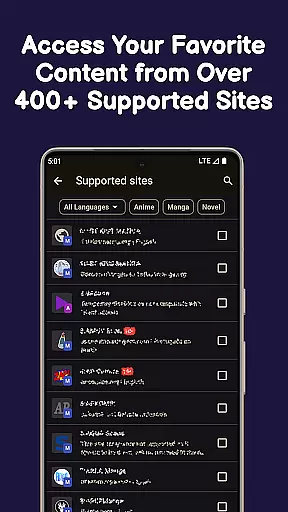
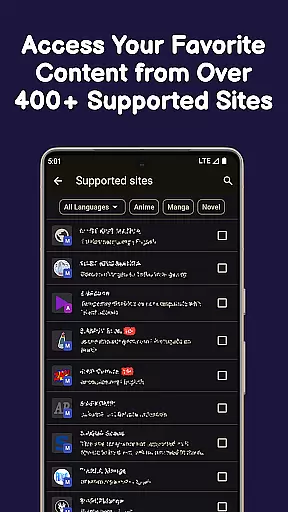
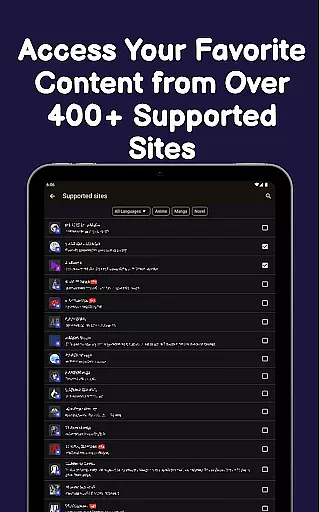
Manga Reader offers an extensive comic library that caters to a wide range of tastes and preferences. With access to manga, manhwa, manhua, webtoons, and light novels, users can explore content from various genres and sources all in one place.
The app allows instant reading from favorite sites, ensuring that users have the latest chapters at their fingertips. Its powerful browsing capabilities make it easy to discover new series or follow ongoing ones without any hassle.
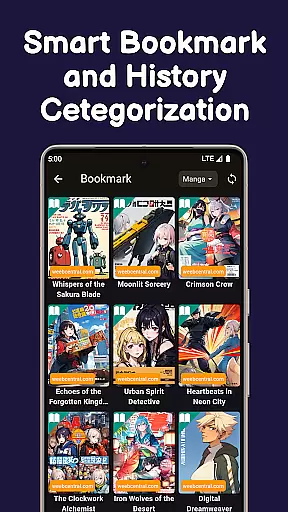
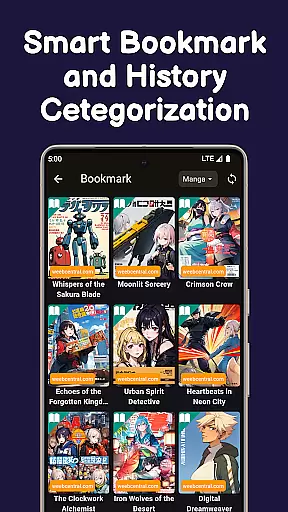
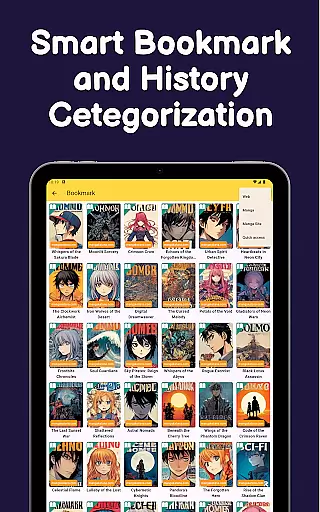
Users benefit from features like bookmarking and auto-update notifications for their saved manga. This ensures they never miss an update and can keep track of multiple series effortlessly.
With continuous updates and additions to its library, Manga Reader provides fresh content regularly. This keeps the experience engaging and allows readers to dive into new stories frequently.
Authenticity is crucial when it comes to enjoying comics, and Manga Reader takes this seriously by sourcing content directly from trusted sites. Users can be confident that they are accessing genuine material that respects copyright laws.
The app includes a built-in ad blocker, providing a clean reading experience while ensuring that creators' works are presented professionally. This feature also helps in maintaining focus on the content rather than distractions.
By supporting both manga pages and novel chapters, Manga Reader ensures that all forms of comic literature are authentically represented. The ability to switch between different formats enhances the user's connection with the original work.
Regular updates and improvements to the app reflect a commitment to quality and respect for intellectual property rights. This dedication fosters trust among users who value legitimate access to their favorite comics.
User-friendly interface
Customizable reading modes
Offline download support
Bookmark management
Fast browsing capabilities
Limited source variety
No advanced filters
Occasional bugs
Ads in free version
Heavy on storage

Scan comics instantly! Find comic value, price, and key collector details fast.
 4.50
4.50
Find free mangas in Spanish
4.70
The most powerful and fast image/comics viewer.
4.10
Catalog your collection. Just scan covers with your device camera. (US $20/yr)
4.80
Artists wanting to use decent hand reference on the go, this app is for you!
4.70
Read latest manga with this minimal reader with NO ADS.
4.30
Experience the largest selection of DC comics anywhere with DC UNIVERSE INFINITE
3.40
+Not your everyday comic. Everyday.
3.50
Official from Japan
4.80
Dive into the App for Premium Comics, Webtoons and Manga!
4.80
See the newest comic book releases and manage your comic collection or pull list
4.70
매일 매일 새로운 네이버 웹툰
4.50
The largest manga, comics, and manhwa community with millions of fans!
4.50
The most popular comic book reader.
4.40
Webtoons, comics, web novels, and e-books are all here! RIDI, my own space to enjoy stories
4.30
Kodansha official Manga app
4.30
Read webcomics & webnovels
4.20
Daily updates & FREE chapters
4.00
Read manga, comics, and manhwa
4.3


User Reviews