
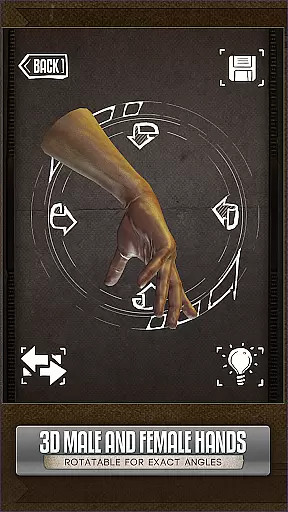
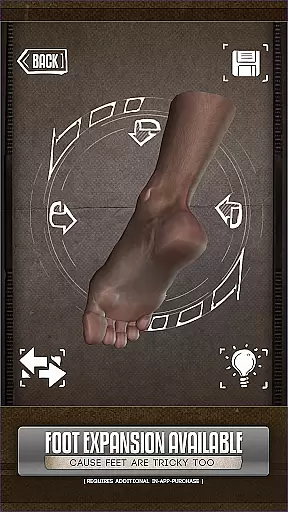
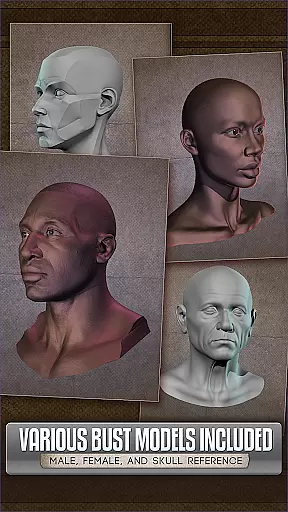

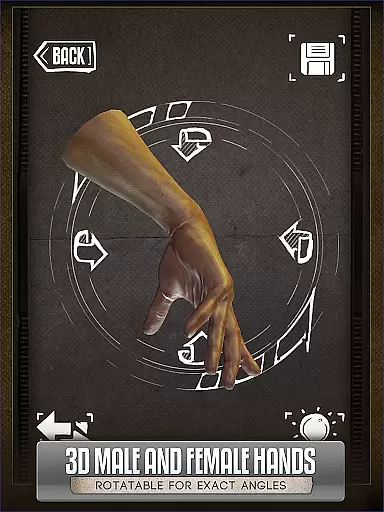
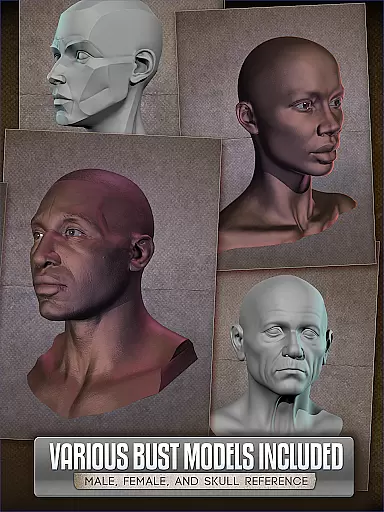
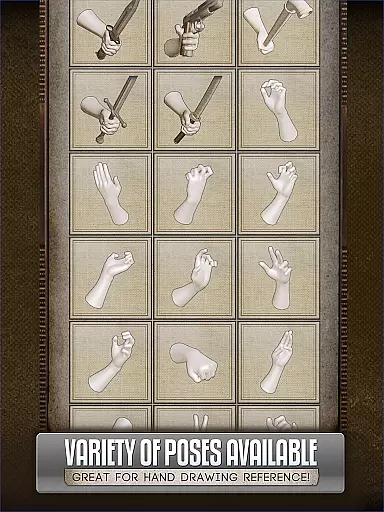

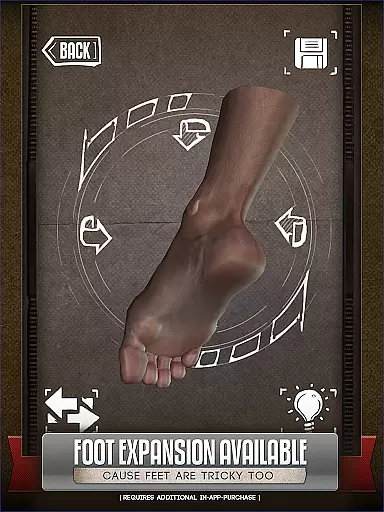
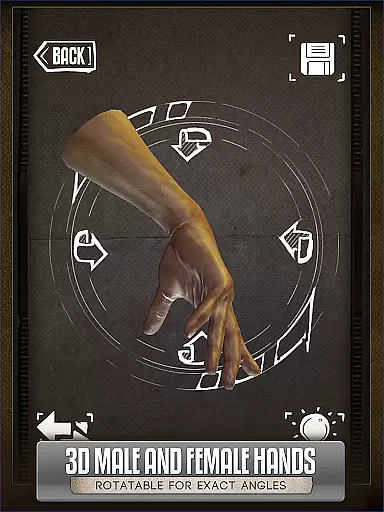
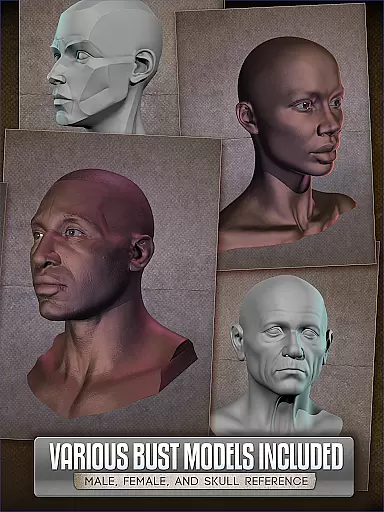

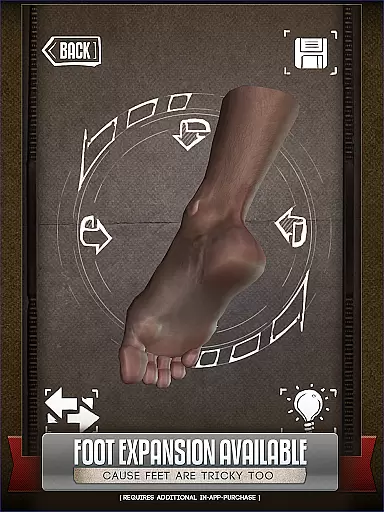
HANDY® is an innovative artist's reference tool designed specifically for comic book artists, painters, and casual sketchers. This app provides a collection of rotatable 3D models including hands, feet, skulls, and head busts, making it easier to draw complex poses without needing live references.
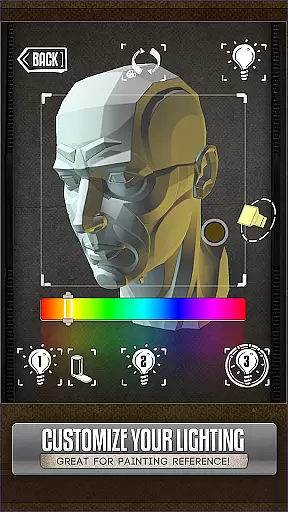
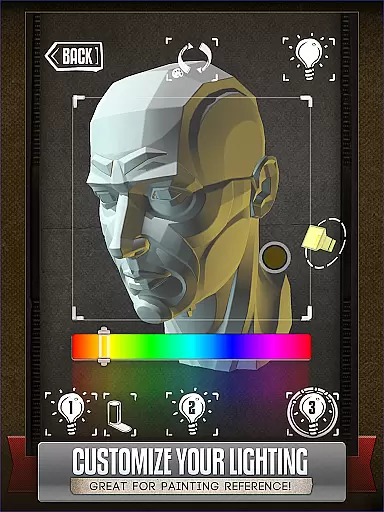
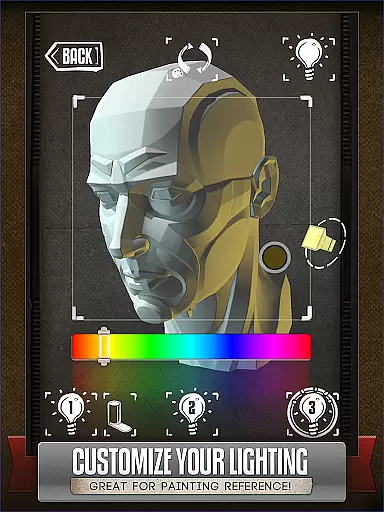
One of the standout features is its fully adjustable 3-point lighting system, which allows users to experiment with realistic shadows and lighting angles. With over 10 included 3D head busts and optional add-ons like Animal Skulls, HANDY® serves as an all-in-one solution for anatomical studies and creature design inspiration.
Perfect for artists who need quick references for their work, this app eliminates the awkwardness of posing your own limbs in front of a mirror while offering professional-grade tools for accurate drawings.
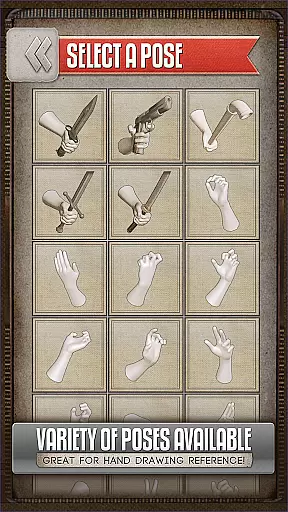
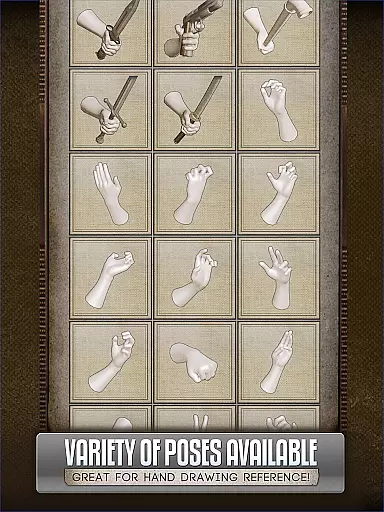
HANDY® offers several advanced features tailored to artists. The app includes multiple customizable 3D models such as hands, feet, and skulls, each with editable poses. Users can adjust the lighting with a 3-point system to see how shadows fall from different angles, providing critical insights for realistic artwork.
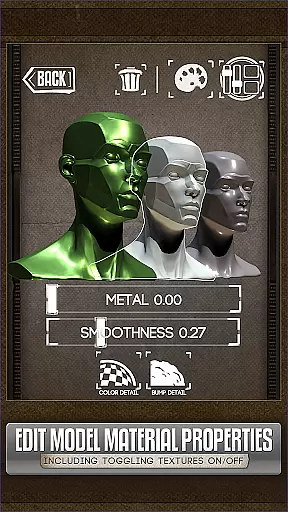
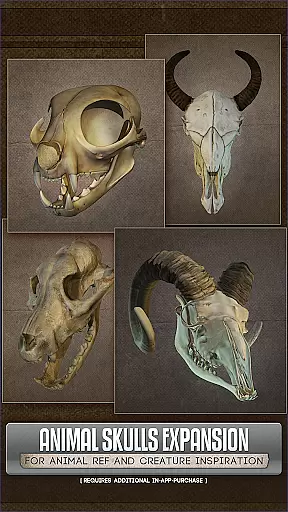
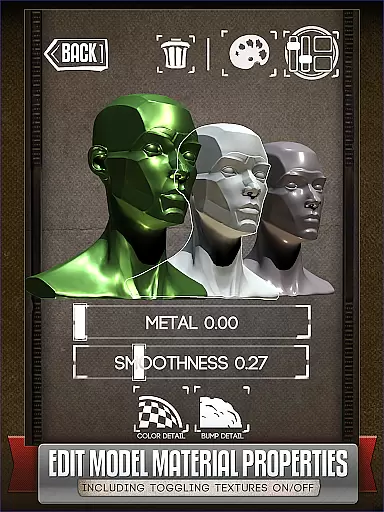
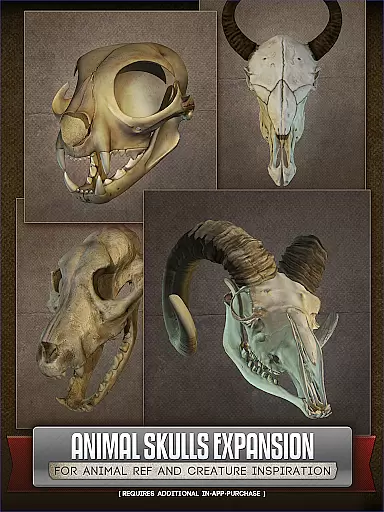
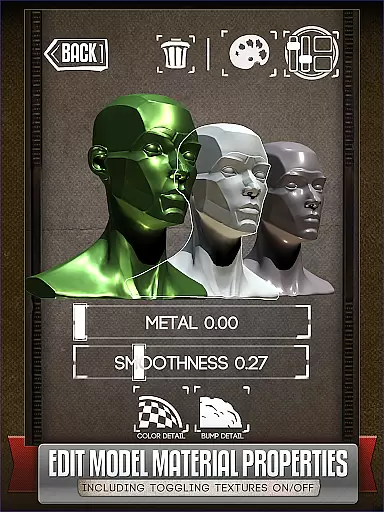
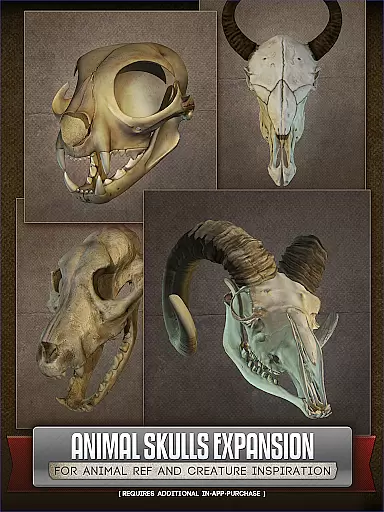
In addition to human anatomy references, HANDY® offers optional downloadable content like the Animal Skull pack, featuring over 10 animal species. These references are ideal for creature design and anatomical accuracy. The latest version also allows users to edit model materials, enabling them to turn off textures, adjust specularity, or apply color tints.
This combination of customization options and detailed references makes HANDY® an essential tool for artists aiming to elevate their drawing precision and creativity.
For comic book artists and illustrators, having access to a diverse range of references is crucial. HANDYu00ae offers an extensive library of 3D models including hands, feet, skulls, and even animal skulls as part of its comprehensive reference toolset.
The app features over 10 different animal species in the Animal Skulls pack, providing rich anatomical references that can inspire creature designs. This vast selection ensures that artists have the necessary tools to create varied and detailed artwork.
While some content requires an additional purchase, the core library itself is robust and versatile, catering to both casual sketchers and professional artists alike. The ability to customize poses adds another layer of variety, making it an indispensable resource for anyone involved in visual storytelling.
HANDYu00ae prides itself on offering authentic and high-quality 3D models that are specifically designed for artists. Each model within the app has been crafted with attention to detail, ensuring accuracy and reliability when used as a reference for drawing or painting.
Artists can trust the legitimacy of the content provided, as HANDYu00ae ensures all its models are properly licensed and authorized for use. This commitment to authenticity means users can focus on their creative process without worrying about copyright issues.
Additionally, HANDYu00ae allows users to modify model materials, such as turning off textures or adjusting specularity. These features not only enhance the creative possibilities but also reinforce the app's dedication to providing genuine and flexible artistic resources.
User-friendly interface
Customizable 3D models
Realistic lighting options
Optional animal skull pack
Material editing feature
Additional purchases required
Limited free content
Steep learning curve
High system requirements
Occasional bugs

Follow your favorite manga and get notifications for new chapters!
 4.50
4.50
Discover manga stories & stream anime series with unlimited entertainment access
4.40
AsuraScans read manga, manhua, manhwa, and webtoon
3.90
The anime tv for fans Sud and Dub
4.20
Read your favorite mangas for free
4.50
File management and show images, comics and pictures in compressed cbr, pdf file
4.70
Toomics is a premium comic service with every genre for all readers to enjoy!
4.00
The most popular comic book reader.
4.80
The largest manga, comics, and manhwa community with millions of fans!
4.50
Read comics & manga
4.70
Joke book collection with the funniest dad jokes and riddles for you to enjoy!
4.60
TMOLector is an app to read all kinds of manga and stories!
4.50
Comic Book Identifier Value - Scan comics & prices. Your comic book price guide!
4.50
SQUARE ENIX's official Manga app!
4.40
Pocket Toons: Free Webtoons, Comics, & Manga - New Chapter Drops Everyday
4.30
Manga Reader for Comics, Webtoons & Manhwa. Read Mangas, Chat Stories and Novel.
4.30
Read official webcomics, webtoons, Korean manga & webnovels
3.70
Comic reader app: open ZIP, RAR, CBZ, CBR, and PDF files
3.00
Read manga, comics, and manhwa
4.0


User Reviews