

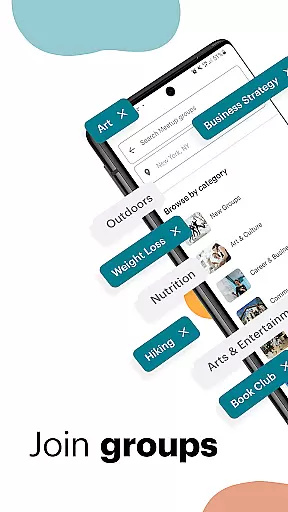
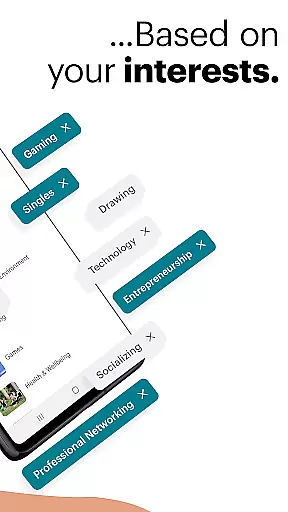
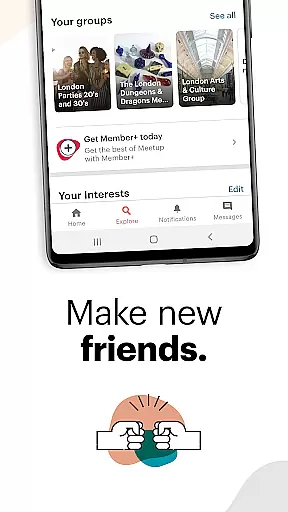












Meetup is a social networking app that connects people with similar interests, both online and in person. With over 60 million members, it helps users build career networks, discover tech communities, create personal brands, make time for hobbies, and meet like-minded friends.
The app offers features to easily meet people you'll get along with, create groups of friends excited about your hobbies, participate in events, and engage in discussions. You can host your own events or join one of the 100,000 weekly Meetup events happening online or locally.
Whether you're looking to expand your professional network, find a community of hobbyists, or simply meet new people, Meetup provides the tools to connect with others who share your passions.
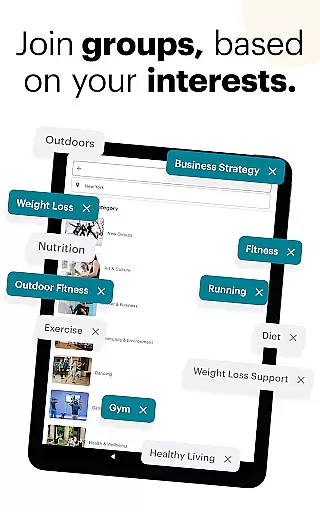
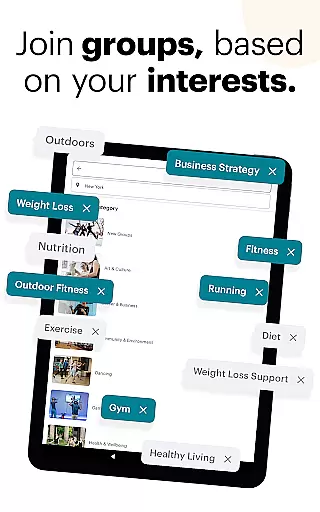
Meetup stands out with its comprehensive set of features designed to foster meaningful connections. The app allows users to discover local and online events across 330,000 groups based on their interests, from tech conferences to yoga classes.
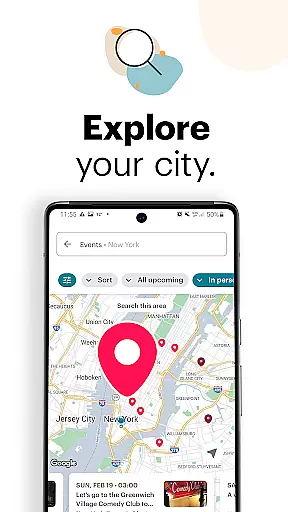
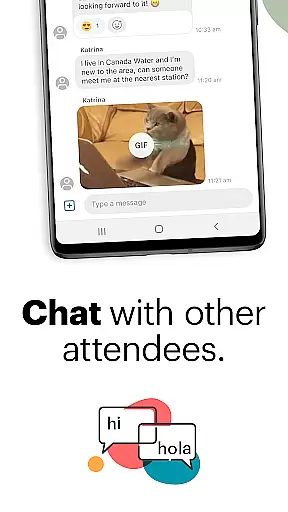
Users can explore events by category, keyword search, or popularity in their area using an interactive map. The app enables saving events for later, choosing people to meet at events, and engaging in discussions through direct messaging to stay connected with new friends.
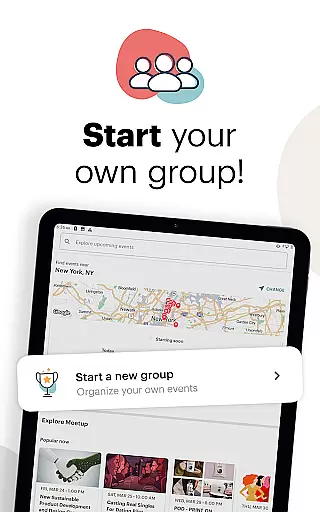
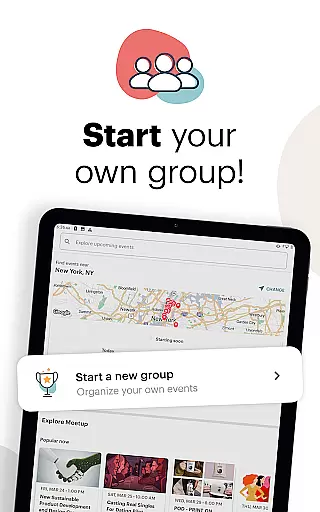
For those interested in hosting, Meetup makes it easy to start a group on your favorite topic, personalize and schedule events on-the-go, and manage your group from anywhere. Between events, users can keep the momentum going by sharing photos and using instant messaging to connect with group members.
User profile customization is a crucial aspect of any social platform, allowing users to express their individuality and interests. Meetup offers a comprehensive profile system where members can showcase their hobbies, professional background, and affiliations with various groups.
The platform ensures authenticity verification through multiple touchpoints. When users join specific interest-based groups or RSVP to events, their engagement adds layers of credibility to their profiles. This helps in building trust within communities.
Members benefit from this feature by creating a credible online presence that resonates with like-minded individuals. The ability to highlight shared interests fosters meaningful connections both online and offline.
This level of personalization and verification enhances the overall user experience on Meetup, making it easier to find relevant events and establish valuable professional and personal relationships.
Connection discovery is at the heart of Meetup's functionality, enabling users to find and engage with communities that align with their interests. The platform employs sophisticated algorithms to match members with over 330,000 groups based on their specified preferences and activity patterns.
Users can explore potential connections through various filters such as category-based searches, keyword queries, and geographical proximity. The app's recommendation engine suggests relevant groups and events by analyzing user behavior and engagement history.
This feature significantly enhances the user experience by streamlining the process of finding suitable social and professional networks. Members can efficiently discover new communities while expanding their existing circles.
By facilitating meaningful connection discovery, Meetup empowers its 60 million members to build lasting relationships, pursue career opportunities, and develop their personal brands within supportive environments.
User-friendly interface
Vast community network
Diverse event categories
Easy event management
Direct messaging feature
Some features are premium
Occasional app crashes
Limited free event slots
Location accuracy issues
Push notifications overload

Global short video platform: epic effects, trending videos & vibrant community!
 4.40
4.40
Watch, Edit, Upload and Share Gaming Clips
4.00
This is to support the developer of Infinity for Reddit. No exclusive features.
4.4
Swipe, Meet & Chat Real People
3.80
Date single & make friend
4.60
Live pics from your friends - Only the photos you want to see
4.60
live inside your fandom
4.60
Create & share photos, stories, & reels with friends you love
3.90
Join your friends and discover videos you love, only on TikTok
4.10
Get your NGL Link
4.60
Dating & make friend to chat, meet, flirt, and make real connections!
4.60
Watch 24/7 great live stream, or go live to boost your social followers!
4.50
Meet Strangers Online, Live Video Chat & Make Random Video Calls on Joi!
4.30
A gathering place for 300 million people's life interests and hobbies
4.30
Online group games like Mafia, Word War, Scattergories, Ludo, Uno, and many more
4.30
Unlimited messages, WiFi Calling, Texting app. Text now with Second Phone Number
4.10
Meet online & chat with people! Talk, have fun, make connections in real time!
4.00
Random chat & meet online. Find your soulmate or someone special and have fun!
3.90
Video call, live video chat & talk to strangers. Meet people on Omega!
3.60


User Reviews