
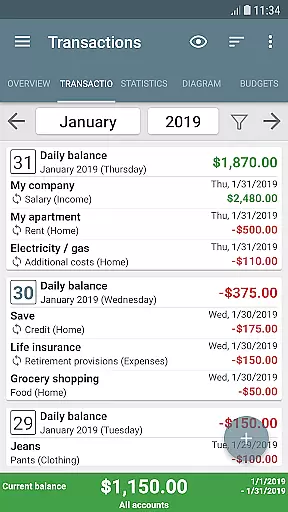
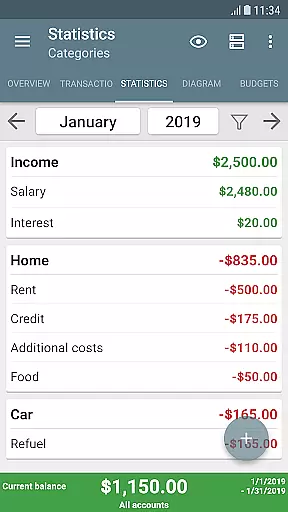
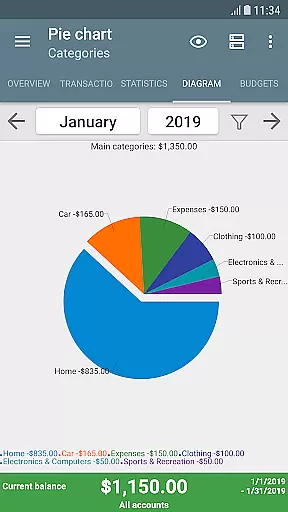
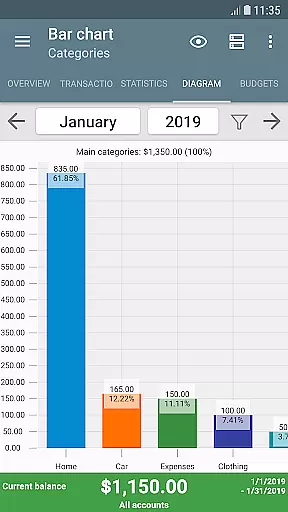
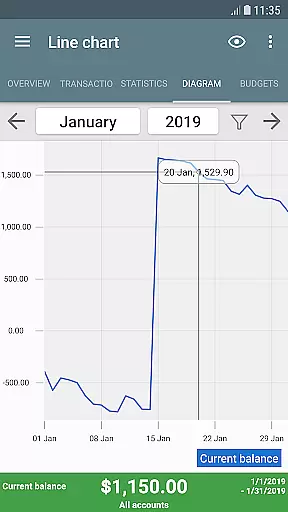
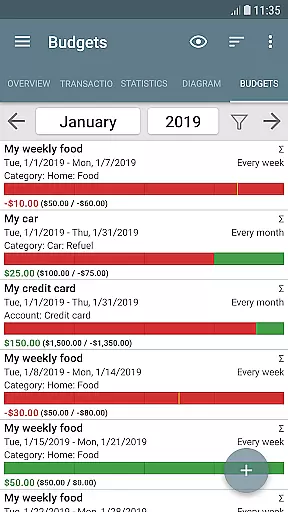
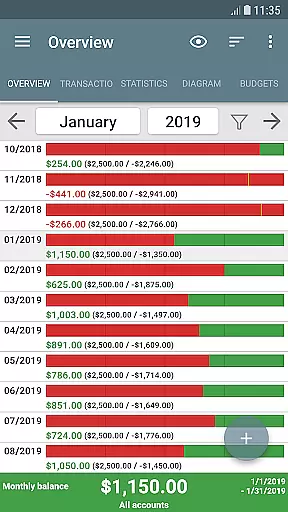
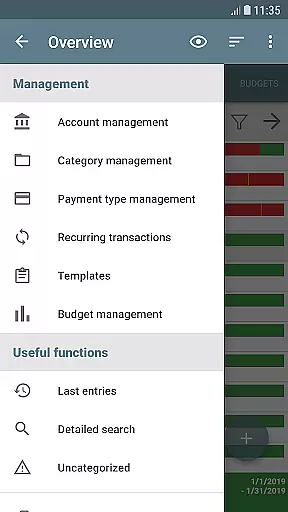
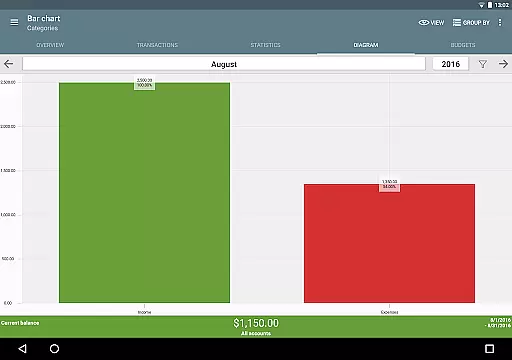
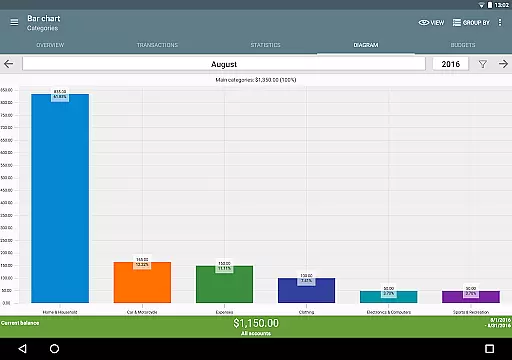
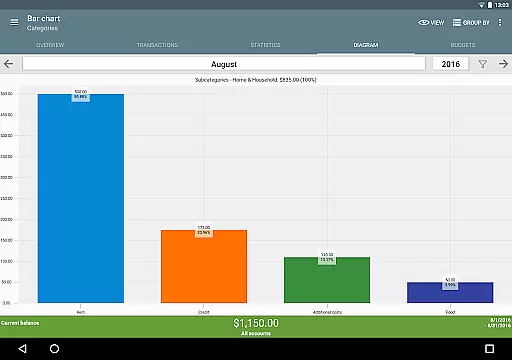
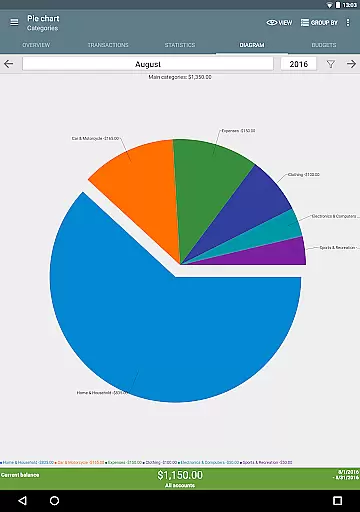
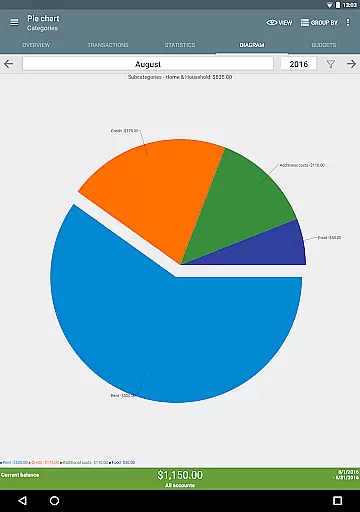
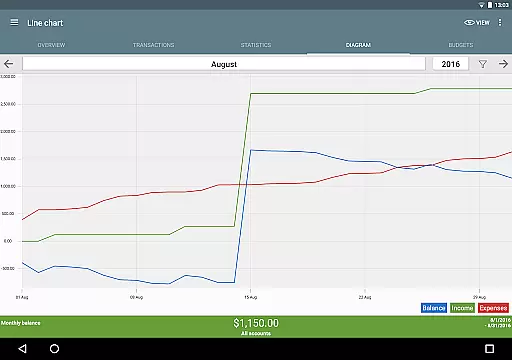
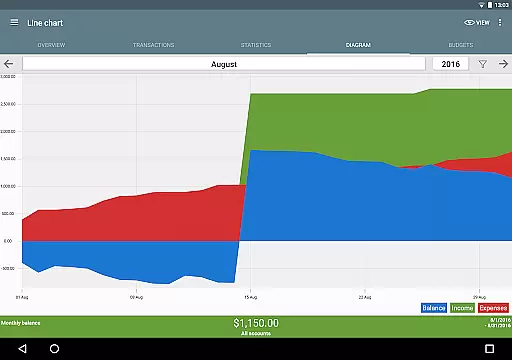
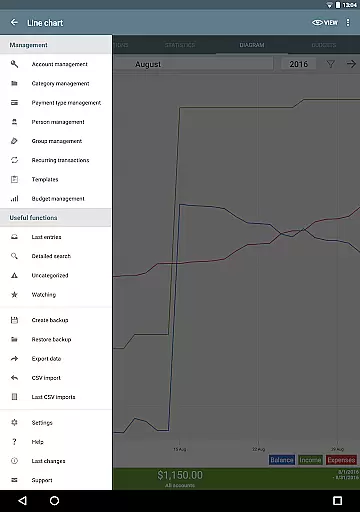
My Budget Book is a comprehensive financial management app designed to help users effectively track and manage their income and expenses. The app offers features for recording individual or recurring transactions, enabling users to forecast balances and visualize their financial data through dynamic charts and graphs.
A standout feature is the budget mode, which allows users to set custom limits or goals over specific time periods. Whether it's controlling clothing expenses, reducing coffee purchases, or saving for a vacation, the app provides flexible budgeting options. It also supports multiple accounts, category customization, transaction attachments, and reminders for pending payments.
This app is ideal for individuals seeking a secure, offline solution for personal finance management. With no ads, hidden costs, or internet permission required, it ensures privacy while offering powerful tools like CSV import/export, automatic backups, and personalized layouts. My Budget Book combines functionality with user-centric design to deliver real value in everyday money management.
My Budget Book stands out with its rich feature set tailored for effective financial tracking. One of its key strengths is the ability to manage both individual and recurring transactions, empowering users to maintain accurate records and forecast future balances. The inclusion of dynamic charts and graphs makes it easy to understand spending patterns at a glance.
The budgeting functionality is highly customizable, allowing users to define limits for categories, payment types, or even credit card accounts. Features like rollover budgets, sorting options, and templates for quick transaction entry enhance usability. Additionally, the app supports attaching photos or receipts to transactions, reconciling expenses with bank statements, and setting reminders for timely payments.
Security and convenience are prioritized with options like password or fingerprint protection, automatic local backups, and home screen widgets. The app also supports importing bank statements via CSV and exporting data in multiple formats. These robust features make My Budget Book an indispensable tool for anyone looking to take control of their finances efficiently.
Account and fund security is a critical aspect of any financial management application. My Budget Book ensures the safety of your sensitive data through multiple layers of protection.
The app offers optional password or fingerprint authentication, providing an additional barrier against unauthorized access. This feature is especially important when handling detailed financial records and personal information.
All financial data is stored locally on your device without requiring internet permission, significantly reducing the risk of online breaches. For users who need cloud backups, the app provides secure synchronization options explained in the integrated manual.
Furthermore, automatic local backups ensure you never lose your valuable financial data while maintaining complete control over where your information is stored. These security measures make My Budget Book a reliable choice for managing your finances safely.
A smooth and comprehensive transaction experience is essential for effective money management. My Budget Book excels in this area by offering versatile tools for recording and analyzing your financial activities.
The app supports both individual and recurring transactions, allowing users to accurately track their balances and forecast future financial positions. This feature is particularly useful for managing regular payments like subscriptions or monthly bills.
Users can visualize their transaction history through dynamic charts and graphs, providing clear insights into spending patterns and financial trends. The ability to customize categories and subcategories ensures that every transaction can be precisely classified.
Additional features like receipt attachment, transaction templates, and convenient sorting options make the entire transaction process efficient and user-friendly. These elements combine to create a seamless experience for managing personal finances.
User-friendly interface
Offline functionality
Customizable budgets
No ads or hidden fees
Comprehensive export options
Limited cloud integration
Manual synchronization required
Premium price point
Steep learning curve
Fewer automated features

Manage your account, make a payment, and redeem your rewards on the go.
 4.50
4.50
Money transfer made easy. Send money to friends and family with great rates.
4.70
Your insurance, anytime, anywhere
4.00
Easily invest, save, and plan—all in one app.
4.60
Manage and cancel subscriptions, lower bills, track expenses, create budgets.
4.60
No credit check, no interest, no worries.
4.70
Invest, bank & save in one app. Trade stocks, earn high APY & budget smarter.
4.00
Earn cash back. Build credit.
4.60
Navigate your unique financial path confidently with help from Credit Karma.
4.70
Easy budgeting planning on a calendar!
4.80
No credit checked needed.
4.80
Pay rent on your schedule.
4.70
Play for fun, earn for real. Collect rent by owning virtual land & get cashback
4.60
Need help before payday? Get cash advances with no interest or credit checks.
4.60
The all-in-one app to save, earn, travel, and put more money in your pocket
4.50
Car Insurance Made For You.
4.50
Get, Earn, and Save Money
4.30
Earn money as a tester with Testerup, get cash testing apps and games
4.20
Bank better with our new app
3.80


User Reviews