
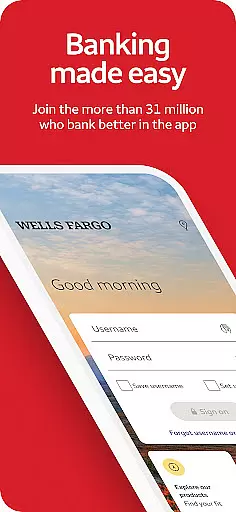
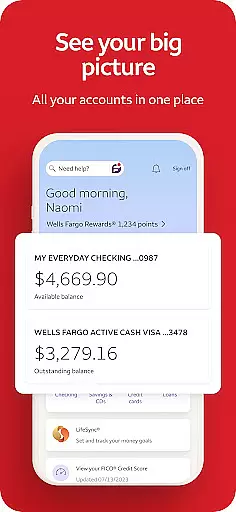
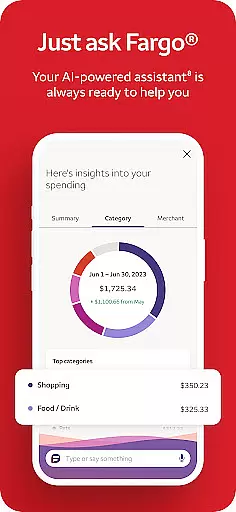
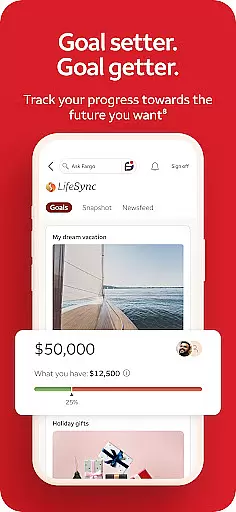
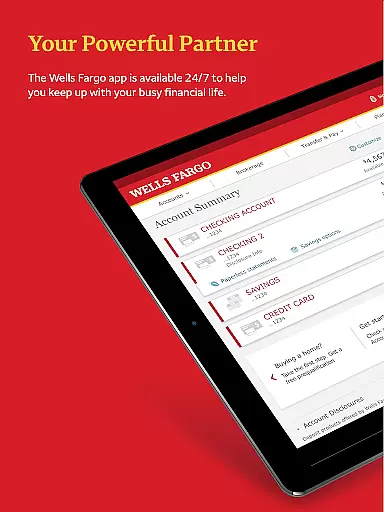
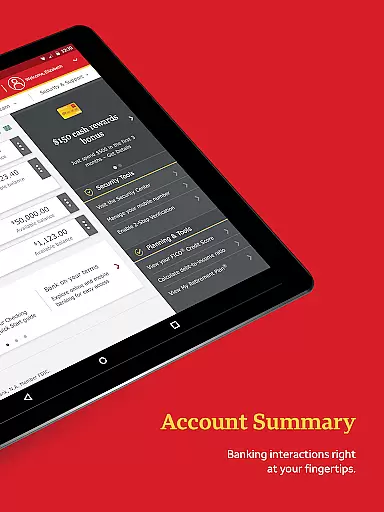
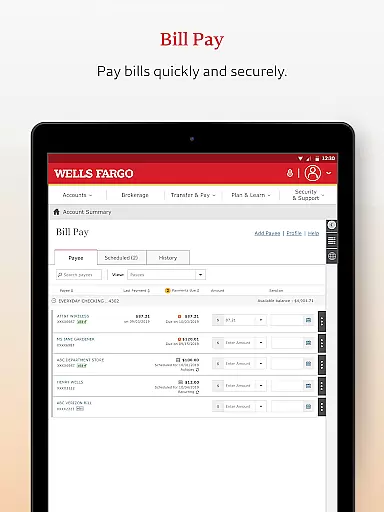
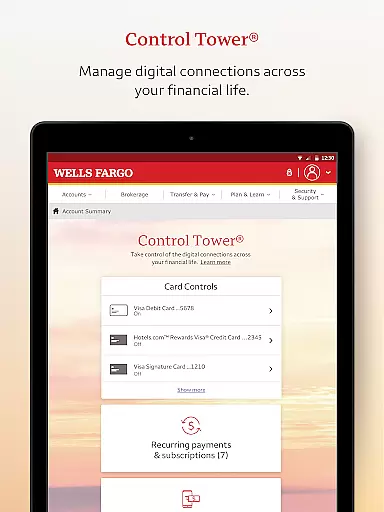
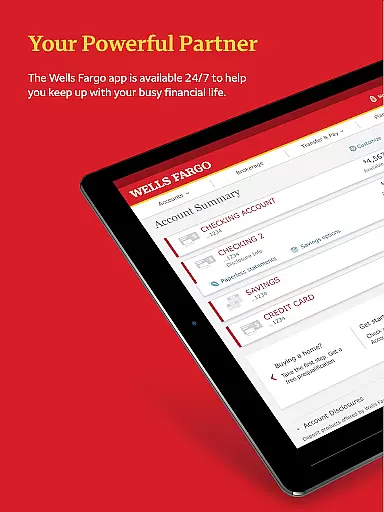
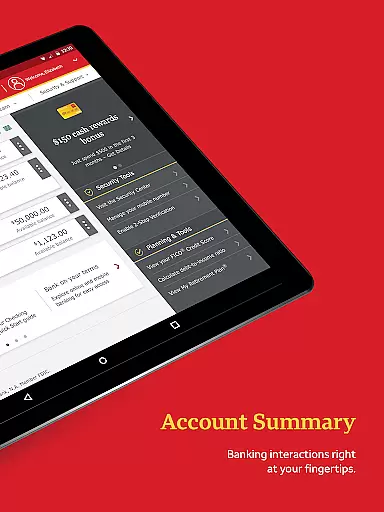
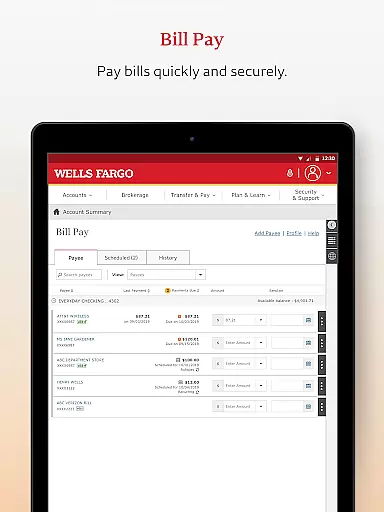
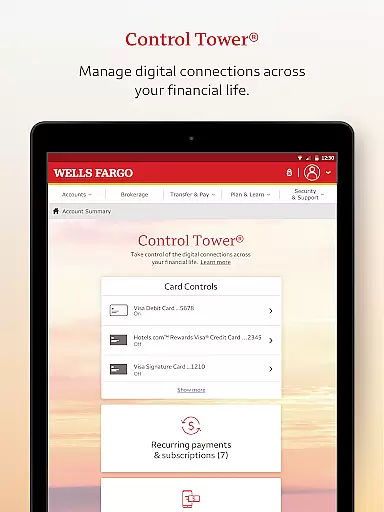
Wells Fargo Mobile is a comprehensive financial management application designed to provide users with seamless access to their banking, credit, and investment accounts. The app supports biometric authentication, enabling secure and quick login through fingerprint or facial recognition on compatible devices. Users can conveniently manage their finances by reviewing account balances, transaction history, and even controlling card settings such as activation, deactivation, and adding cards to digital wallets.
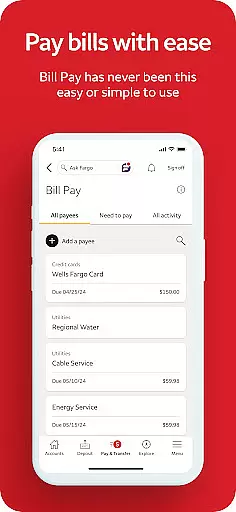
In addition to account management, the app allows users to deposit checks via their smartphone camera, transfer funds between accounts, pay bills, and send money to friends and family using Zelle®. It also offers investment tracking features, providing real-time quotes and market data for WellsTrade® accounts. With integrated security features like fraud reporting and customizable alerts, Wells Fargo Mobile ensures users maintain control over their financial safety while enjoying the convenience of mobile banking.
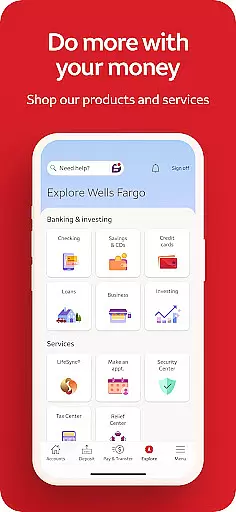
Wells Fargo Mobile stands out with its robust set of features tailored for modern banking needs. One of its key functionalities is Biometric Sign On, which provides an additional layer of security and ease of access for eligible devices. The app consolidates various financial services into one platform, including cash, credit, and investment account management, bill payments, and fund transfers to other institutions. Its mobile check deposit feature allows users to deposit checks instantly using their phone's camera, streamlining the traditional banking process.
For investors, the app delivers powerful tools to monitor investment portfolios, view real-time stock quotes, charts, and market data. Users can also manage recurring payments and utilize Card Settings to activate or deactivate cards, add them to digital wallets, and control account access. Furthermore, the Security Center equips users with resources to report fraud, manage alerts, and receive notifications about suspicious activities. These features collectively ensure that Wells Fargo Mobile not only meets but exceeds the expectations of tech-savvy banking customers looking for efficiency and security in managing their finances.
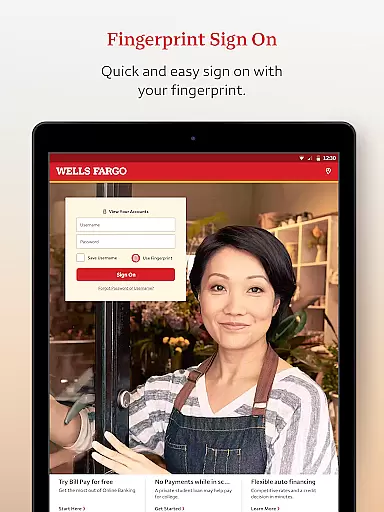
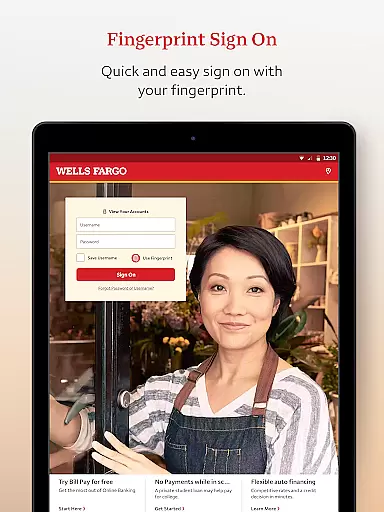
In the realm of mobile banking, security is paramount. Wells Fargo Mobile ensures Account and Fund Security through advanced features like Fingerprint Sign On and Biometric Sign On, available on eligible devices. This technology provides a seamless yet secure way to access your cash, credit, and investment accounts.
The app goes beyond basic security protocols by offering users the ability to instantly turn cards on or off and receive notifications for suspicious activities. These proactive measures empower users to have immediate control over their financial instruments, significantly reducing the risk of unauthorized transactions.
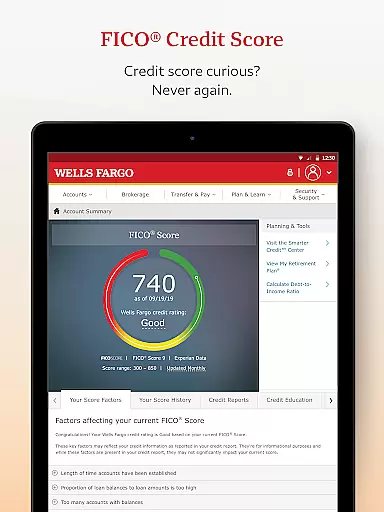
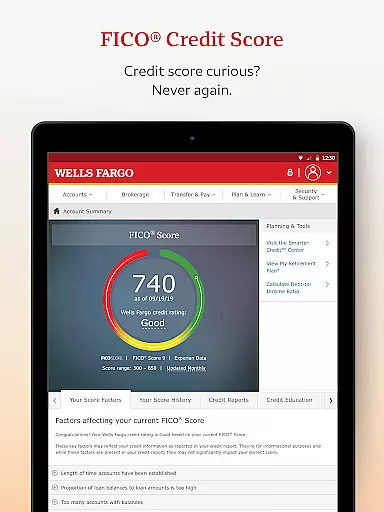
Furthermore, Wells Fargo Mobile provides access to your FICO Credit Score and includes a Security Center where you can report fraud and manage alerts. This comprehensive approach not only protects user assets but also keeps them informed about their credit standing and account activities.
By integrating cutting-edge security technologies with user-centric features, Wells Fargo Mobile delivers peace of mind to its users, ensuring that their financial information remains confidential and secure at all times.
A superior transaction experience is crucial in today's fast-paced world, and Wells Fargo Mobile excels in this area. The app allows users to transfer funds between their Wells Fargo accounts and other financial institutions effortlessly. With an intuitive interface, managing finances has never been easier or more efficient.
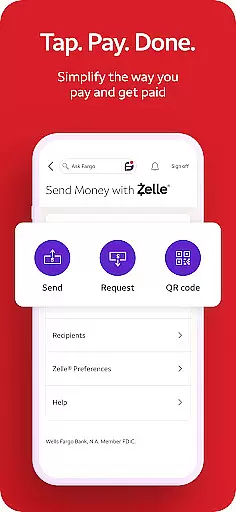
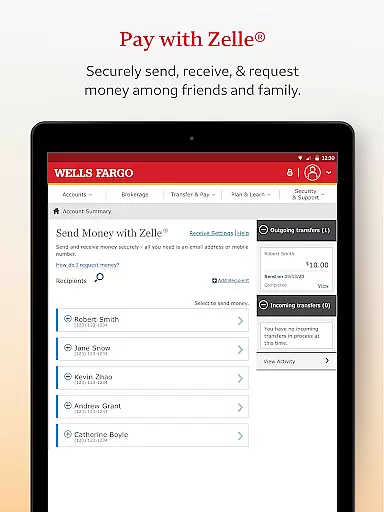
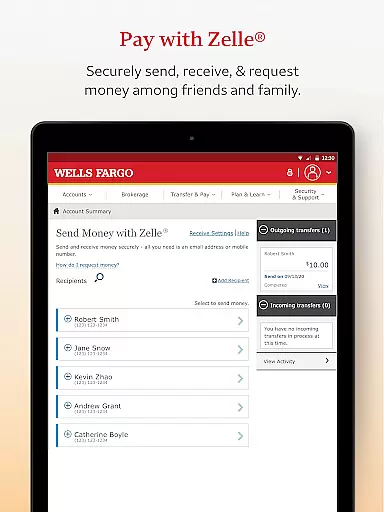
One standout feature is the ability to send and receive money using Zelleu00ae, which facilitates quick transactions via U.S. mobile phone numbers or email addresses. This service simplifies payments among friends and family, making it ideal for splitting bills or sharing expenses without the hassle of traditional bank transfers.
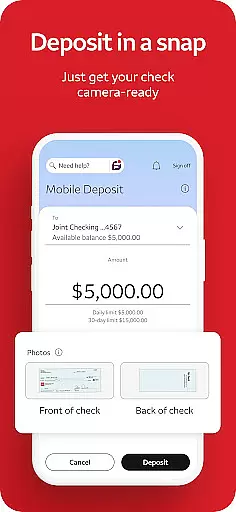
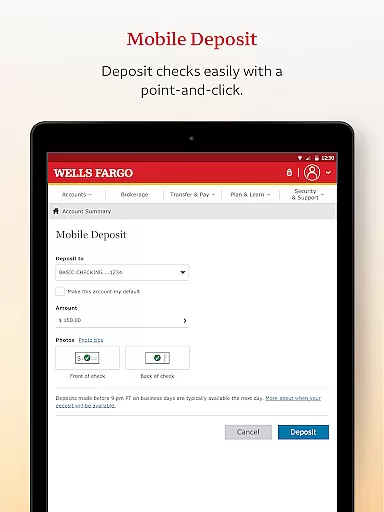
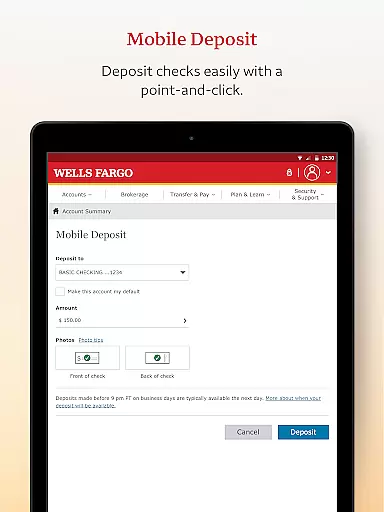
Additionally, Wells Fargo Mobile supports check deposits through the Android camera, providing instant visibility of processing deposits in your account. This functionality streamlines the deposit process, eliminating the need for physical branch visits and saving valuable time for the user.
Overall, Wells Fargo Mobile combines convenience with speed, offering a transaction experience that meets the demands of modern banking customers who require reliability and efficiency in their financial operations.
User-friendly interface
Comprehensive account management
Secure biometric login
Instant check deposit
Integrated investment tools
Limited to Wells Fargo customers
Some features require enrollment
Device compatibility issues
Occasional connectivity problems
Additional fees for certain services

Bill Manager is a simple app to help you keep track of your upcoming bills.
 4.0
4.0
Earn cash & save money daily. Access instant cash advances* - no credit check!
4.50
Retirement plan, IRA, retail and HSA customers serviced by Empower.
3.10
Easily invest, save, and plan—all in one app.
4.60
Change the way you money with Credit Genie
4.30
The Citi Mobile® App lets you manage your accounts virtually anytime, anywhere
4.80
Easy budgeting planning on a calendar!
4.80
NFC mobile payment app Use your phone as a contactless bank card
4.00
The US Debt Clock .org App gives you a Real-Time glimpse of US Financial Stats
4.60
BA Financial Calculator PRO – Perfect for CFA/FRM/CPA and finance professionals
4.90
“Money Manager” is an optimized application for personal asset management.
4.70
Loan Calculator, Mortgage Calculator, Compound Interest Calculator
4.70
Early payday & cash advances with no-fee mobile banking!
4.60
Manage and cancel subscriptions, lower bills, track expenses, create budgets.
4.60 4.50
4.50
The simplest way to budget, bank, save and invest.
4.50
Trade NFL, NBA, Crypto, Tech
4.50
Manage budget, save money, or file tax. Build, track & improve your credit score
4.40
Bitcoin gpu app helps you remote mine using your cell phone easily .
3.60


User Reviews