
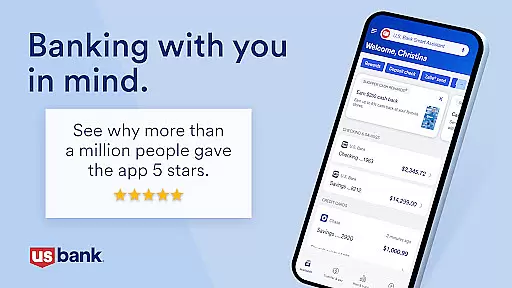
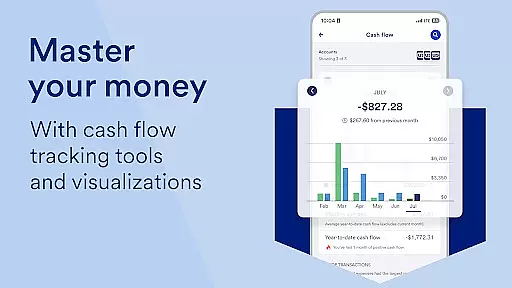
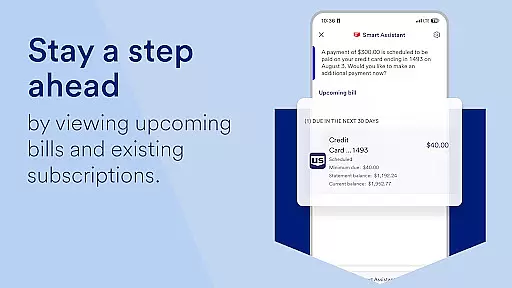
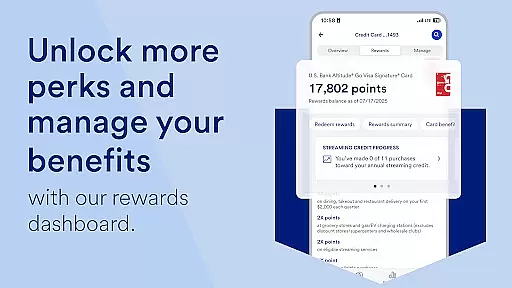
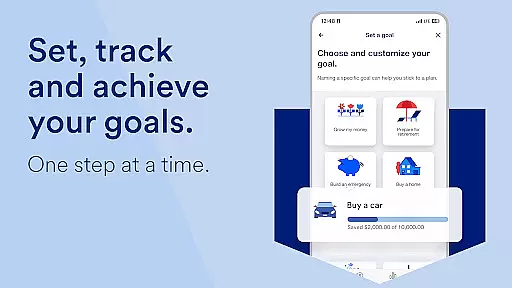
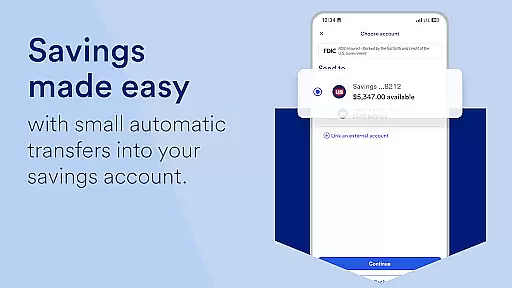
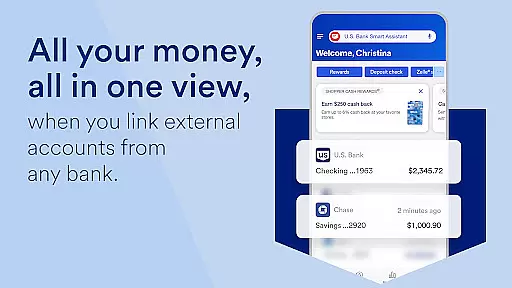
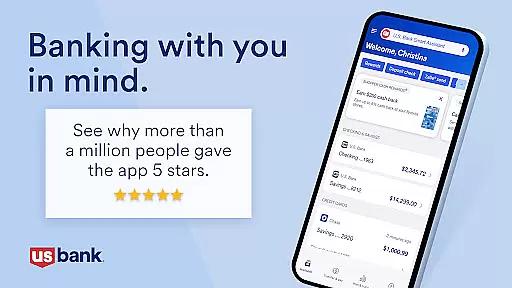
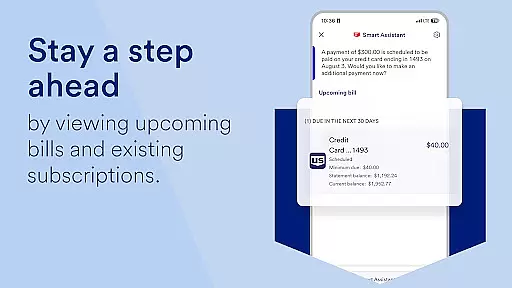
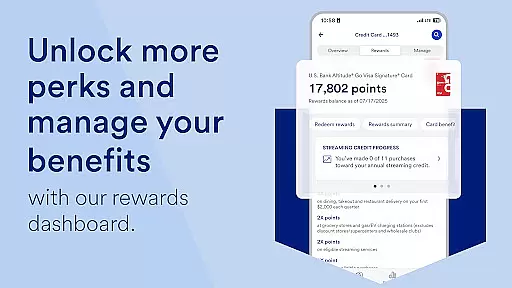
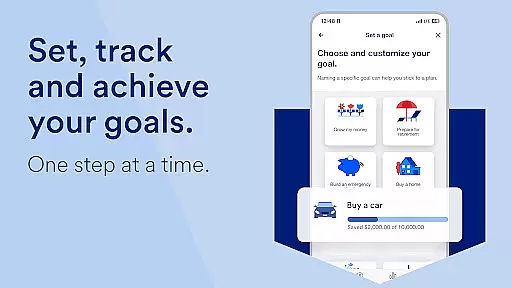
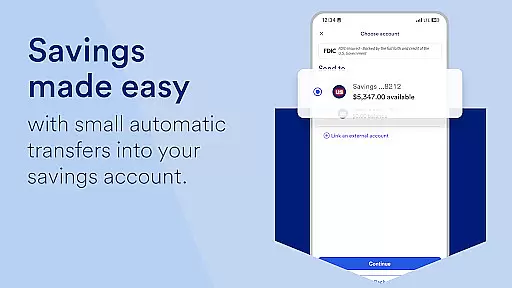
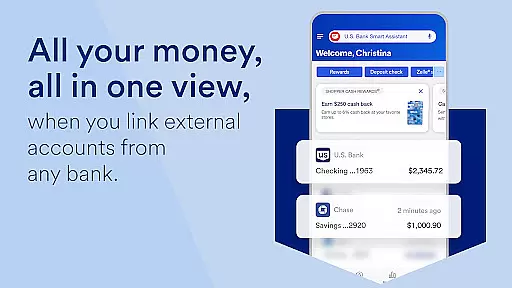
U.S. Bank Mobile Banking is a comprehensive financial management tool that provides users with secure access to their banking services on the go. The app allows customers to log in with their usbank.com credentials and receive alerts for duplicate charges, suspicious activity, and low balances. With features like viewing multiple accounts and balances, accessing credit scores, and setting travel notifications, it ensures both convenience and security.
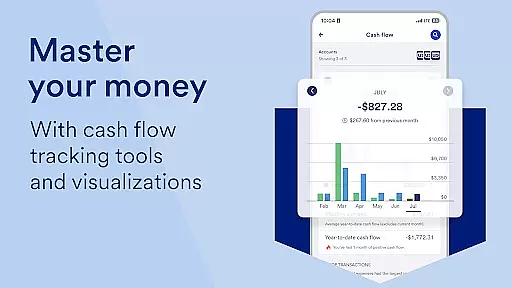
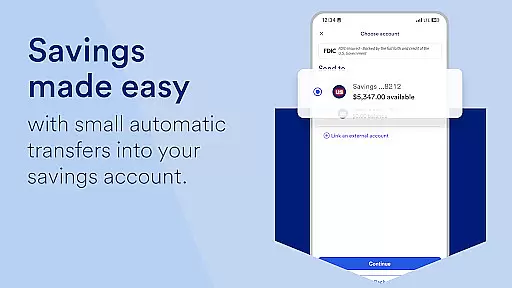
Beyond basic account management, U.S. Bank Mobile Banking offers personalized insights into monthly spending across categories such as Food & Dining, helping users save and grow their money based on individual spending patterns. The U.S. Bank Smart Assistant enhances user interaction by enabling voice commands for tasks like checking routing numbers or transferring funds between accounts. Additionally, easy money movement options include sending and requesting payments via Zelle, depositing checks, paying bills, and making internal transfers.
This app also supports exploring new financial products, applying for accounts directly through the platform, and receiving quick decisions. Users can find help through an integrated Help Center, schedule appointments with bankers, use real-time support tools like Cobrowse, and locate nearby branches or ATMs. Overall, U.S. Bank Mobile Banking combines robust security measures with innovative functionalities to deliver a top-tier mobile banking experience.
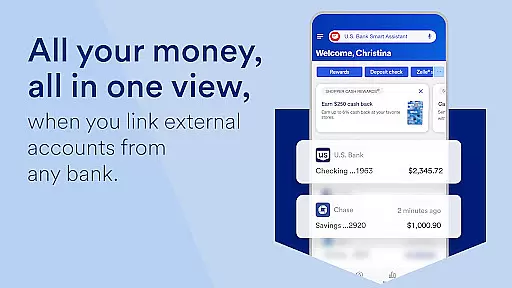
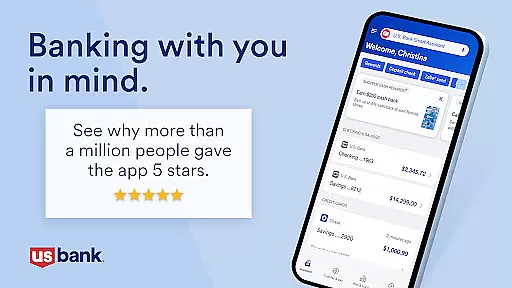
U.S. Bank Mobile Banking stands out due to its extensive range of features designed to simplify and enhance the banking experience. One notable feature is the ability to manage various types of accounts—checking, savings, credit cards, loans—all from one interface. This consolidation not only saves time but also provides a clear overview of one's financial status at any given moment. Furthermore, advanced security measures such as card locking/unlocking capabilities and travel notifications add layers of protection against fraud.
The inclusion of the U.S. Bank Smart Assistant revolutionizes how users interact with their finances. By leveraging natural language processing, this virtual assistant responds to queries about account details or executes transactions based on spoken instructions. For instance, asking "What’s the routing number for my checking account?" instantly retrieves the needed information without navigating menus manually. Similarly, saying “Transfer $50 from checking to savings” automates fund transfers efficiently.
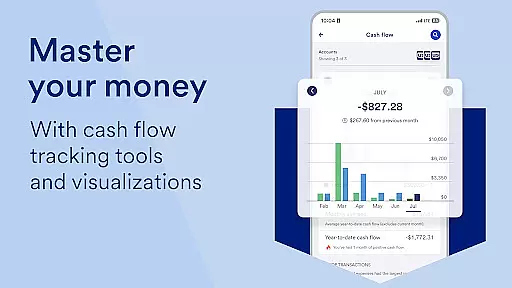
Another standout aspect is the seamless integration with third-party services like Zelle for peer-to-peer payments and increased check deposit limits for quicker access to funds. These integrations extend the app’s utility beyond traditional banking functions, catering to modern lifestyle needs where speed and convenience are paramount. Moreover, personalized insights derived from analyzing spending habits empower users to make informed financial decisions tailored specifically to them.
Account and fund security is a critical aspect of any financial application, ensuring that users' sensitive information and assets are protected from unauthorized access. U.S. Bank Mobile Banking takes this responsibility seriously by implementing robust security measures. The app allows users to log in with their existing credentials from usbank.com and provides the option to enroll directly through the app for those without online access.
The application employs advanced security protocols to safeguard user data, including alerts for duplicate charges, suspicious activity, and low balances. These proactive notifications empower users to quickly identify and respond to potential threats. Additionally, features like the ability to lock and unlock cards directly from the app enhance control over account security.
Moreover, U.S. Bank Mobile Banking offers personalized insights into spending habits, helping users make informed decisions about their finances while maintaining confidentiality. With industry-leading encryption standards and secure access to credit scores, customers can trust that their financial well-being is prioritized.
A seamless transaction experience is essential for a mobile banking application, providing users with convenient tools to manage their finances efficiently. U.S. Bank Mobile Banking excels in this area by offering an intuitive interface where customers can view all their accountsu2014checking, savings, credit cards, loans, and moreu2014in one centralized location. This comprehensive overview simplifies tracking balances and managing funds.
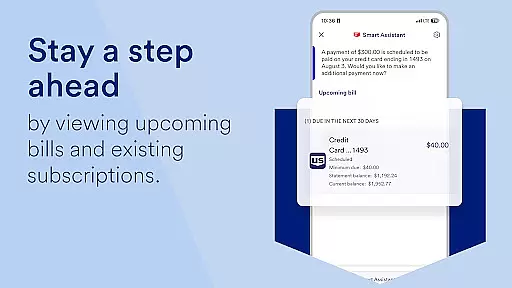
The app also supports easy money movement, enabling users to send and request payments using Zelleu00ae, deposit checks remotely with increased limits, pay bills, and transfer money between U.S. Bank accounts effortlessly. Such functionalities ensure transactions are completed swiftly and securely, enhancing overall user satisfaction.
Furthermore, U.S. Bank's Smart Assistantu00ae adds another layer of convenience by allowing users to perform tasks via voice commands, such as checking routing numbers or transferring funds between accounts. By integrating cutting-edge technology with practical banking solutions, U.S. Bank Mobile Banking delivers a superior transaction experience tailored to modern consumers' needs.
User-friendly interface
Comprehensive account management
Advanced security features
Smart Assistant functionality
Integrated financial insights
Limited investment options
No international banking
Occasional bugs reported
Requires internet connection
Some features need enrollment

Download the MySynchrony App to manage your accounts securely and conveniently!
 4.60
4.60
Bill Manager is a simple app to help you keep track of your upcoming bills.
4.3
No credit checked needed.
4.80
Money App - Earn Cash back, Fast Cash Advance, Personal Loan Offers, Banking
4.70
Mine Bitcoin in the cloud! Earn BTC daily with high-speed mining power.
4.30
NFC mobile payment app Use your phone as a contactless bank card
4.00
Read and extract public data on NFC Contactless banking card (VISA, MasterCard
4.30
SuperQi, Your all-in-one Super App.
1.30
Make Real Cash by Playing Games! Fetch Playful Rewards, Win & Triumph
4.50
Check EBT, SNAP, WIC balances, manage food stamps, and save money with benefits
4.80
Easy budgeting planning on a calendar!
4.80
Need help before payday? Get cash advances with no interest or credit checks.
4.60
Debt pay off. Build credit history. AI budget tool. Loan offers.
4.60
Manage and cancel subscriptions, lower bills, track expenses, create budgets.
4.60
Access State Farm accounts, policies, ID cards and more
4.60
Earn cash & save money daily. Access instant cash advances* - no credit check!
4.50
Invest, bank & save in one app. Trade stocks, earn high APY & budget smarter.
4.00
Bitcoin gpu app helps you remote mine using your cell phone easily .
3.60
StockTiles lets you view prices & charts of your favorite stock assets
2.30


User Reviews